
Vehicles
Volkswagen
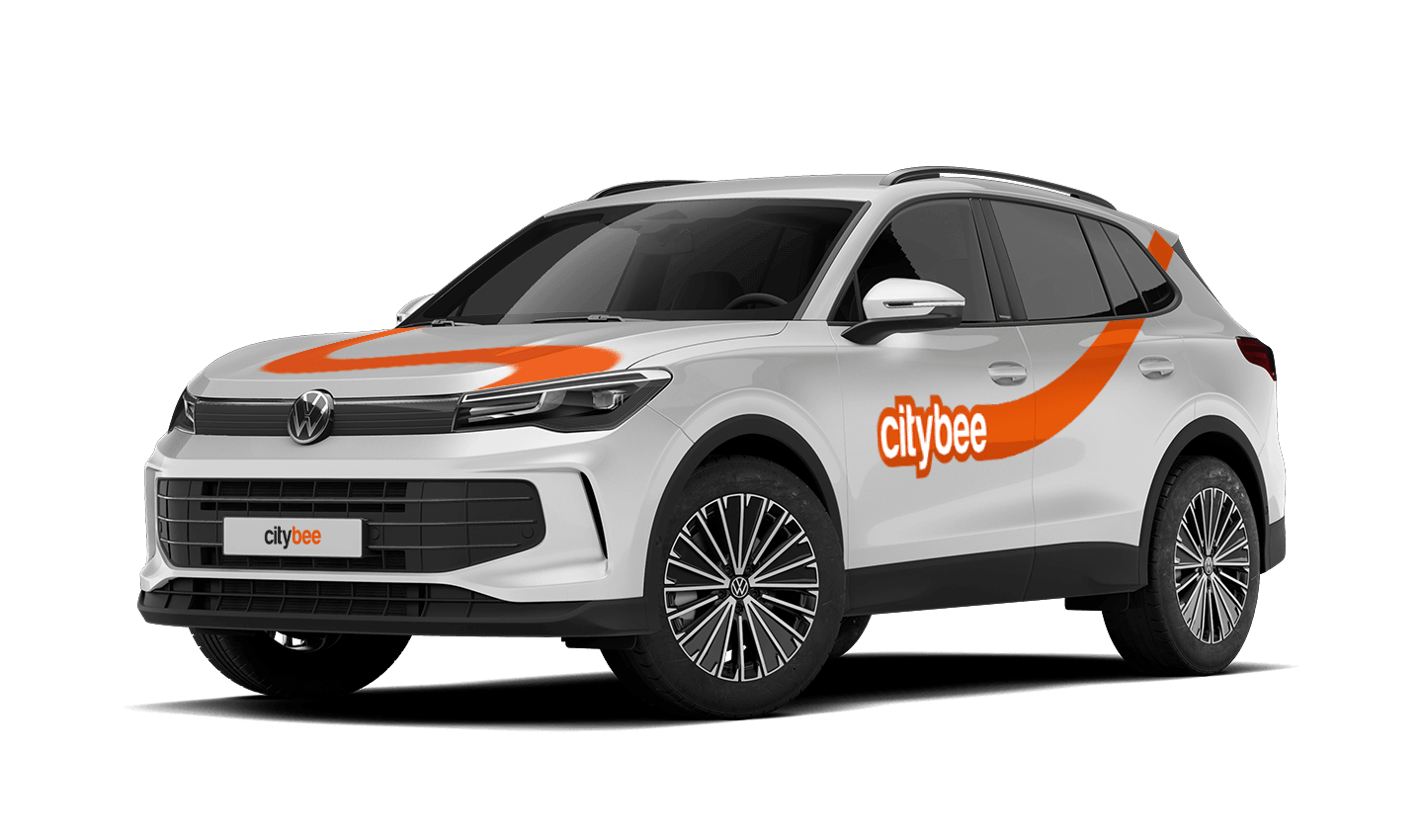

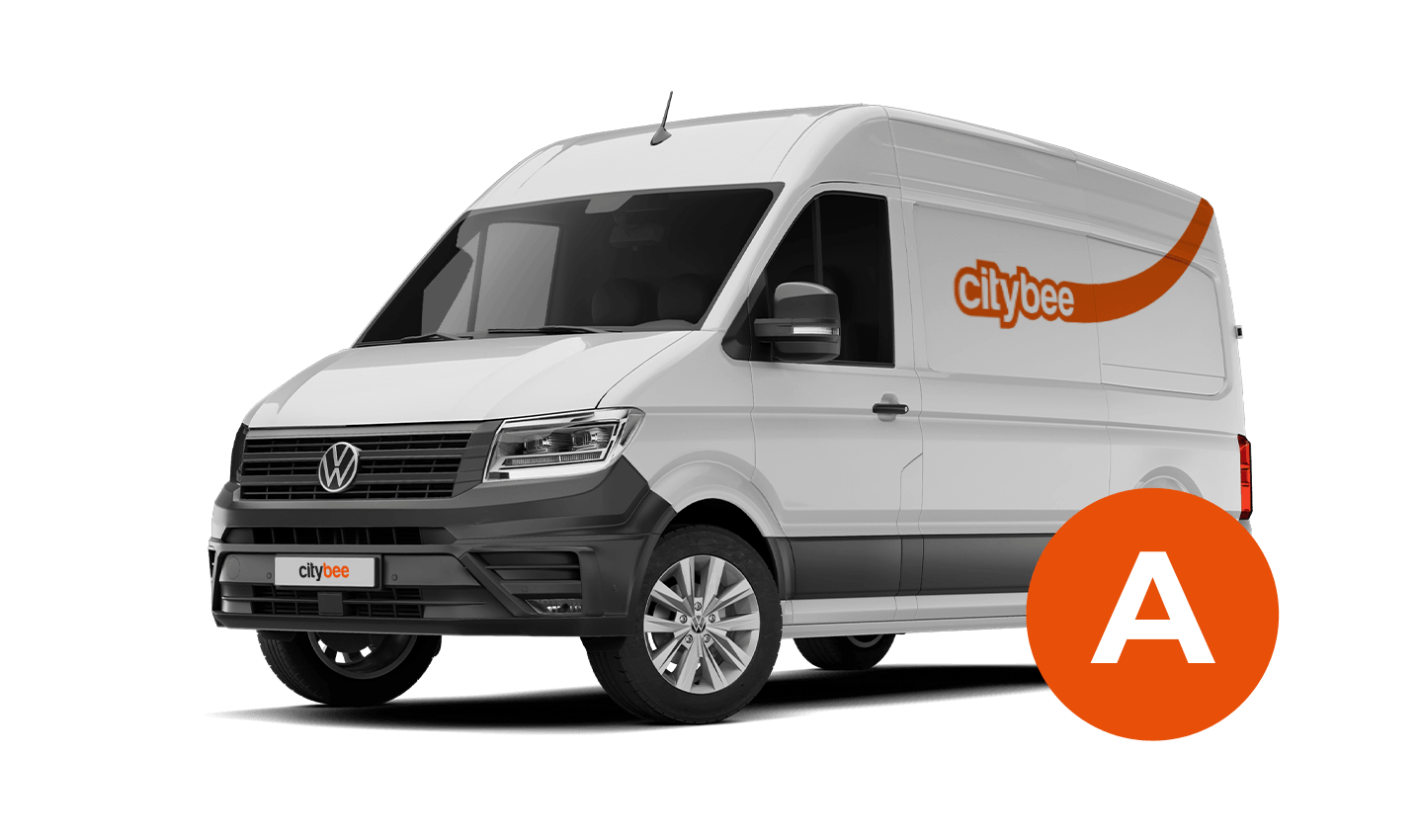
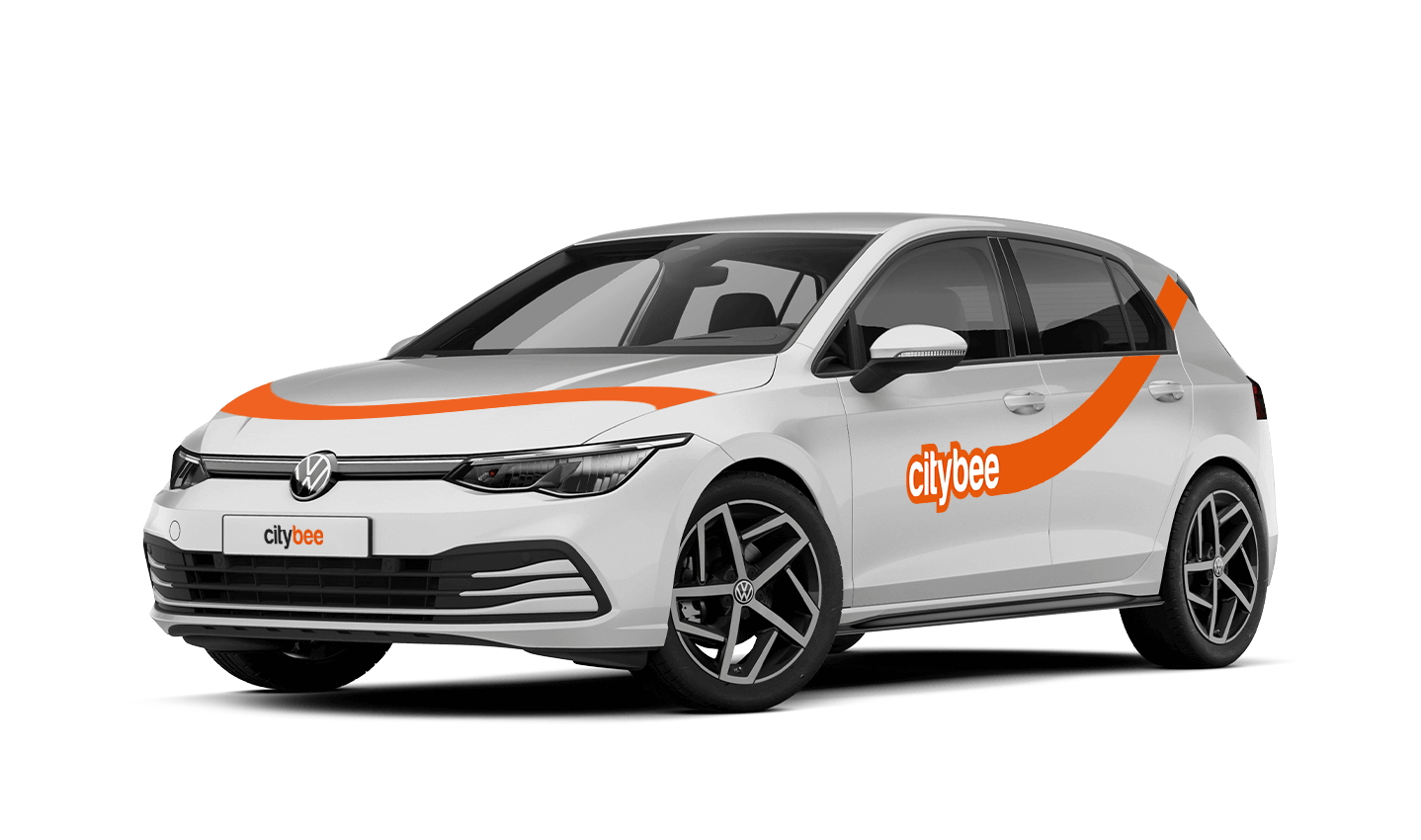
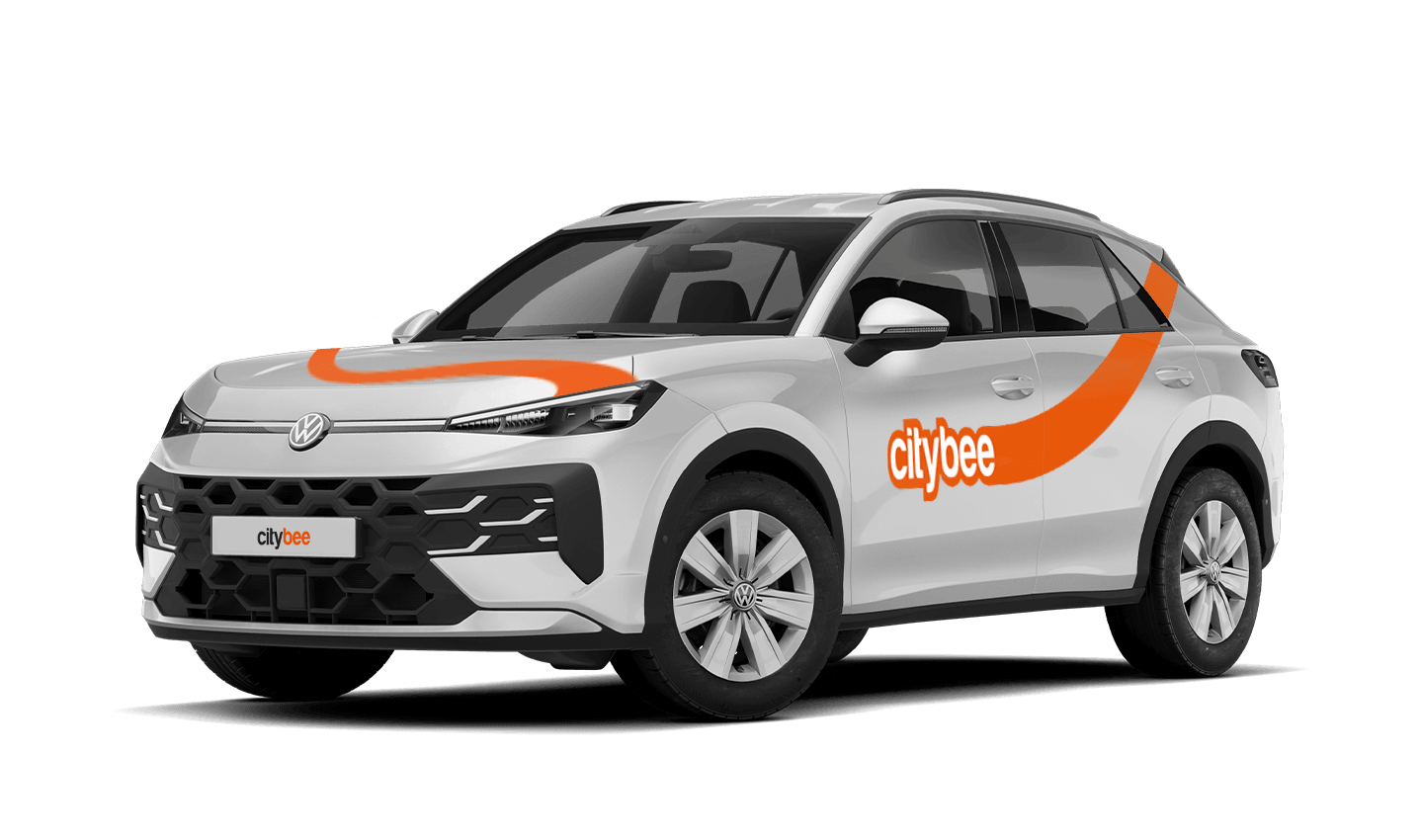
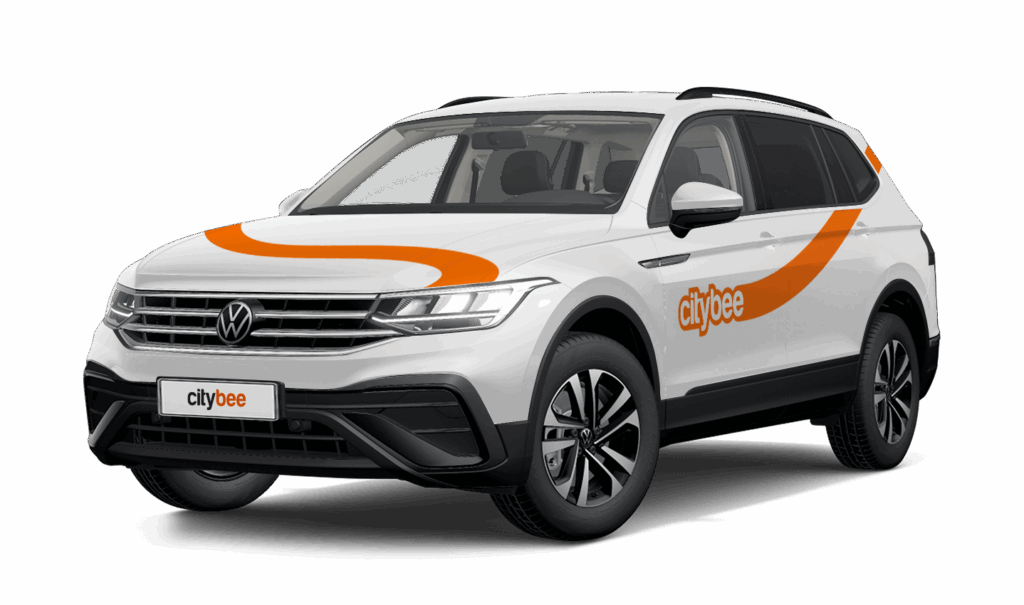
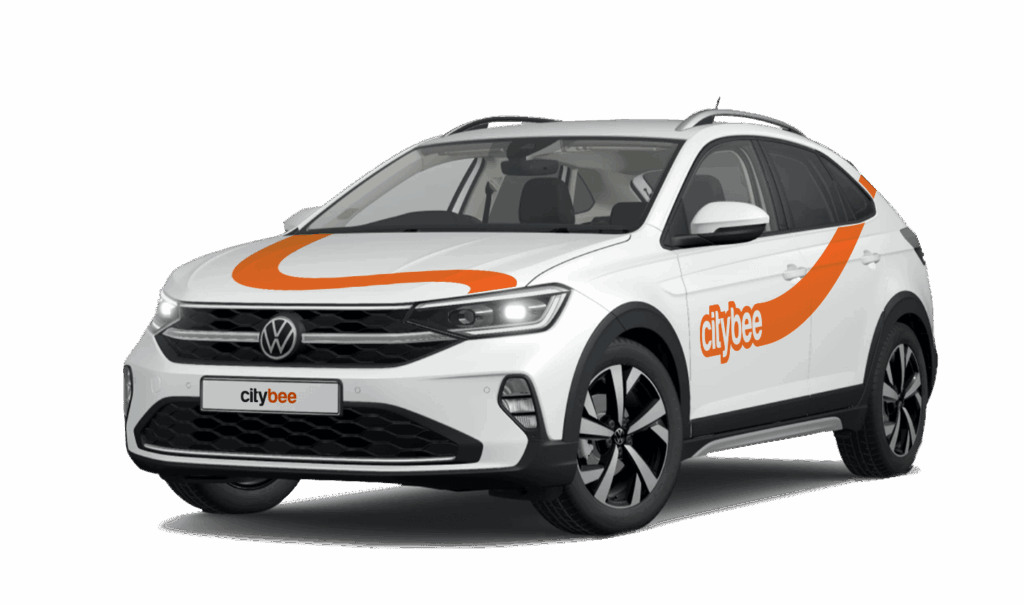
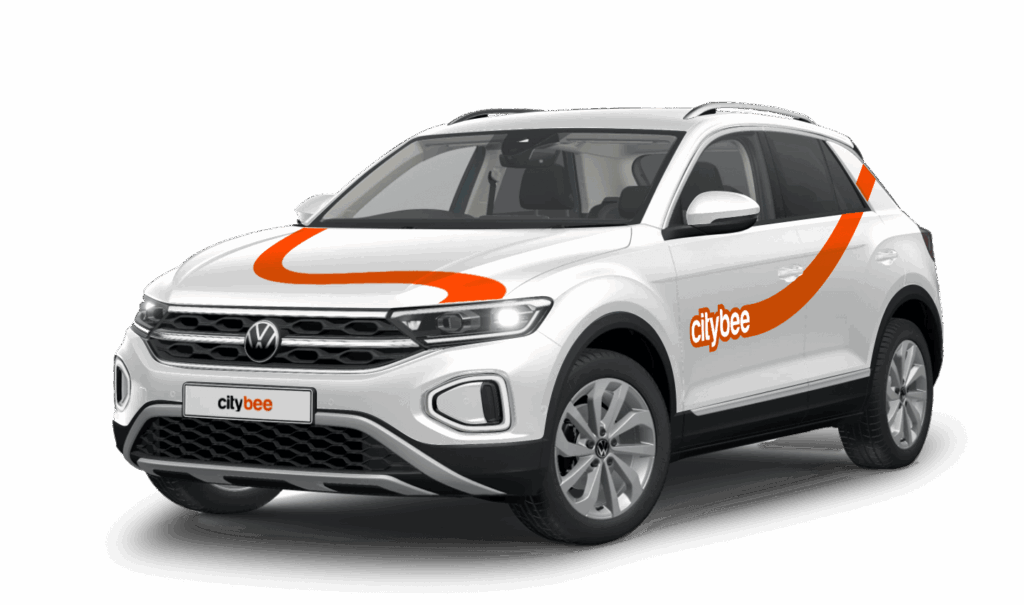
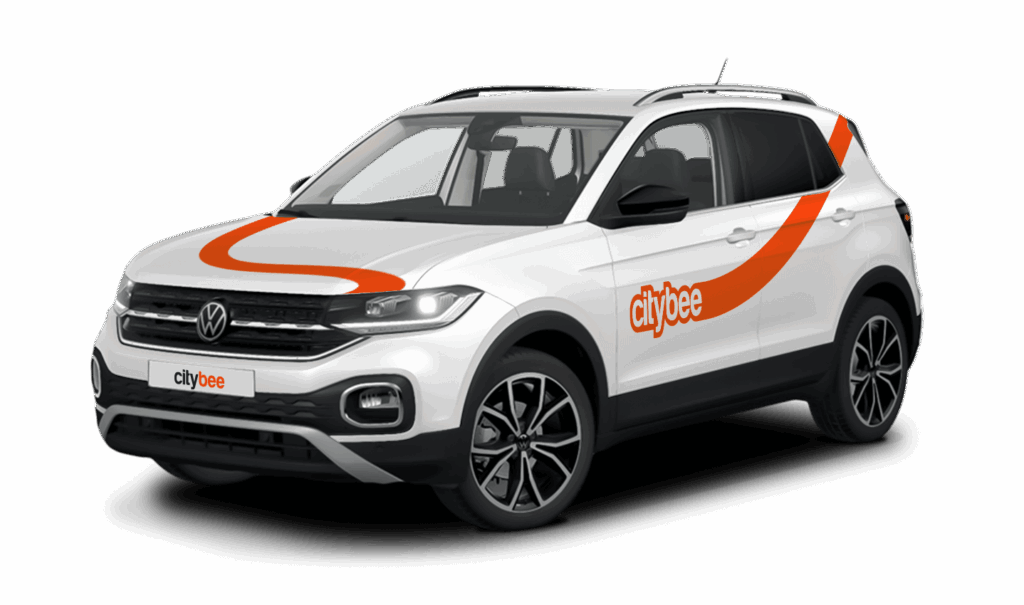
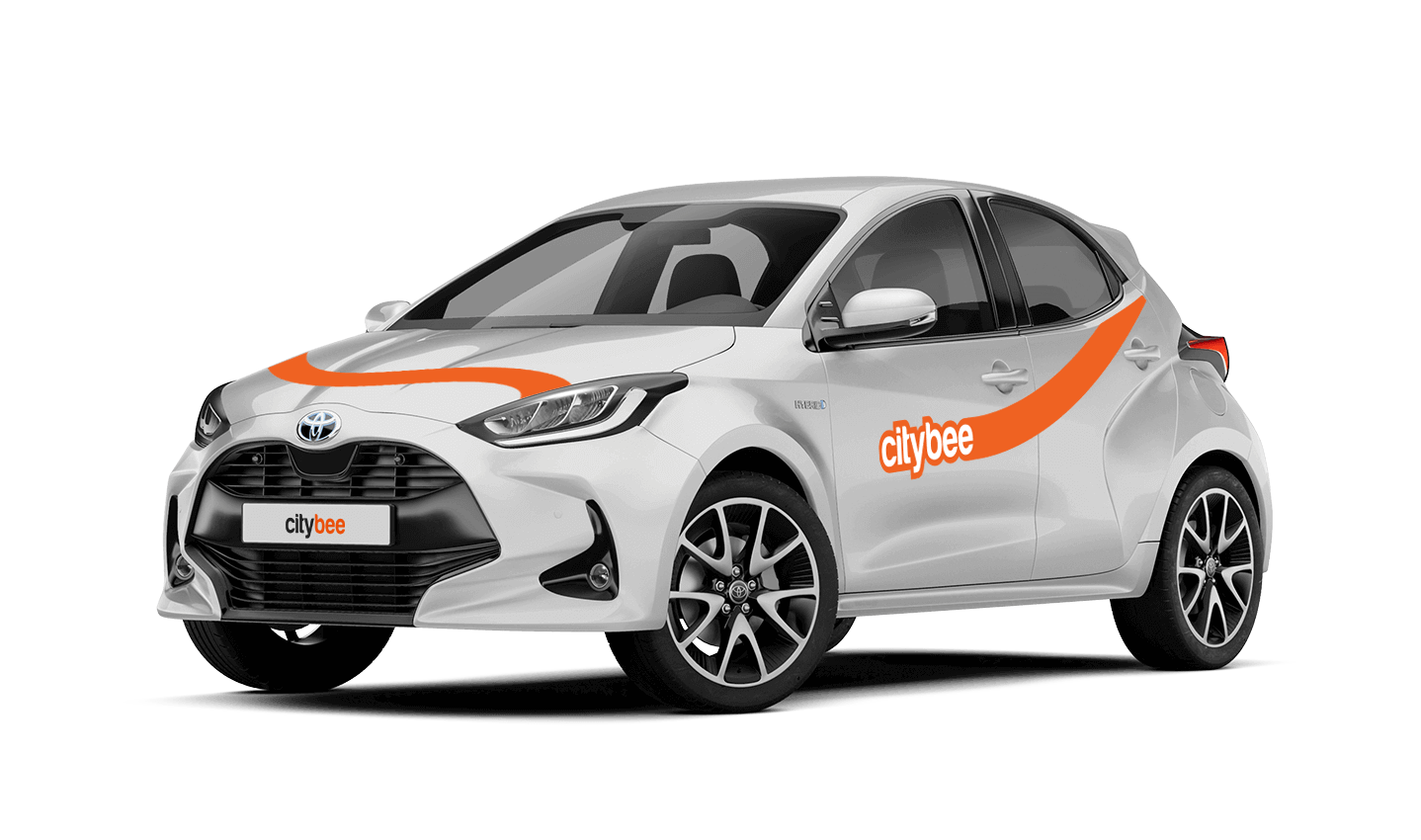
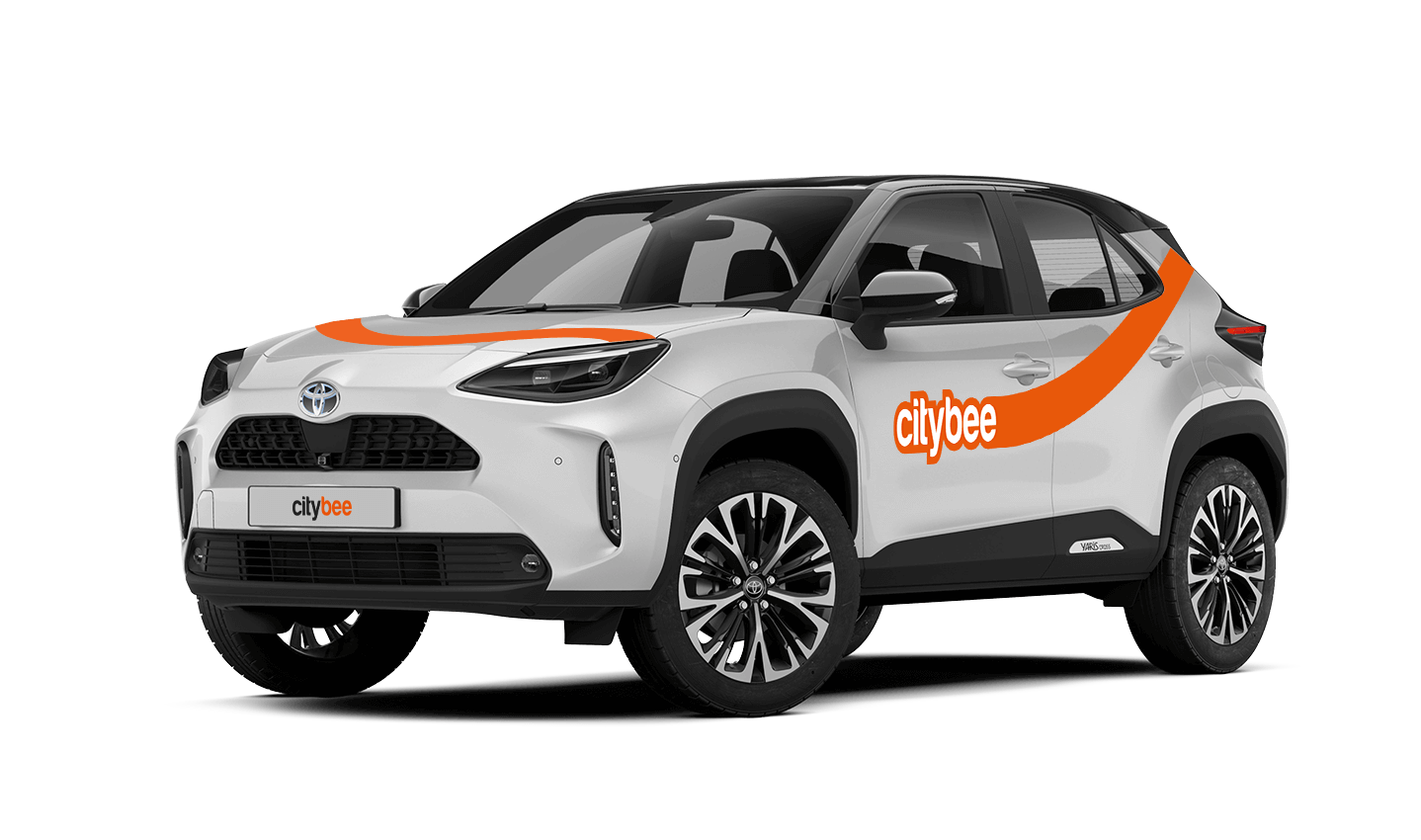
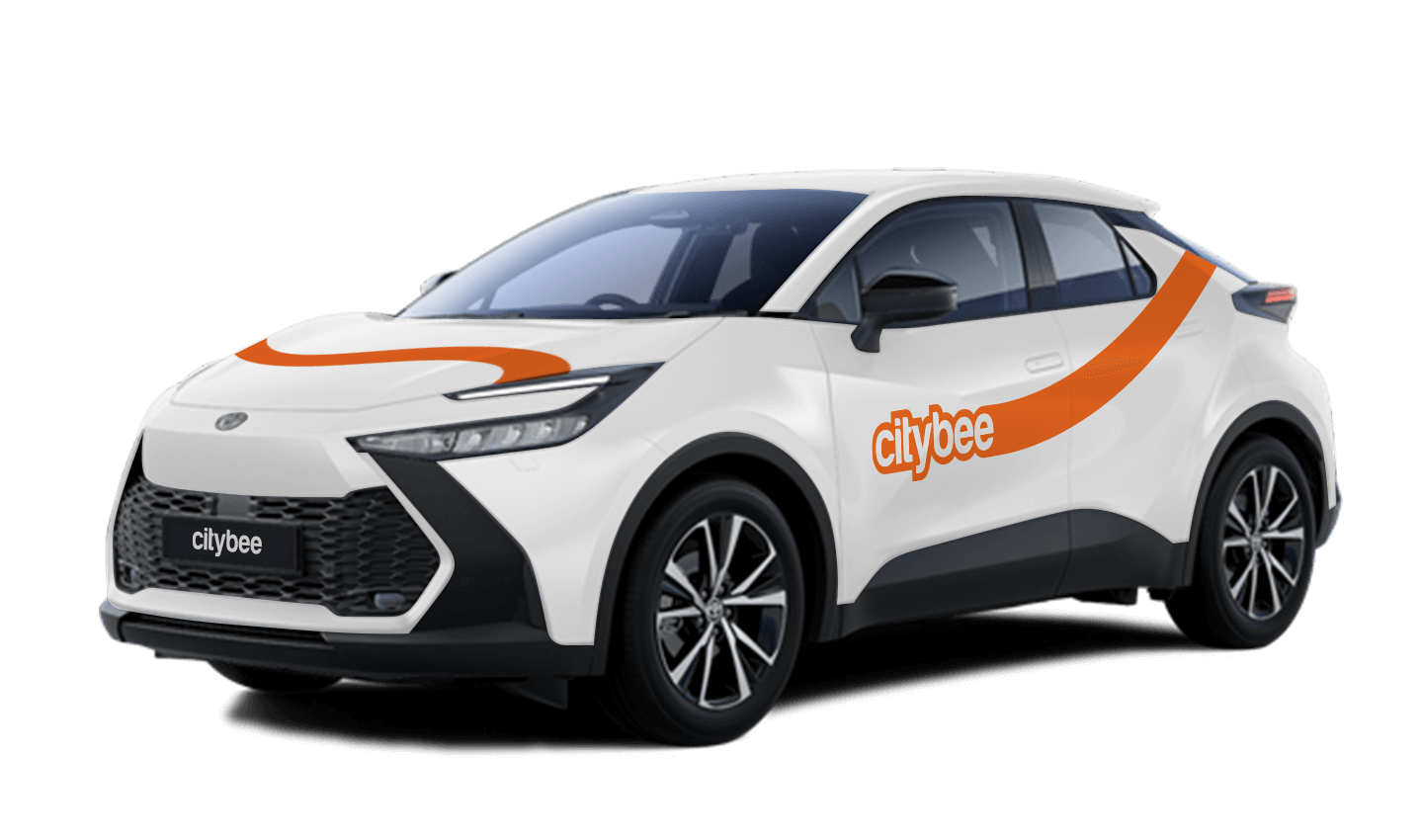
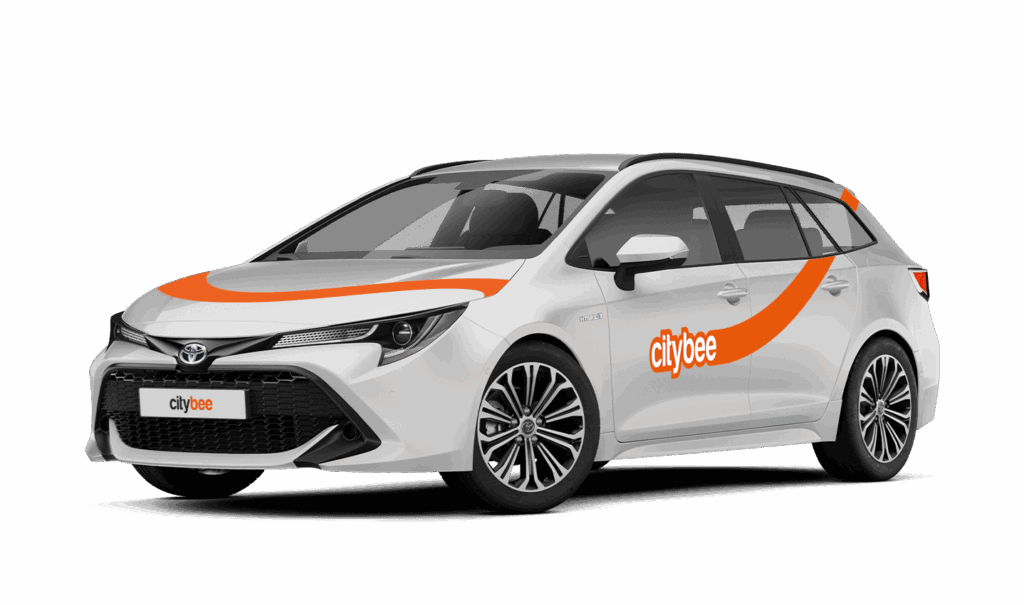
Toyota
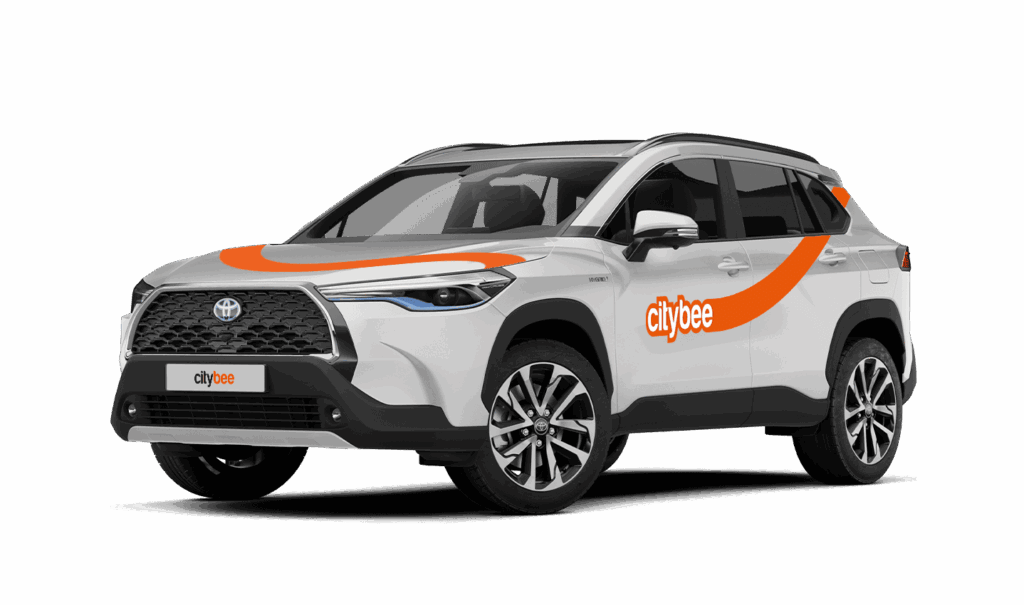
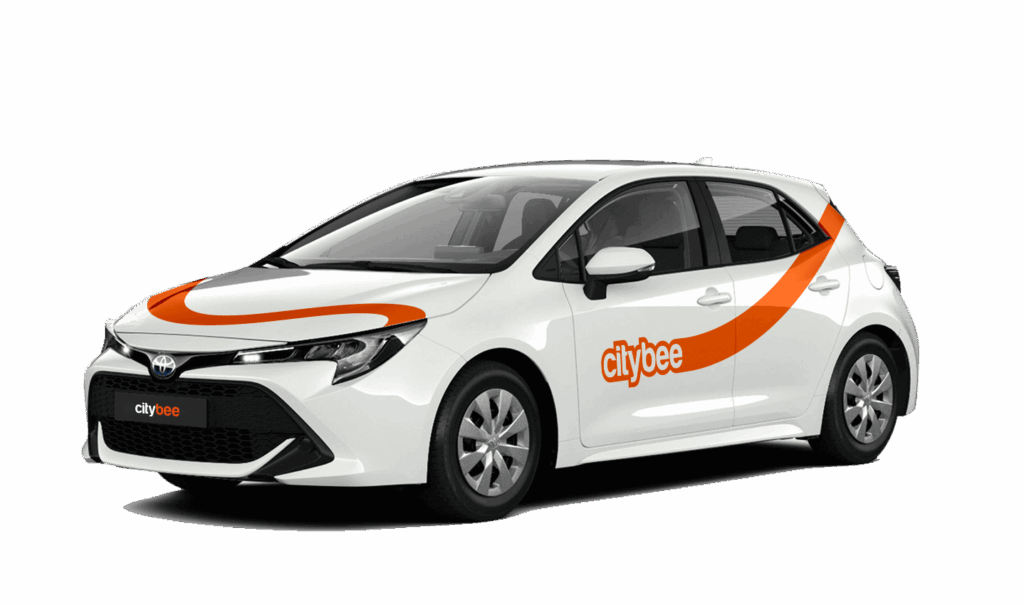
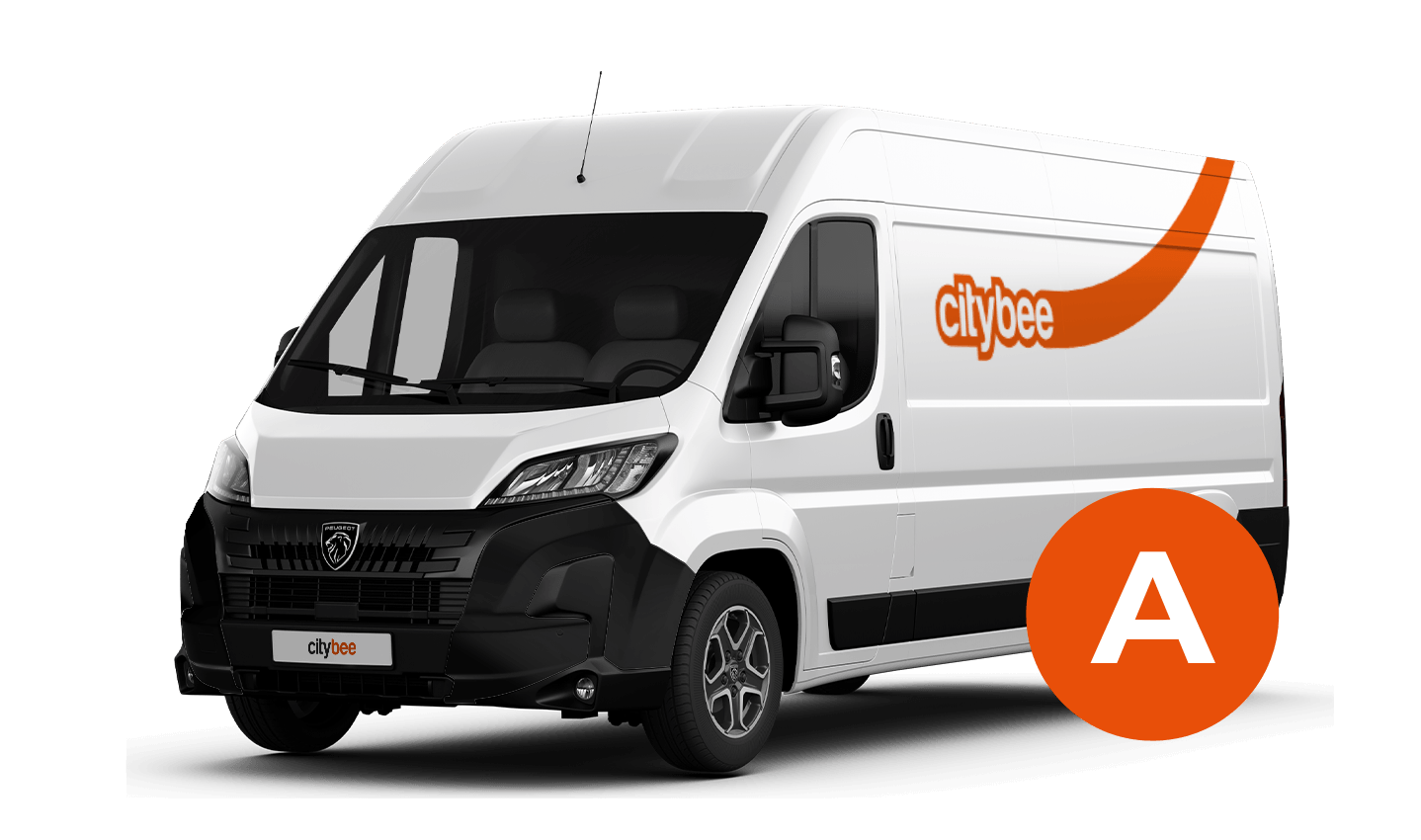
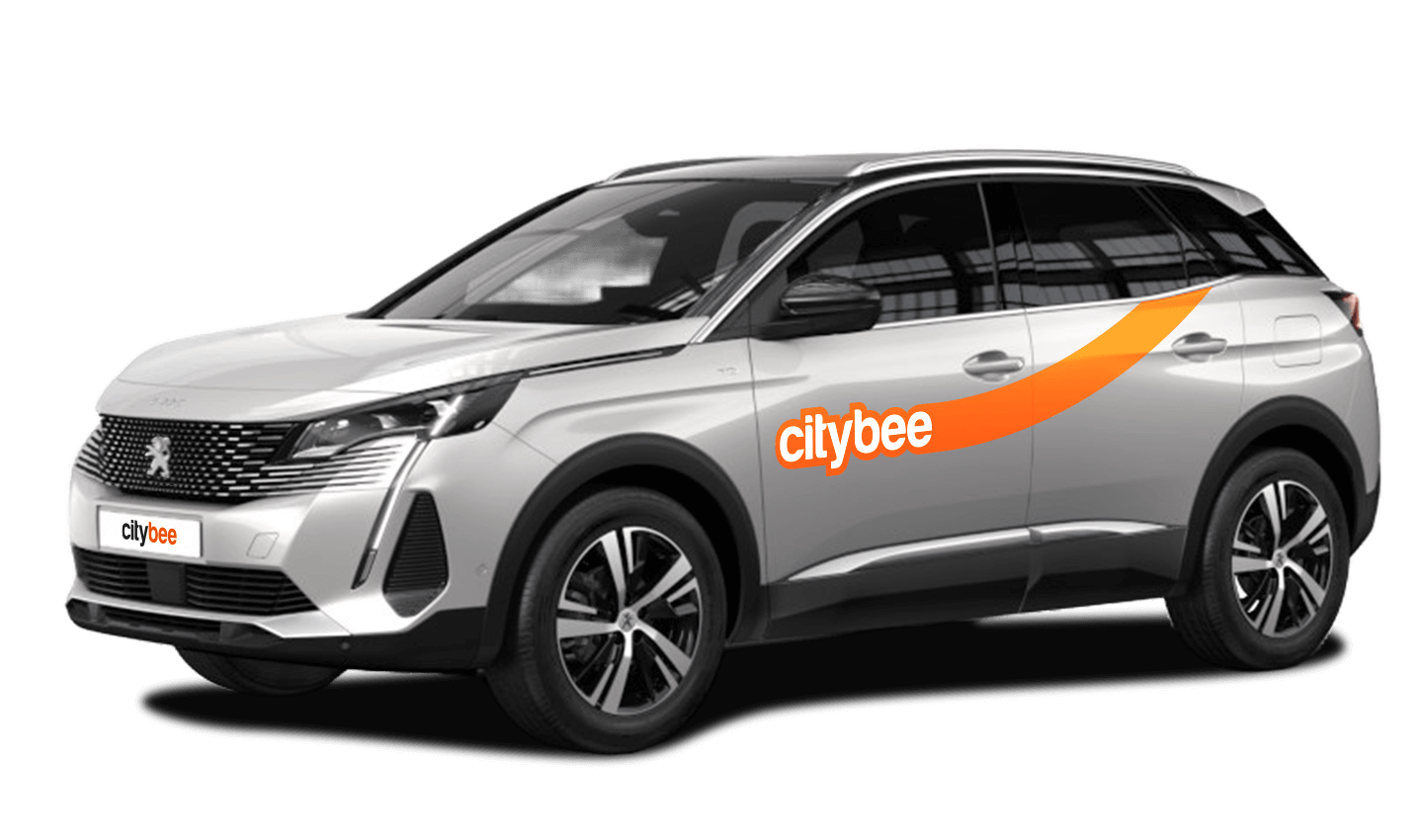
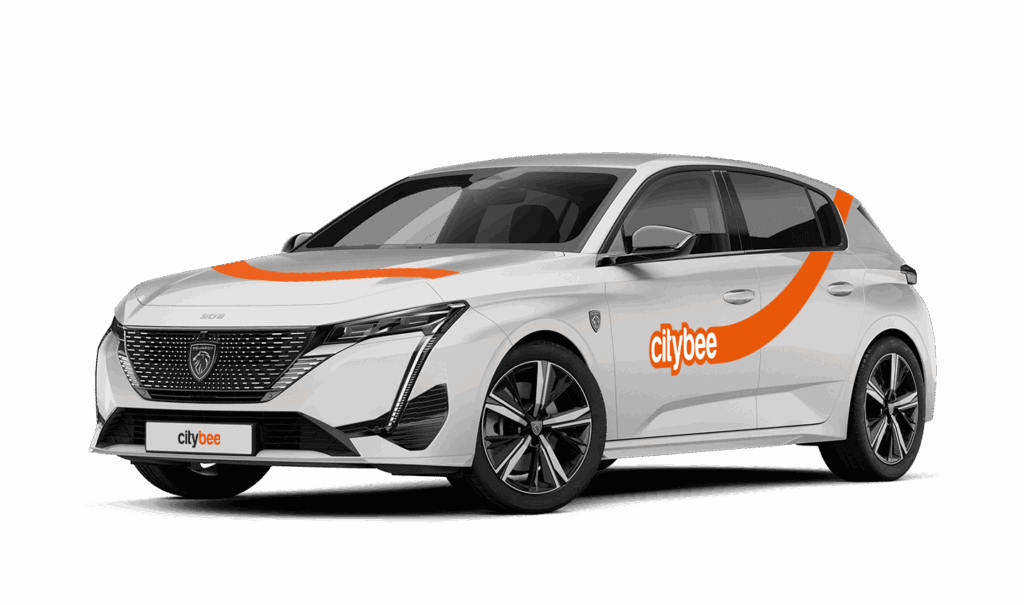
Peugeot
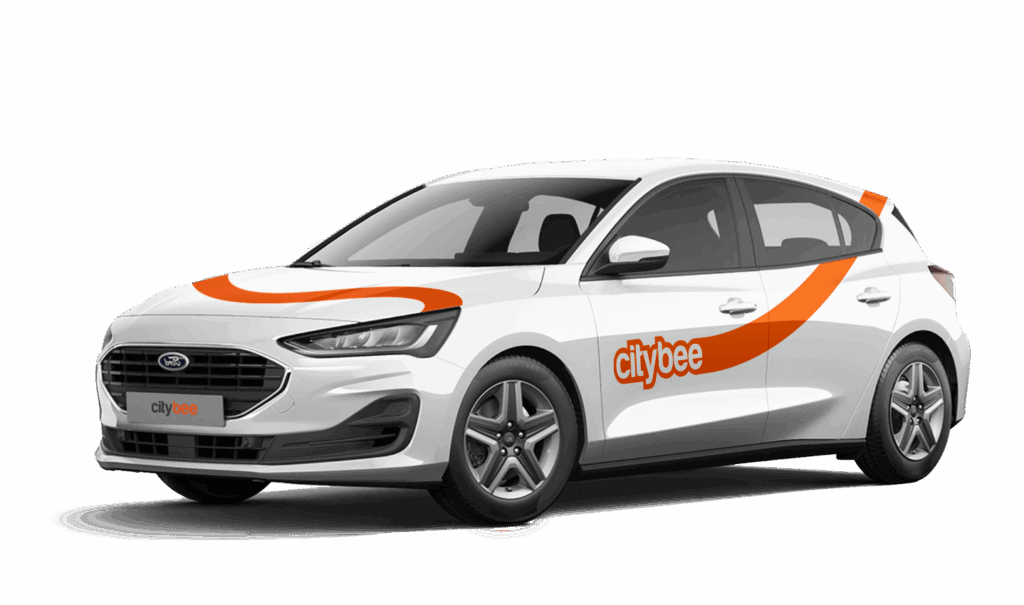
Ford
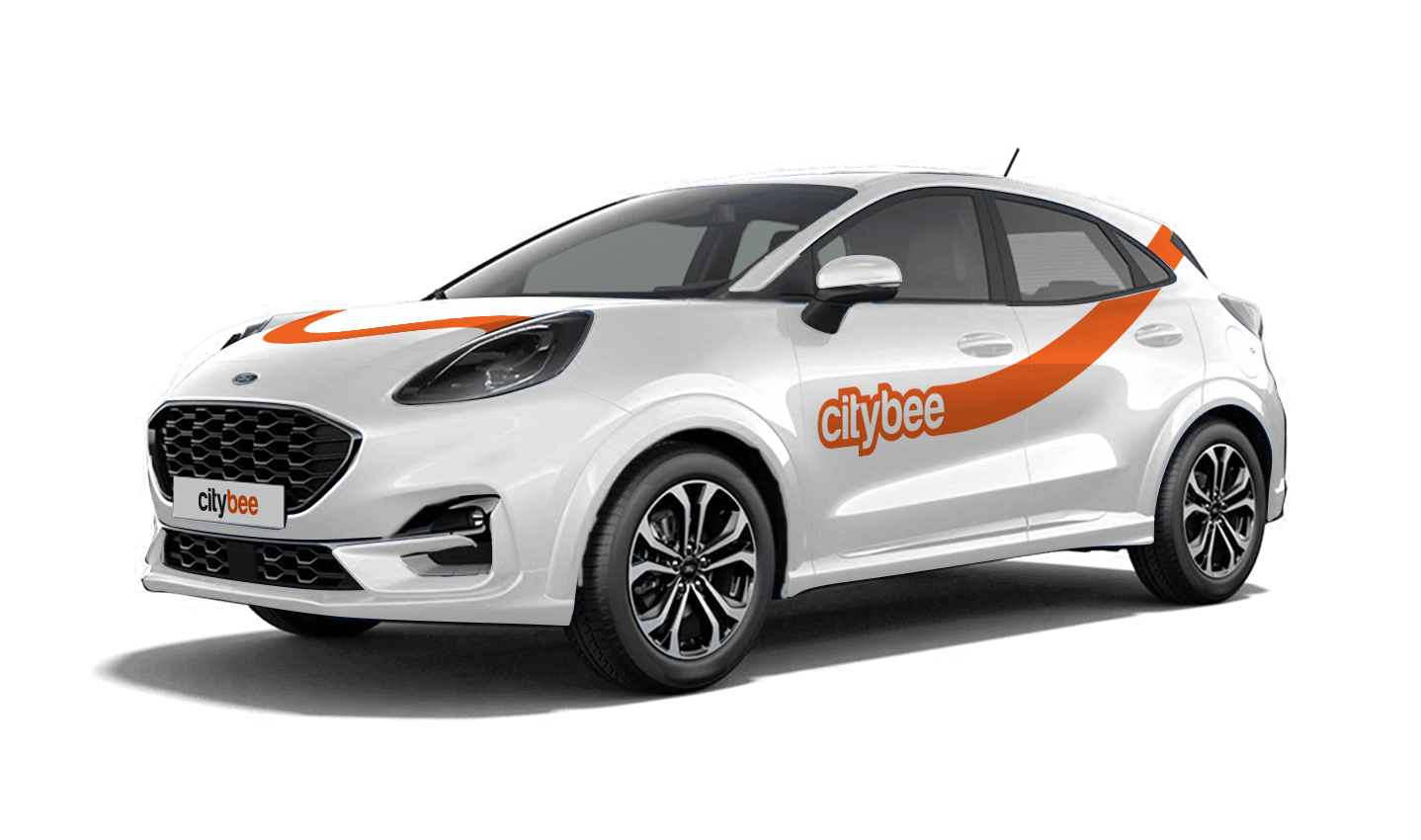

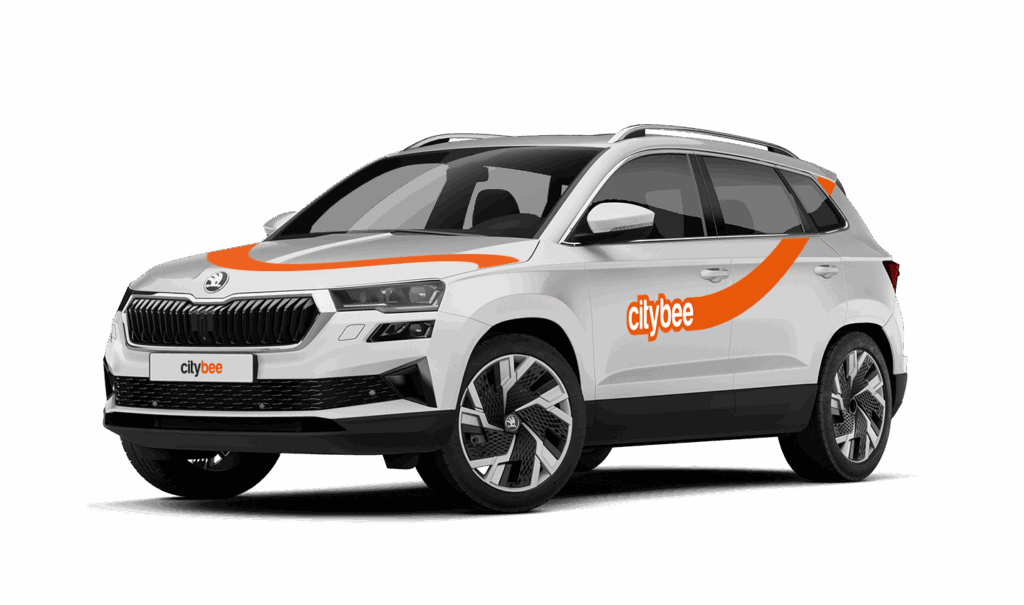
Skoda
Citroen
Hyundai

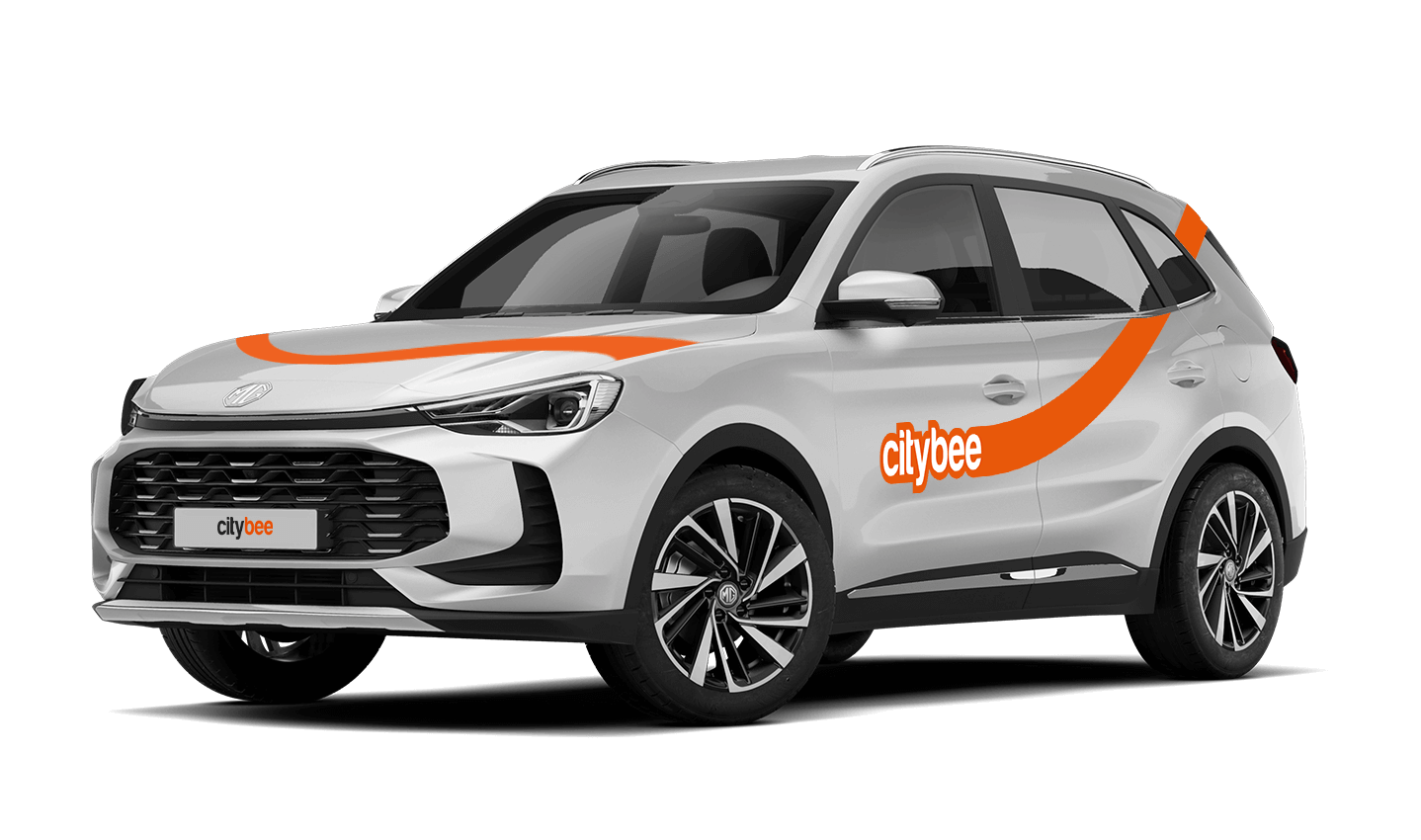
No cars found
Sorry, we can’t find any cars you’re looking for.
Yes, you can. The CityBee Privacy Policy provides detailed information on the purpose of processing your personal data and the duration of storage thereof.
We process your personal data in accordance with the General Data Protection Regulation (BDAR) and other legal requirements.
In order to provide you with services and administer them, we process your name, contact details, other data required for the use and provision of the services. The CityBee Privacy Policy provides detailed information on the purpose of processing your personal data and the duration of storage thereof.
The CityBee subscription is only available to private customers. Invoices for the CityBee subscription cannot be issued in the name of a legal entity.
You can find the fuel type in the CityBee app, under active reservation.
To sign an agreement with CityBee, fill the application form:
https://citybee.lt/lt/verslo-klientai/ (For companies operating in Lithuania);
https://citybee.lv/lv/business-clients/ (For companies operating in Latvia);
https://www.citybee.ee/ee/arikliendile (For companies operating in Estonia).
CityBee wallet is a virtual payment method which can be used to pay for CityBee services. You can find your CityBee wallet in the app by clicking Menu -> Payments.
CityBee wallet cannot be topped up, but the balance will be used automatically.
When using CityBee, you don’t have to pay for fuel yourself – you only pay for the time and kilometers you drive.
Refueling is easy!
Go to any of our partner Circle K gas stations. Open the CityBee app and start the refueling. Follow the simple instructions, fill up, and hit the road!
If the fuel is below 1/4 of the tank, you’ll receive a €2 discount for topping up.
Step by Step refueling guide
Check the Reservation map in the app to see nearby fuel stations. Tap a station for details and directions, then drive there.
When you arrive, tap the notification or open the CityBee app, go to Reservation, and select Refuel.
The app shows available pumps. Pick your pump, activate it, and wait for confirmation.
When it says, “Ready to fuel,” pick up the nozzle and start fueling. Return the nozzle when finished. The app will update the fueling status automatically.
If you decide not to refuel, you can cancel in two ways:
Manual cancel: Pick up the nozzle and immediately return it – the refueling is canceled.
Automatic cancel: If the nozzle is never picked up, the app will automatically cancel the refueling after 2 minutes of inactivity.
In rare cases, you may need to use the fuel card inside the car. This happens if the pump doesn’t work via the app or if you’re refueling outside the Baltic States. The CityBee app shows the PIN code and fuel type under your active reservation.
We rely on other legal entities in the provision of our services (data centres, document, photo verification, administration, payment, audit, accounting, legal and advisory services, debt collection, mobile app usage analysis and statistics monitoring, direct marketing, email, SMS, payment intermediaries, etc.)
In all cases, we ensure that third parties providing services comply with our obligations of confidentiality and proper protection of personal data.
If necessary, your personal data may be provided to state and municipal authorities in accordance with applicable legislation and / or our legitimate interests.
After an accident involving a CityBee car used on your behalf, your data is transferred to insurance companies and, if necessary, to other parties involved in the accident.
CityBee also has the right and, in certain cases, the obligation to pass on information about road traffic offences committed by customers (e.g., speeding, drunk-driving) to the responsible authorities (e.g., the Police).
The CityBee Privacy Policy provides detailed information on the purpose of processing your personal data and the duration of storage thereof.
Sorry, we can’t find any cars you’re looking for.