Price Calculator
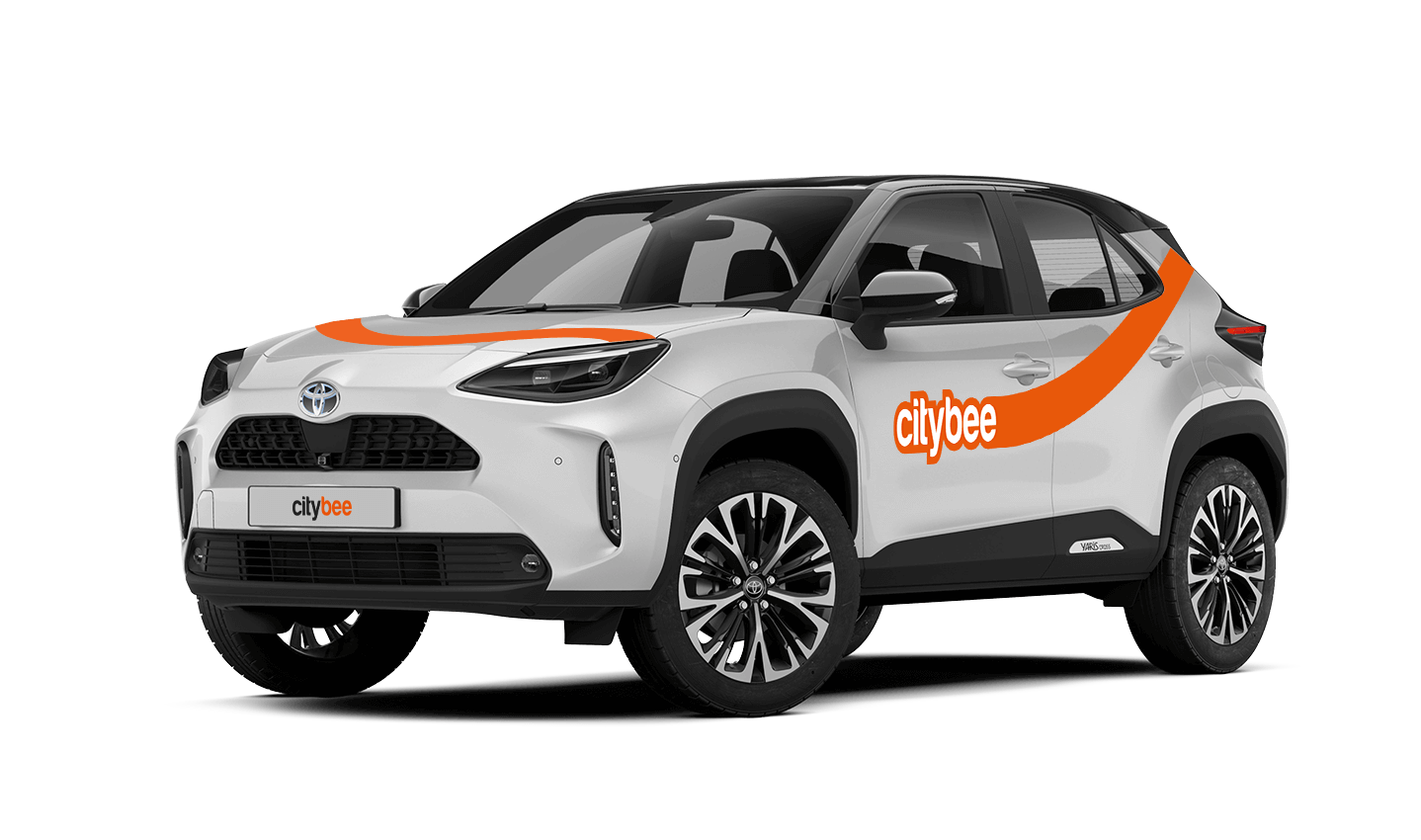
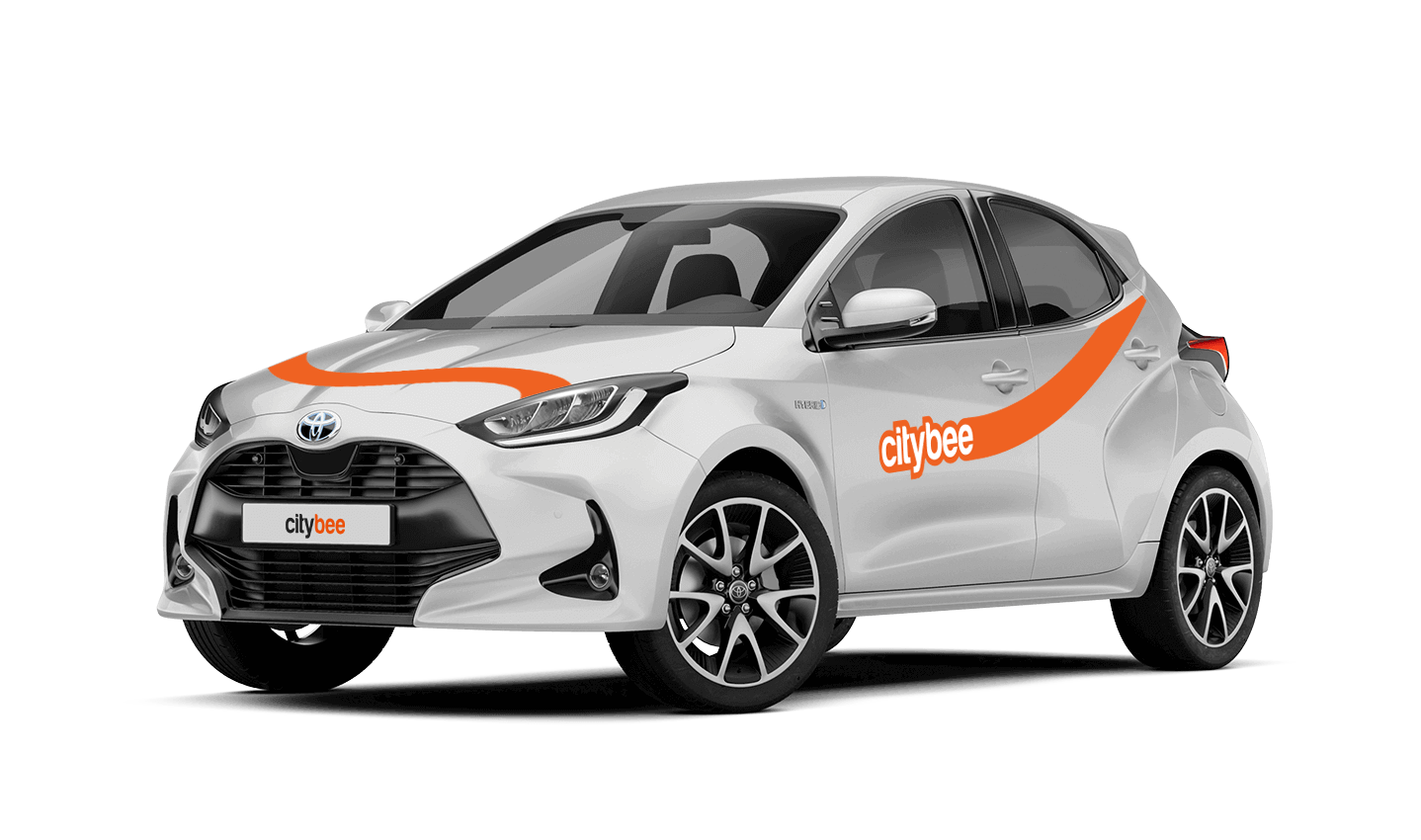
Toyota Yaris
The price of this journey would be
0€
Trip start fee of 0.49€ is included in the price calculation.
At the moment we do not have any cars which would be 4 wheel drive.
In that case, we recommend purchasing a pre-paid trip package. Before starting your trip, you can choose whether you want to use a subscription plan trip or buy a pre-paid package. You can select from available packages or create your own.
By registering in the CityBee application, you confirm that you have read and agree to the terms of use and privacy policy. If you had not done that, you would not be able to use CityBee services.
Registration at CityBee is quick and easy. You don’t need to come anywhere – register with the mobile CityBee app and start using it! Registration will take just a few minutes.
Children must be carried in kids’ chairs. CityBee cars have kids’ chairs (you can see whether there is a chair in a selected car by clicking on the car icon on the map or using a filter and selecting the criteria “Cars with kids’ chairs”). Chairs are for older children, i.e. this is a raised seat without a backrest.
Road traffic rules warn that children under the age of 12 and not higher than 150 cm are allowed to sit in the front seat only in special seats adapted to their weight and height.
For safety reasons, CityBee cars only provide a group 2/3 booster cushion for children from 22-36 kg, aged 6 to 12 years, following the law.
Car screenwash can not be purchased with a „Circle-K“ card.
From now on, before starting the trip, we will ask you to check the car and inform us only if there are any obvious defects that make the car unsuitable for its intended purpose (5.3.19, 5.15).
1. Make a short inspection of the car;
2. Check whether there is any damage that could make the car unsafe or unsuitable for driving (for example flat tires, moderate or severe body damage, etc.) if there is any – please report it using the CityBee app;
3. If the damage is minor (e.g. small scratches or dents) – You do not have to report it and you can safely start the trip!
If the damage impacts your ability to drive safely or you’re uncertain, please reach out to us via email, in-app chat, or phone. Please include a photo to help us assess the situation more accurately.
If the car is dirty – you can select the “report” function in the reservation and the technical team will clean the car at the first opportunity.
You can contact us here:
LT- info@citybee.lt
LV- info@citybee.lv
EE- info@citybee.ee
If you experience a flat tire during your trip, don’t worry—we’re here to help! Here’s what you should do:
Pull over safely: First and foremost, make sure you stop the car in a safe location.
Contact us immediately: Let us know about the flat tire as soon as possible by reaching out through the CityBee app or our customer service. We’ll guide you on the next steps and assist with any necessary arrangements.
Don’t attempt repairs on your own: We’ll take care of everything, so there’s no need to replace the tire yourself. Just follow the instructions provided by our team.
The good news is that the BeeChill fee is designed to cover tire repairs, provided that you follow our Terms of Service and adhere to traffic laws. You’ll be covered as long as the flat tire isn’t caused by actions like driving on it while it’s flat, causing more damage, or failing to report the incident.
For more details, please take a moment to review our Terms of Service. We’re here to support you and ensure your experience is as smooth as possible!
The price of this journey would be
0€
Trip start fee of 0.49€ is included in the price calculation.