Price Calculator
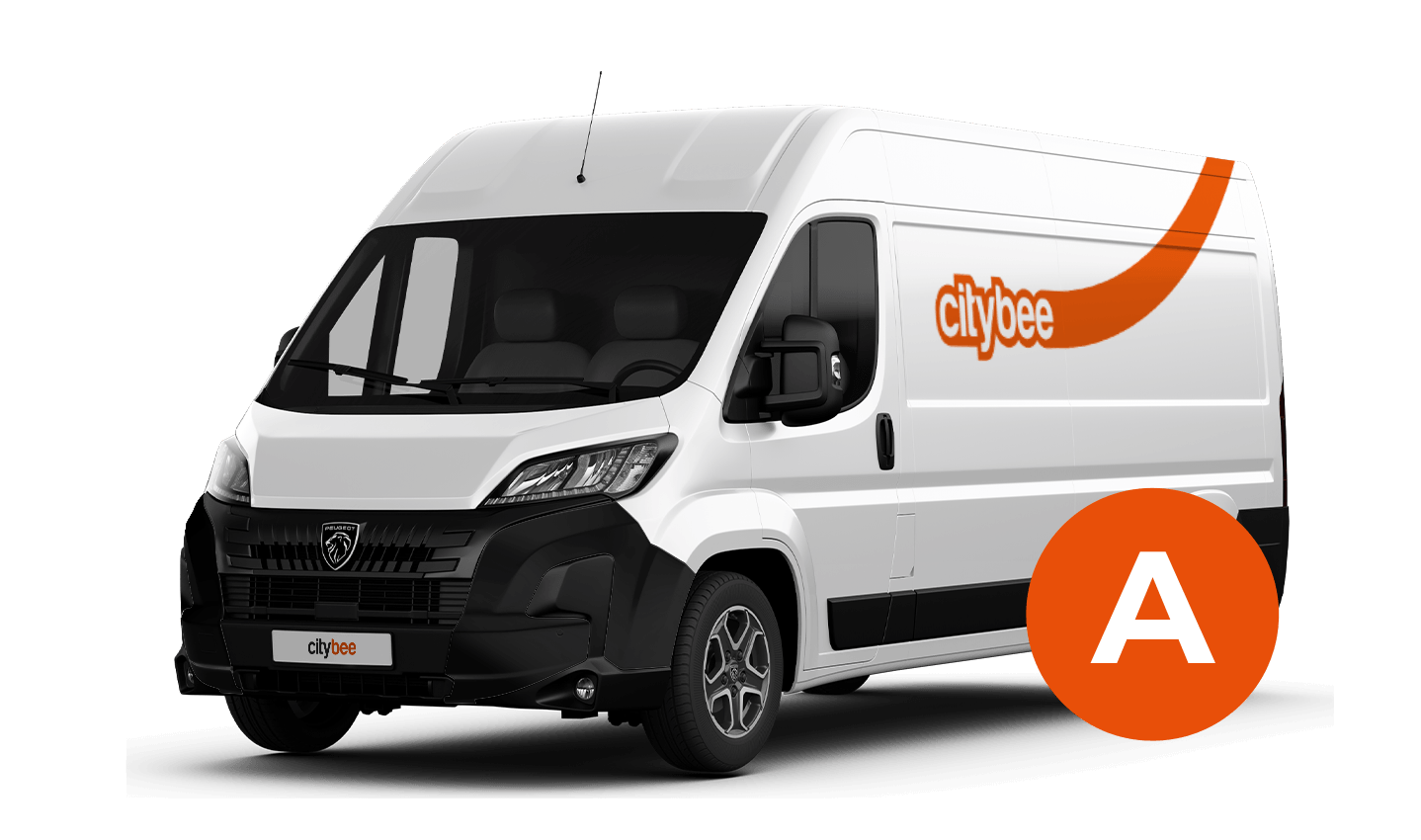
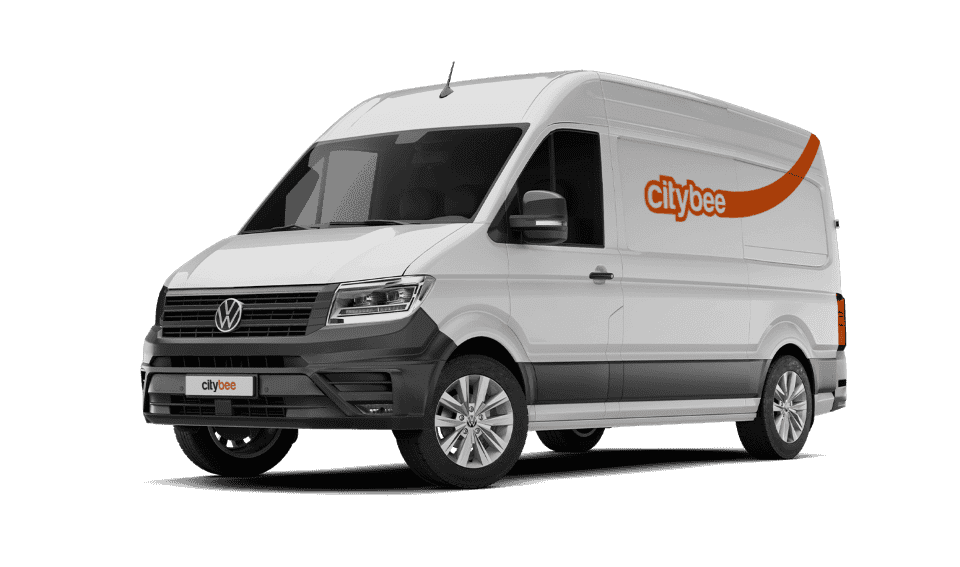
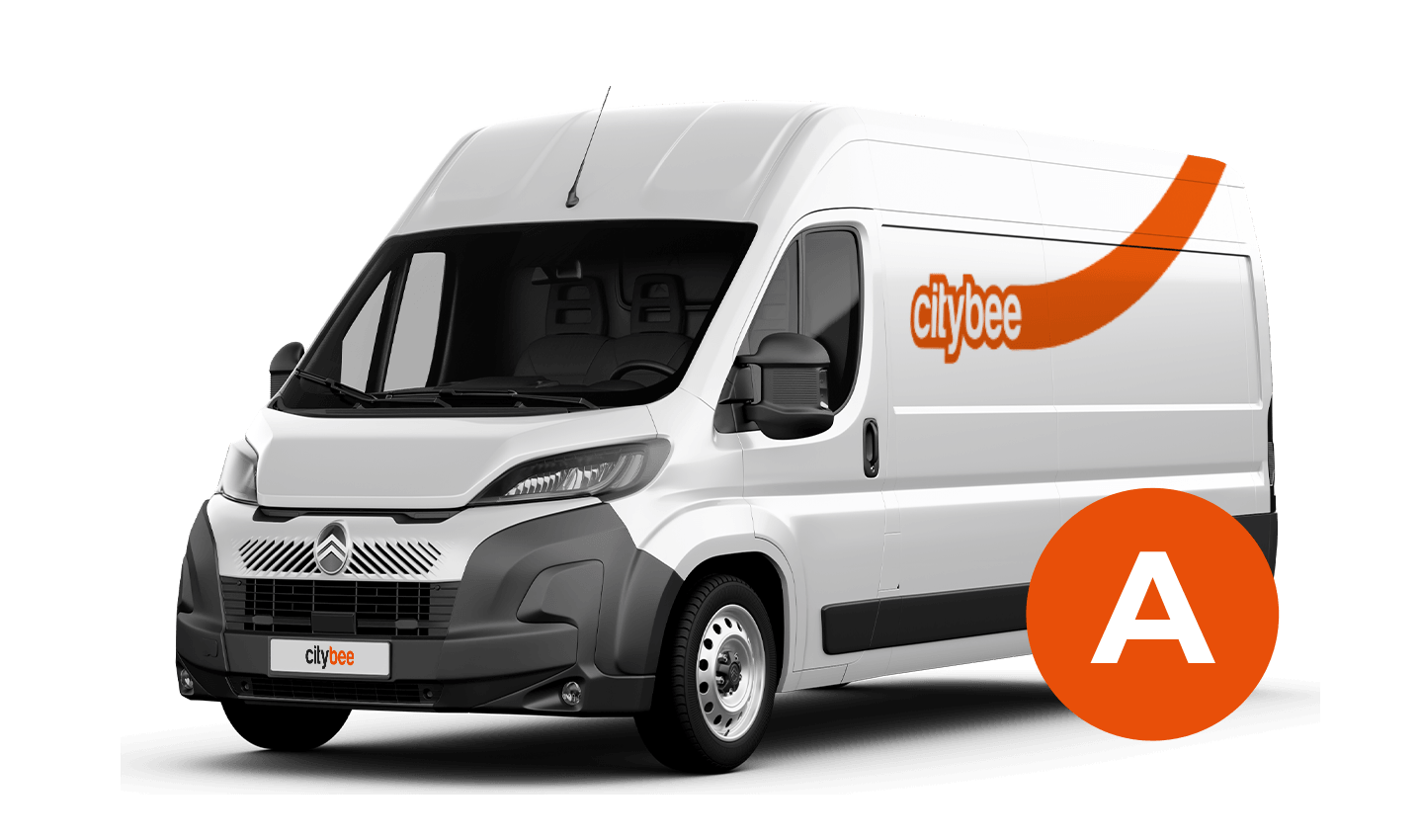
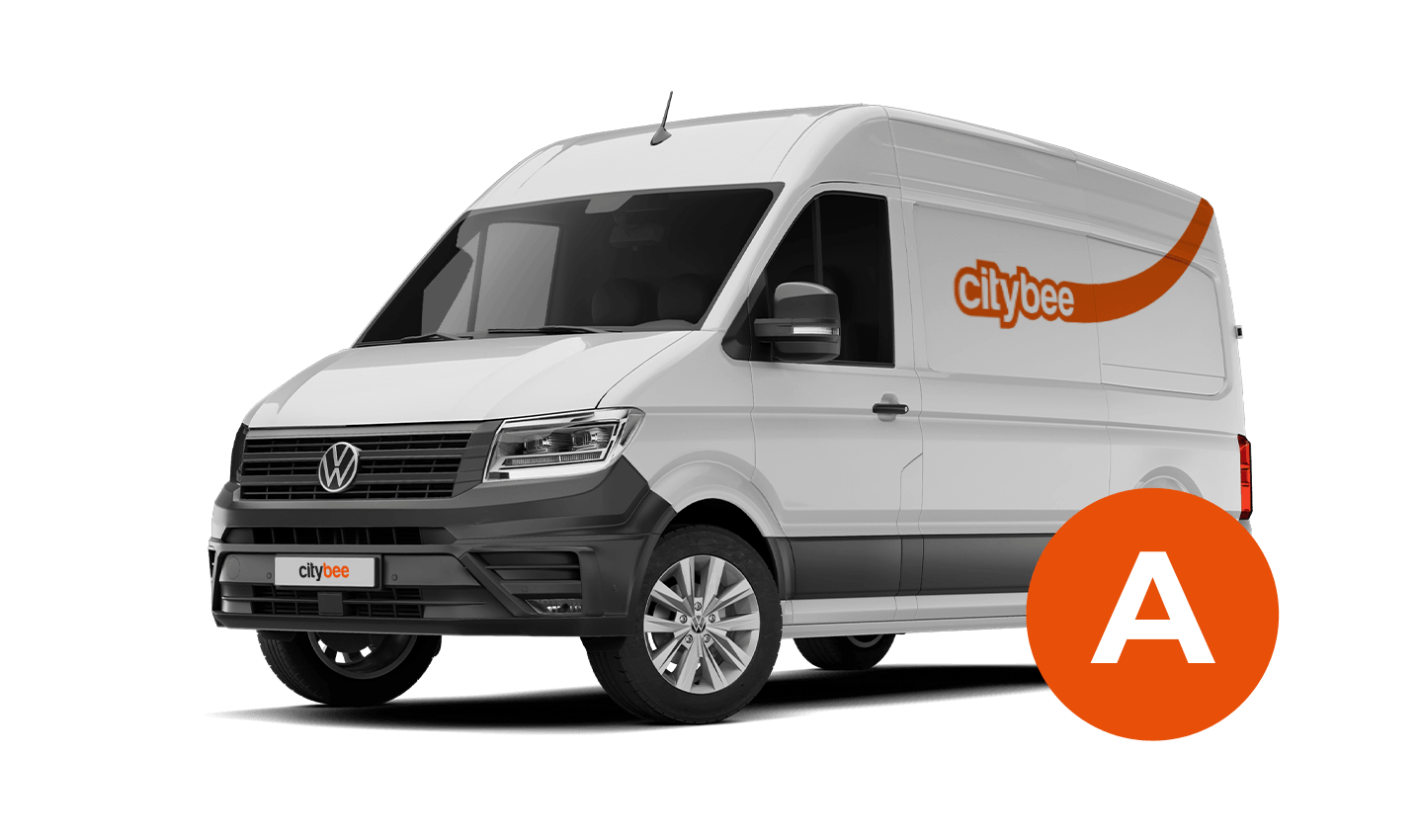
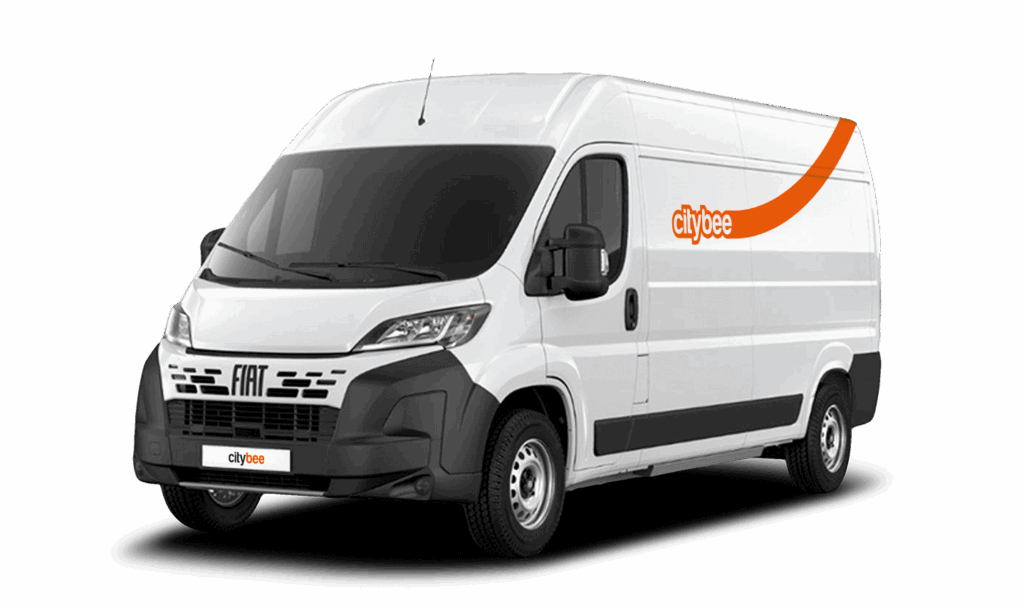
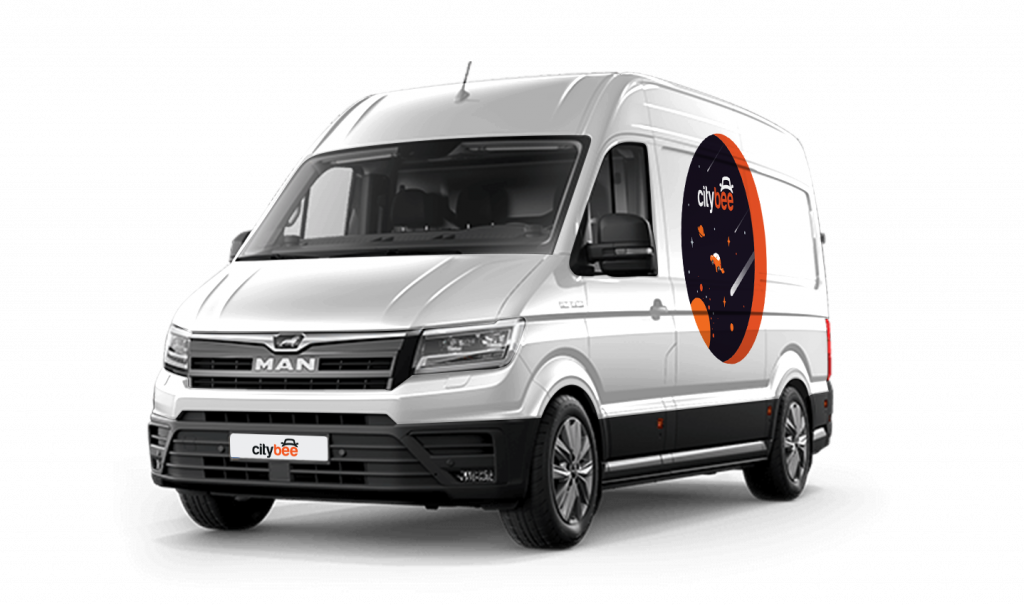
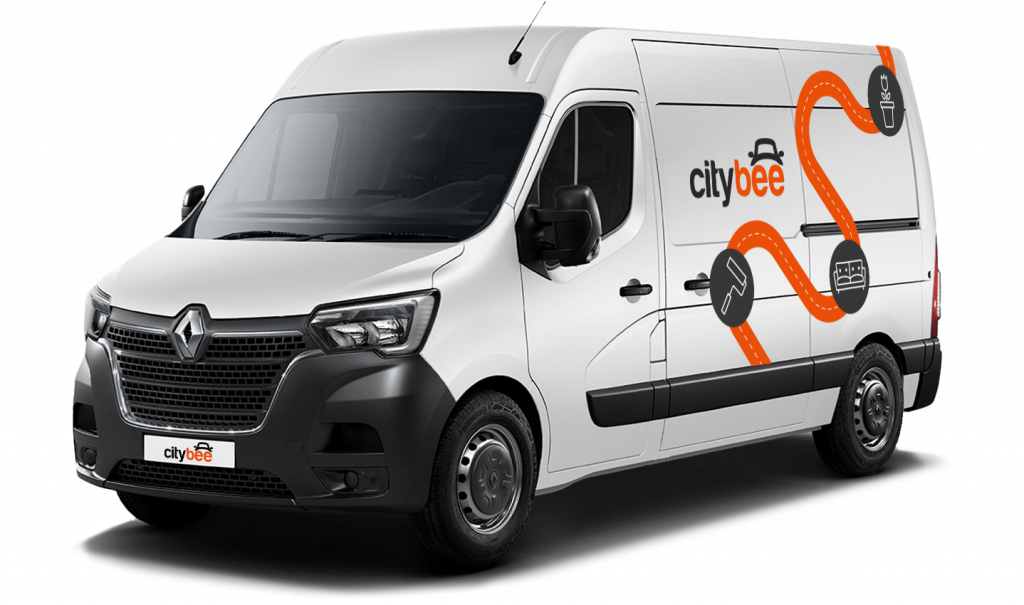
Renault Master
The price of this journey would be
0€
Trip start fee of 0.49€ is included in the price calculation.
Car gallery




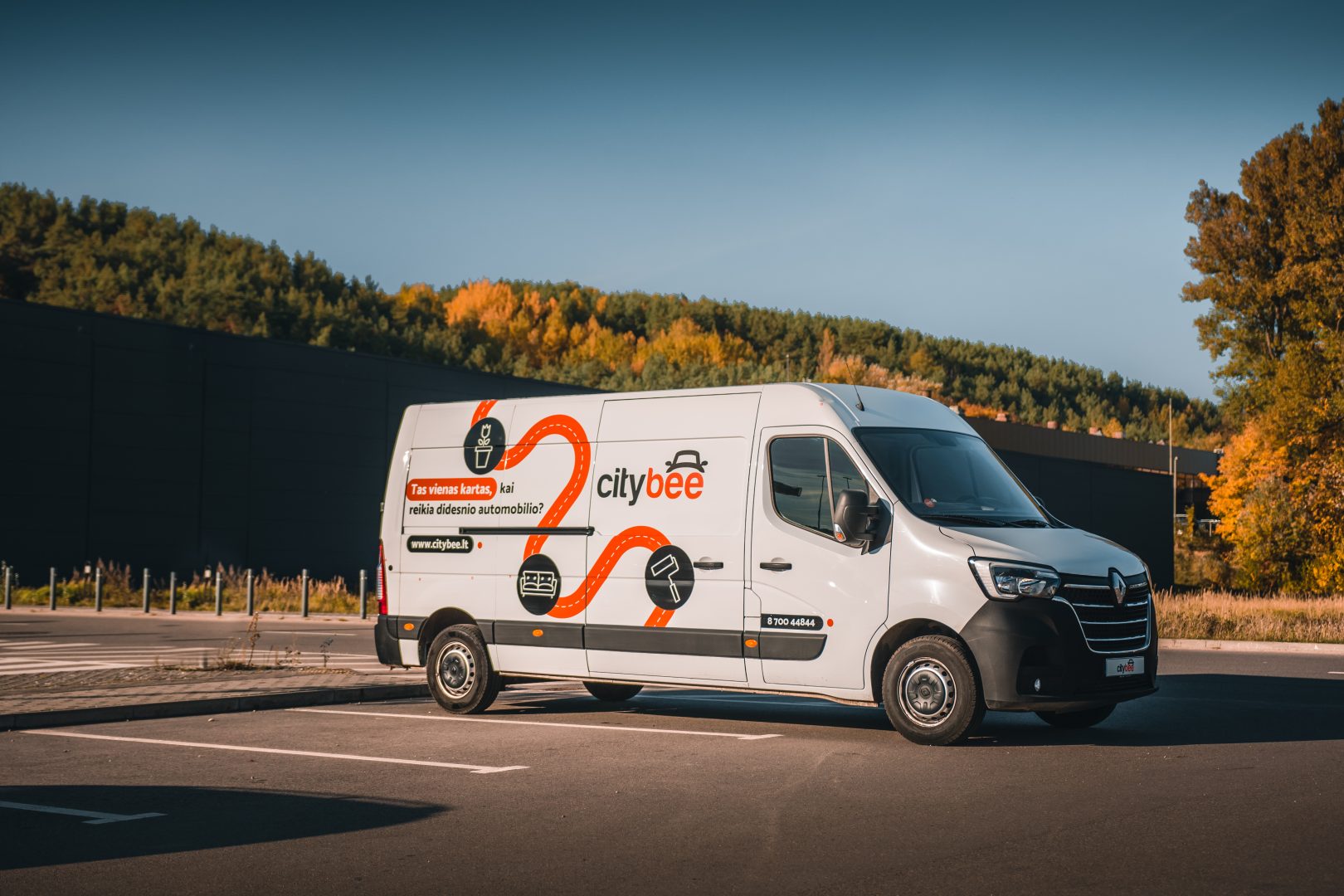
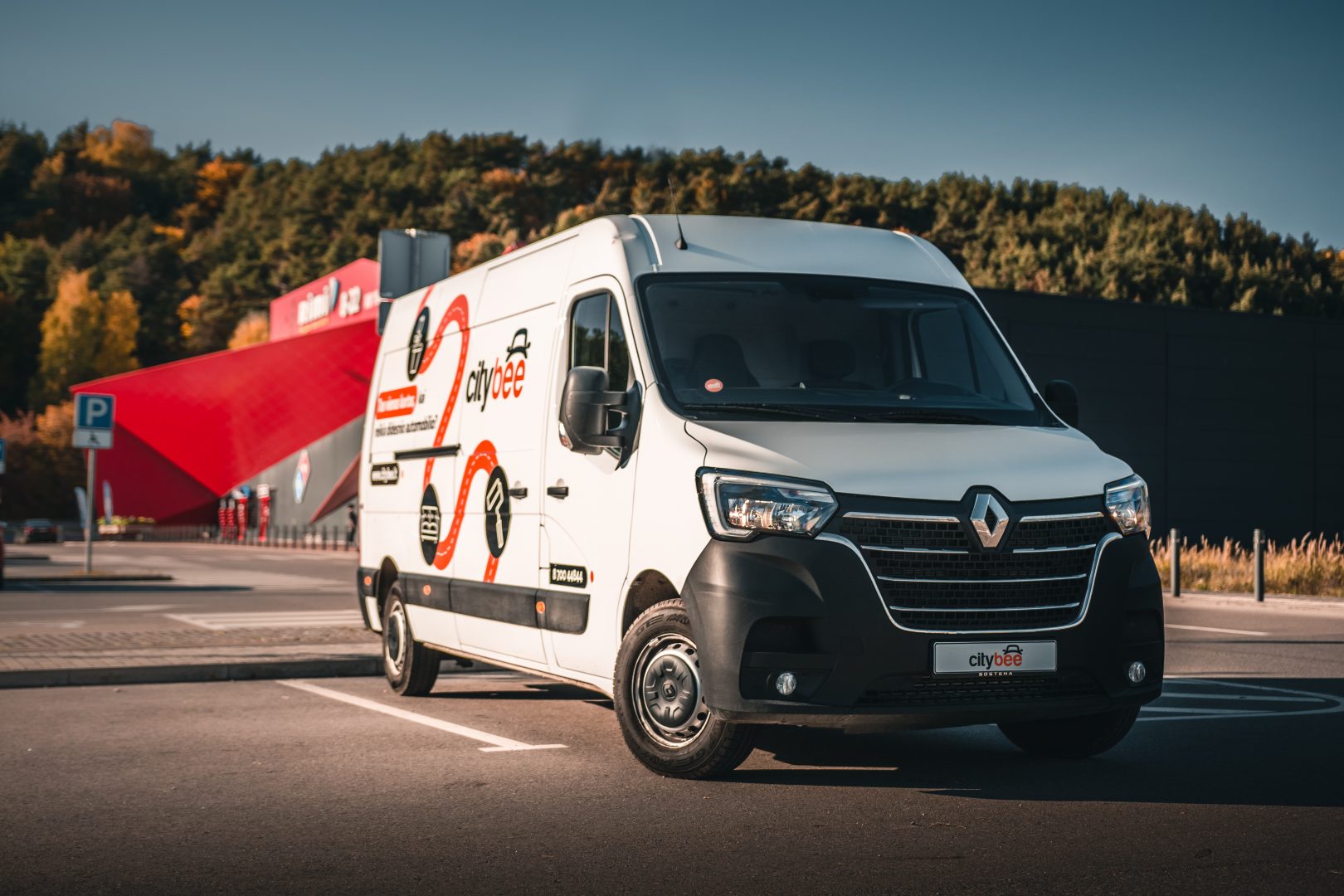
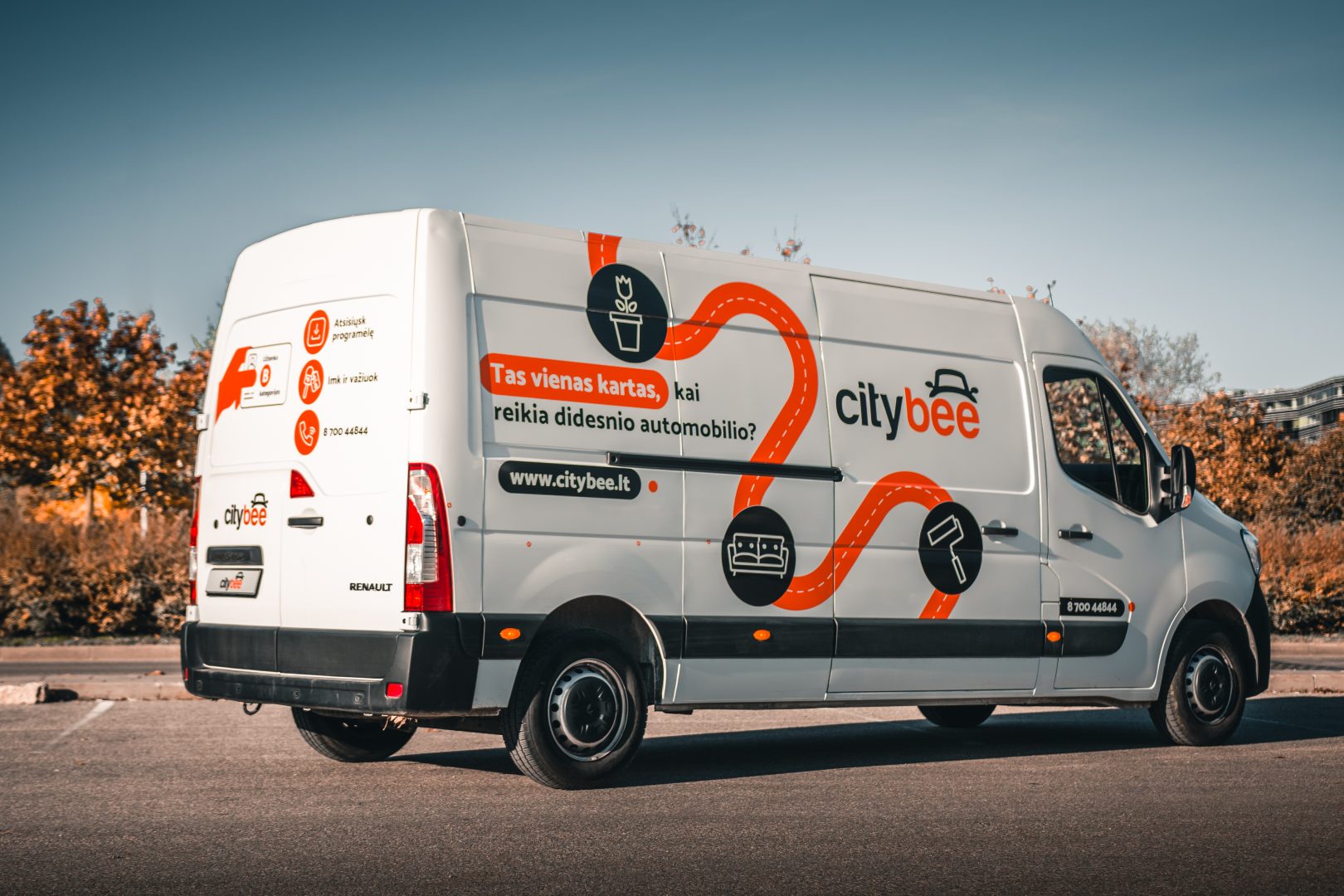


By registering in the CityBee application, you confirm that you have read and agree to the terms of use and privacy policy. If you had not done that, you would not be able to use CityBee services.
Smoking is prohibited in CityBee cars. A fine for smoking in a car is €70.
CityBee subscription plan is valid for 30 days from the date of purchase. Unused trips do not carry over to a new plan.
We rely on other legal entities in the provision of our services (data centres, document, photo verification, administration, payment, audit, accounting, legal and advisory services, debt collection, mobile app usage analysis and statistics monitoring, direct marketing, email, SMS, payment intermediaries, etc.)
In all cases, we ensure that third parties providing services comply with our obligations of confidentiality and proper protection of personal data.
If necessary, your personal data may be provided to state and municipal authorities in accordance with applicable legislation and / or our legitimate interests.
After an accident involving a CityBee car used on your behalf, your data is transferred to insurance companies and, if necessary, to other parties involved in the accident.
CityBee also has the right and, in certain cases, the obligation to pass on information about road traffic offences committed by customers (e.g., speeding, drunk-driving) to the responsible authorities (e.g., the Police).
The CityBee Privacy Policy provides detailed information on the purpose of processing your personal data and the duration of storage thereof.
Park the car in ‘CityBee’ zone when you’re finished. All zones are shown on the app map. For more details on parking zones, see our guide here.
Before you hop out, do a quick check:
– Grabbed all your stuff
– Car documents and accessories still in the car
– Key back where you found it (or somewhere the next person will easily spot it)
– Windows and sunroof closed
Then just open your active trip in the app, hit ‘End trip’, and confirm. Make sure the doors actually lock. You’ll get a confirmation.
Left something behind?
No worries. You can unlock the car once for free to grab your things. Find out more about retrieving lost items here.
At the moment we do not have any cars which would be 4 wheel drive.
CityBee bees are new (not older than 2 years), technically sound cars. You can see the models of cars currently in CityBee Park here:
CityBee park in Lithuania https://citybee.lt/lt/transportas;
CityBee park in Latvia https://citybee.lv/en/transport/;
CityBee park in Estonia https://citybee.ee/en/transport/.
BeeChill fee can cover accidental interior damage, as long as the damage wasn’t intentional, and you inform us about the incident right away. We understand that accidents happen, and we’re here to help.
However, the BeeChill fee does not cover the damages caused by things like smoking, excessive trash, or spills that require dry cleaning. For these situations, a cleaning fee will apply. For more details, please check our Pricelist.
The price of this journey would be
0€
Trip start fee of 0.49€ is included in the price calculation.