Price Calculator
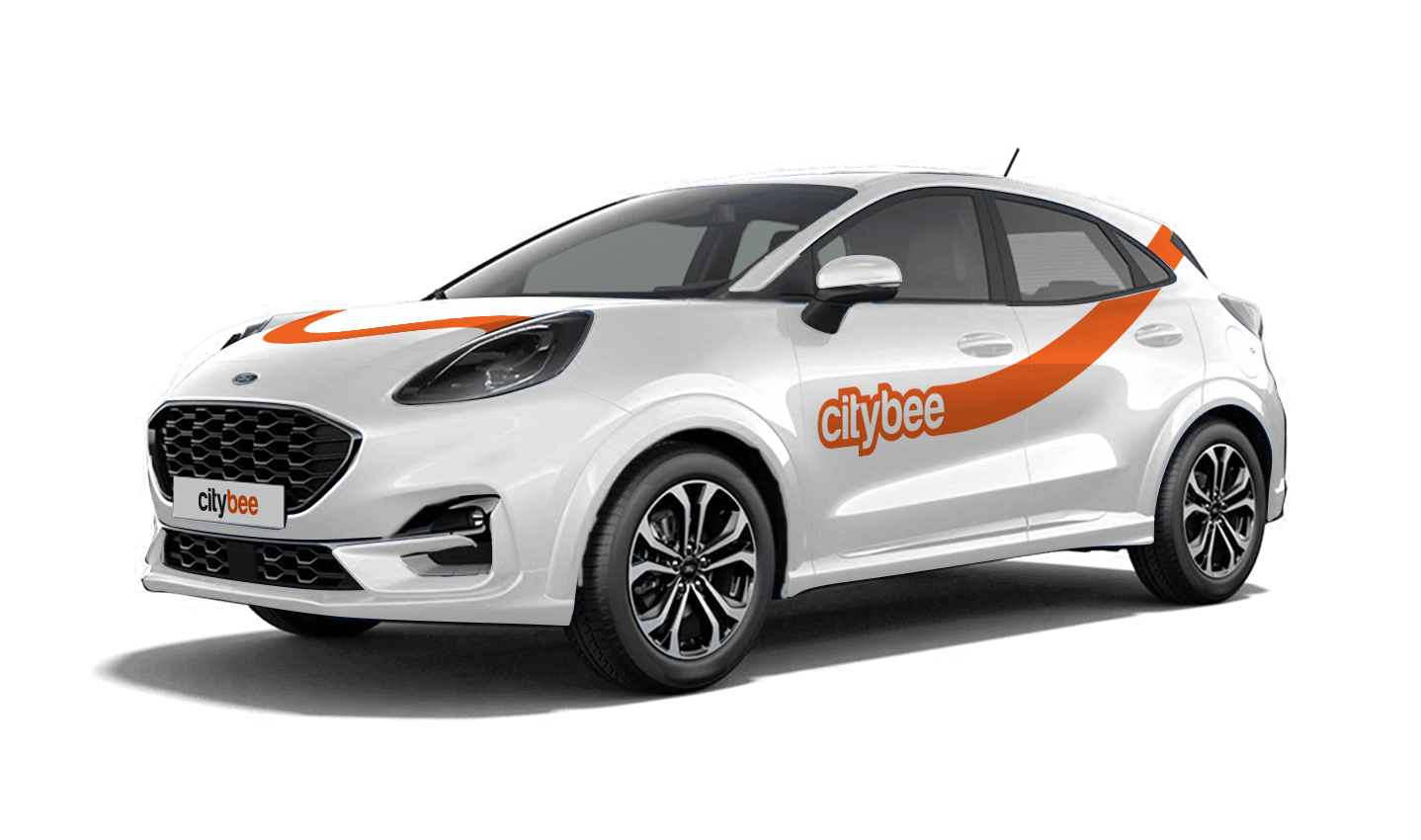
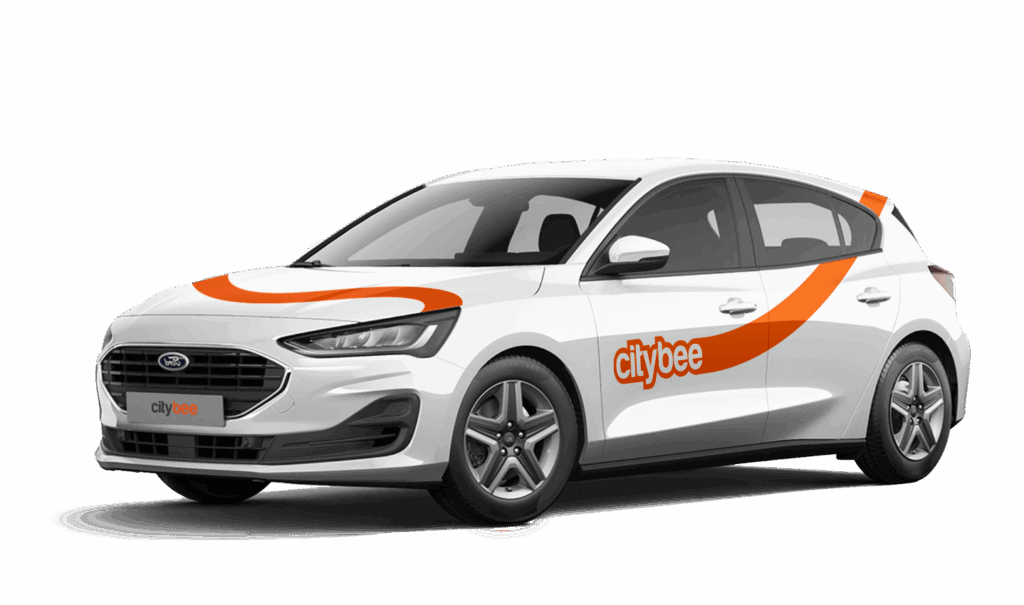
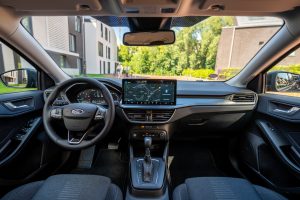
Ford Focus
The price of this journey would be
0€
Trip start fee of 0.49€ is included in the price calculation.
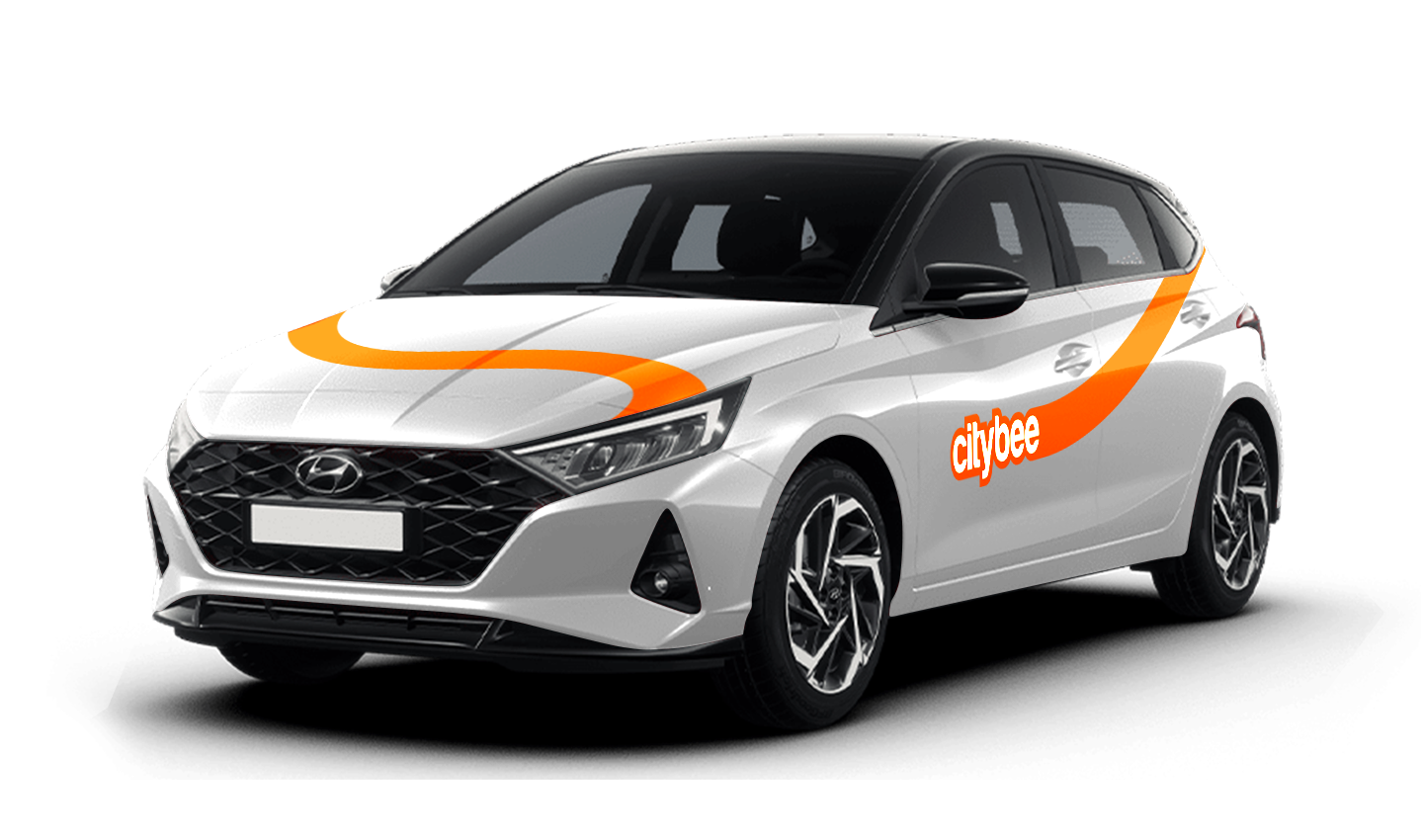
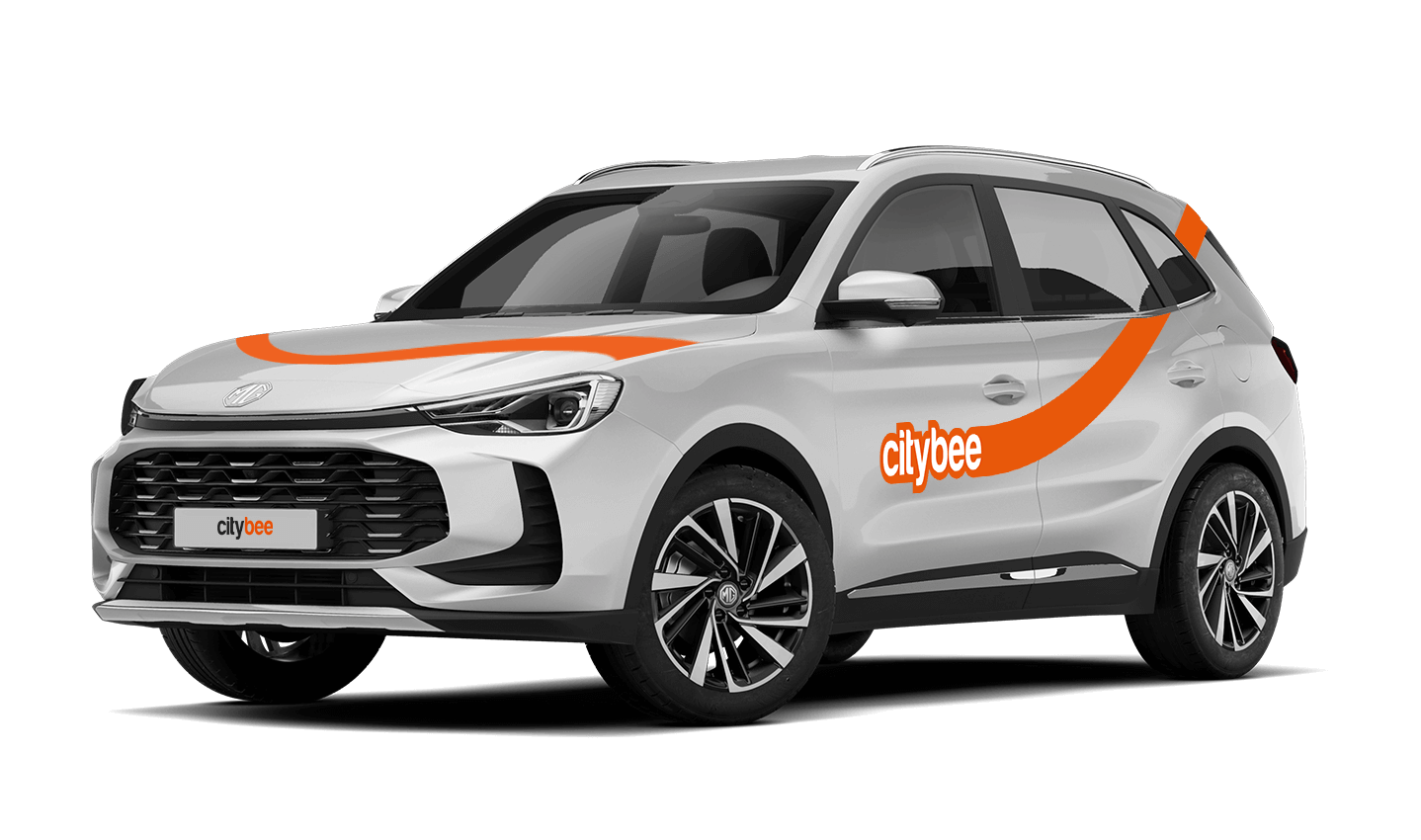
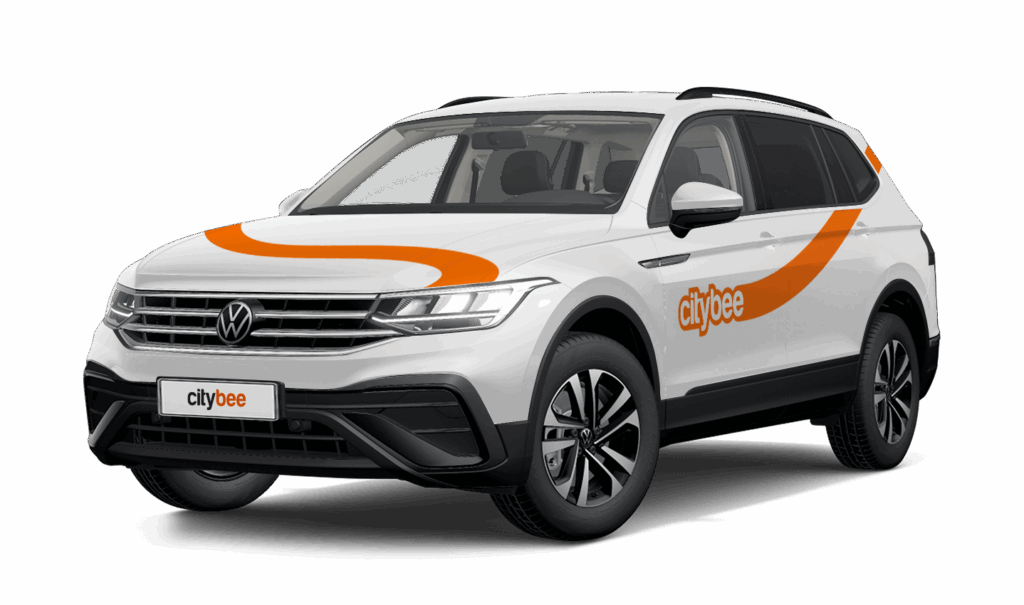
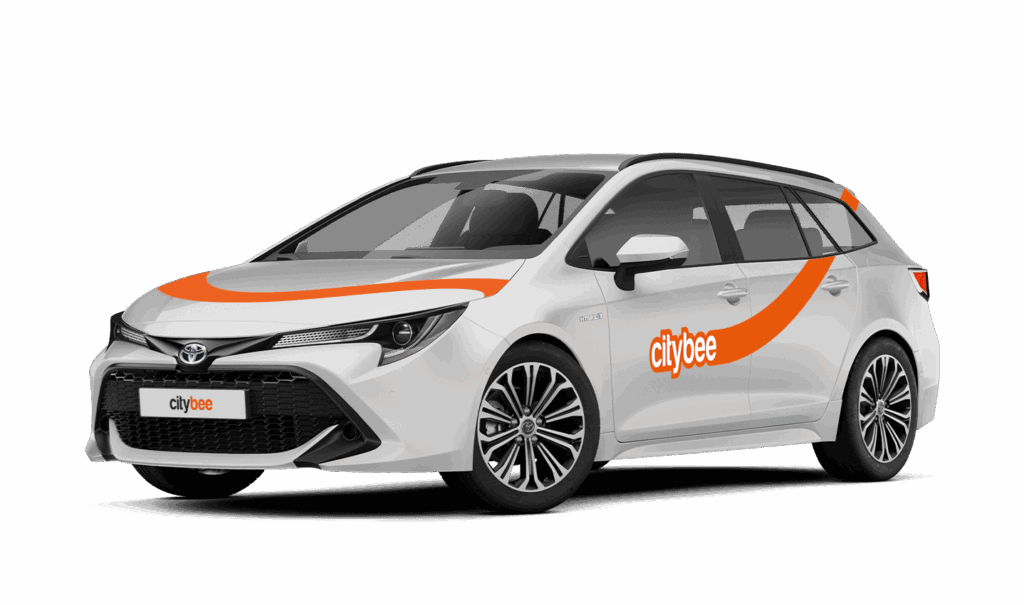
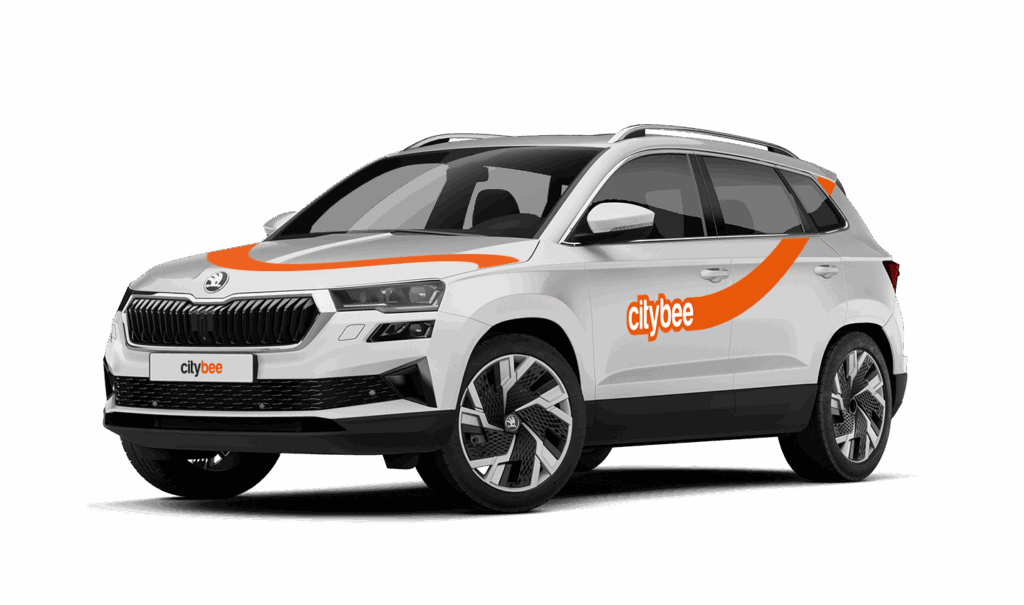
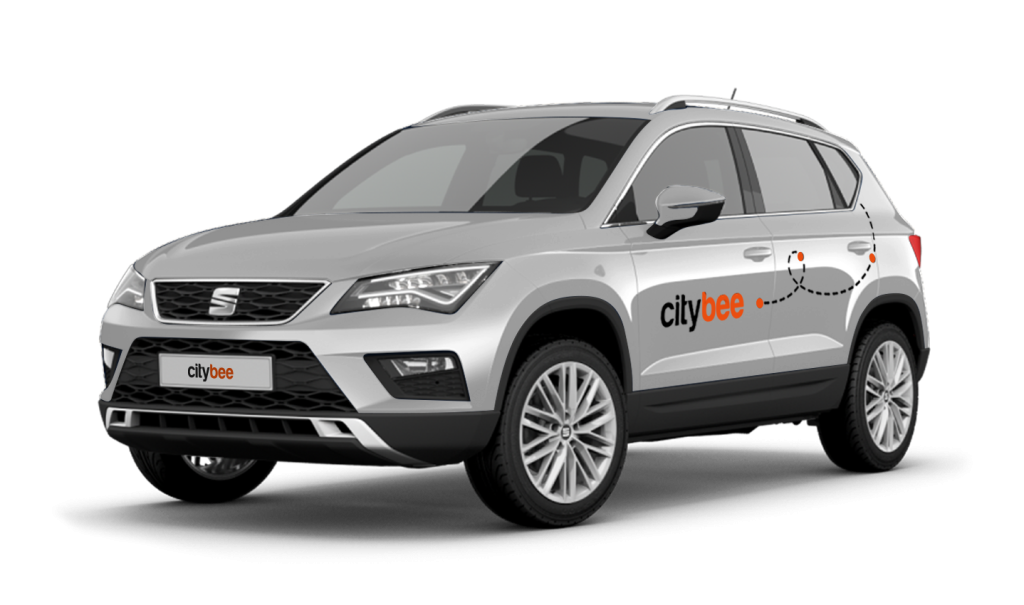
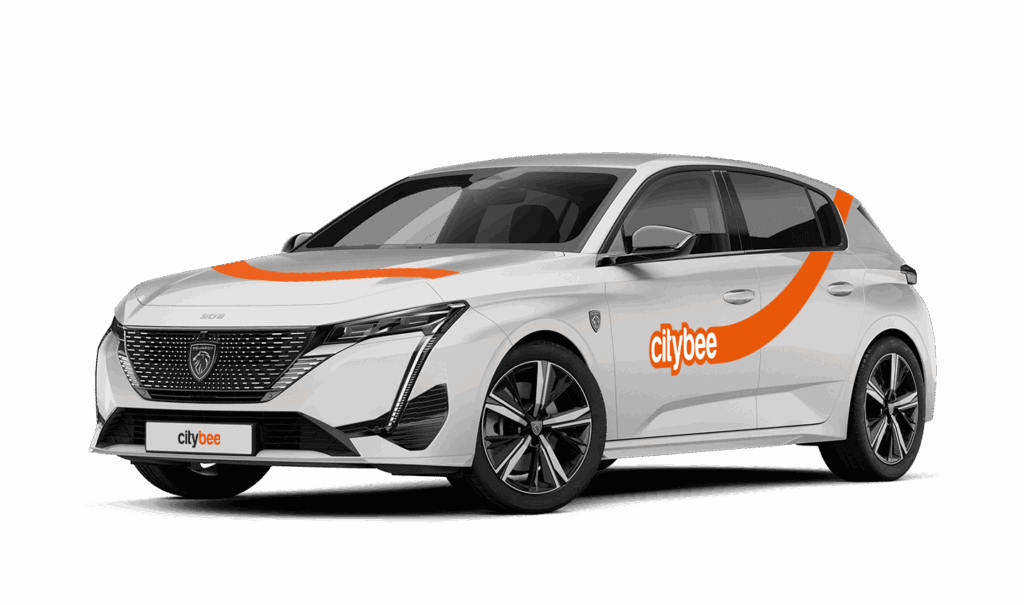
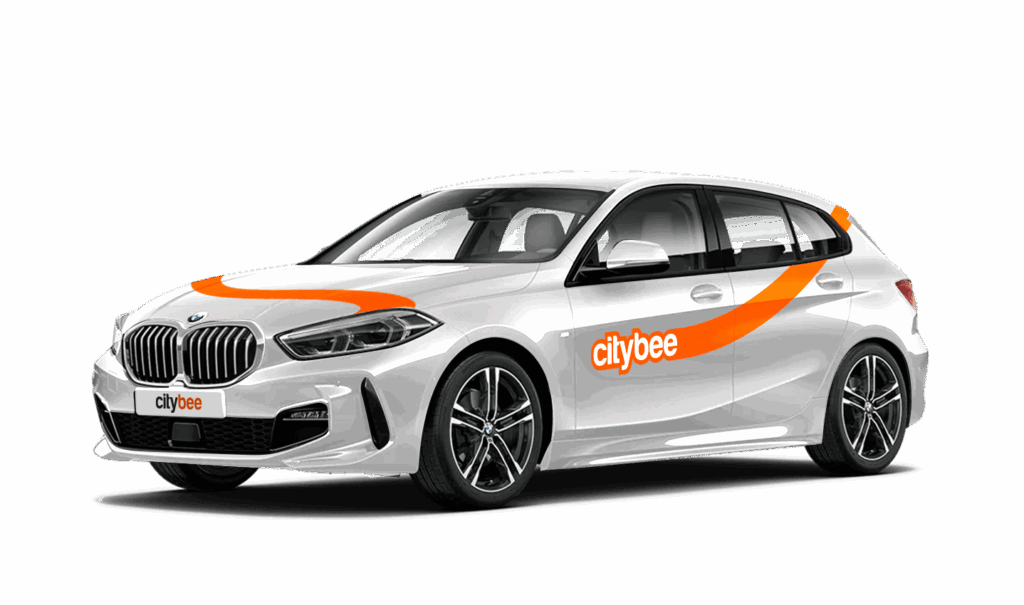
Car gallery
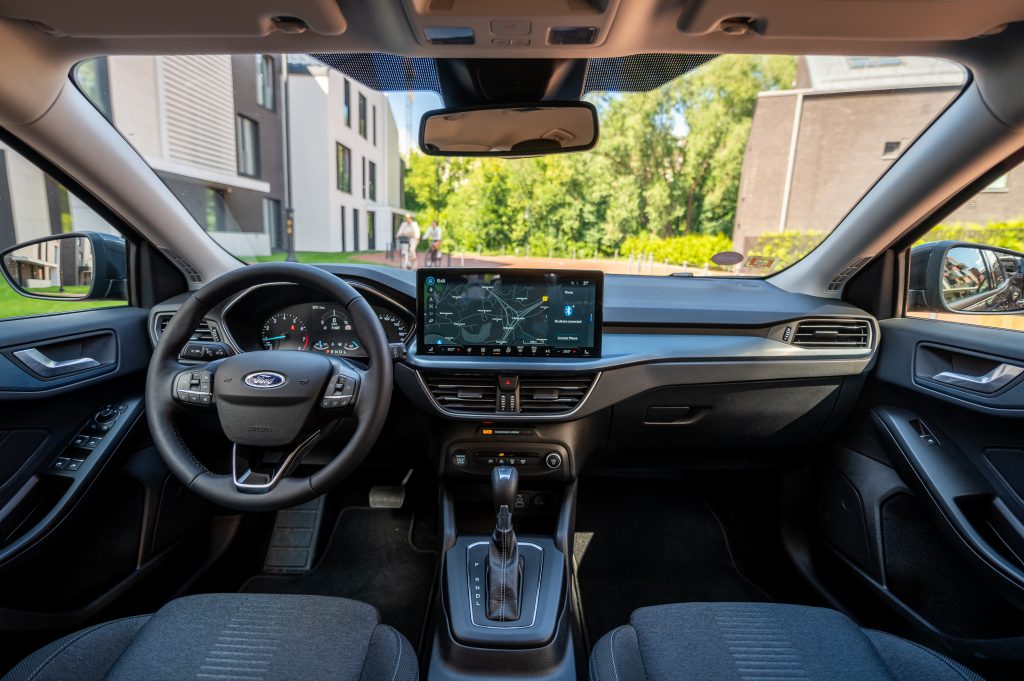
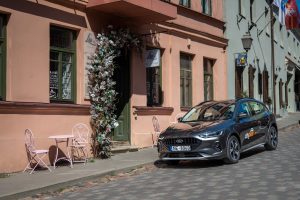
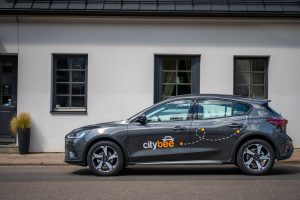
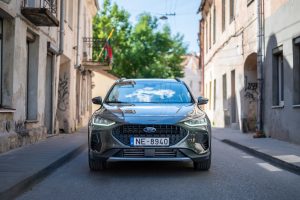

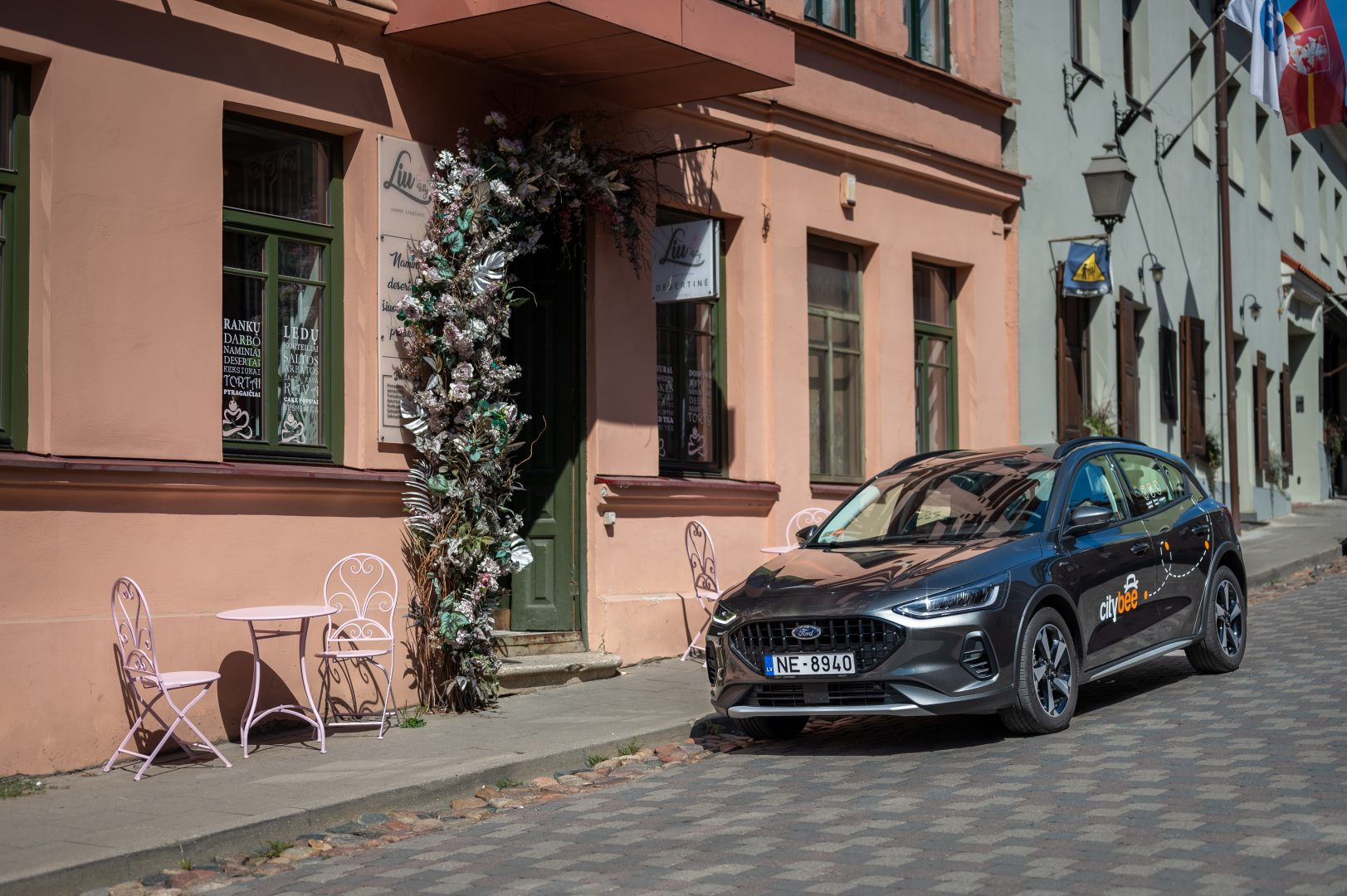
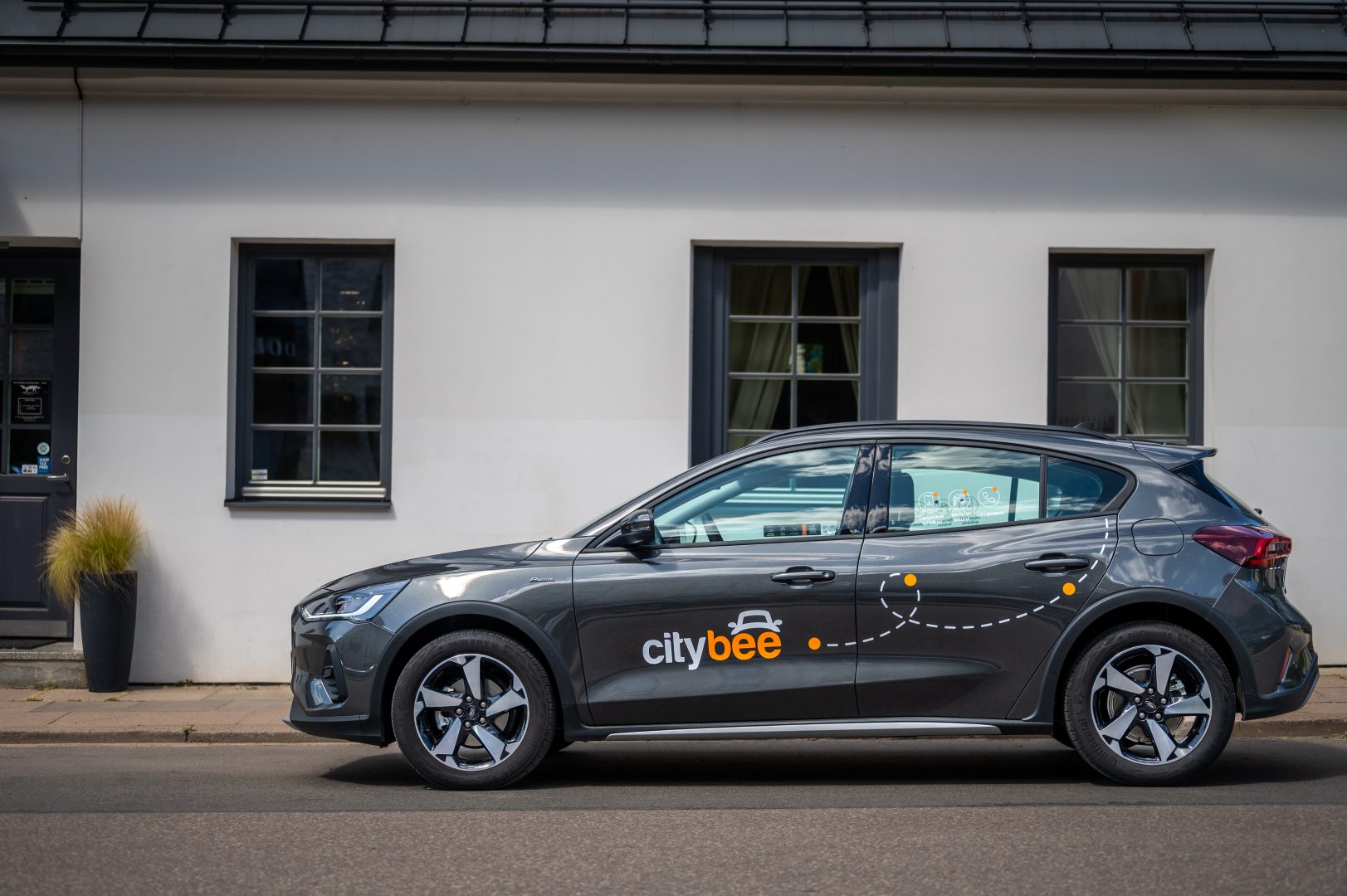

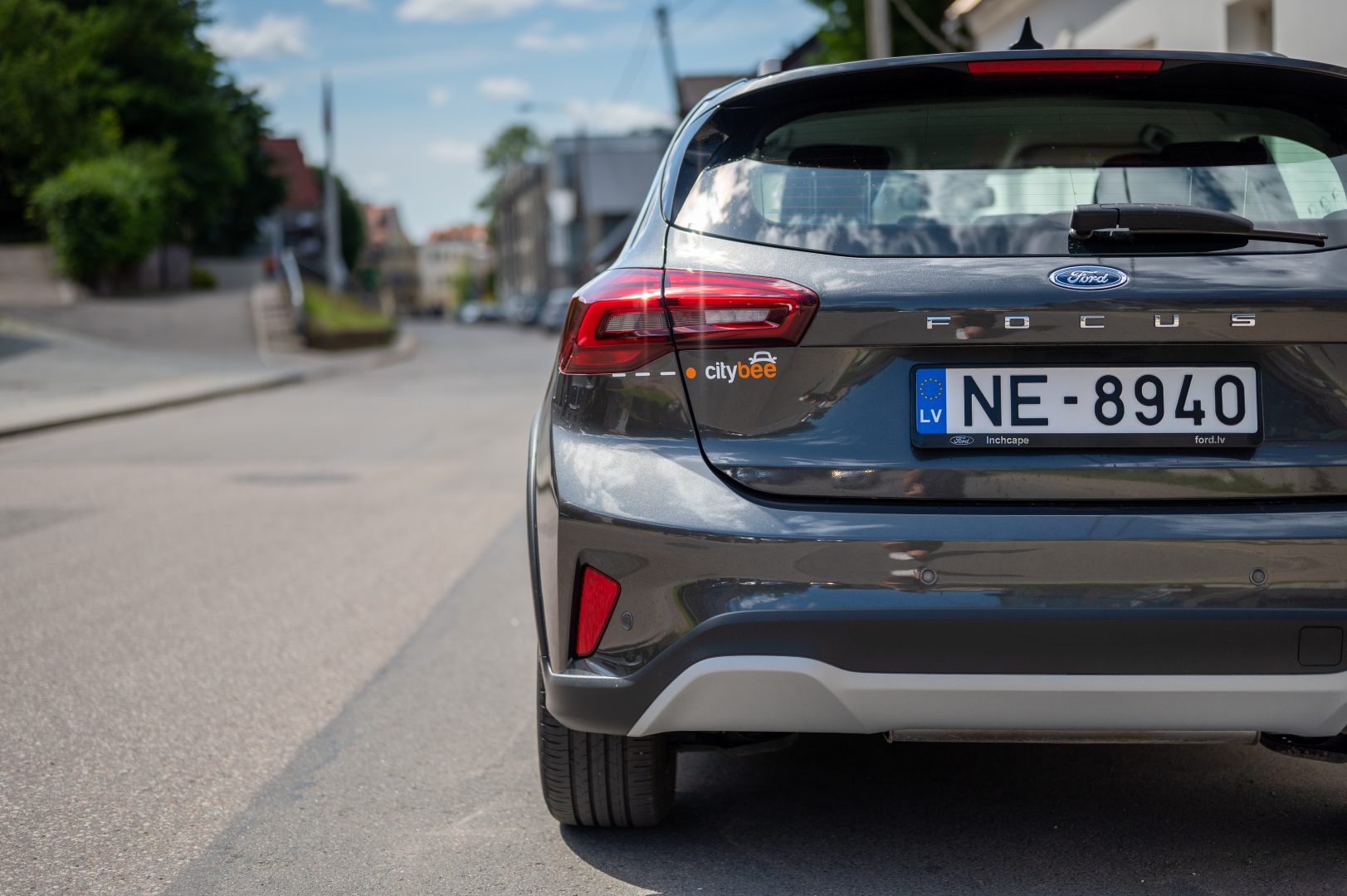
You will receive an email notification after each trip made with your CityBee subscription plan, informing you of the remaining trips. You can also view your remaining trips in the CityBee app by selecting the desired car for your trip.
With CityBee, you can easily request a refund right in the app – no need to send emails or fill out forms.
How it works
Open the app, go to the menu, find Trip history, choose your trip, and tap Refund.
Select what the refund is for – fuel, AdBlue, parking, or your trip experience.
Add the required information.
For fuel, AdBlue, or parking – upload a photo of the receipt.
For trip experience – write a short explanation.
Check that everything is filled in and submit your request. Once it’s sent, you’ll see a confirmation message and the request will appear in the Help section. You can also follow the progress of your request in the Help section. Any updates or replies from our Support team will be shown there.
Make sure you’re using the latest version of the app to access this feature. If you have any questions, reach out via CityBee app or via email at info@citybee.lv
Please note that refunds can only be made to a bank account in the name of the CityBee profile owner who made the reservation.
The CityBee subscription plan does not automatically renew when it expires. However, if needed, you can purchase a new plan to continue your subscription.
CityBee subscription plan is valid for 30 days from the date of purchase. Unused trips do not carry over to a new plan.
VW Crafter, VW e- Crafter and MAN TGE
Cargo area measurements:
Length – 3201 mm.;
Height – 1961 mm.;
Width – 1832 mm.;
Width between wheelhouse – 1380 mm..

VW Crafter load capacity is up to 1411kg.
VW e- Crafter load capacity is up to 950kg.
Renault Master
Cargo area measurements:
Height – 1894 mm.;
Width – 1765 mm.;
Length – 3733 mm.;
Width between wheelhouse – 1380 mm..
Car measurements:
Height – 2488 mm.;
Width – 2470 mm.;
Length – 6225 mm.
Load capacity is up to 1434kg.
Ford Transit
Cargo area measurements:
Height – 1886 mm.;
Width – 1784 mm.;
Length – 3494 mm;
Width between wheelhouse – 1392mm.
Car measurements:
Height – 2547 mm.;
Width – 2059 mm.;
Length – 5981 mm.
Load capacity is up to 1220kg.
Fiat Ducato
Cargo area measurements:
Height – 1932 mm
Width – 1870 mm
Length – 3705 mm
Wheelbase – 1422 mm
Car measurements:
Height – 2522 mm
Width – 2050 mm
Length – 5998 mm
Load capacity is up to 1326 kg
At the moment we do not have any cars which would be 4 wheel drive.
The subscription is ideal for anyone who regularly takes shorter trips (up to 5 km and 15 minutes) in the city with CityBee. Whether it’s just a few times or several trips a month, choose a subscription plan that fits your travel needs, save money, and enjoy additional benefits. However, if you typically take longer trips, we recommend selecting from a variety of trip packages that offer more cost-effective options for longer routes.
Once payment is made for a CityBee subscription plan, it cannot be canceled or paused. The payment for the plan is non-refundable. The CityBee subscription plan cannot be sold or transferred to another person.
The price of this journey would be
0€
Trip start fee of 0.49€ is included in the price calculation.