Price Calculator
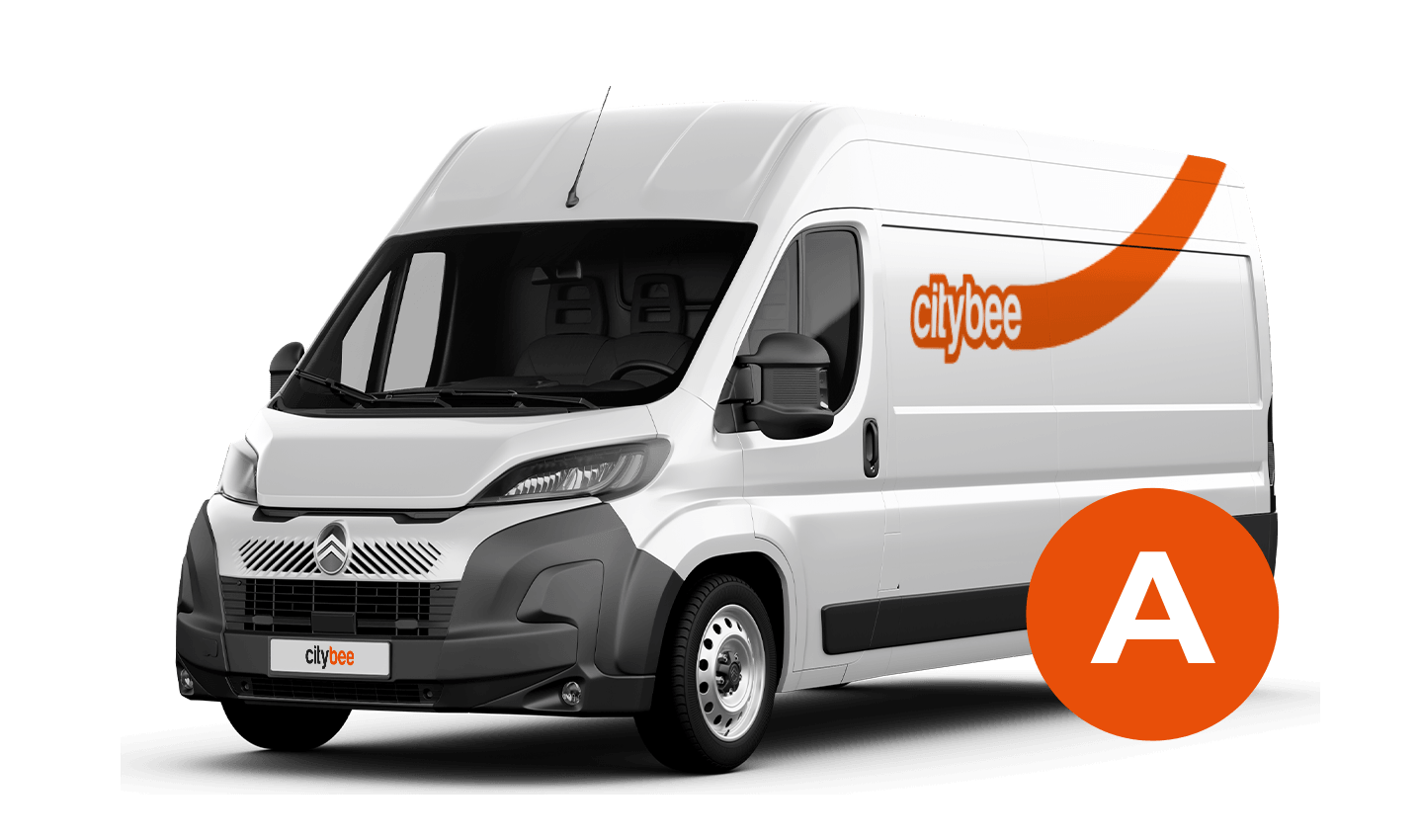
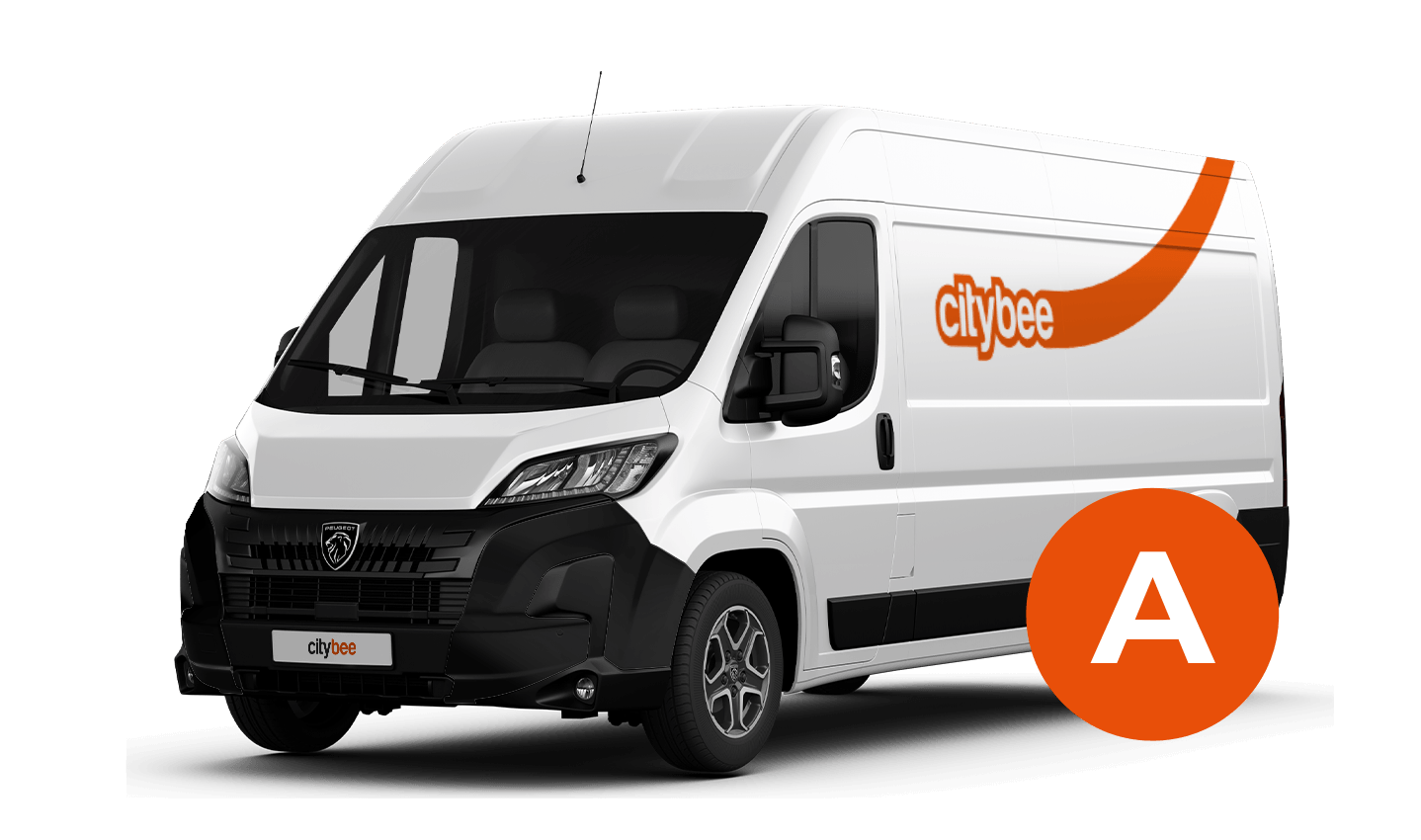
Peugeot Boxer
The price of this journey would be
0€
Trip start fee of 0.49€ is included in the price calculation.
Bee Chill – we’ve got your back! If you happen to have an accident and accidentally damage the vehicle, don’t stress – we’ve got you covered. Just be sure to notify us right away, and we’ll take care of the rest.
The BeeChill is a financial responsibility fee is applied to all ‘Flexible’ trips, and it’s already included in the price of trip packages or trips made with a subscription plan. You can see the fee in the app before you start your trip.
This fee is intended to cover any damage caused to the vehicle as a result of an accident for which you are responsible.
However, BeeChill does not apply in any of the cases listed in Section 7.17 of our Terms of Use. Below are some of the most common examples:
• if the accident is not reported;
• if the accident occurred while driving under the influence of alcohol or drugs;
• if the accident resulted from a serious violation of traffic regulations;
• or in any other cases specified in Section 7.17 of the Terms of Use.
For complete information about the application of BeeChill and all applicable exceptions, please refer to Section 7.17 of our Terms of Use.
CityBee subscription plan is valid for 30 days from the date of purchase. Unused trips do not carry over to a new plan.
At least one payment card must be linked to a CityBee account. You can link more than one payment card and choose from which card you will be billed for services before each trip. It is important that the card type is VISA or MasterCard and that the secure internet shopping function is activated.
How do I activate the secure internet shopping function?
1. SEB: Log in to your internet bank and look for “Accounts and Cards” -> “Card List” in the menu bar at the top. You’ll see all of your cards that can be registered with the secure internet shopping programme. Next to the desired card in the options below, click on “Online Billing” and click “Enable”.
2. Swedbank: Log in to your internet bank and look for “Cards” -> “Secure internet shopping” in the menu bar on the left. You’ll see all of your cards that can be registered with the secure internet shopping programme. Select the desired card next to the note “Online Billing” and click “Enable”.
3. Šiaulių Bankas: Log in to your Internet bank and in the menu on the left, select “Cards” -> “Secure payment” -> select the payment card for which you want to activate the secure internet shopping and click “Register” -> enter the requested data and confirm it by pressing the “Enter and Sign” button -> soon the status of the card will change to “Registered”.
4. Luminor bank: Log in to your Internet bank and in the menu, select the item “Payment cards” -> select the payment card for which you want to activate the secure internet shopping and in the opened window click “Secure shopping service settings” -> select the “Order service” button -> enter the requested data, which the bank will show you later during the purchase -> click “Order service”.
5. Danske bank: No additional activation of the secure internet shopping is required.
6. Citadele bank: No additional activation of the secure internet shopping is required.
CityBee users do not need to purchase a Jūrmala entry pass.
We process your personal data in accordance with the General Data Protection Regulation (BDAR) and other legal requirements.
In order to provide you with services and administer them, we process your name, contact details, other data required for the use and provision of the services. The CityBee Privacy Policy provides detailed information on the purpose of processing your personal data and the duration of storage thereof.
In the CityBee app, parking zones marked in yellow usually have a drop-off and/or pick-up fee for CityBee cars. This fee does not apply to trips made under the CityBee subscription. The drop-off fee in the yellow CityBee zone is not charged even if the trip starts under the subscription plan but ends with the ‘Flexible’ pricing due to exceeding the allocated kilometers and/or minutes in the subscription plan.
When purchasing additional trips, i.e., trip packages, during the subscription period, the CityBee drop-off and/or pick-up fee waiver in the yellow zone does not apply for the package trips.
For more information on CityBee parking zones, click here.
To subscribe to CityBee, open the CityBee app and go to the ‘Subscription’ section. Choose the plan that best suits you from the available options. The plan cost will be automatically charged to the payment card linked to your CityBee account. Once the payment is successful, you’ll receive a confirmation email. The purchased plan will be activated immediately and will be valid for 30 days.
With CityBee, you can easily request a refund right in the app – no need to send emails or fill out forms.
How it works
Open the app, go to the menu, find Trip history, choose your trip, and tap Refund.
Select what the refund is for – fuel, AdBlue, parking, or your trip experience.
Add the required information.
For fuel, AdBlue, or parking – upload a photo of the receipt.
For trip experience – write a short explanation.
Check that everything is filled in and submit your request. Once it’s sent, you’ll see a confirmation message and the request will appear in the Help section. You can also follow the progress of your request in the Help section. Any updates or replies from our Support team will be shown there.
Make sure you’re using the latest version of the app to access this feature. If you have any questions, reach out via CityBee app or via email at info@citybee.lv
Please note that refunds can only be made to a bank account in the name of the CityBee profile owner who made the reservation.
The price of this journey would be
0€
Trip start fee of 0.49€ is included in the price calculation.