Price Calculator
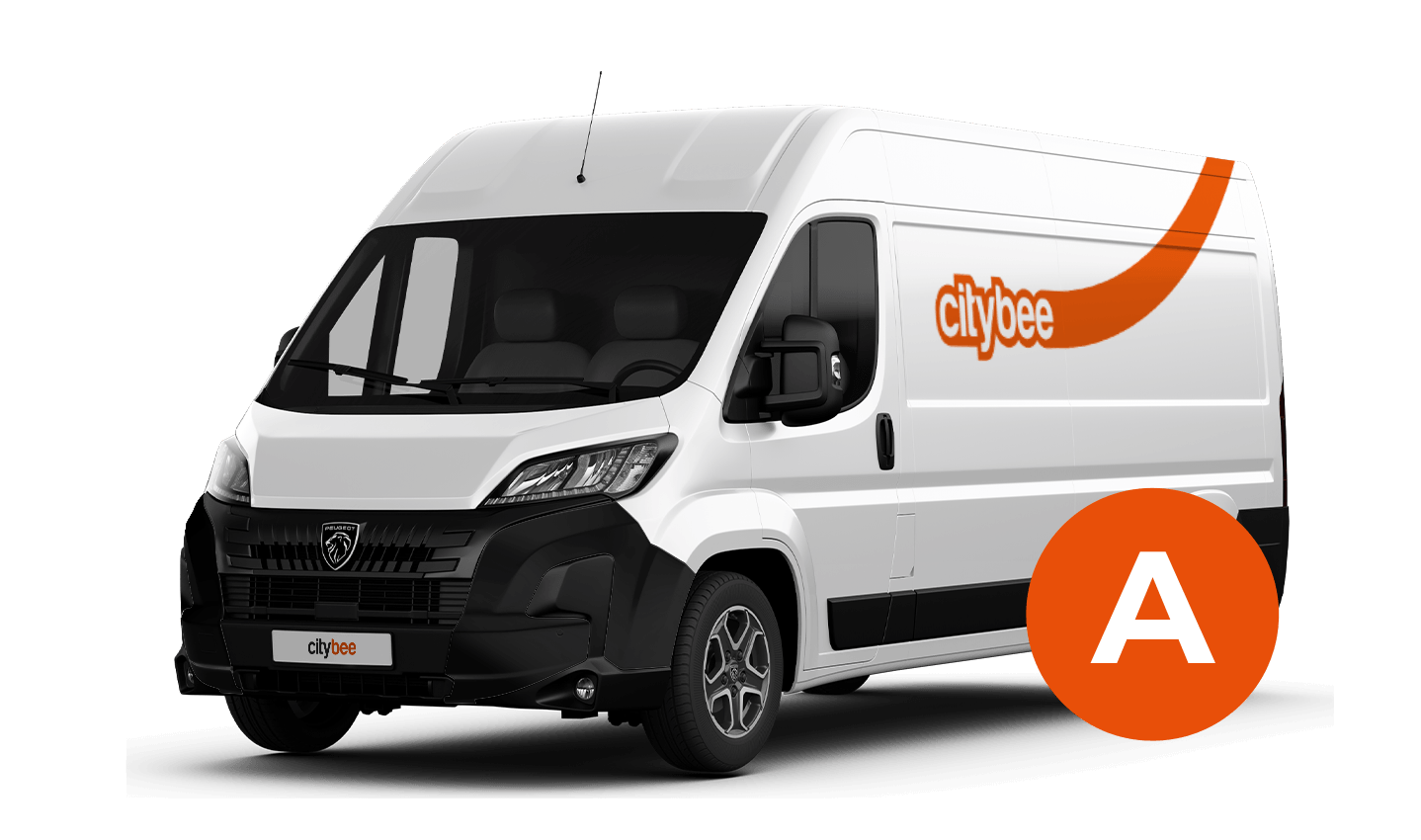
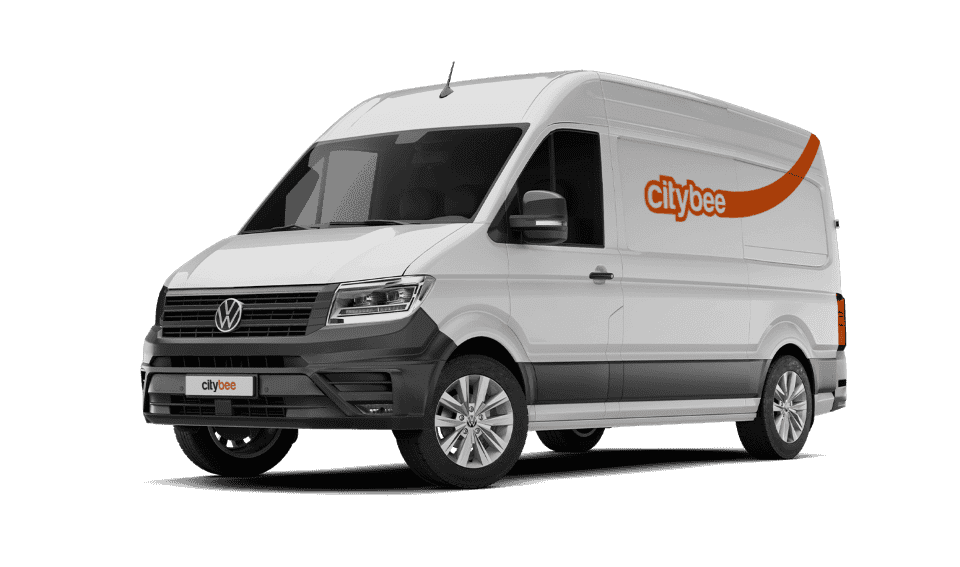
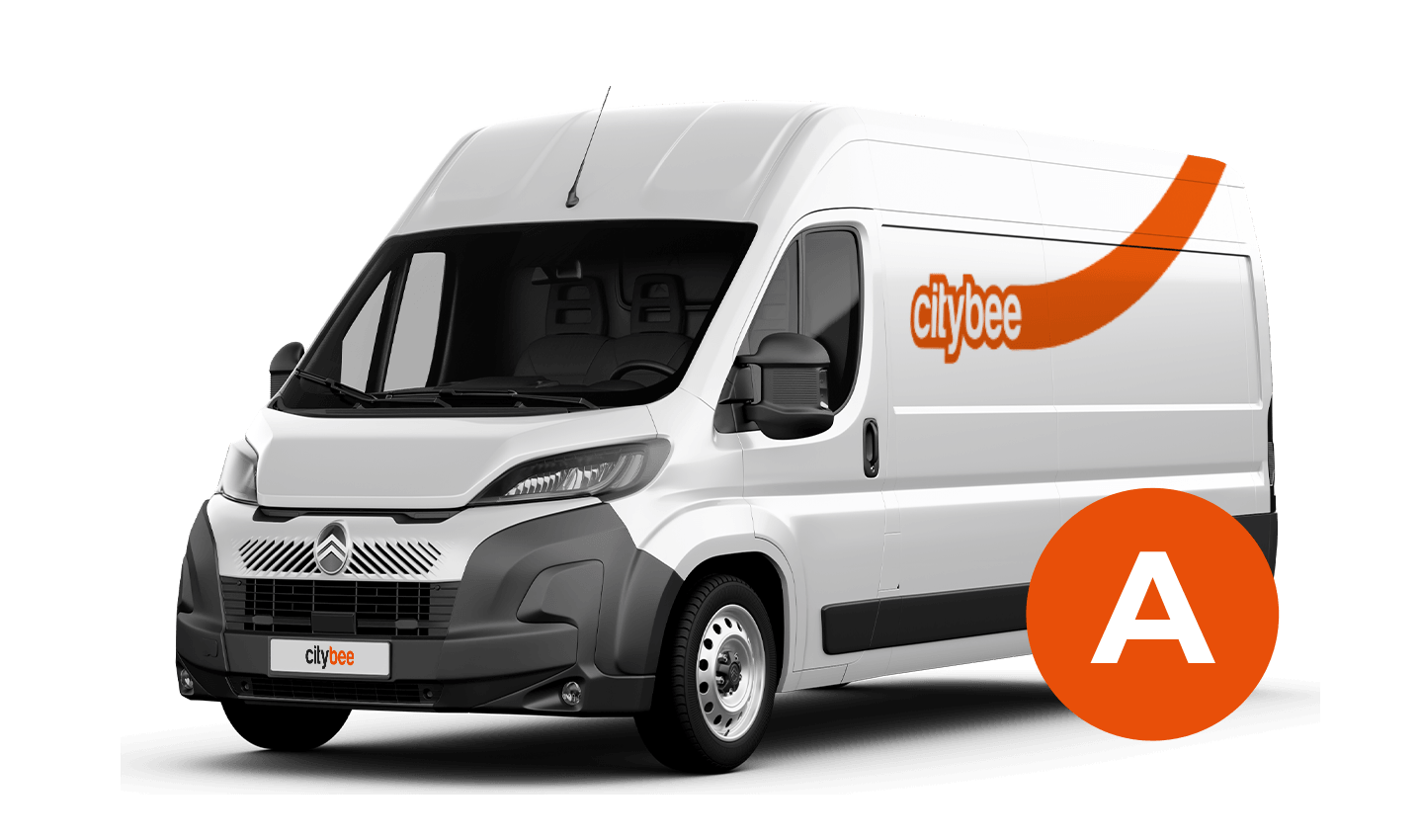
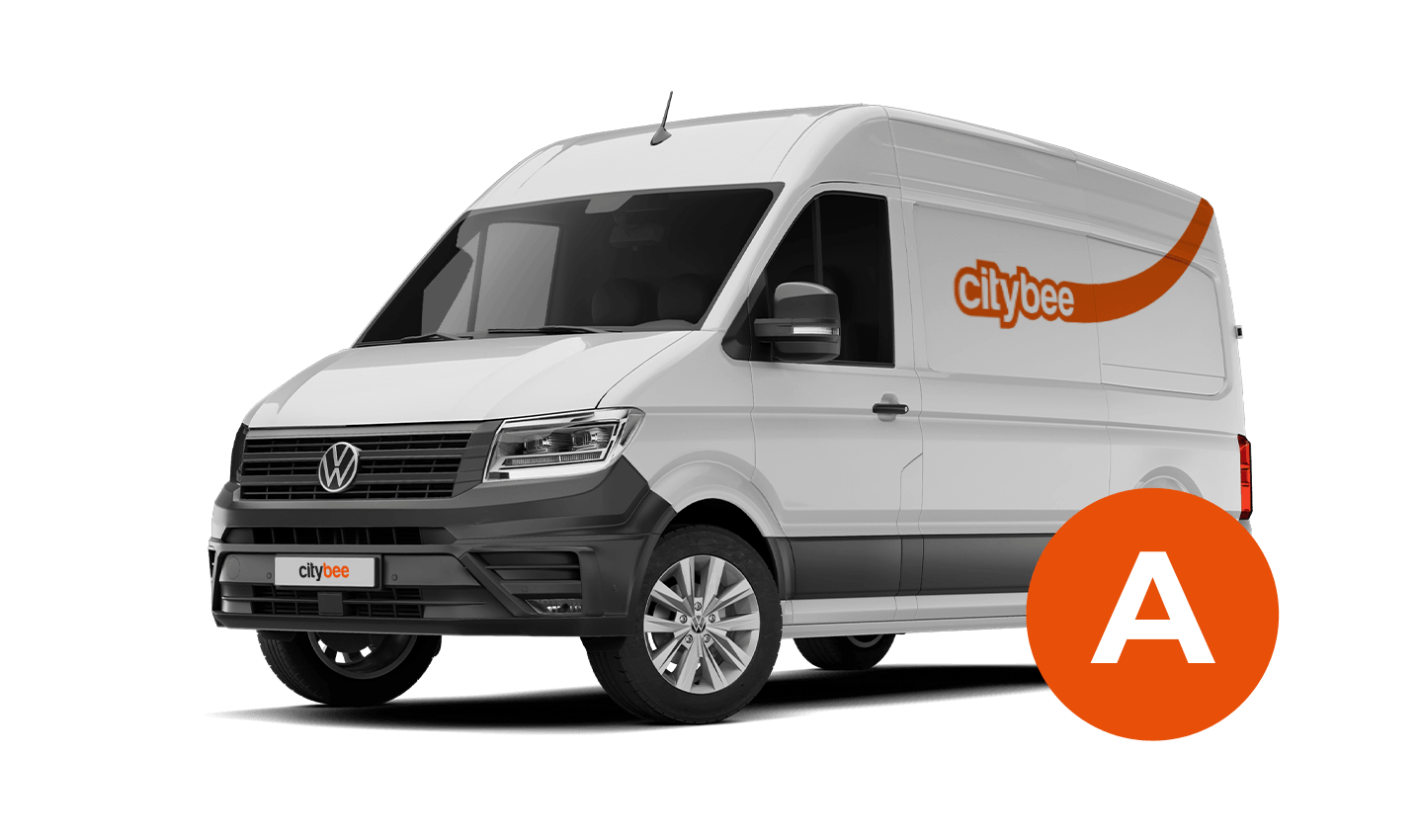
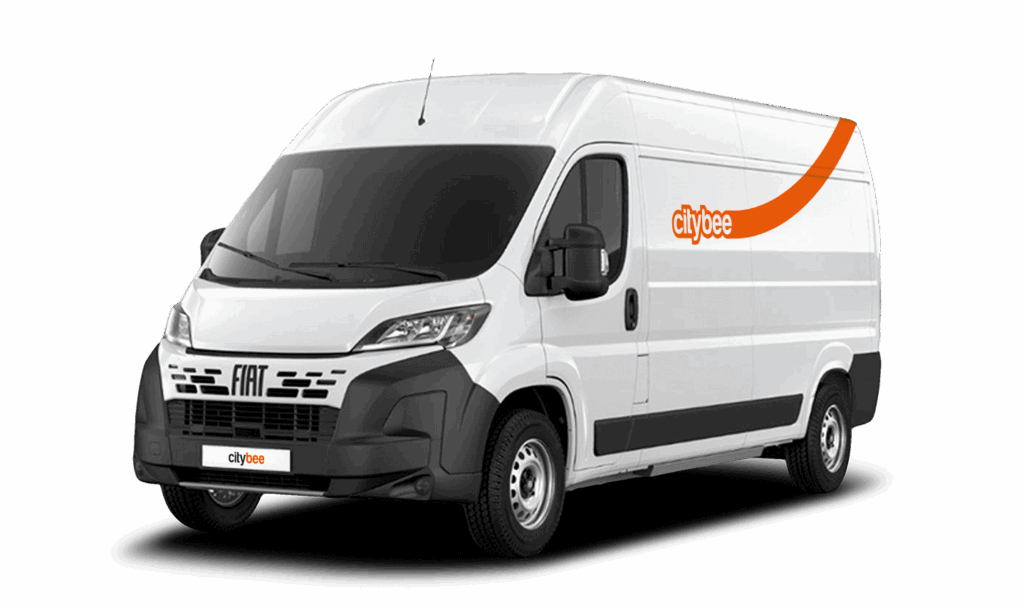
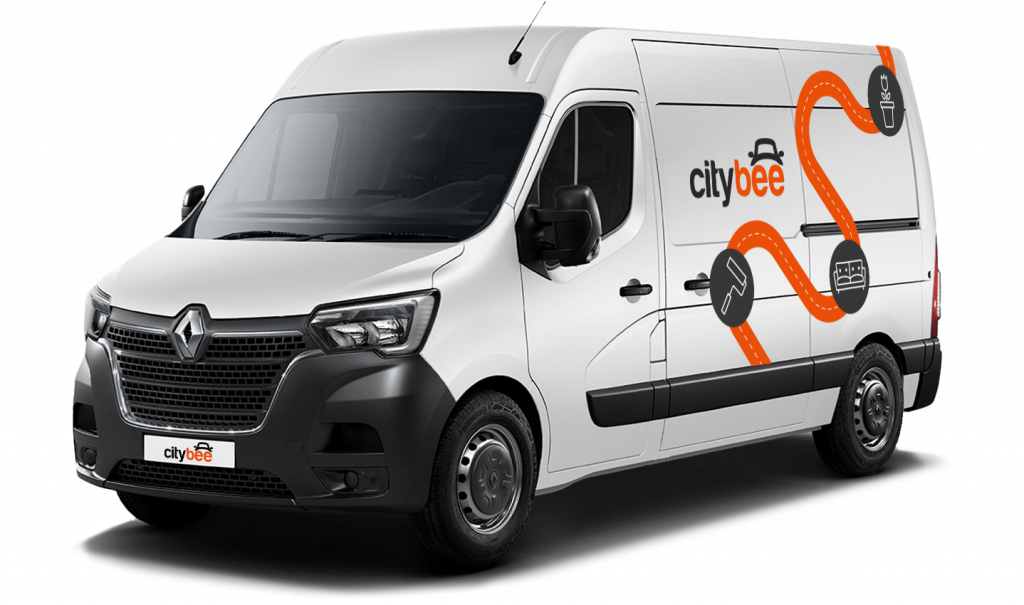
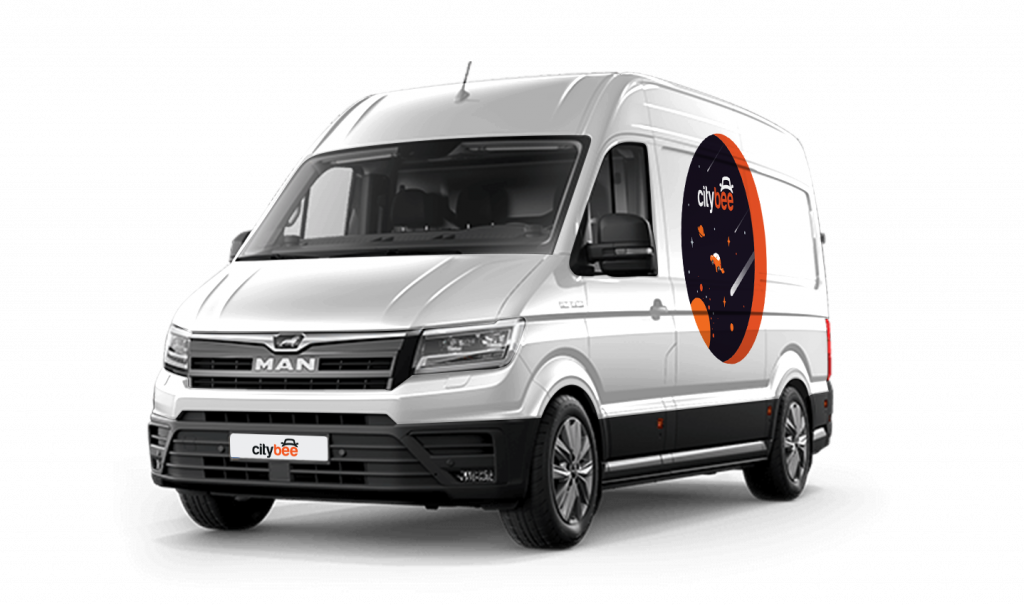
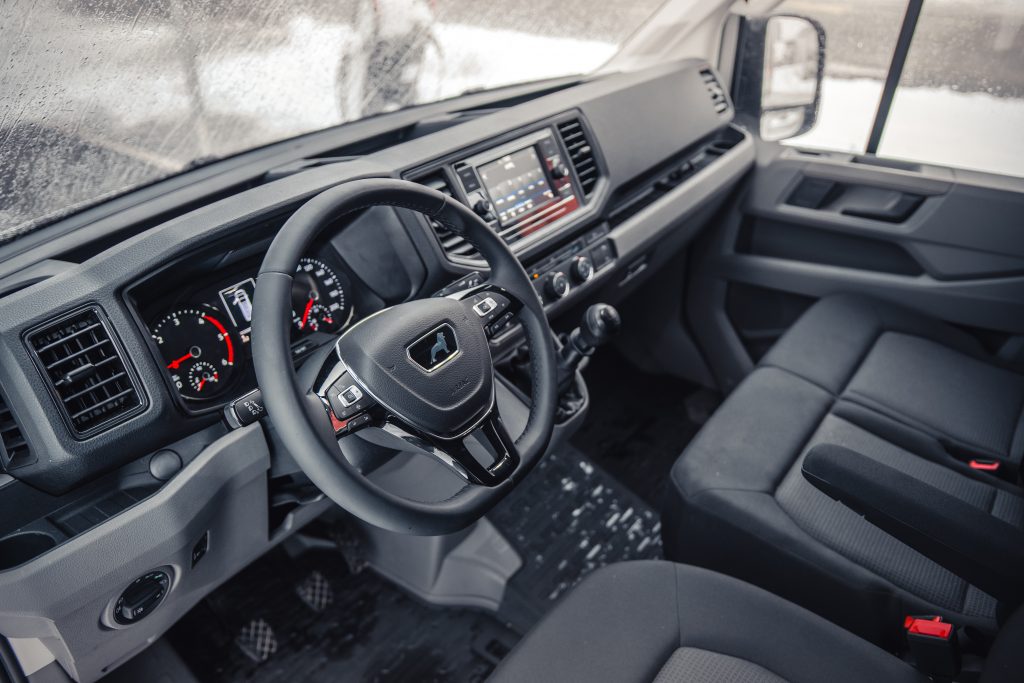
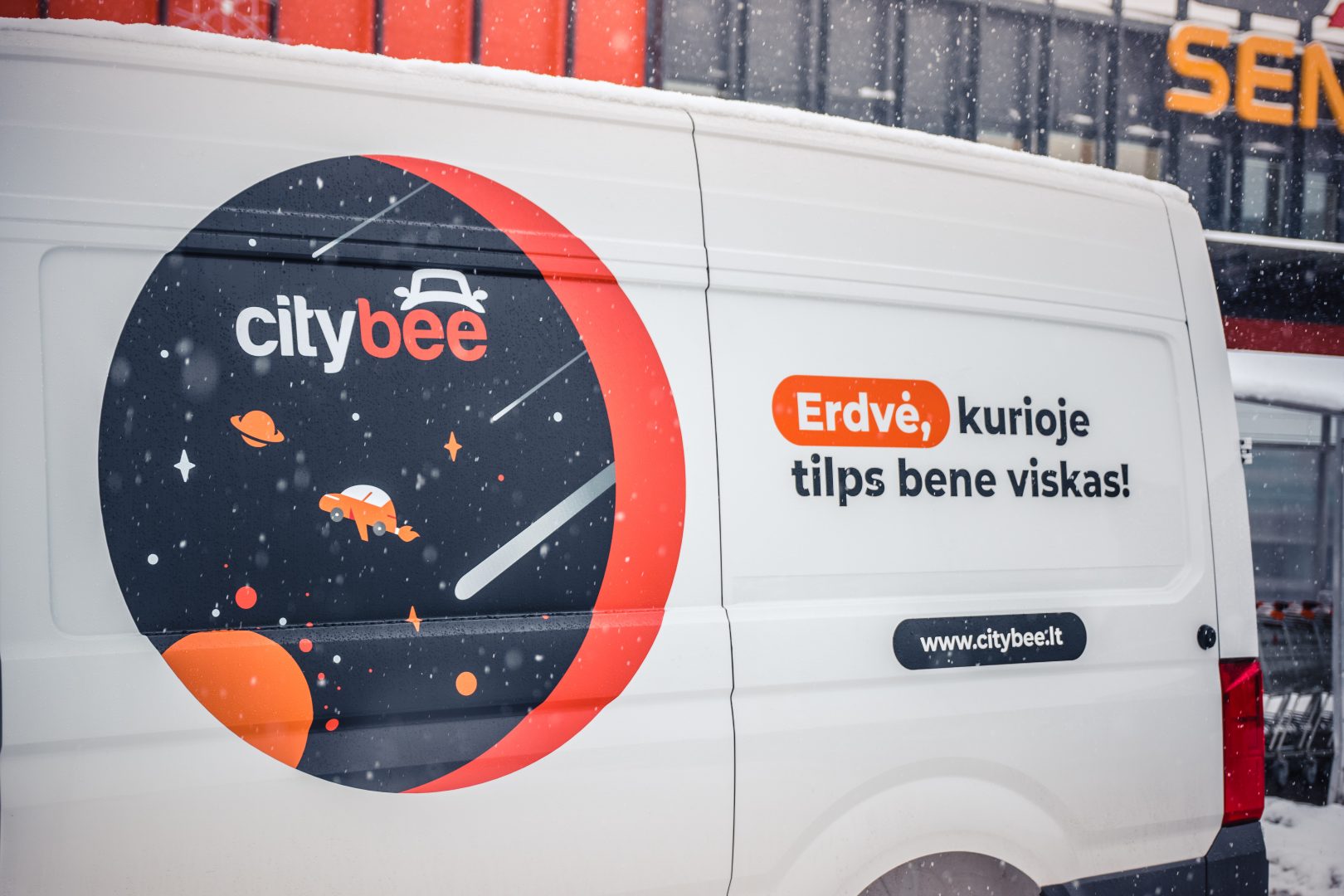
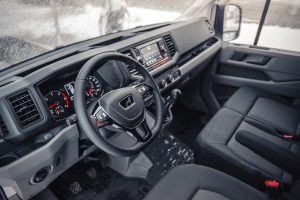
MAN TGE
The price of this journey would be
0€
Trip start fee of 0.49€ is included in the price calculation.
Car gallery
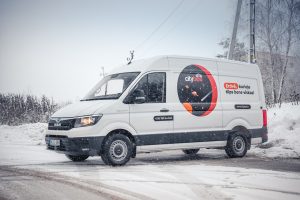

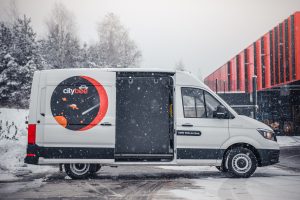

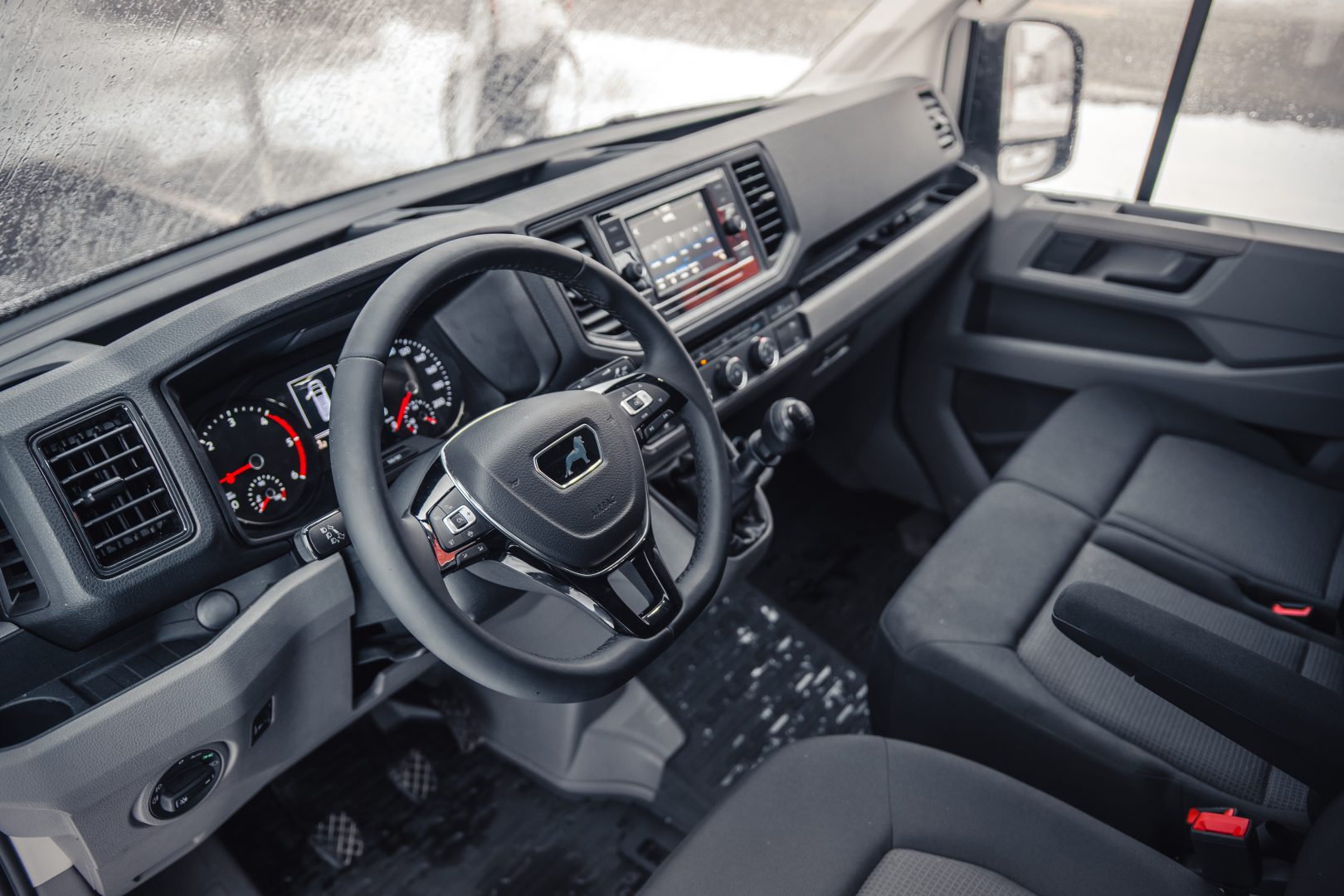


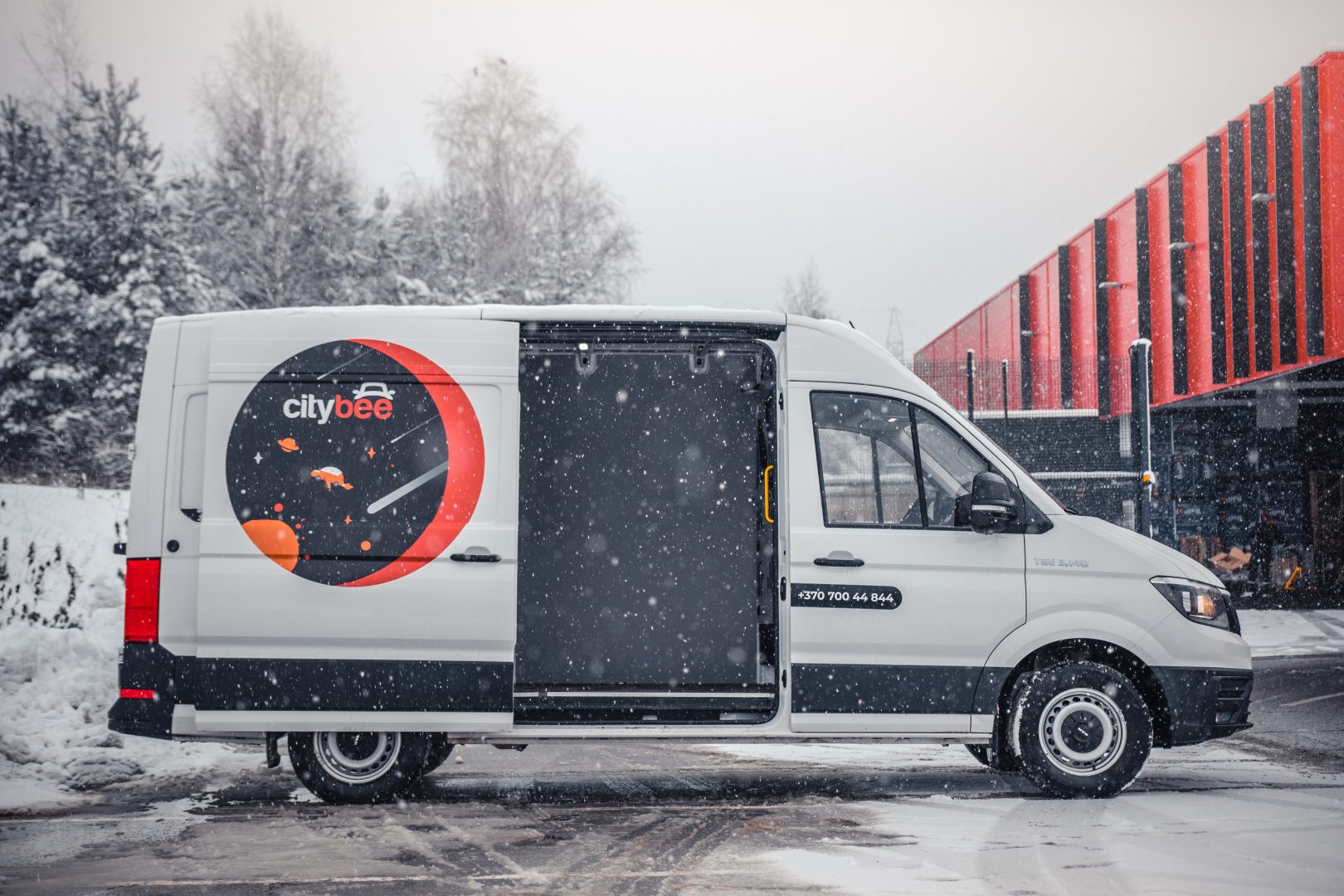
CityBee users do not need to purchase a Jūrmala entry pass.
If you use all the trips included in your CityBee subscription plan before it expires, you can purchase a new plan at any time.
To sign up, you need to download the CityBee app to your smart iOS or Android phone.
To register, enter the requested personal data and a valid telephone number to verify signing up.
The final step is to link a payment card to your CityBee account.
If you want to use a car-sharing service, you must confirm your driving license’s validity. You can do it just in a few minutes by following the instructions in the app!
CityBee wallet is a virtual payment method which can be used to pay for CityBee services. You can find your CityBee wallet in the app by clicking Menu -> Payments.
CityBee wallet cannot be topped up, but the balance will be used automatically.
You can submit your request for the exercise of your rights (as far as your Account is concerned) to us in the following ways:
submitting a request at e-mail info@citybee.lt; info@citybee.lv; info@citybee.ee, from email that is registered in your CityBee account that you want to delete;
submitting a request by e-mail at info@citybee.lt; info@citybee.lv; info@citybee.ee, signed with qualified e-signature (e.g. by use of Smart-ID or M-signature);
In the CityBee app, by selecting Menu -> My profile -> Delete my account.
If you want to change your phone number in the CityBee app, please follow these steps:
Menu > My profile > Phone number. Specify the new phone number and enter the verification code, which you will receive as an SMS to the new phone number.
If you want to change the phone number registered in the CityBee app, but cannot access your profile in the app, please send us a request by e-mail, using the e-mail address you specified in your CityBee profile, and indicate your new phone number. We will change it upon request.
If you are unable to access the email inbox associated with your account, kindly get in touch with our customer support team for further assistance.
Attention! To protect Your account and to prevent fraud, while changing the phone number, we will remove Your driver‘s license and all Your attached payment cards. Add Your driver‘s license and payment card and You will be able to use the services again.
Email for contacting (for Citybee Lithuania customers): info@citybee.lt;
Email for contacting (for Citybee Latvia customers): info@citybee.lv;
Email for contacting (for Citybee Estonia customers): info@citybee.ee.
If you want to use the car for a day, a week, or longer, you can choose from our prepaid package deals.
The price of the fixed prepaid package will be charged at the beginning of the trip and the price for the extra kilometers and/or time will be charged during or at the end of the journey, depending on the length of your trip.
You can find all of the prepaid packages in the CityBee app by clicking on the chosen car reserve button.
If you happen to exceed the kilometers and /or time included in the price of the package, you will be able to continue the journey safely.
After the prepaid package ends (mileage and time included are finished), you will be paying for additional minutes and/or kilometers as specified in the chosen package deal.
You can also continue your trip by purchasing one more additional prepaid package without completing the active reservation.
If you decide to end the trip before using the time and /or kilometers indicated on the prepaid package, this balance will not be refunded.
Use is no different from a short-term CityBee rent, and all the benefits offered (insurance, fuel, washing) remain as well.
Choose the car you want from the CityBee fleet, reserve it, and start your journey.
Parking in private paid lots is allowed, but you will need to cover the parking cost yourself.
For more details on parking zones, see our guide here.
Additionally, regardless of whether the area is shown in the app as a free parking zone (transparent) or a paid parking zone (yellow), customers must always comply with local traffic regulations, road signs, supplementary signs, and any other parking restrictions in force.
Before ending your reservation, always make sure that parking is permitted in the selected location.
The price of this journey would be
0€
Trip start fee of 0.49€ is included in the price calculation.