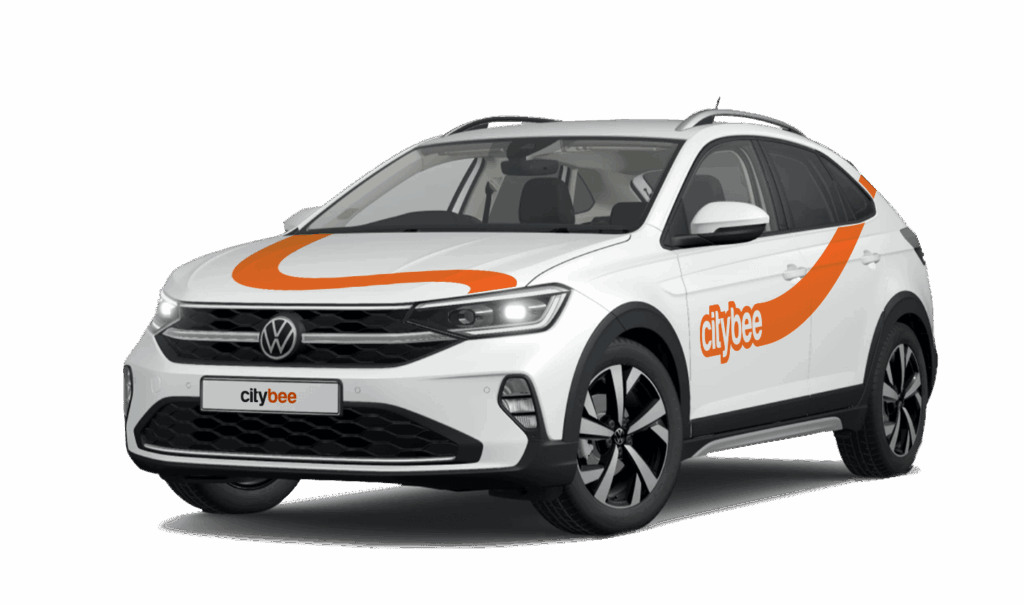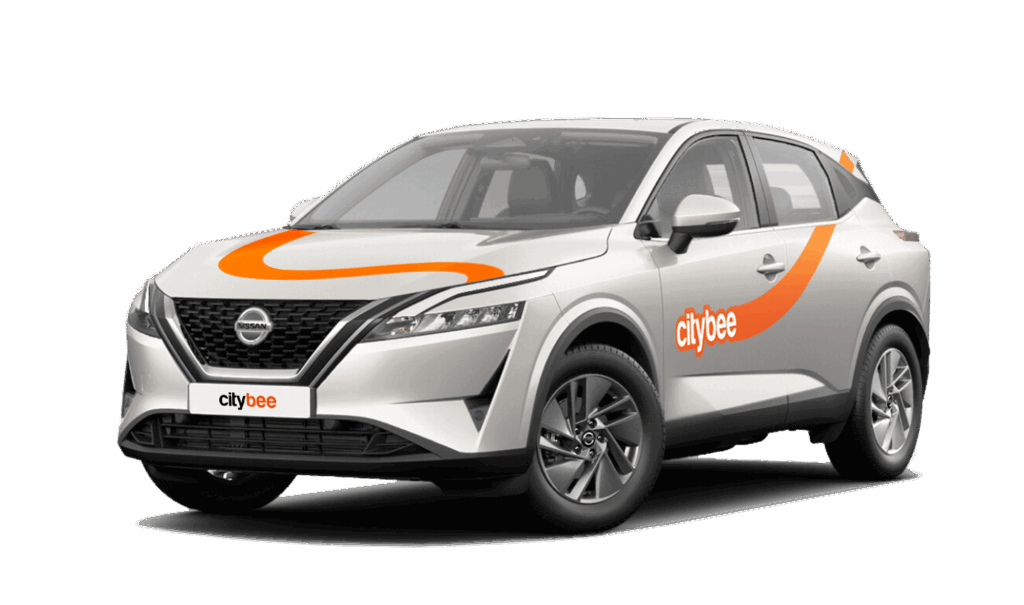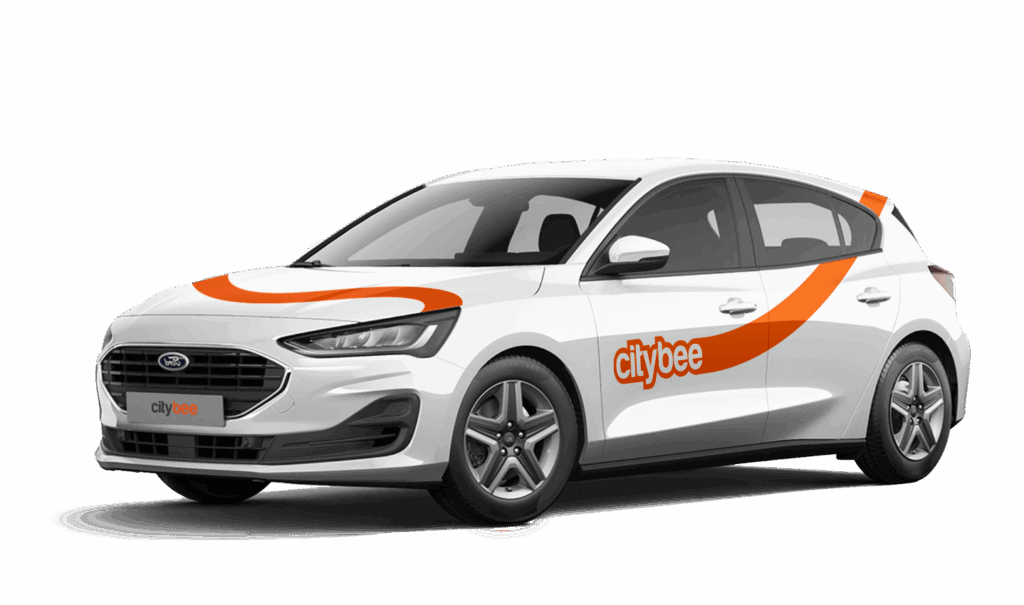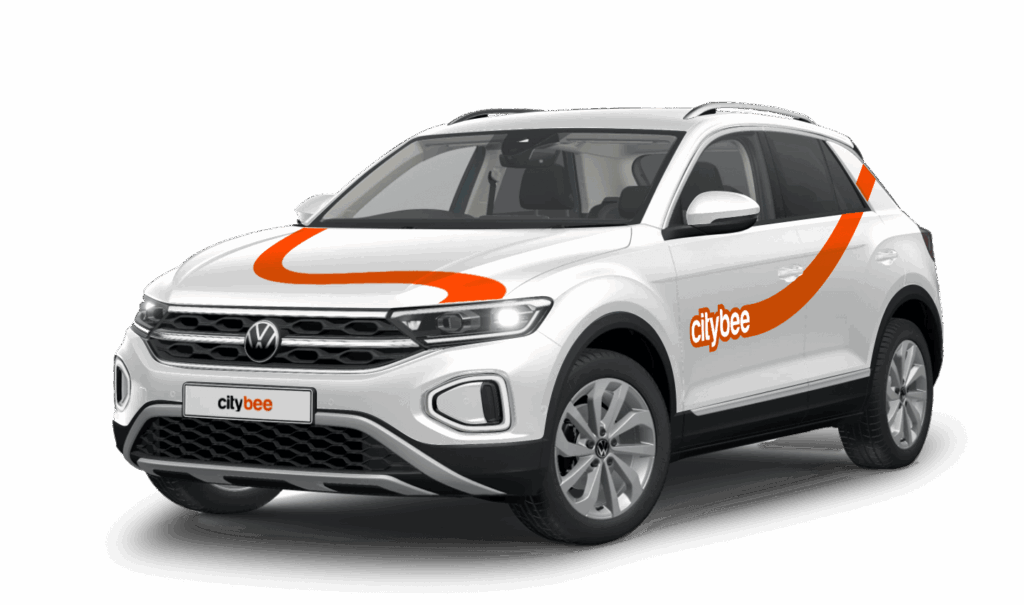
Price Calculator
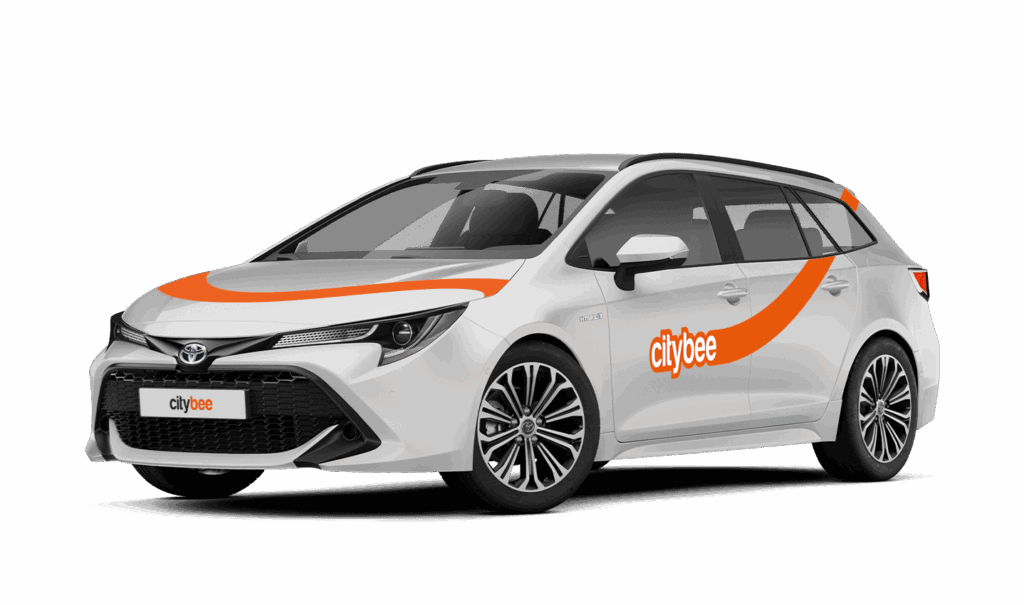
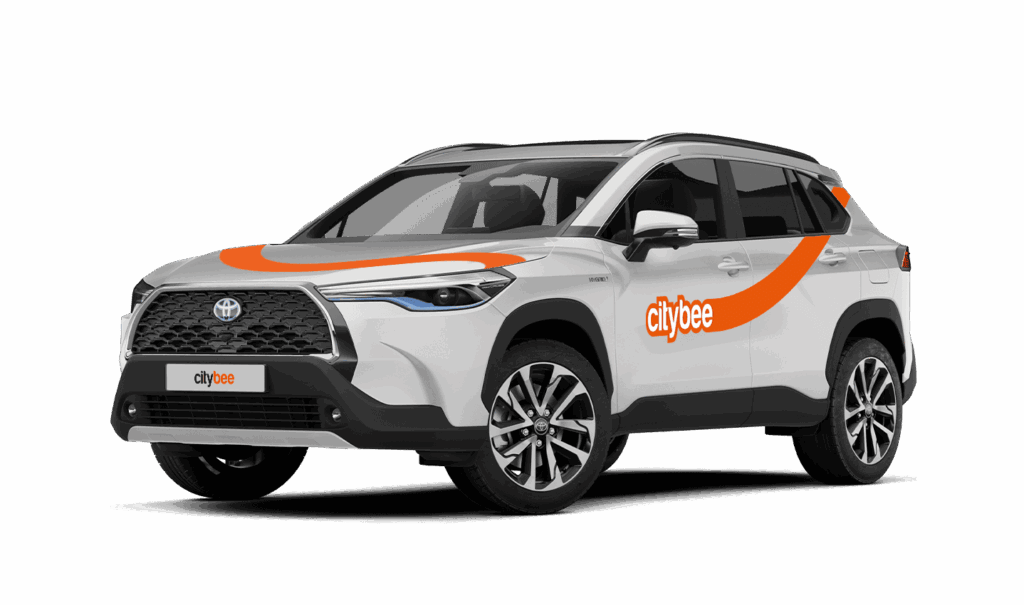
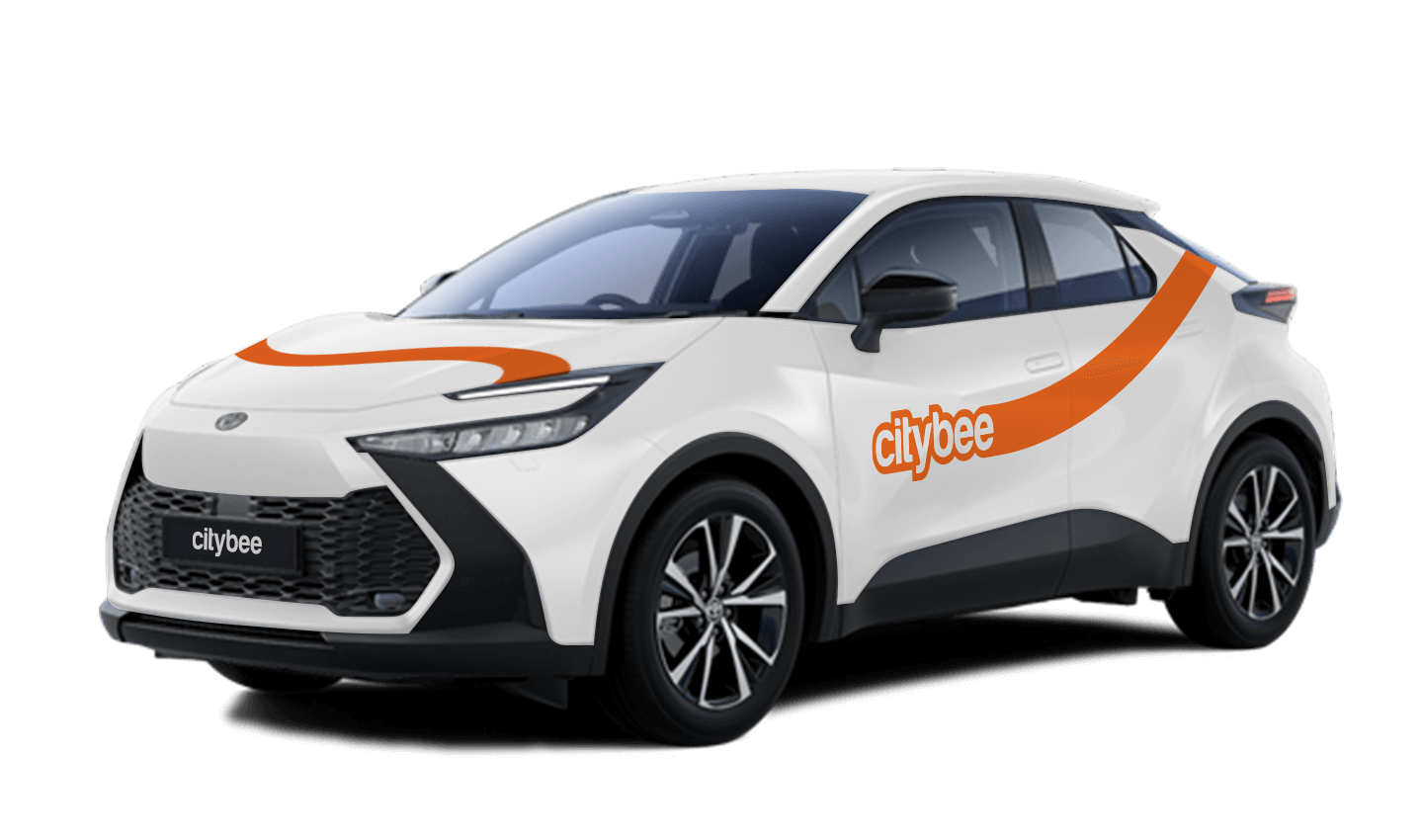
Toyota C-HR
The price of this journey would be
0€
Trip start fee of 0.49€ is included in the price calculation.
In that case, we recommend purchasing a pre-paid trip package. Before starting your trip, you can choose whether you want to use a subscription plan trip or buy a pre-paid package. You can select from available packages or create your own.
To subscribe to CityBee, open the CityBee app and go to the ‘Subscription’ section. Choose the plan that best suits you from the available options. The plan cost will be automatically charged to the payment card linked to your CityBee account. Once the payment is successful, you’ll receive a confirmation email. The purchased plan will be activated immediately and will be valid for 30 days.
Parking in private paid lots is allowed, but you will need to cover the parking cost yourself.
For more details on parking zones, see our guide here.
Additionally, regardless of whether the area is shown in the app as a free parking zone (transparent) or a paid parking zone (yellow), customers must always comply with local traffic regulations, road signs, supplementary signs, and any other parking restrictions in force.
Before ending your reservation, always make sure that parking is permitted in the selected location.
Once payment is made for a CityBee subscription plan, it cannot be canceled or paused. The payment for the plan is non-refundable. The CityBee subscription plan cannot be sold or transferred to another person.
All CityBee subscription plans are valid for 30 days from the date of purchase. If you do not use all the trips included in the plan within this period, the plan will not be automatically renewed, and no refunds will be given for unused trips.
Pets can only be carried in cars in special pet transport boxes. Also, please make sure of the cleanliness and leave the car the way you would like to find it.
CityBee zones shown on the app map indicate where you can start, pause, or end your trip. Always follow local traffic and parking rules, and avoid restricted areas such as ‘No Parking’, ‘Reserved’, or private spaces.
Please do not leave ‘CityBee’ cars in underground or multi-story car parks, private driveways, lawns, or areas with time-regulated parking.
Important: parking zones are different for passenger, van, and electric van vehicles.
Zone Types and How They Work
Transparent (light) areas are the main ‘CityBee’ zones. Here, you can freely end your trip or park temporarily free of charges as long as you follow parking rules and don’t use disabled, reserved, or private spots. If you park in a private paid lot such as Citypark, Unipark, Europark (unless stated otherwise), you are responsible for the parking fee.
Yellow zones may include an extra fee or a discount when starting or ending a trip, depending on the zone. Tap the yellow zone or (€) icon in the app to view details.
Grey (dark) zones are areas where trips cannot be ended. You can drive through them or park temporarily, but if you do, you’ll need to pay any parking fees yourself.
If you want to finish your trip, you must move to a transparent or yellow zone.
Private or Paid Parking Lots
Parking in private paid lots is allowed unless stated otherwise, but you will need to cover the parking cost yourself.
Country-Specific Parking Rules
Lithuania: You can park the car in public city parking free of charge if it’s a ‘CityBee’ permitted zone displayed in the app. Be aware of private parking exceptions and traffic rules described above. You can find parking zones in Vilnius, Kaunas, Klaipėda, Palanga, Kretinga, Gargždai.
Latvia: CityBee vehicles may be parked free of charge in public city parking spaces in Riga, Liepāja, Ventspils, Ādaži, and Jūrmala (an entry permit is not required; however, an additional fee will apply if the trip is ended in the yellow parking zone).
In Daugavpils, CityBee vehicles may be parked free of charge in two designated public parking zones – the Vienības Square parking zone and the Lāčplēša Street parking zone. As these parking zones may change, we recommend confirming the latest information with our Customer Support team before parking the vehicle.
If the car is parked in other paid parking areas (including private parking lots such as Citypark and Europark), the driver is responsible for paying the parking fee, except for certain exceptions. Parking zones operated by Rīgas Satiksme, except for the R zone, are free of charge for CityBee users.
Estonia: Parking is free in public city spaces (except Tallinn Old Town) and in selected Europark private car parks. If you park in a private paid lot, you must pay for parking yourself. In Tallinn Airport, CityBee vehicles can be parked in the A4 car-sharing parking lot. More information about the exact location can be found here.
Travelling Between Cities and Countries
❗ You’re welcome to take a CityBee car across the Baltics (Lithuania, Latvia, Estonia) and finish your trip in any CityBee zone you see in the app. Just keep in mind that a €69 cross-border fee applies when a trip starts in Latvia or Estonia and ends in Lithuania.
More information about the reason for this additional fee can be found here.
If you end the trip in Latvia or Estonia, no additional fees will be charged.
Van drivers should note that in some cases, road vignettes or passes may need to be purchased separately, depending on local regulations.
Before You End Your Trip
1. Open the ‘CityBee’ app, click ‘Reservation’ and check your current zone.
2. Ensure you are in a transparent or yellow zone.
3. Review any applicable fee or discount in the app.
4. Confirm you are parked correctly according to traffic and parking rules.
5. Avoid grey zones, restricted areas, or private driveways.
There are no registration or account creation fees. You only pay for the time you use the vehicle and the kilometers driven. Detailed pricing information is available on the “Pricing” page, while any additional fees and penalties are listed below in this Pricelist.
We strongly encourage you to use CityBee vehicles responsibly and return them in good condition. However, additional fees may apply if you fail to comply with the Terms and Conditions of the agreement or the rules for using the services.
Prices are available on the web pages:
LT – https://citybee.lt/en/pricing/;
LV – https://citybee.lv/en/pricing/;
EE – https://citybee.ee/en/pricing/.
The Terms discuss fines and conditions, principles and procedure of imposing them, whereas specific types of fines and their specific amounts are indicated in the Pricelist, which can be periodically updated. In any case, the User must get familiar with the Pricelist in the App, applicable to each reservation and currently valid before they confirm each reservation.
Please be aware that driving Cargo vehicles on motor highways requires payment. Drivers must either pay a user toll or present a document confirming toll payment, such as a vignette, in paper or electronic form. For more information about vignettes in Lithuania, and Estonia, please visit: Road taxes.
When driving within the borders of Latvia, vignettes are included in the price and drivers do not have to purchase them. If the trip is planned outside Latvia and the state border will be crossed, the driver must purchase a vignette.
Minimum trip price is the minimum amount payable for the services, which is deducted from the Payment account after unlocking the car or extending the reservation (if the minimum amount is exceeded, the remaining amount due is debited no later than at the end of the trip, and if the minimum amount is not reached – the difference is not returned). The minimum trip price (its size) for each car is indicated in the App.
Additional fees
Please note that these additional fees may vary by market. You can find the specific additional fees applicable in Lithuania, Latvia, and Estonia by clicking on the relevant country name. Fees to which this applies are marked with an asterisk (*).
The BeeChill Fee is a small financial protection fee applied to all ‘Flexible’ trips, and it’s already included in the price of trip packages – you can easily see the fee in the app before you start your trip.
Fee for leaving the vehicle in the Republic of Lithuania (in a zone permitted by CityBee) – 69 EUR
Parking Zone fee – a fee the amount of which is provided for on the App is charged for returning or collecting the Vehicle from the Parking Zone territories marked and shown on the App.
Administrative fee in case of a violation of the Road Traffic Regulations and related events – 10 EUR*
Long-term rent reservation cancellation fee – 35 EUR
Long-term rent car refuelling administration fee – 12 EUR
In cases provided for in the Terms, you will also have to cover costs incurred by us in connection with damage caused by you or administration of your debt.
Fines and damages
If you or other persons, for whom you make it possible to use our vehicles, do not follow the Terms, the following fines may be imposed on you, which are deemed our liquidated damages:
For allowing other persons to use the Account and (or) to drive, control or otherwise use the vehicle – 700 EUR
For leaving a vehicle (i.e., ending the trip) not in CityBee zones marked in the App (the fine is also applied in cases where the trip is terminated on our initiative after applying for temporary protection measures): – 300 EUR*
For loss of the vehicle starting keys – 120 EUR* You must also compensate for all costs of purchasing and programming the keys.
For smoking inside the vehicle – 70 EUR*
For fuel misappropriation or misuse of the fuel card – 500 EUR (in case of fuel misappropriation you will pay a fine, plus will compensate for the value of the misappropriated fuel)
For dangerous, reckless or careless driving – 500 EUR*
For driving under the influence of alcohol (above 0.00 per mile), narcotic substances and other substances affecting mental state (or when you consumed alcohol or used other intoxicating substances after the traffic accident before its circumstances were established, or avoided undergoing a blood alcohol or intoxication test (blood alcohol content or intoxication is understood as defined in legal acts). You must pay us the fine of the indicated amount for driving under the influence of alcohol (above 0.00 per mile), narcotic substances and other substances affecting mental state also in those cases when you transferred the Vehicle or otherwise made it possible for another person to drive it when he was under the influence of alcohol (above 0.00 per mile), narcotic substances and other substances affecting mental state, or when such a person avoided undergoing a blood alcohol or intoxication test – 2000 EUR
For leaving a vehicle (i.e., ending the trip) in such a condition where it cannot be used for further trips (e.g., the vehicle is left in a private lot or a paid parking lot, from which it is not possible to leave without paying for parking.) – 70 EUR*
For leaving the vehicle (i.e., ending the trip) without leaving the key in the vehicle, if within 2 hours from informing you about the collection of the key, the key is not returned – 70 EUR*
For soiling of the vehicle, which requires additionally cleaning (including dry cleaning) – 100 EUR
For failure to comply with our order not to exceed the permitted speed limit when you, after receiving a notification from us, continue to exceed the speed limit – 150 EUR
Fee for leaving a car in an unauthorized place (when the car is towed to a storage area) – 200 EUR*
However, if the vehicle is damaged during a traffic accident caused by you (or another person for whom you made it possible to use our vehicle) in a non-sober state, participating in sports competitions, or otherwise violating the Terms, you will have to compensate us for damages in full. See the Terms.
About other cases of damages, see the Terms.
The price of this journey would be
0€
Trip start fee of 0.49€ is included in the price calculation.