Price Calculator
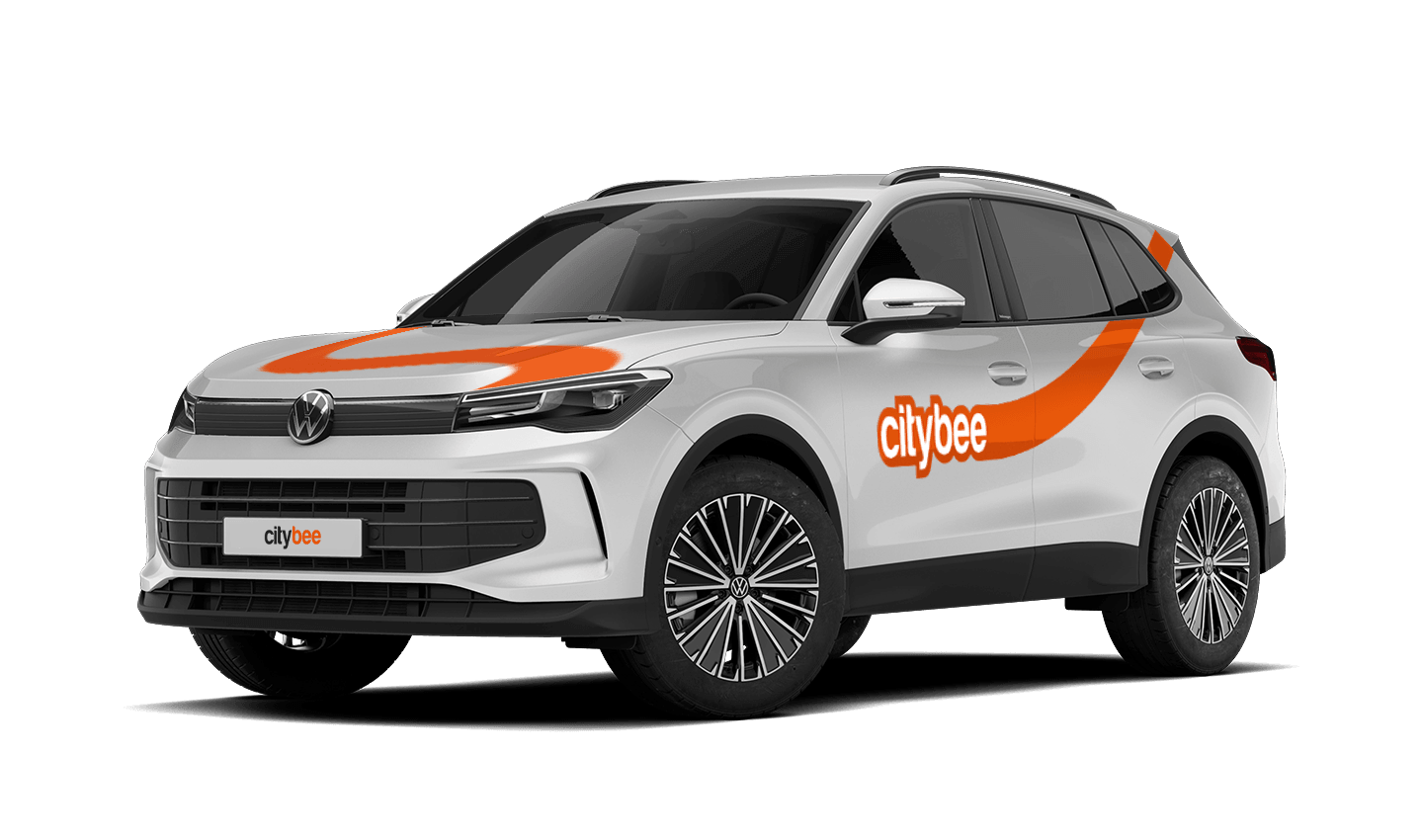
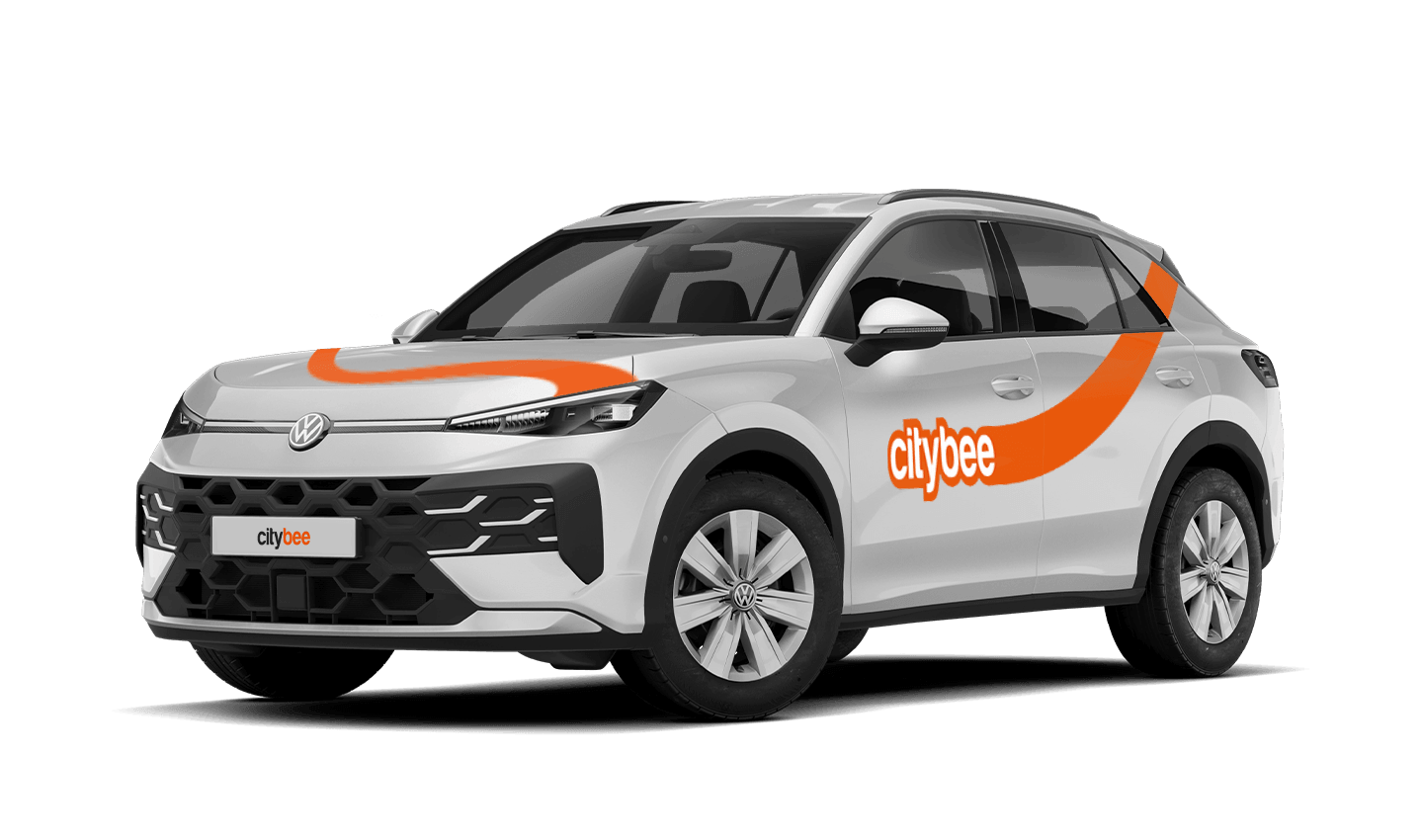
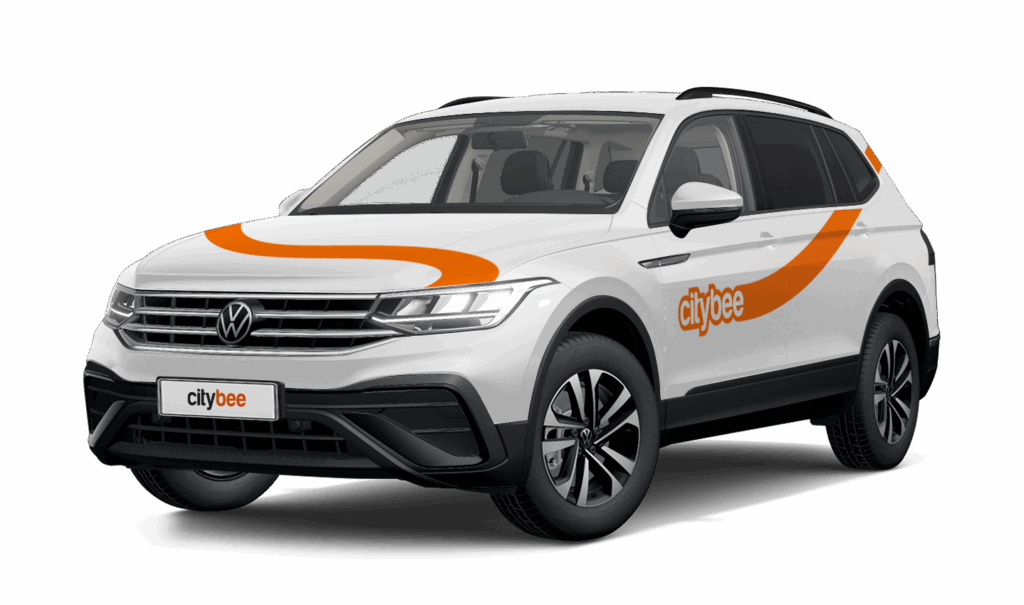
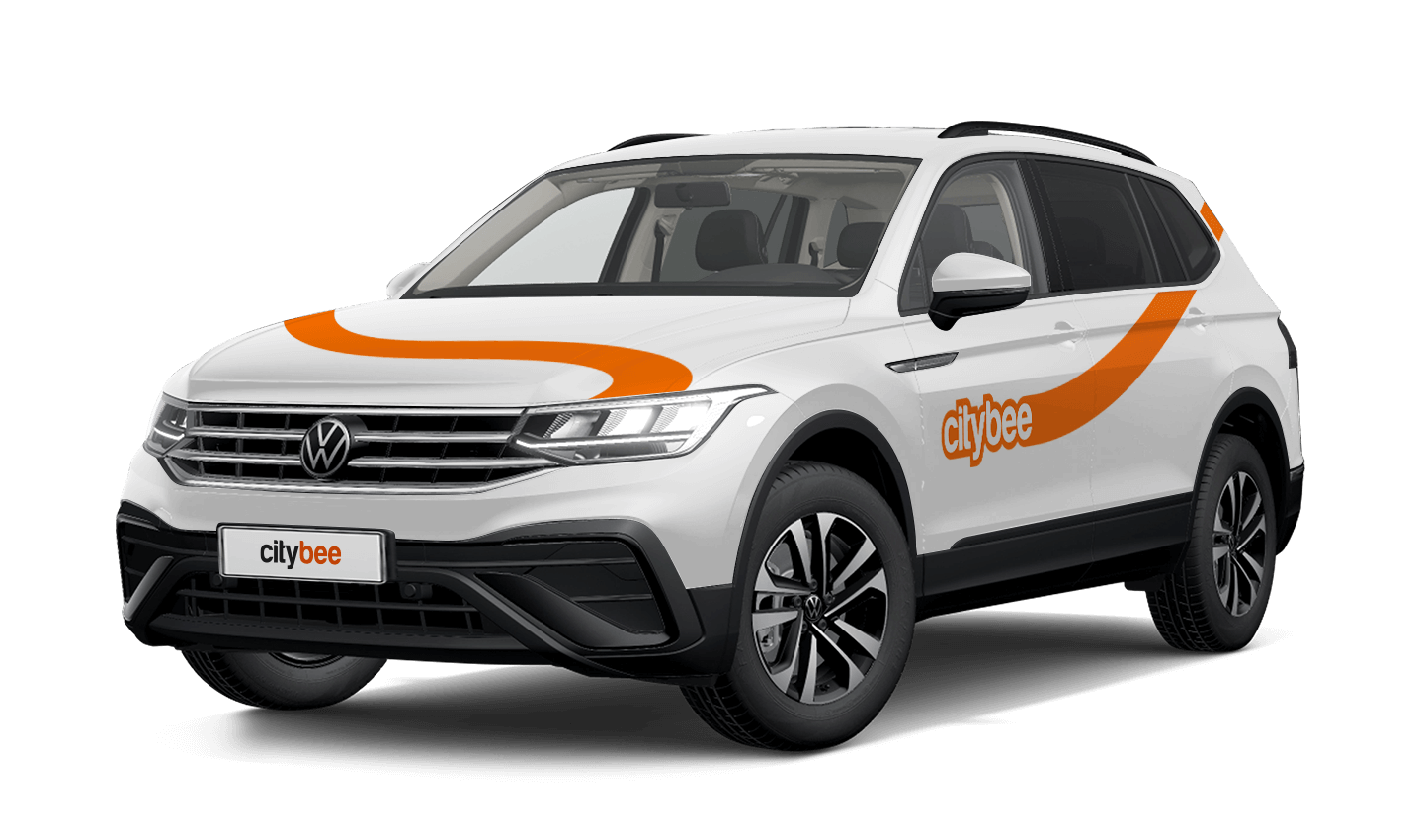
Volkswagen Tiguan
The price of this journey would be
0€
Trip start fee of 0.49€ is included in the price calculation.
CityBee users do not need to purchase a Jūrmala entry pass.
Please note that we do not process refunds older than 3 months. e.g. If you have filled up at a non Circle-K petrol station, the fuel receipt cannot be older than 3 months when you apply for a refund.
VW Crafter, VW e- Crafter and MAN TGE
Cargo area measurements:
Length – 3201 mm.;
Height – 1961 mm.;
Width – 1832 mm.;
Width between wheelhouse – 1380 mm..

VW Crafter load capacity is up to 1411kg.
VW e- Crafter load capacity is up to 950kg.
Renault Master
Cargo area measurements:
Height – 1894 mm.;
Width – 1765 mm.;
Length – 3733 mm.;
Width between wheelhouse – 1380 mm..
Car measurements:
Height – 2488 mm.;
Width – 2470 mm.;
Length – 6225 mm.
Load capacity is up to 1434kg.
Ford Transit
Cargo area measurements:
Height – 1886 mm.;
Width – 1784 mm.;
Length – 3494 mm;
Width between wheelhouse – 1392mm.
Car measurements:
Height – 2547 mm.;
Width – 2059 mm.;
Length – 5981 mm.
Load capacity is up to 1220kg.
Fiat Ducato
Cargo area measurements:
Height – 1932 mm
Width – 1870 mm
Length – 3705 mm
Wheelbase – 1422 mm
Car measurements:
Height – 2522 mm
Width – 2050 mm
Length – 5998 mm
Load capacity is up to 1326 kg
All CityBee cars are covered by compulsory Civil Liability Insurance, so you do not need to worry about the insurance. The car is equipped with an insurer-compliant, satellite-linked security system that will protect CityBee from possible theft.
To learn more about your financial responsibility in case of an accident, check out our article: “What is my financial liability in the event of a car accident?”
Link to the law governing the CMTPLI in Lithuania;
Link to the law governing the CMTPLI in Latvia;
Link to the law governing the CMTPLI in Estonia.
At least one payment card must be linked to a CityBee account. You can link more than one payment card and choose from which card you will be billed for services before each trip. It is important that the card type is VISA or MasterCard and that the secure internet shopping function is activated.
How do I activate the secure internet shopping function?
1. SEB: Log in to your internet bank and look for “Accounts and Cards” -> “Card List” in the menu bar at the top. You’ll see all of your cards that can be registered with the secure internet shopping programme. Next to the desired card in the options below, click on “Online Billing” and click “Enable”.
2. Swedbank: Log in to your internet bank and look for “Cards” -> “Secure internet shopping” in the menu bar on the left. You’ll see all of your cards that can be registered with the secure internet shopping programme. Select the desired card next to the note “Online Billing” and click “Enable”.
3. Šiaulių Bankas: Log in to your Internet bank and in the menu on the left, select “Cards” -> “Secure payment” -> select the payment card for which you want to activate the secure internet shopping and click “Register” -> enter the requested data and confirm it by pressing the “Enter and Sign” button -> soon the status of the card will change to “Registered”.
4. Luminor bank: Log in to your Internet bank and in the menu, select the item “Payment cards” -> select the payment card for which you want to activate the secure internet shopping and in the opened window click “Secure shopping service settings” -> select the “Order service” button -> enter the requested data, which the bank will show you later during the purchase -> click “Order service”.
5. Danske bank: No additional activation of the secure internet shopping is required.
6. Citadele bank: No additional activation of the secure internet shopping is required.
BeeChill fee can cover accidental interior damage, as long as the damage wasn’t intentional, and you inform us about the incident right away. We understand that accidents happen, and we’re here to help.
However, the BeeChill fee does not cover the damages caused by things like smoking, excessive trash, or spills that require dry cleaning. For these situations, a cleaning fee will apply. For more details, please check our Pricelist.
You will receive an email notification after each trip made with your CityBee subscription plan, informing you of the plan’s expiration date. You can also check the expiration date in the CityBee app under the ‘Subscription’ section.
When using CityBee ”Flexible” or ”Prepaid package” tariff, you don’t have to pay for fuel yourself – you only pay for the time and kilometers you drive.
Important update about fuel cards!
Starting November 9, 2026, fuel cards will be gradually removed from CityBee vehicles. From January 1, 2027, they will no longer be available in any vehicle. Going forward, you will need to use the CityBee app to refuel.
Refuelling is easy!
Go to any of our partner Circle K gas stations. Open the CityBee app and start the refueling. Follow the simple instructions, fill up, and hit the road!
If the fuel level is below 1/4 of the tank and you fill it up completely, you’ll receive a €2 discount.
Step by Step refueling guide
Check the Reservation map in the app to see nearby fuel stations. Tap a station for details and directions, then drive there.
When you arrive, tap the notification or open the CityBee app, go to Reservation, and select Refuel.
The app shows available pumps. Pick your pump, activate it, and wait for confirmation.
When it says, “Ready to fuel,” pick up the nozzle and start fueling. Return the nozzle when finished. The app will update the fueling status automatically.
If you decide not to refuel, you can cancel in two ways:
Manual cancel: Pick up the nozzle and immediately return it – the refueling is canceled.
Automatic cancel: If the nozzle is never picked up, the app will automatically cancel the refueling after 2 minutes of inactivity.
If you are unable to start refueling through the CityBee app, please contact our Customer Support team using the phone number available in the app during your trip or in the Contacts section of our website. Please make sure to use the number for the country where your trip started (Latvia, Lithuania, or Estonia). You can also reach us via in-app chat or email.
The price of this journey would be
0€
Trip start fee of 0.49€ is included in the price calculation.