Price Calculator
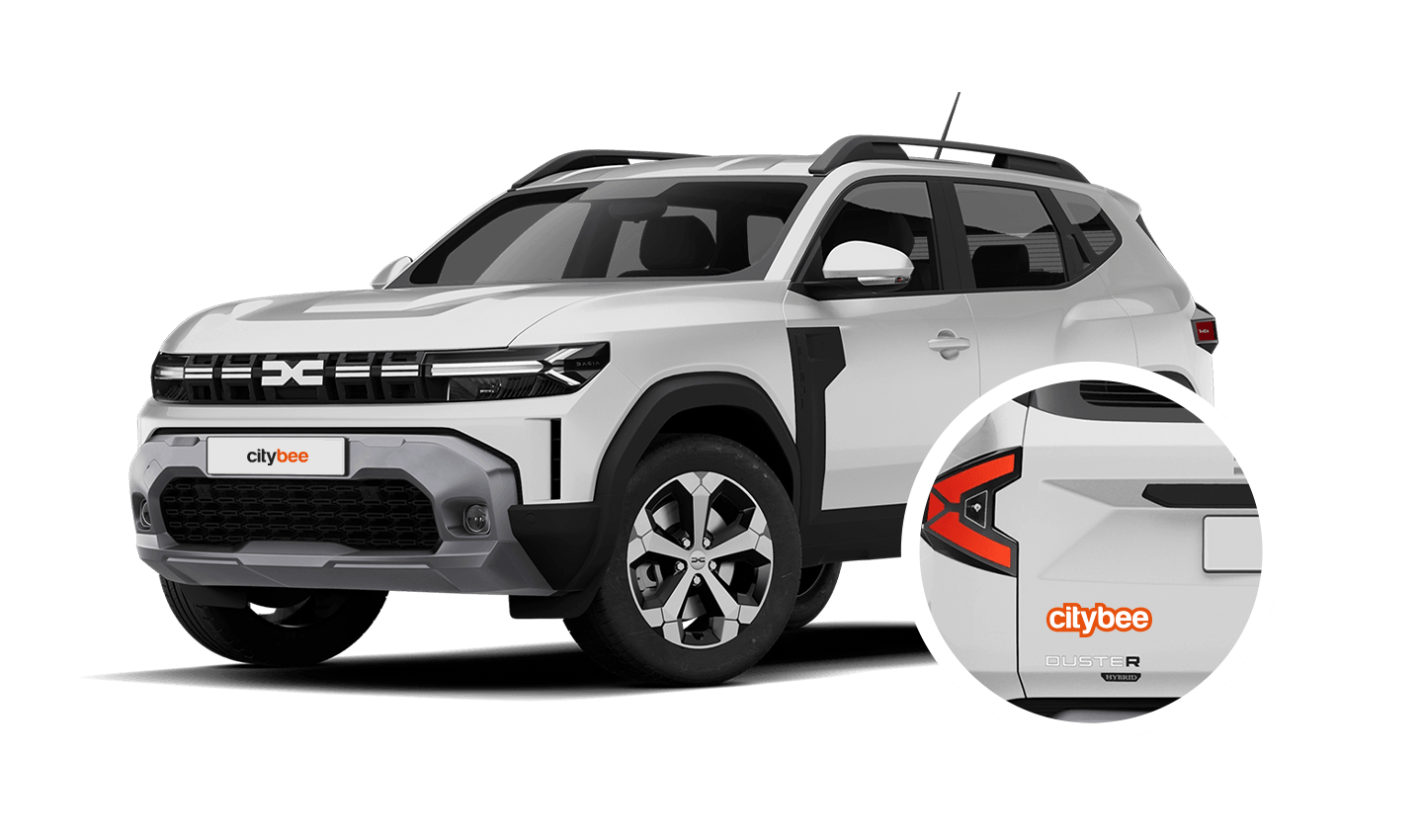
Dacia Duster
The price of this journey would be
0€
Trip start fee of 0.49€ is included in the price calculation.
Park the car in ‘CityBee’ zone when you’re finished. All zones are shown on the app map. For more details on parking zones, see our guide here.
Before you hop out, do a quick check:
– Grabbed all your stuff
– Car documents and accessories still in the car
– Key back where you found it (or somewhere the next person will easily spot it)
– Windows and sunroof closed
Then just open your active trip in the app, hit ‘End trip’, and confirm. Make sure the doors actually lock. You’ll get a confirmation.
Left something behind?
No worries. You can unlock the car once for free to grab your things. Find out more about retrieving lost items here.
At CityBee, we prioritize safety, both for our drivers and everyone on the road. If you happen to exceed the speed limit, we’ll call you or send you a notification to remind you to slow down.
However, if after receiving this notification you continue to exceed the speed limit, a fine specified in our Pricelist will be applied. This fine serves as a reminder to follow the rules of the road and keep your driving safe.
By respecting speed limits, you’re not only avoiding fines but also contributing to a safer experience for everyone. Let’s keep it safe and smooth on the roads!
The radar function in the CityBee app helps the user to be the first to know if any of the CityBee cars are nearby his location at a specific time chosen by the user.
The radar function icon can be found in the ‘Search’ section of the app, to the left of the ‘Filter’ icon. When you click on the icon and activate the radar, it will turn blue.
The minimum radar distance is 150 meters, the maximum – 1250 meters.
When activating the radar, you can choose between two options:
Notification without automatic reservation – when a CityBee car appears at the specified time and distance, the app will send a message to the user to inform them about it.
Automatic reservation – when a CityBee car appears at the specified time and distance, an automatic car reservation will be made by choosing the ‘Flexible’ pricing. The tariff can be changed after car reservation. Car reservation remains free until the end of the free reservation period (15 min).
Additional information:
The radar function will be activated at the specified time and will remain active until you reserve your car. If the car is not available within 2 hours, the radar will switch off. The radar function detects only cars that are incoming in the current location of the user and chosen distance when the radar function is activated.
Left something behind? You’ve got 24 hours to grab it for free.
Just reserve and unlock the same car like you normally would. You’ll have 5 free minutes to collect your stuff. Important: don’t turn on the ignition unless you’re planning to drive. If you stay longer than 5 minutes, you’ll automatically start a paid reservation.
After 24 hours, you can still find the car on our live map. If you don’t see your vehicle on the map, it may be in use by another customer at the moment. You can find available vehicles here:
Lithuania: https://map.citybee.lt/#/main-map
Estonia: https://map.citybee.ee/#/main-map
Latvia: https://map.citybee.lv/#/main-map
Need a hand? Reach out at info@citybee.lt, info@citybee.lv, info@citybee.ee, or through the in-app chat.
Once payment is made for a CityBee subscription plan, it cannot be canceled or paused. The payment for the plan is non-refundable. The CityBee subscription plan cannot be sold or transferred to another person.
In the event of a traffic accident, follow the valid road traffic regulations of the country where the accident happened. If the accident is not complicated, there are no more than two cars involved and there are no casualties, a sketch of the accident is drawn and an accident statement is filled out, which You will find in the storage compartment. If parties disagree about the fault of the participants in the event, the police are called.
Each accident statement should include the causer of the accident and the victim. In the sketch, it is necessary to specify how many vehicles and which of those vehicles encountered in the accident.
ATTENTION!
When filling out the accident statement, keep in mind that both participants need to specify their contacts, each take a copy of the declaration and sign it (the victim signs only in box 15). Do not forget to fill out the circumstances field (12), it is mandatory.
An example of the filled out accident statement:
In Lithuania https://help.citybee.tech/lt/articles/5615179-kaip-pildyti-eismo-ivykio-deklaracija;
In Latvia https://help.citybee.tech/lv/articles/5615179-ka-aizpildit-saskanoto-pazinojumu;
In Estonia https://help.citybee.tech/et/articles/5615179-kuidas-taita-liiklusonnetuse-teadet.
You can also fill out the accident statement online:
In Lithuania https://draudimoivykiai.lt/;
In Latvia https://www.ltab.lv/spapp/;
In Estonia https://avarii.lkf.ee/et/.
We process your personal data in accordance with the General Data Protection Regulation (BDAR) and other legal requirements.
In order to provide you with services and administer them, we process your name, contact details, other data required for the use and provision of the services. The CityBee Privacy Policy provides detailed information on the purpose of processing your personal data and the duration of storage thereof.
You can refuel your CityBee at any Circle K station. Just open the app, check the map for the nearest station, and tap it for directions. When you get there, open the app, hit Refuel, and follow the simple steps. Want more info? See the full guide here.
The price of this journey would be
0€
Trip start fee of 0.49€ is included in the price calculation.