Price Calculator
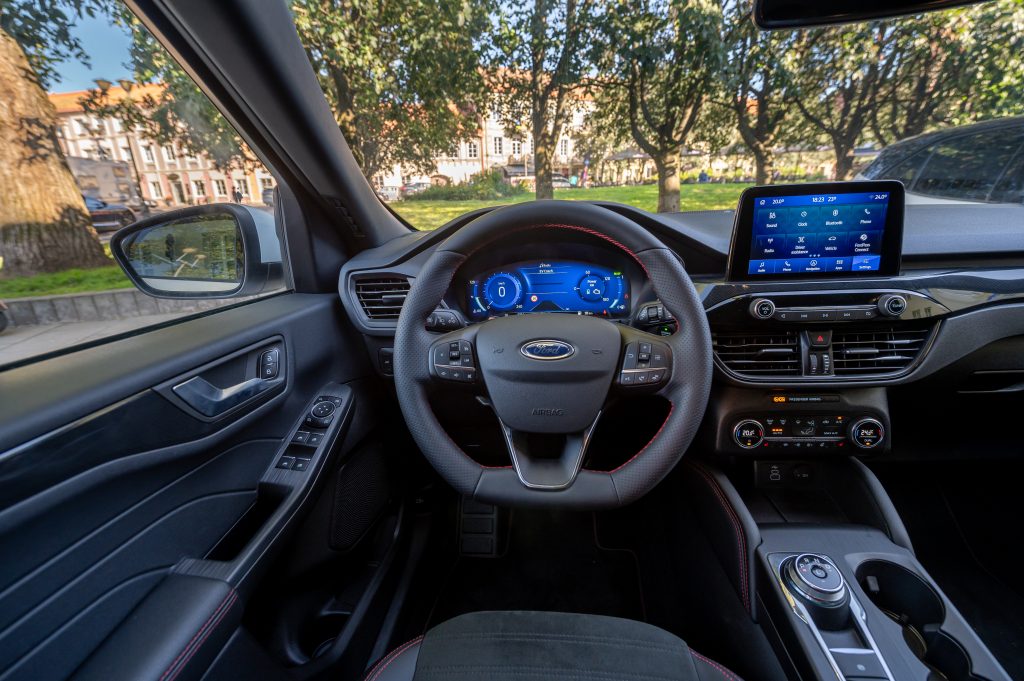
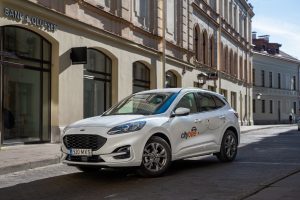
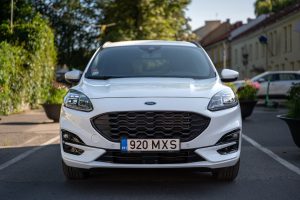
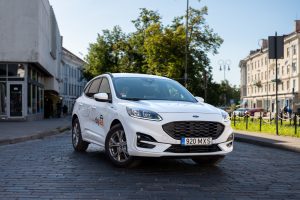
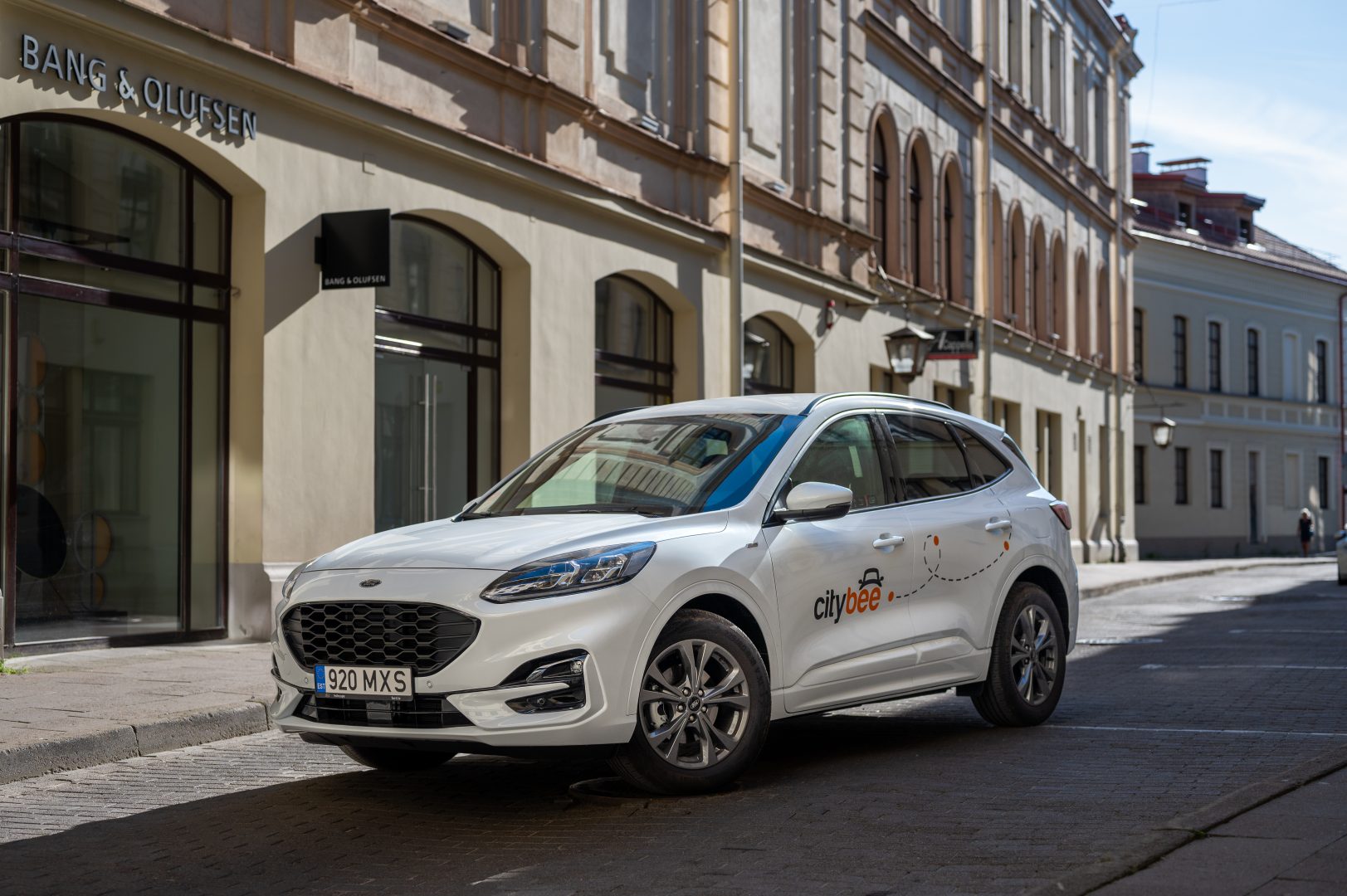
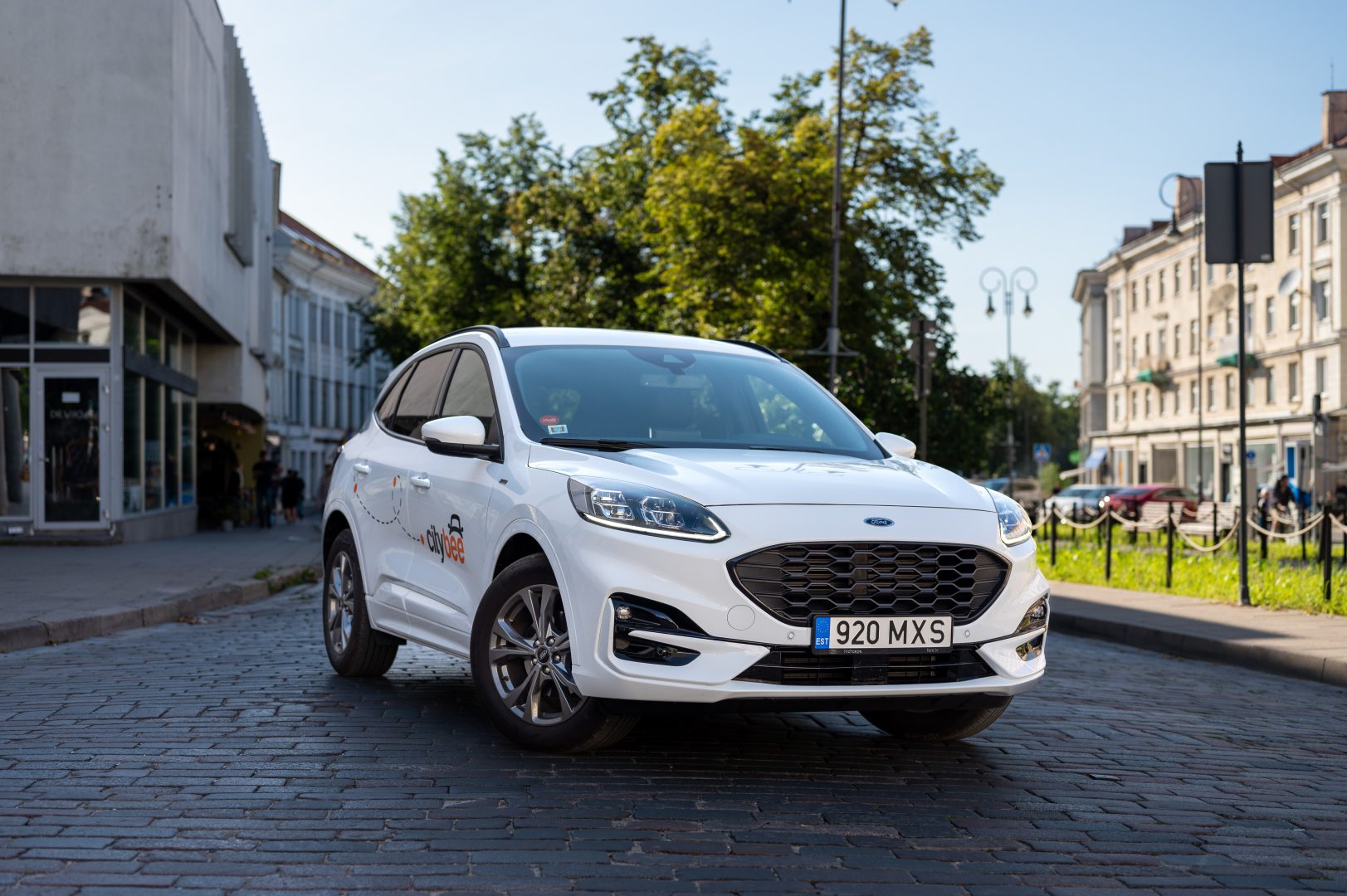
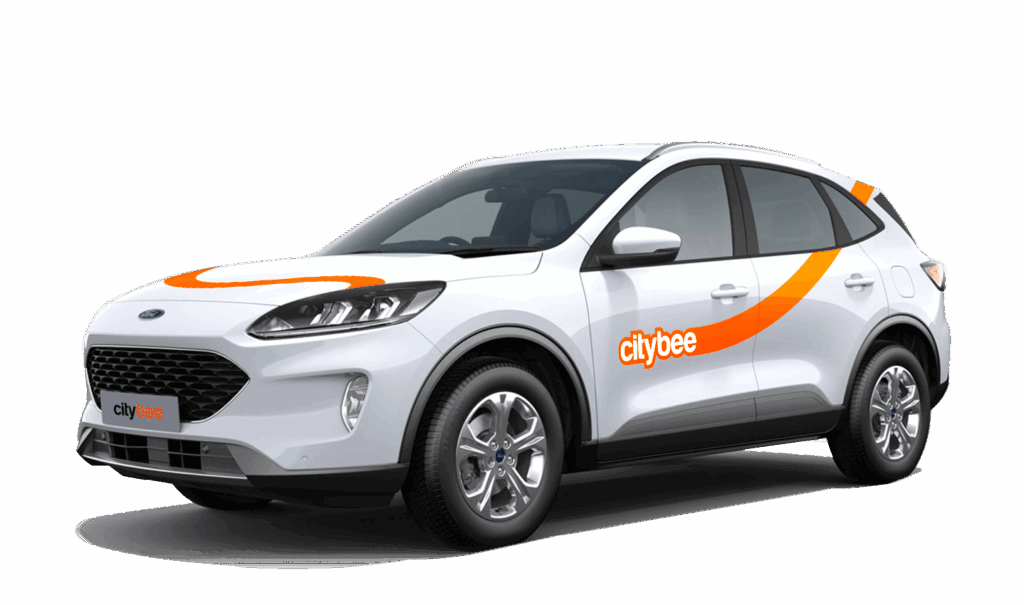
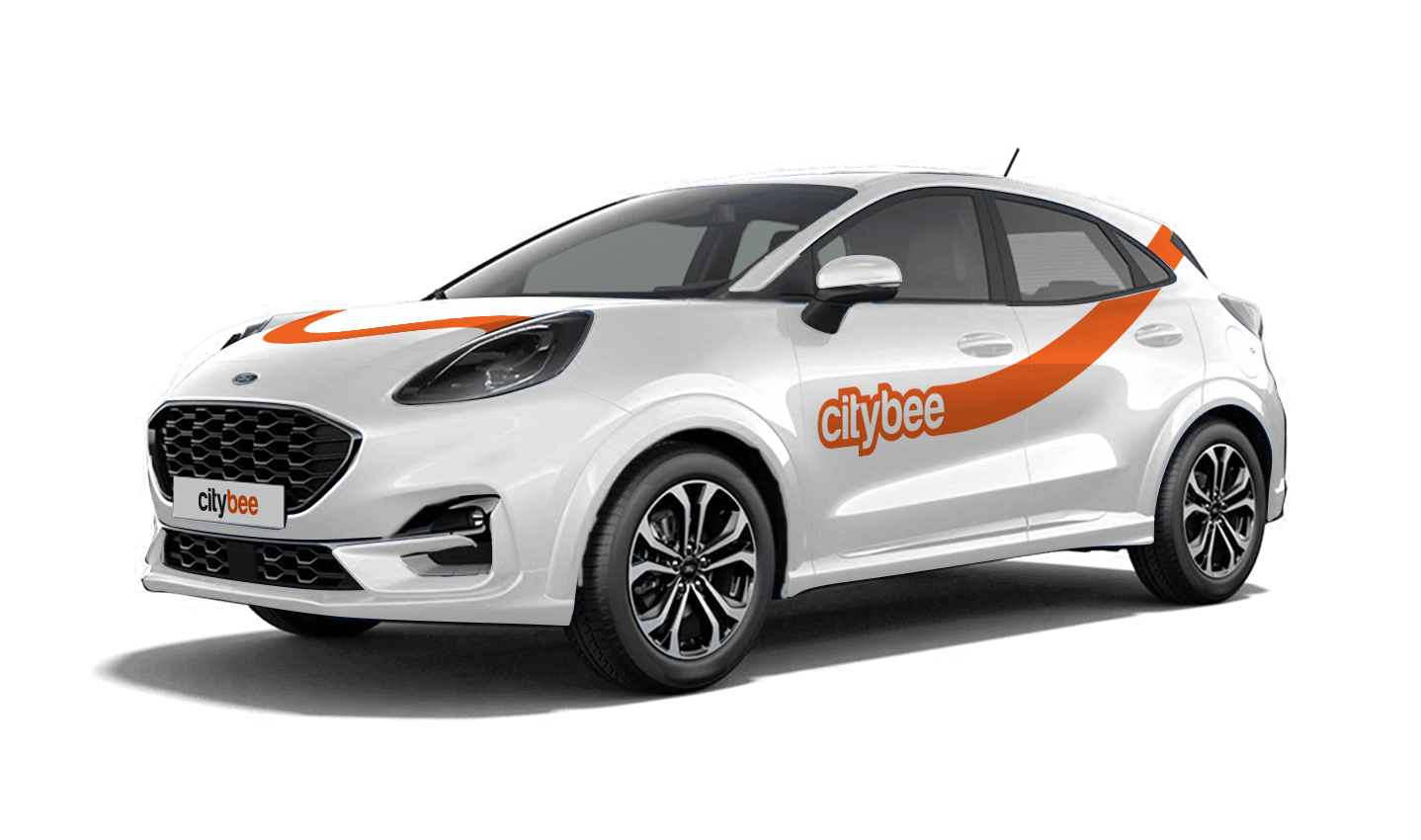
Ford Kuga
The price of this journey would be
0€
Trip start fee of 0.44€ is included in the price calculation.
At least one payment card must be linked to a CityBee account. You can link more than one payment card and choose from which card you will be billed for services before each trip. It is important that the card type is VISA or MasterCard and that the secure internet shopping function is activated.
How do I activate the secure internet shopping function?
1. SEB: Log in to your internet bank and look for “Accounts and Cards” -> “Card List” in the menu bar at the top. You’ll see all of your cards that can be registered with the secure internet shopping programme. Next to the desired card in the options below, click on “Online Billing” and click “Enable”.
2. Swedbank: Log in to your internet bank and look for “Cards” -> “Secure internet shopping” in the menu bar on the left. You’ll see all of your cards that can be registered with the secure internet shopping programme. Select the desired card next to the note “Online Billing” and click “Enable”.
3. Šiaulių Bankas: Log in to your Internet bank and in the menu on the left, select “Cards” -> “Secure payment” -> select the payment card for which you want to activate the secure internet shopping and click “Register” -> enter the requested data and confirm it by pressing the “Enter and Sign” button -> soon the status of the card will change to “Registered”.
4. Luminor bank: Log in to your Internet bank and in the menu, select the item “Payment cards” -> select the payment card for which you want to activate the secure internet shopping and in the opened window click “Secure shopping service settings” -> select the “Order service” button -> enter the requested data, which the bank will show you later during the purchase -> click “Order service”.
5. Citadele bank: No additional activation of the secure internet shopping is required.
You can change your email address in the mobile app.
Select Menu – My profile – E-mail address – Replace the previous e-mail address with a new one.
You will receive an email at the new address with a confirmation link. You will need to click it to confirm the new email address.
Please note that electric cars can be found in Lithuania and Estonia.
Lithuania:
Make sure the car is unlocked.
Open Charger socket cover on the car which is next to the driver’s door (in the case of the VW e-Crafter electric van) or behind the rear door (in the case of light electric vehicles). If the cover does not open, click “Unlock” on the car key.
In case of charging the vehicle at the “IgnitisON” or “ElintaCharge” fast charging station:
Use the right-most charging wire (“Type 2”) that is already connected to the charging station.
Attention: Wire configurations may vary in some charging stations, so you can only find a Type 2 or “CCS” type wire.
Take the car keys and find the charging token attached (there are two tokens: one for “IgnitisON” and one for “ElintaCharge”).

Approach the charging station and scan the charging token.

Choose the charging slot (“Pasirinkite jungtį”) by pressing a button next to the shown option.

Press the button “Pradėti” to start charging.

In case of charging the vehicle at a 2-slot “ElintaCharge” station:
Take the charging wire from under the middle seat of a CityBee car:
• In the case of the VW e-Crafter electric van – under the front center seat.


• In the case of a passenger car – to the spare wheel space in the trunk.

2. Put one side of the charger wire in the car electric socket and another side into the charging station.


3. Scan the RFID token with “ElintaCharge” written on it.

4. The word “Charging” should start lightning, which means the vehicle is being charged.

Check the car’s charging socket (the green light should be lightning; if there is an orange light or no light at all, it means that the car is not being charged) and the information screen behind the steering wheel (it should indicate that the car is being charged with an indicated time left until fully charged).

Estonia:
Make sure the car is unlocked
Open the charger socket cover, which is located behind the rear door. If the cover does not open, click “Unlock” on the car key.
Charging the vehicle in ‘Eleport’ charging station:
Take the ‘Eleport’ charging card from the sun visor and tap it on the screen

Select either ‘CCS’ or ‘Type 2’ charging option and connect it to the car

Press ”start charging” to start the charging process

To make sure the car is charging, check the charging port to see, if there is a green light.

You probably already have a CityBee account linked to this email but it has a different phone number. Contact us by e-mail or by phone and we will help you solve this issue.
You can contact Lithuania team via info@citybee.lt or by phone +37070077084;
You can contact Latvia team via info@citybee.lv or by phone +371 27265460;
You can contact Estonia team via info@citybee.ee or by phone +372 600 0160.
To sign up, you need to download the CityBee app to your smart iOS or Android phone.
To register, enter the requested personal data and a valid telephone number to verify signing up.
The final step is to link a payment card to your CityBee account.
If you want to use a car-sharing service, you must confirm your driving license’s validity. You can do it just in a few minutes by following the instructions in the app!
When reserving a car, you have two options:
· Choose a car, click on “Reserve,” and you will get a free 15-minute reservation, giving you access to the car for unlocking
· If you do not unlock the car within this 15-minute window, your reservation will automatically end unless you choose to pay for an extension.
If 15 minutes isn’t enough, you can extend your reservation for longer periods, but keep in mind:
· You can easily extend your reservation through the app after you’ve booked the car. Just click on Reservation and then select Extend.
· After the 15 minutes expire, the paid reservation time will begin. The cost per reserved minute is the same as the cost per minute when driving the car;
· You can extend the reservation for up to 24 hours;
· If you do not unlock the car by selecting “Unlock” in the app, the reservation will automatically end, and you will be charged for the time the reservation was active.
You can cancel a paid reservation at any time, and you will only be charged for the time used.
Once you’ve reached the car, click “Unlock” in the app. The car will unlock, and the keys will be inside the vehicle.
If you encounter any issues while trying to unlock the car using the app, please contact us by phone, and our 24-hour Beehive Assistance Center will be happy to help:
Contacts in Lithuania: +370 70077084;
Contacts in Latvia: +371 272 65460;
Contacts in Estonia: +372 600 0160.
In the CityBee app, parking zones marked in yellow usually have a drop-off and/or pick-up fee for CityBee cars. This fee does not apply to trips made under the CityBee subscription. The drop-off fee in the yellow CityBee zone is not charged even if the trip starts under the subscription plan but ends with the pay-as-you-go pricing due to exceeding the allocated kilometers and/or minutes in the subscription plan.
When purchasing additional trips, i.e., trip packages, during the subscription period, the CityBee drop-off and/or pick-up fee waiver in the yellow zone does not apply for the package trips.
For more information on CityBee parking zones, click here.
Please note that this service is provided in Lithuania and Estonia.
Lithuania:
Make sure the car is unlocked.
Take the car keys and find the charging coin (RFID key) attached (there are two coins: one for “IgnitisON” and one for “ElintaCharge”).

In case of charging at the “IgnitisON” charging station or “ElintaCharge” fast charging station:
Approach the charging station, scan the charging token, and choose “Stop Charging” (“Sustabdyti”).


Wait a few seconds until the charging process is fully stopped.
Gently unplug the cable from the vehicle and leave it at the charging station.

In case of charging the vehicle at a 2-slot “ElintaCharge” station:
Scan the charging token and wait for a few seconds until the word “Charging” on the station stops lightning.

Wait a few seconds until the charging process is fully stopped.
Gently unplug the cable from the charging station first and then unplug it from the CityBee vehicle.


Don’t leave the cable at the charging station, put the cable back in the car:
• In the case of the VW e-Crafter electric van – under the front center seat


• In the case of a passenger car – to the spare wheel space in the trunk.

If you cannot unplug the cable from the car easily, take the car keys and press the “Unlock” button twice again.
Estonia:
Make sure the car is unlocked
Take the ‘Eleport’ charging card from sun visor

To disconnect the charger in Eleport charging station:
Take the Eleport charging card and tap it on the reader

Press ”Stop Charging” (”Lõpeta laadimine”) – this process may take up to 30 seconds

Disconnect the charging cable from the car and put it back to the charger

The price of this journey would be
0€
Trip start fee of 0.44€ is included in the price calculation.