Price Calculator
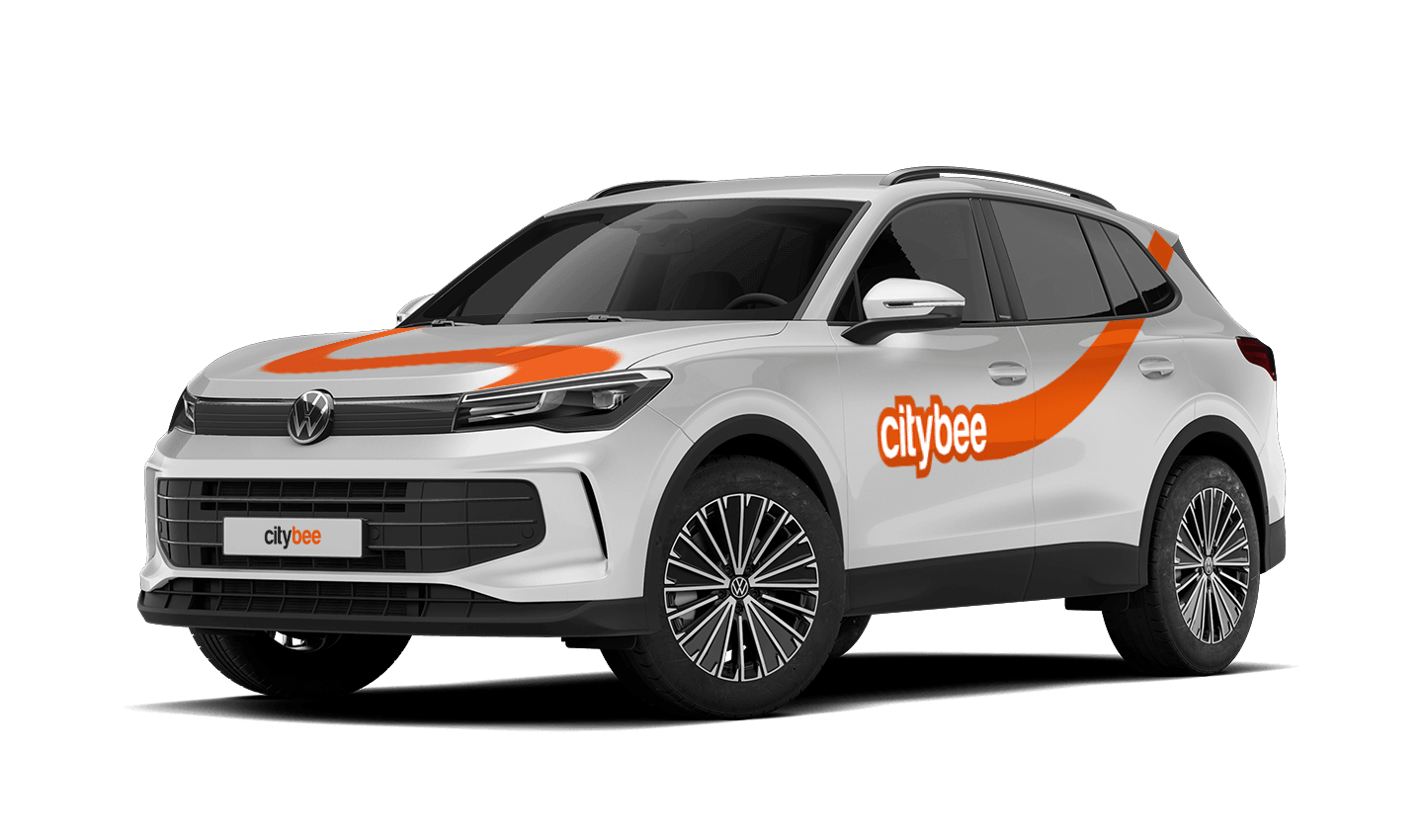
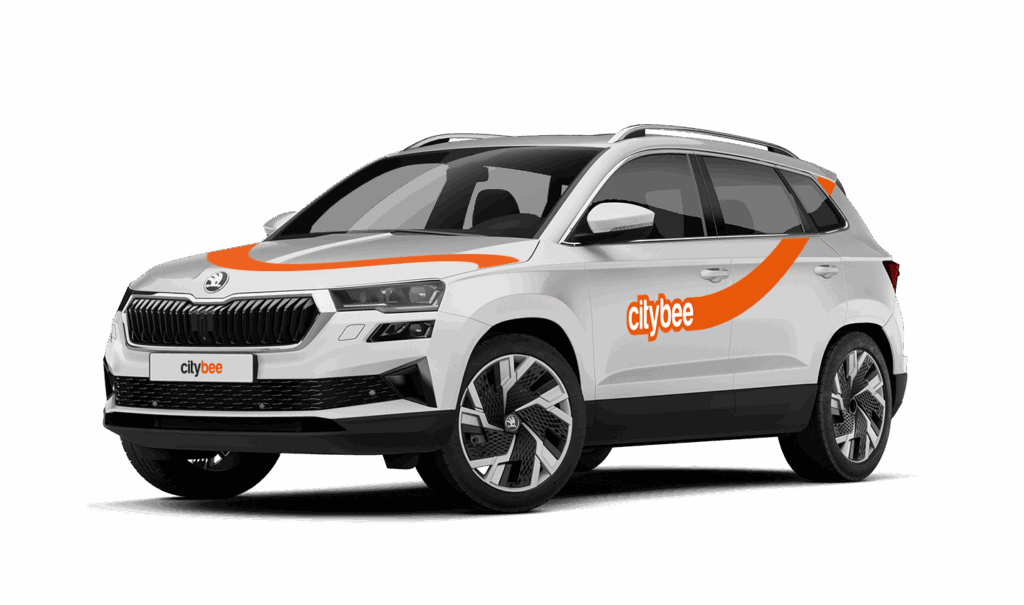
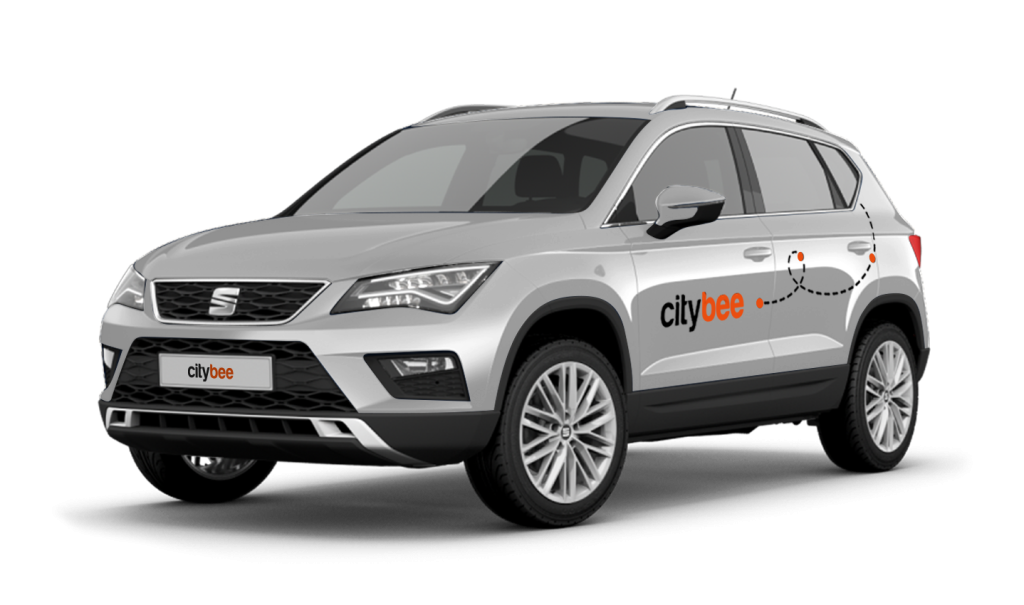
Seat Ateca
The price of this journey would be
0€
Trip start fee of 0.49€ is included in the price calculation.
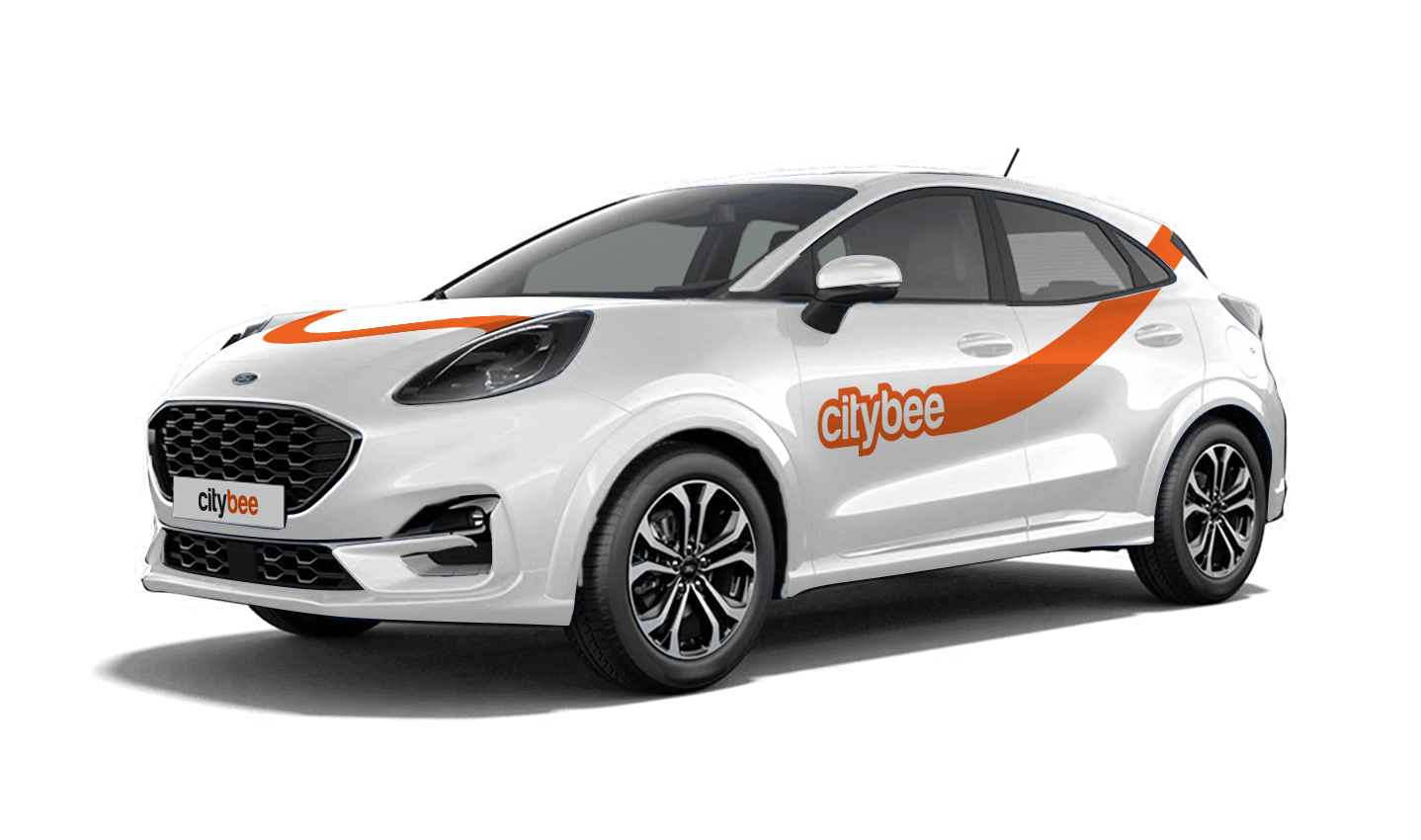
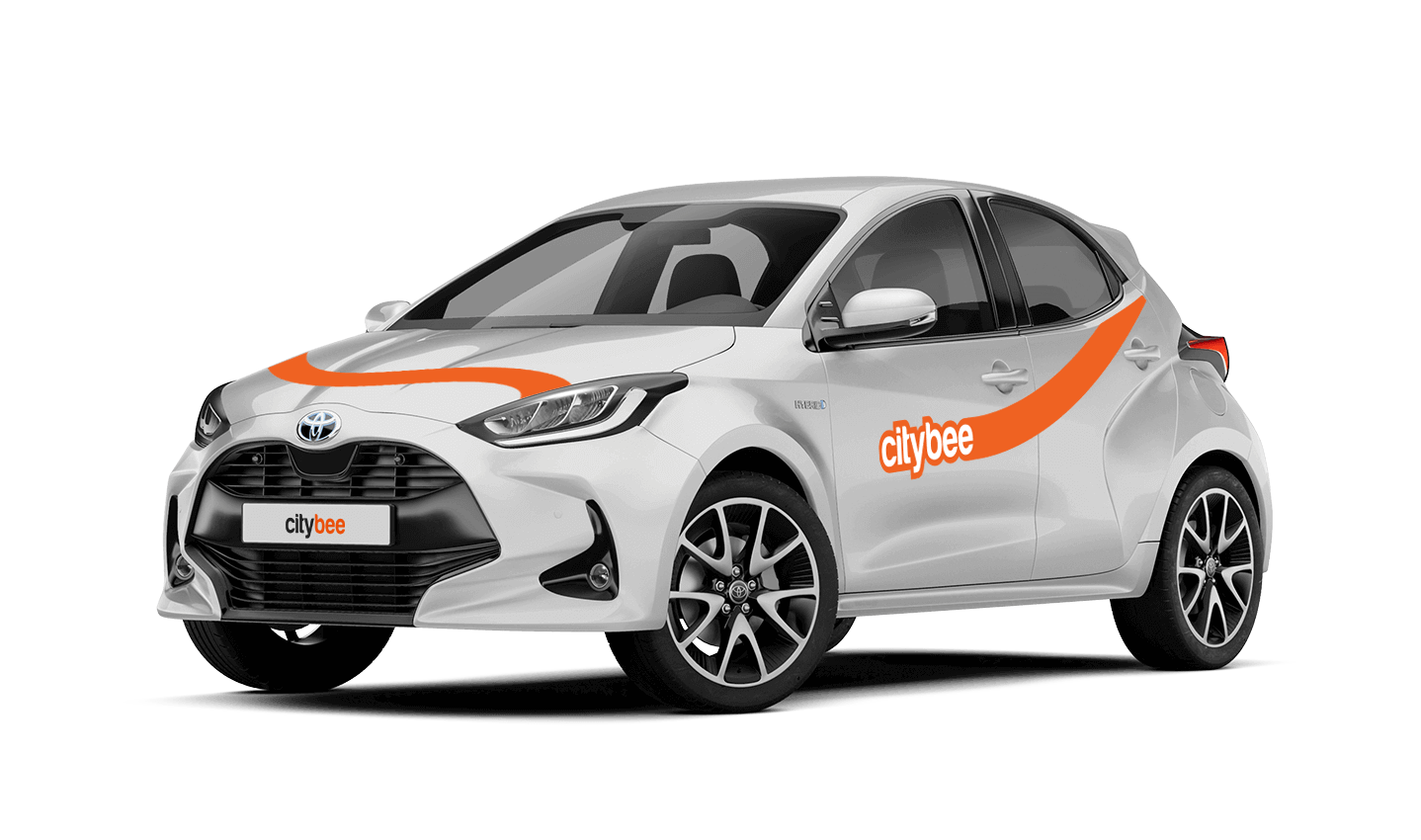
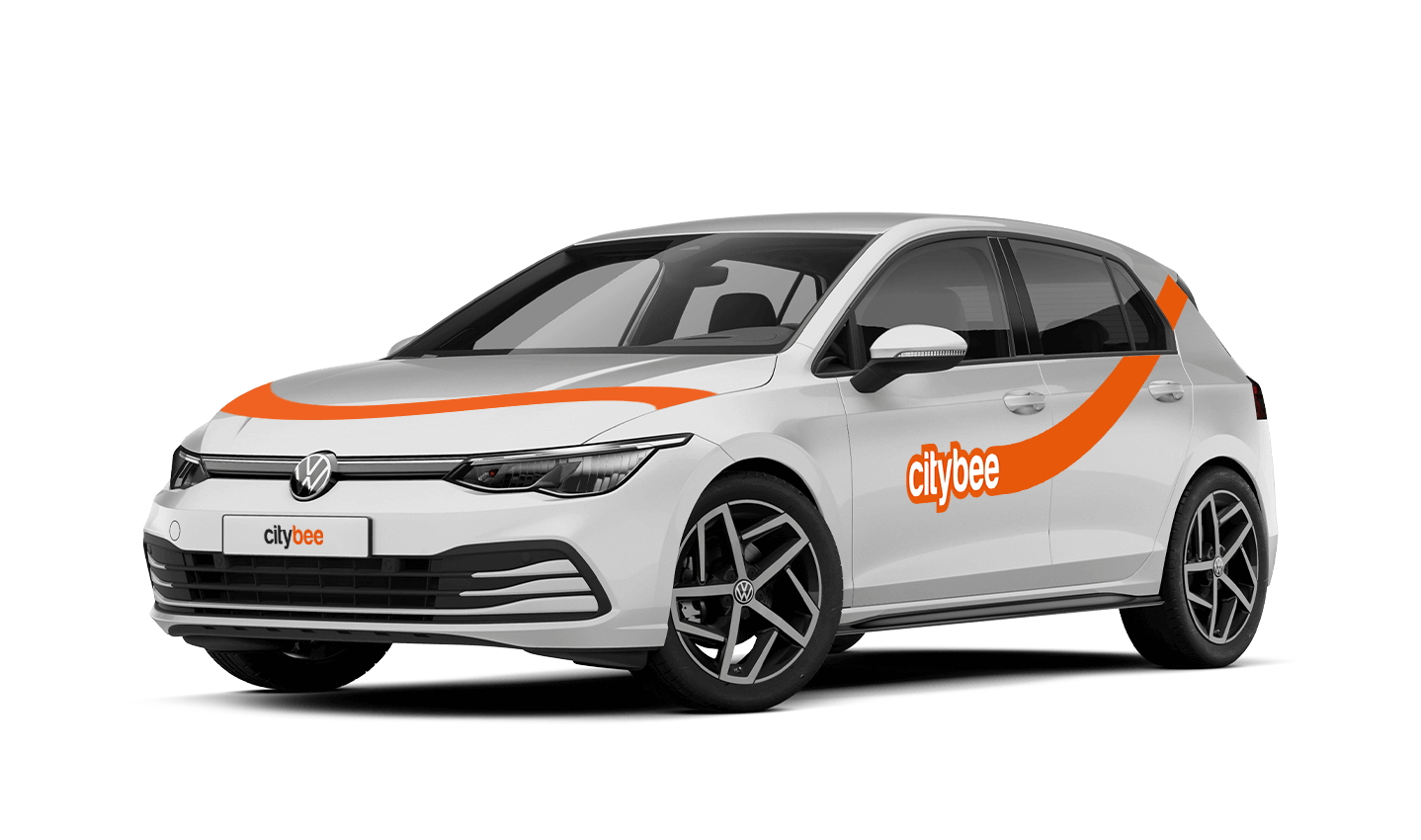
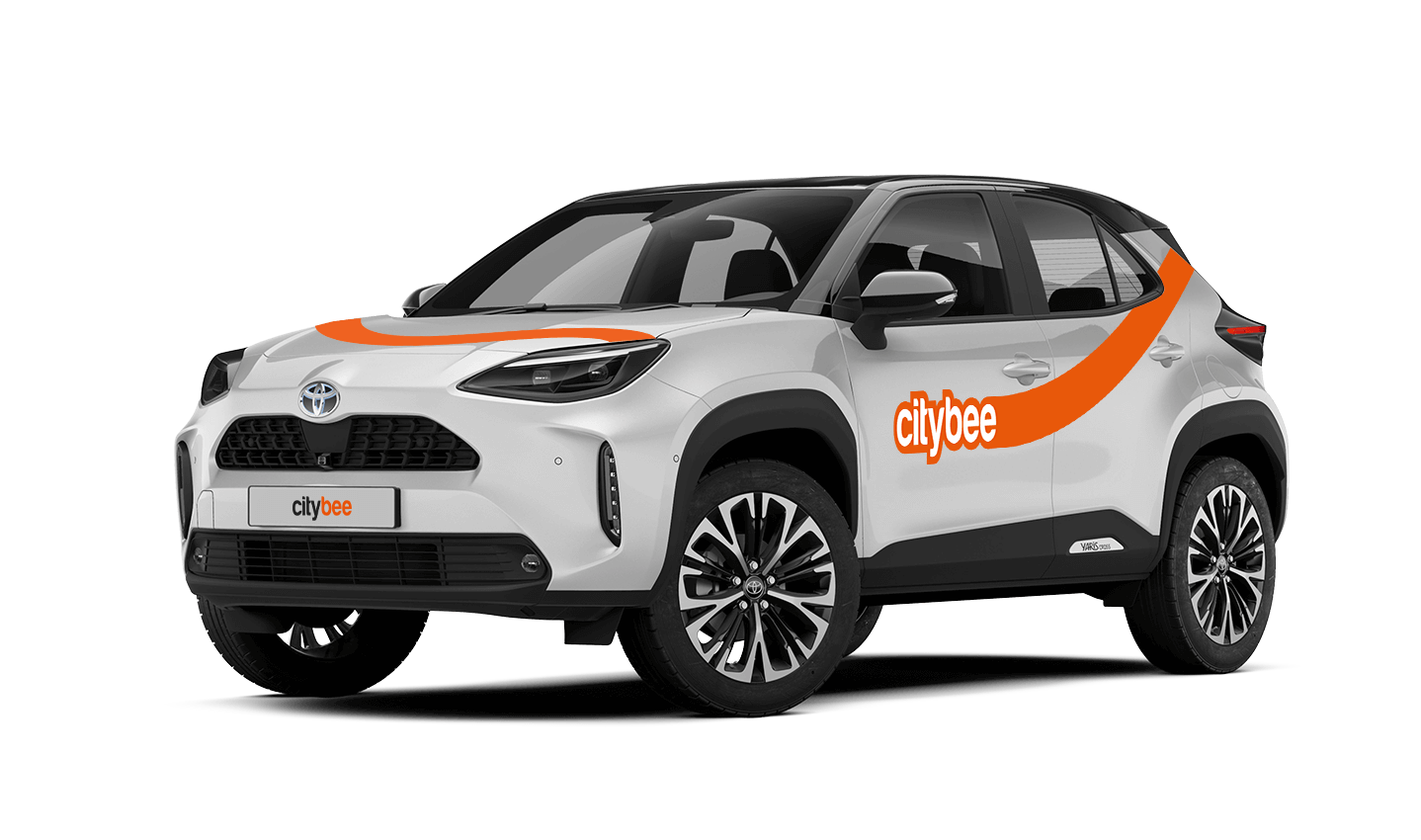
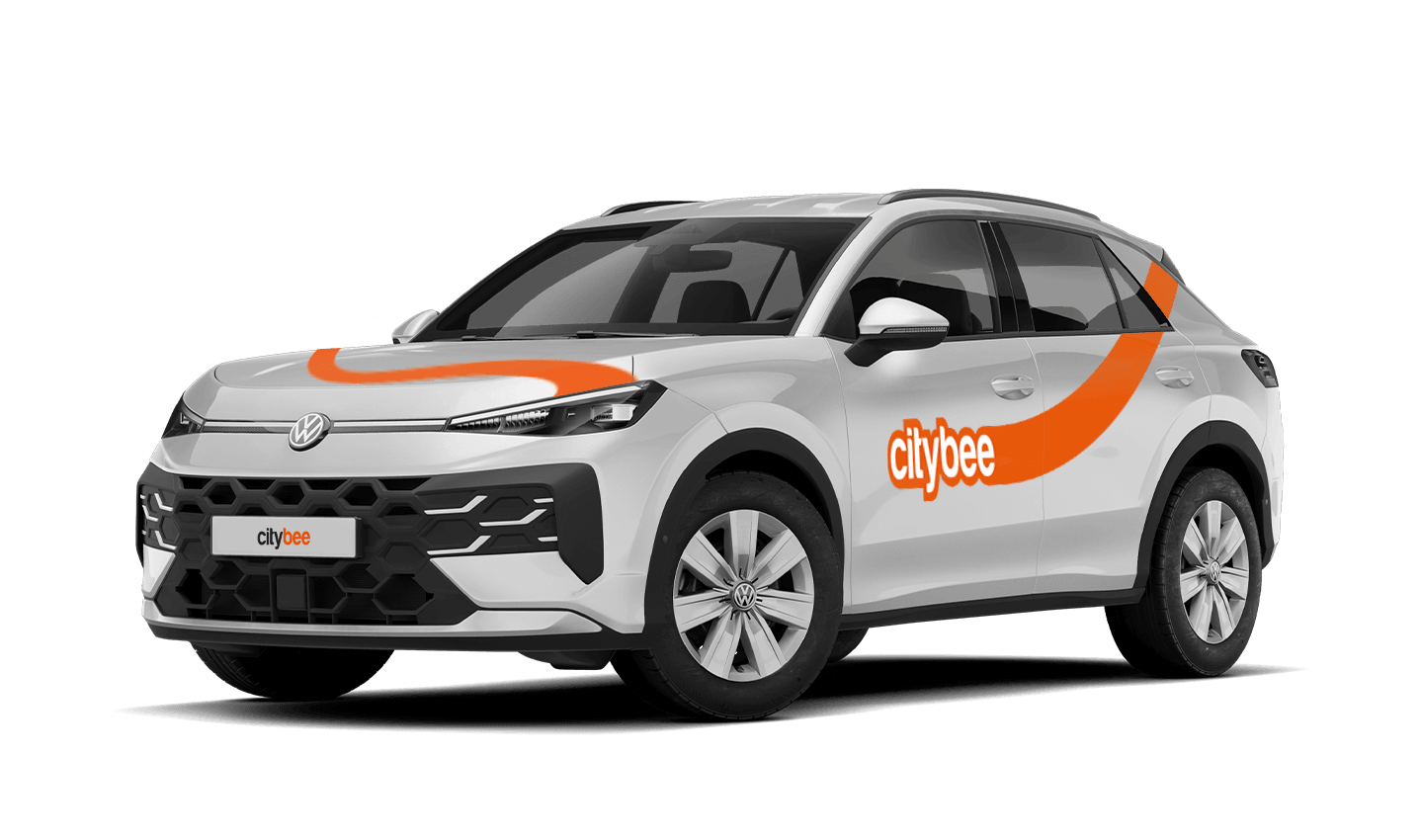
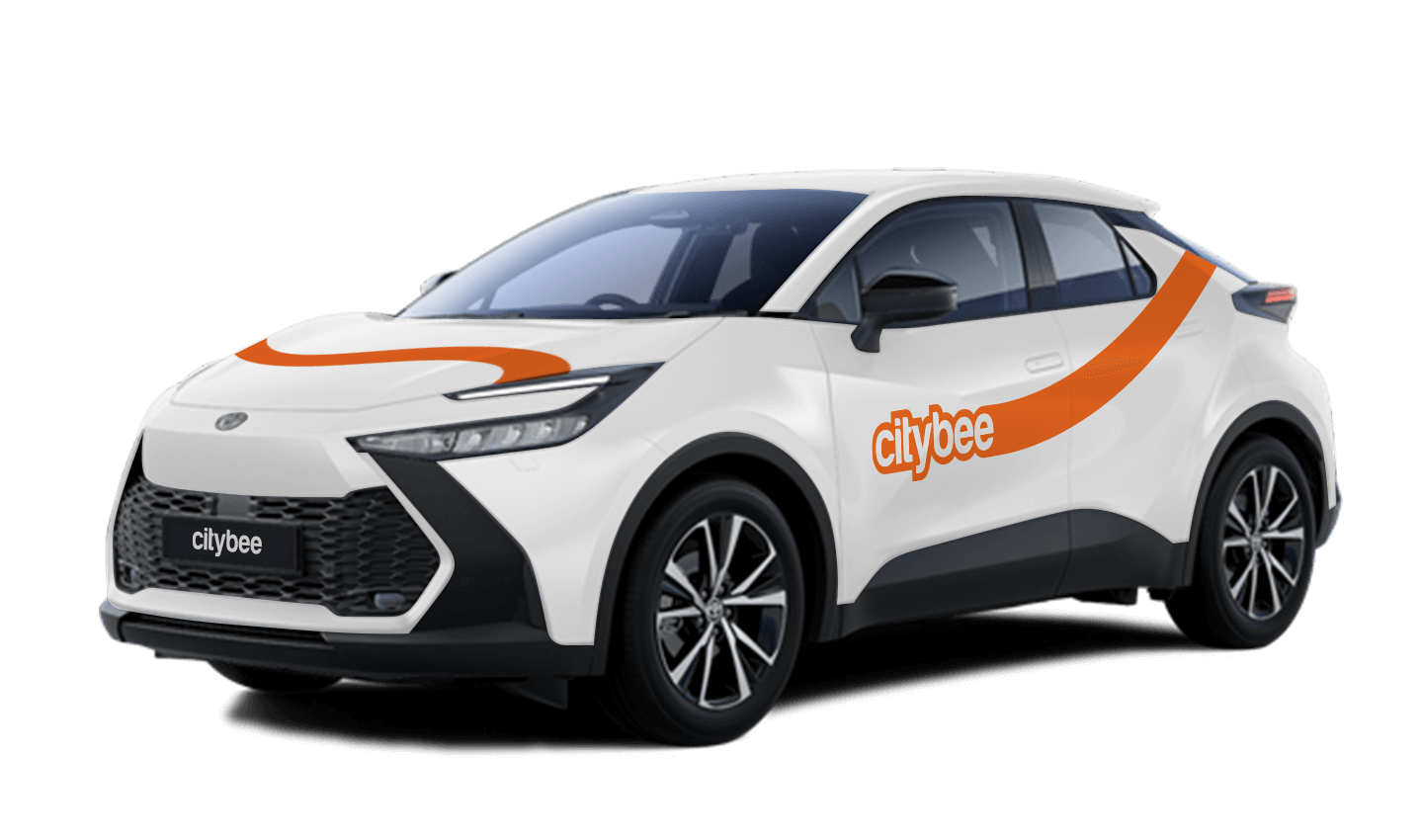
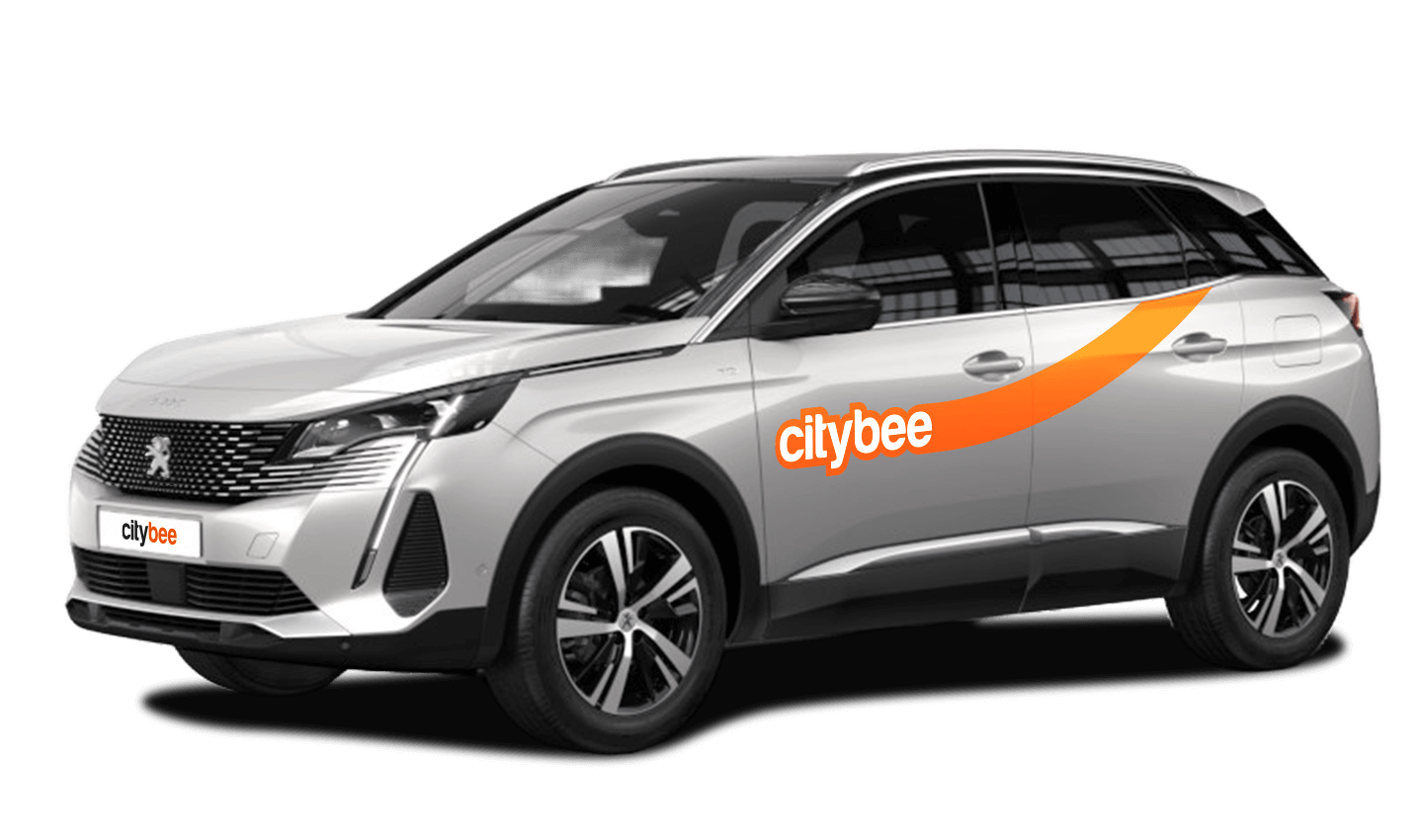
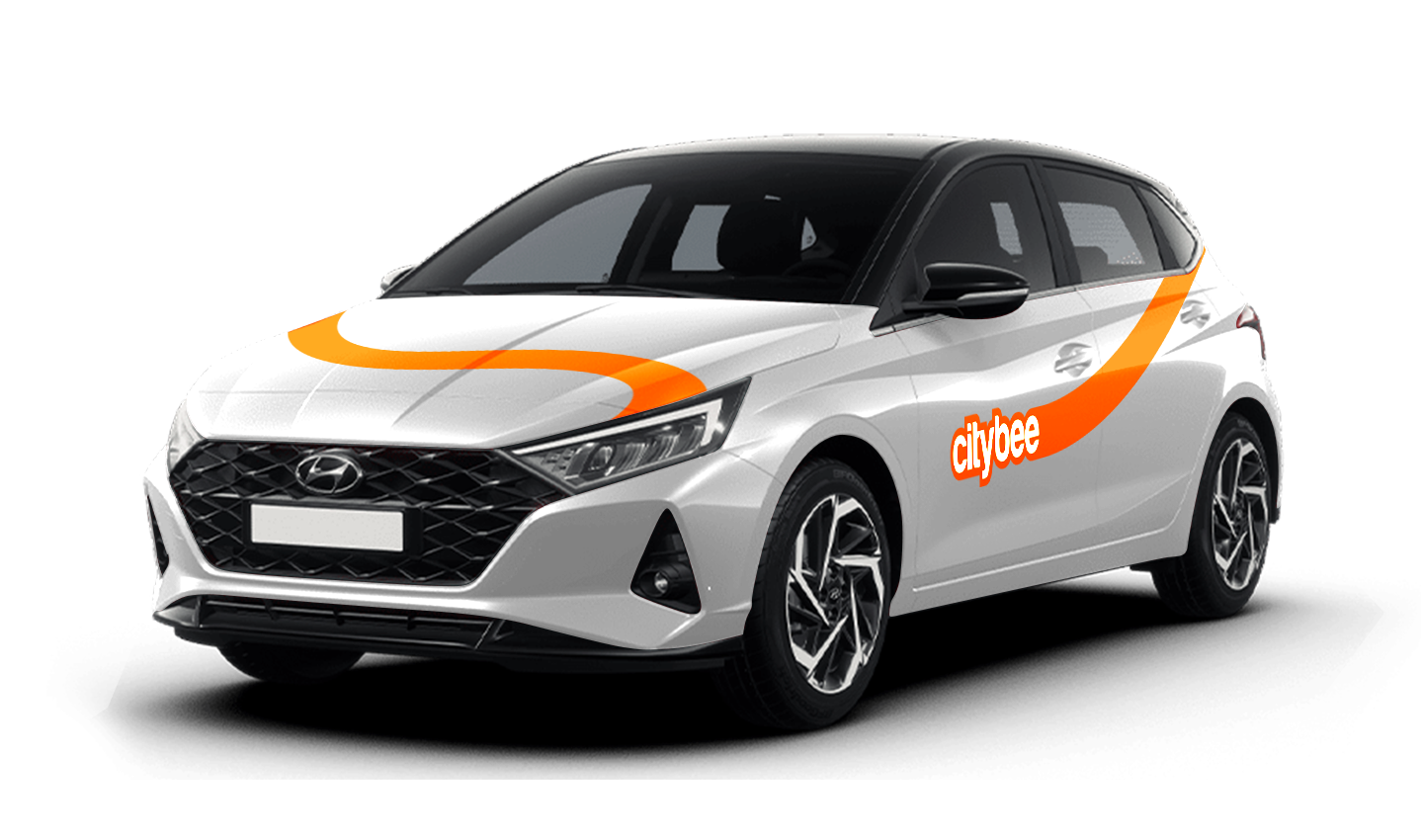
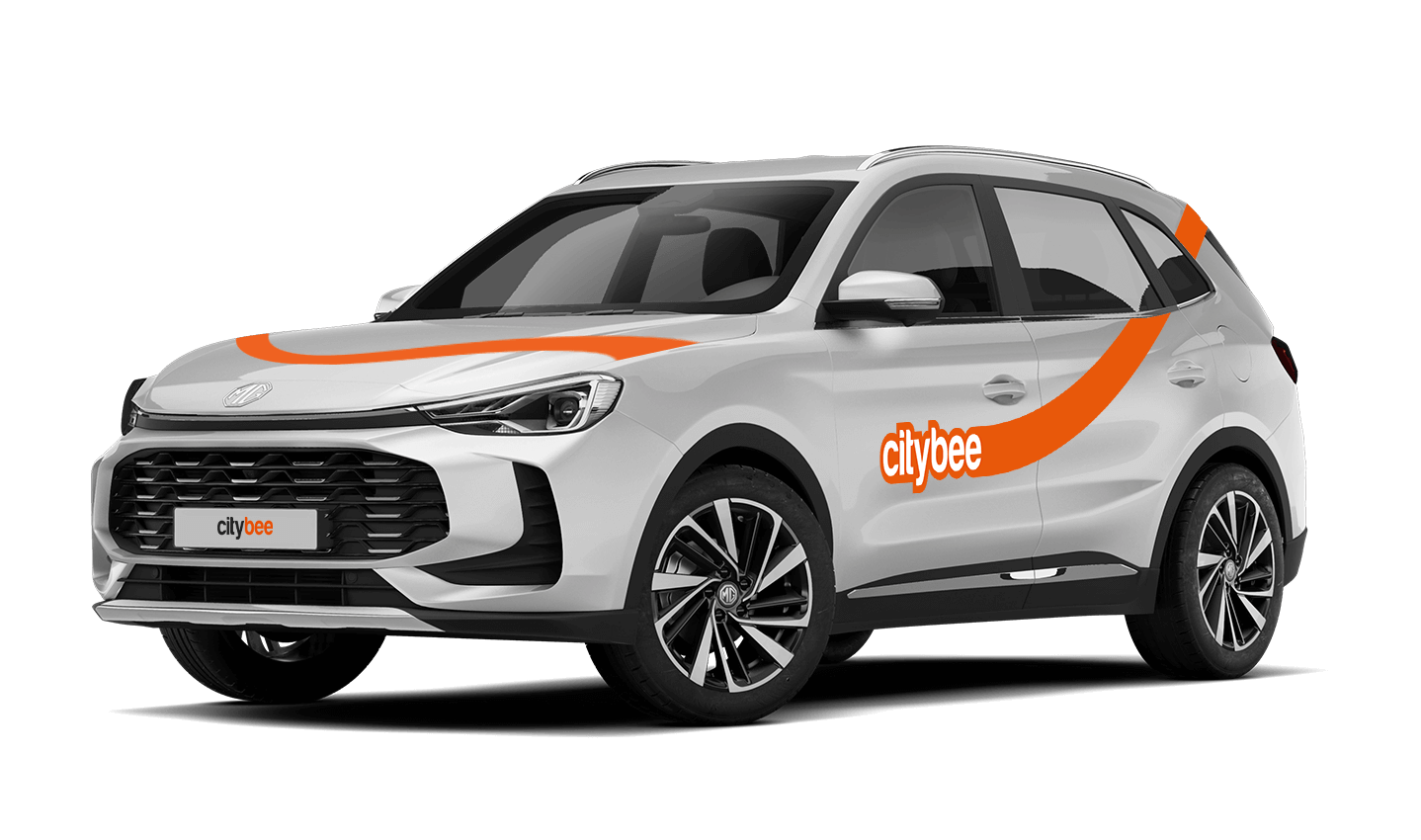
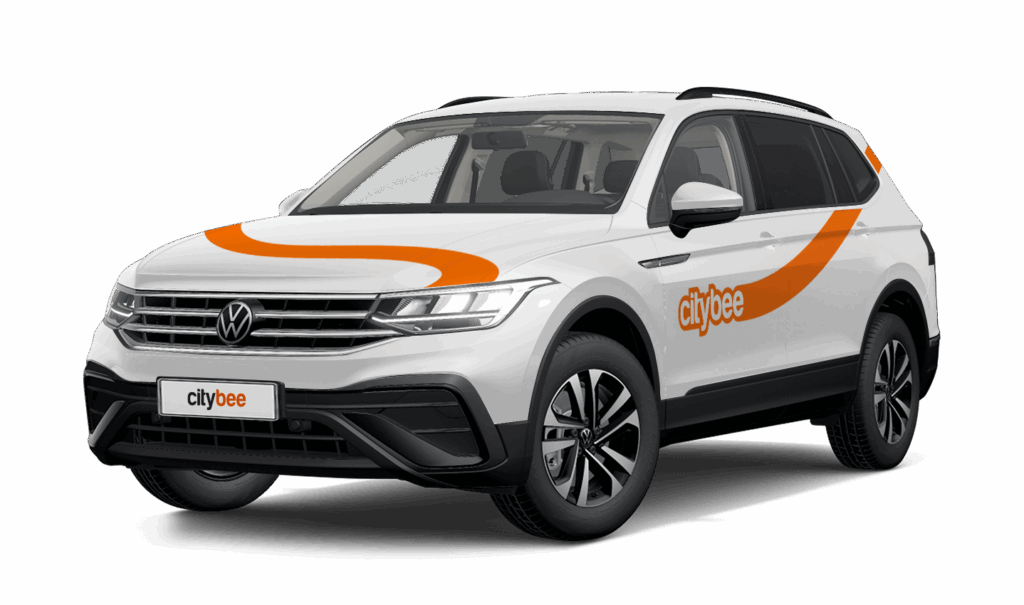
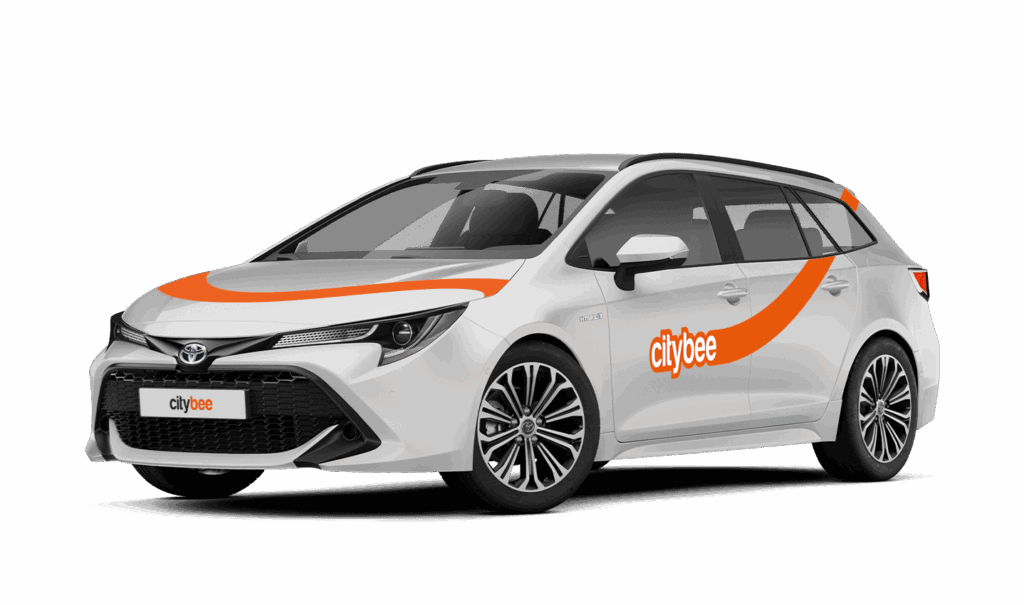
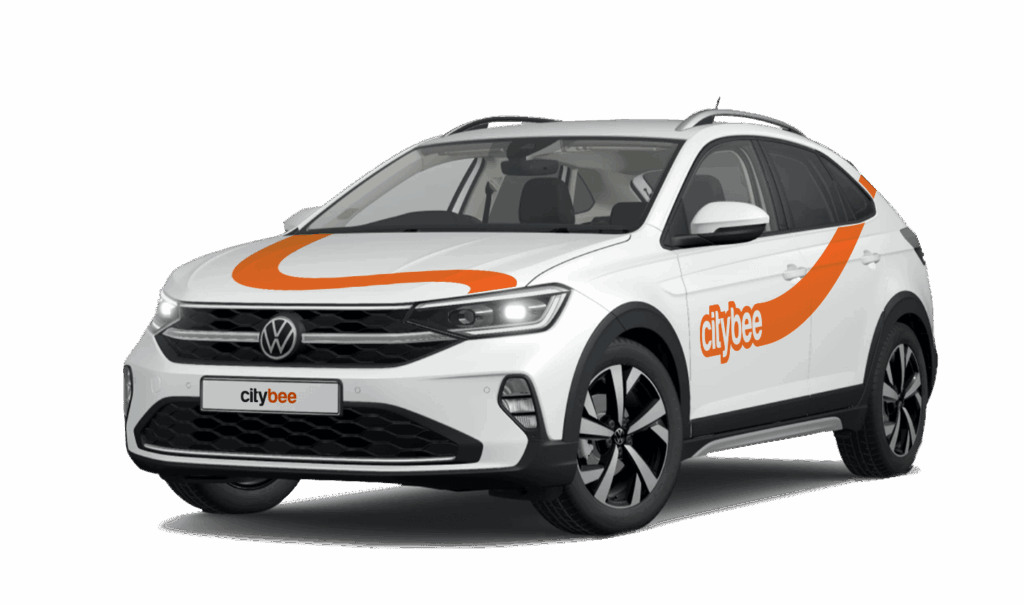
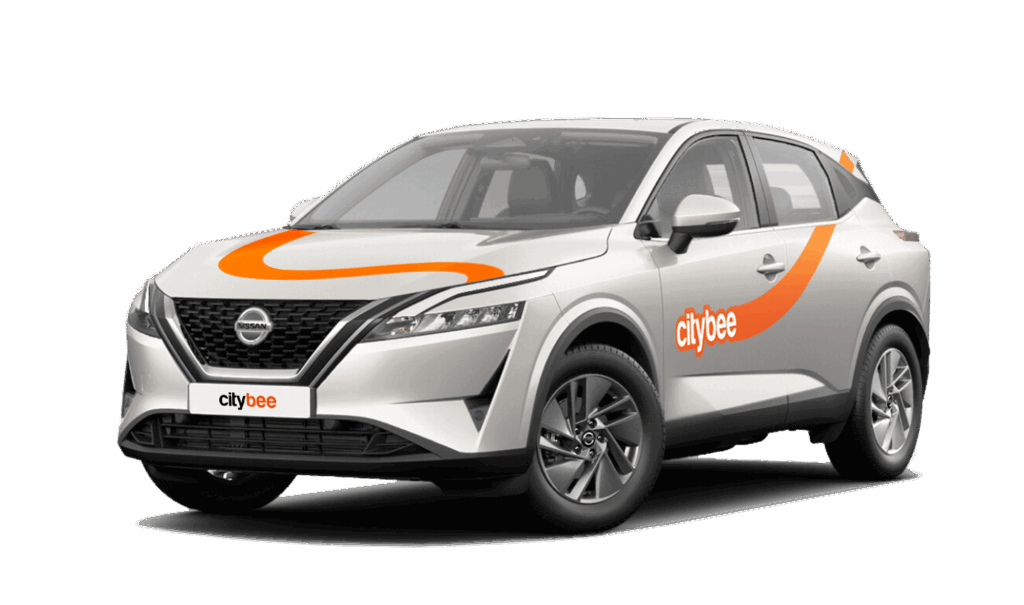
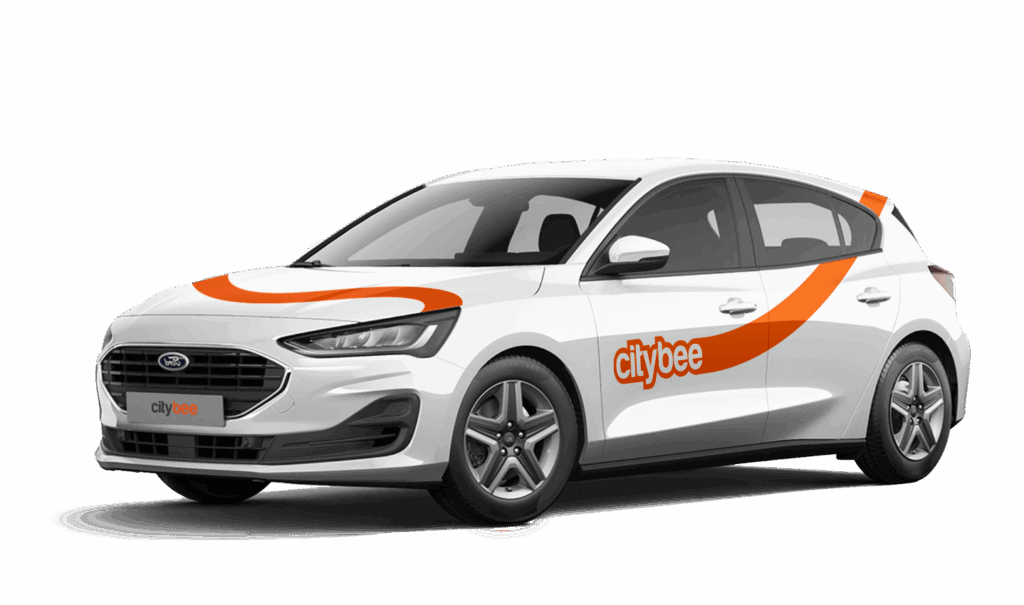
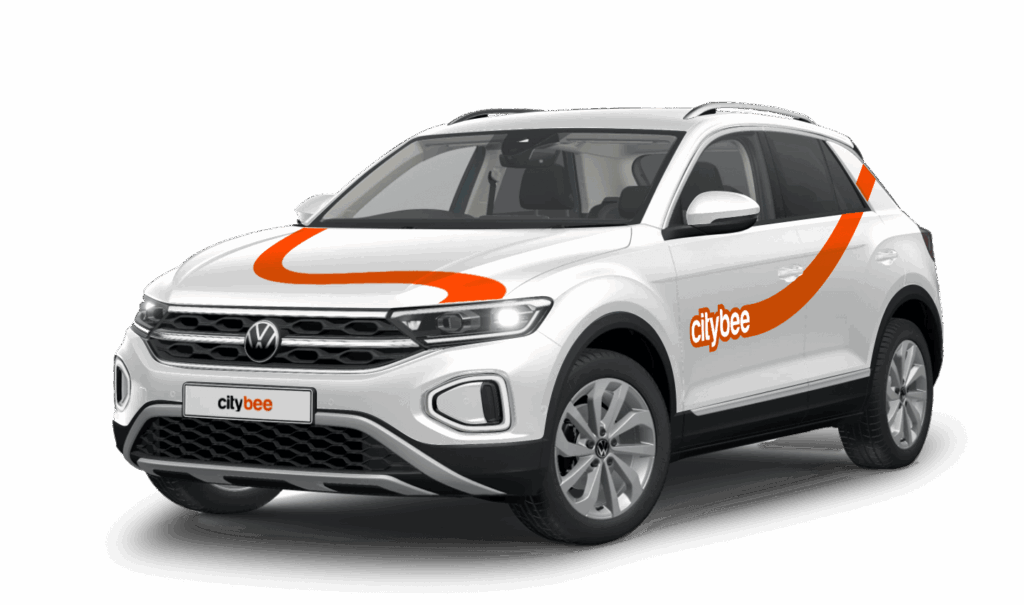
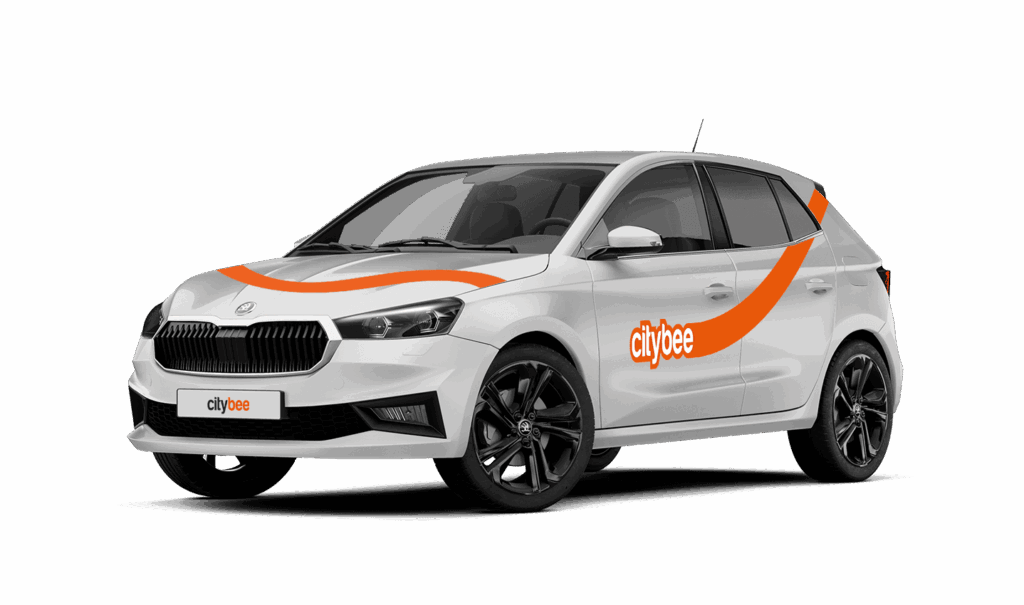
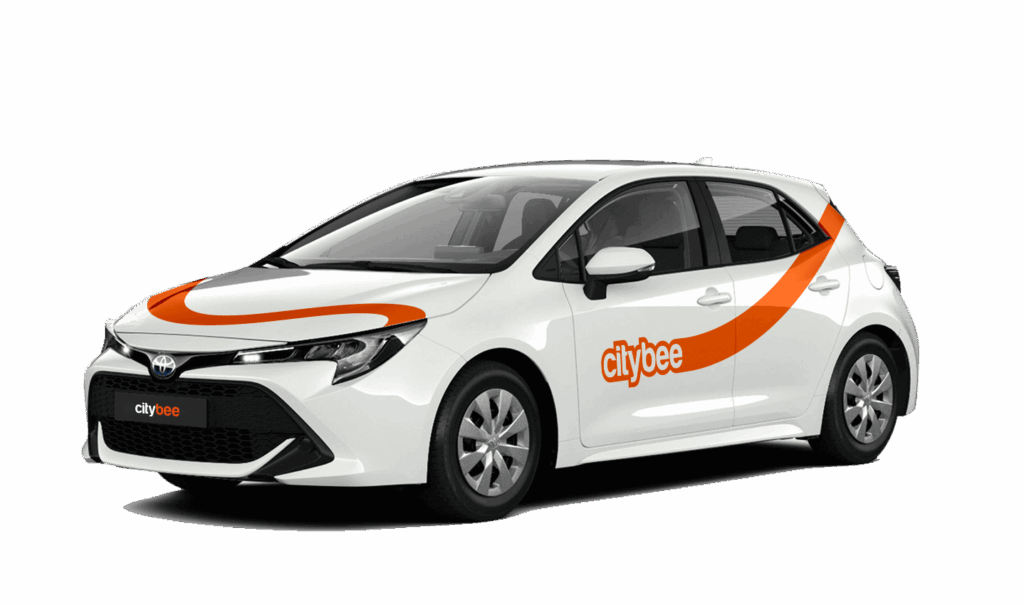
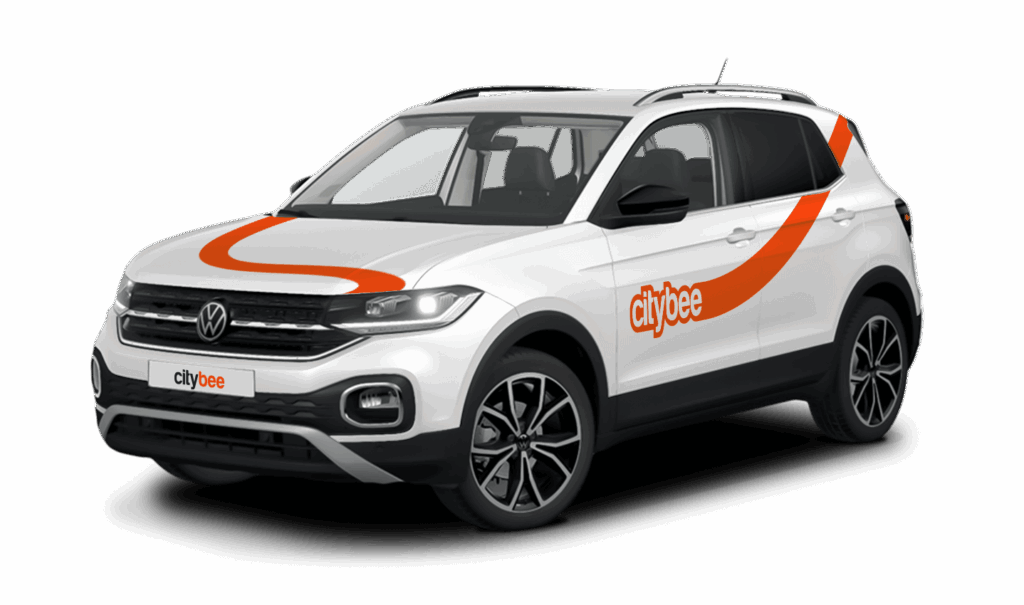
Car gallery
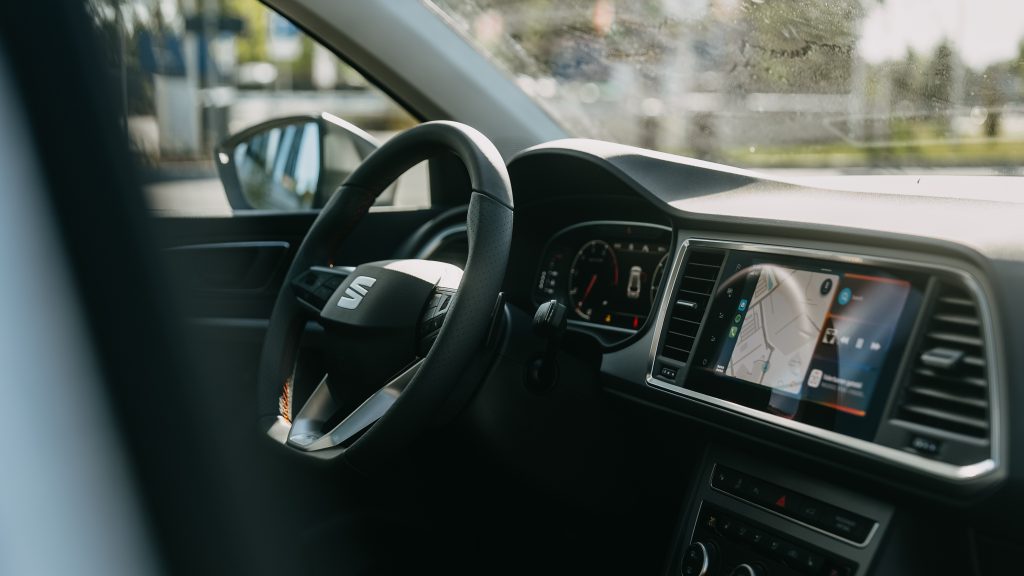


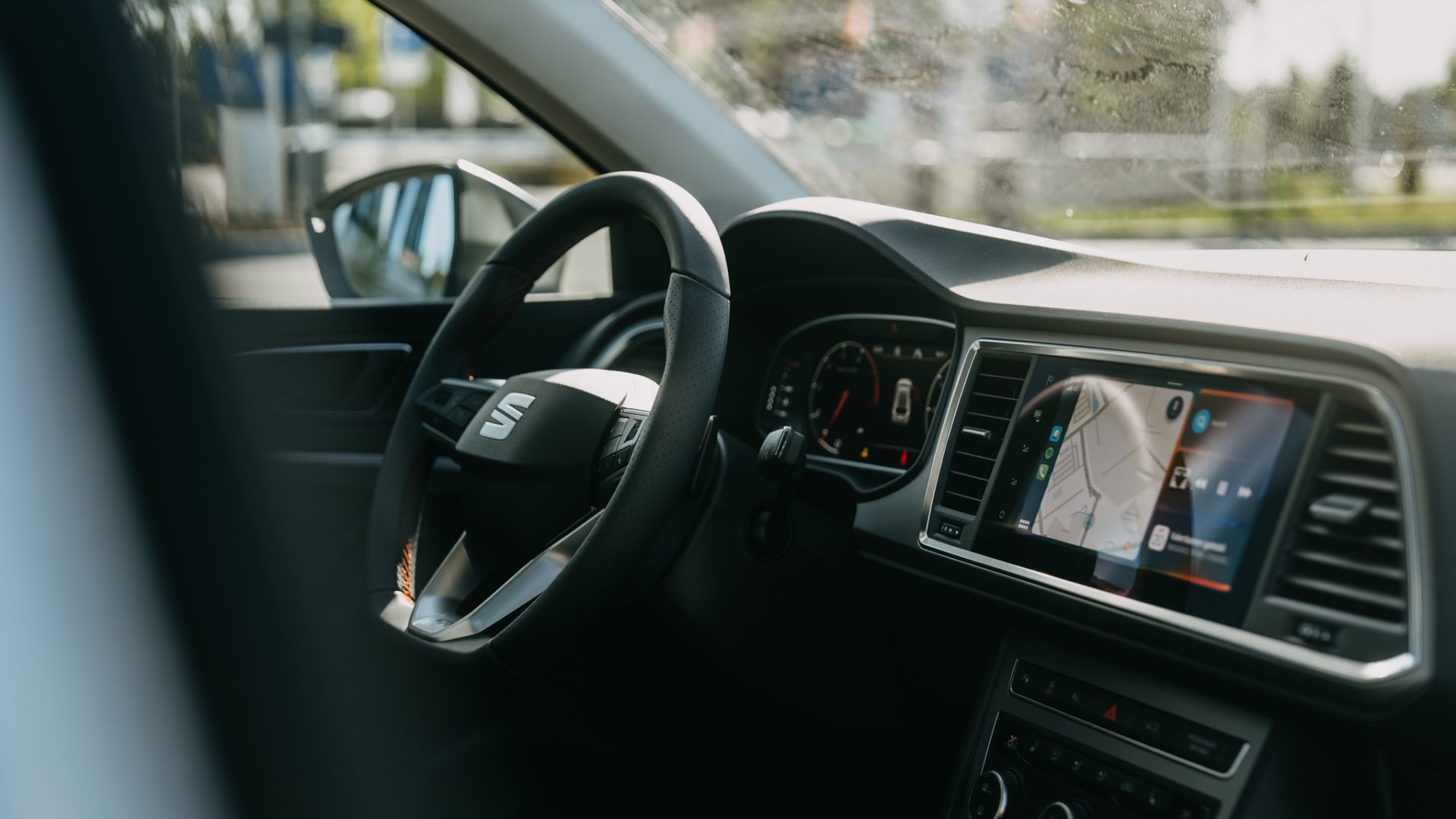

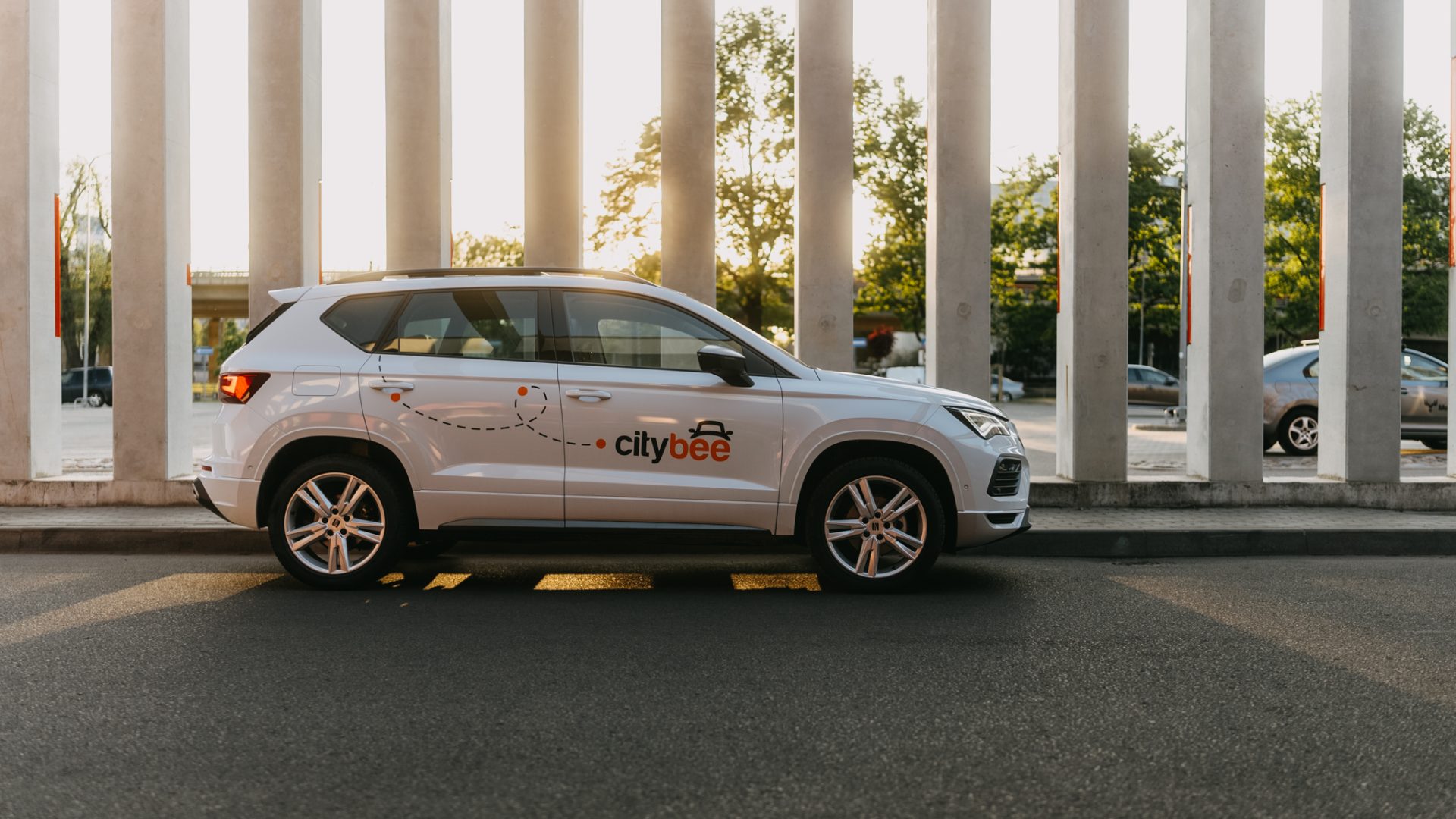
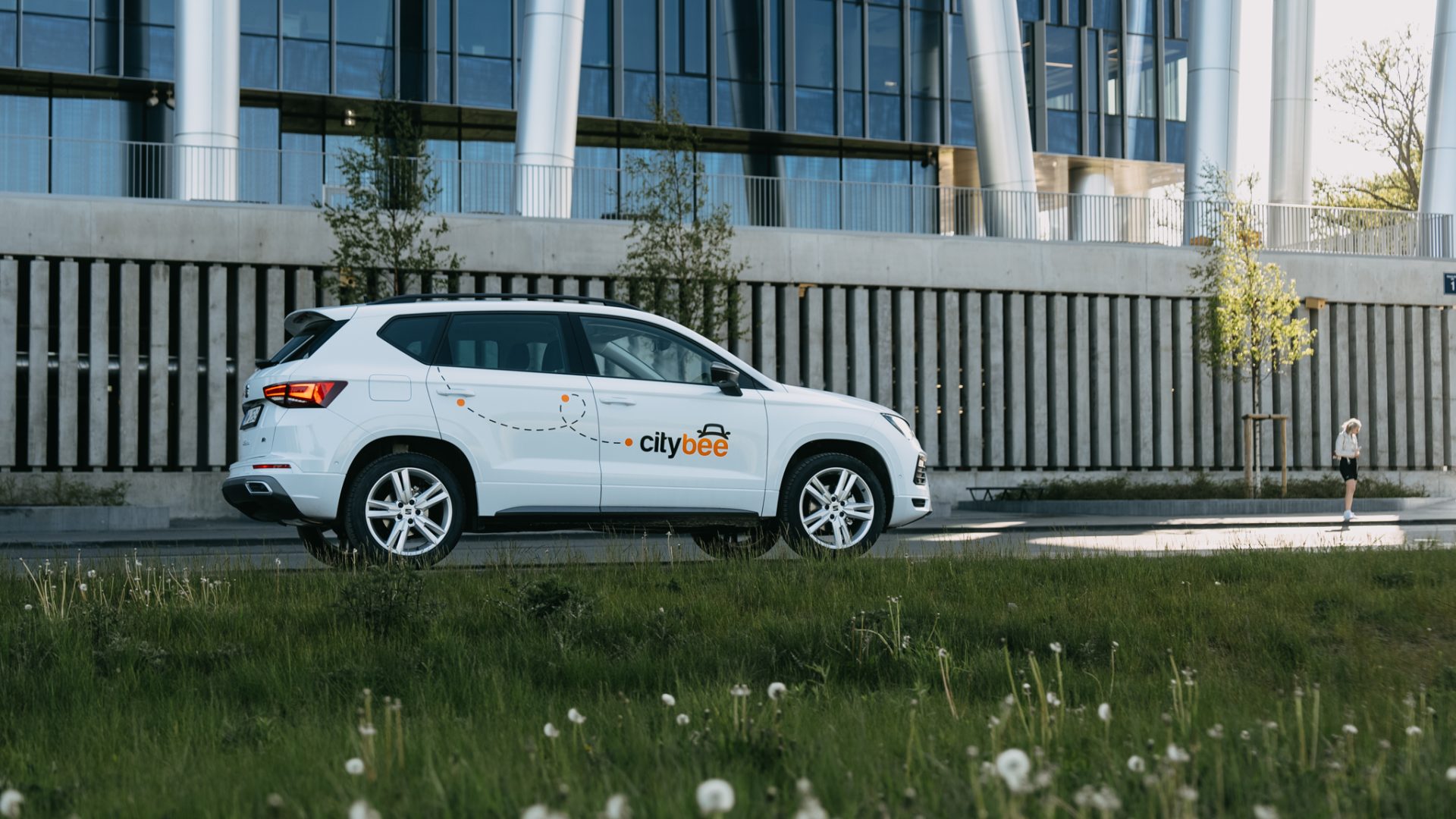
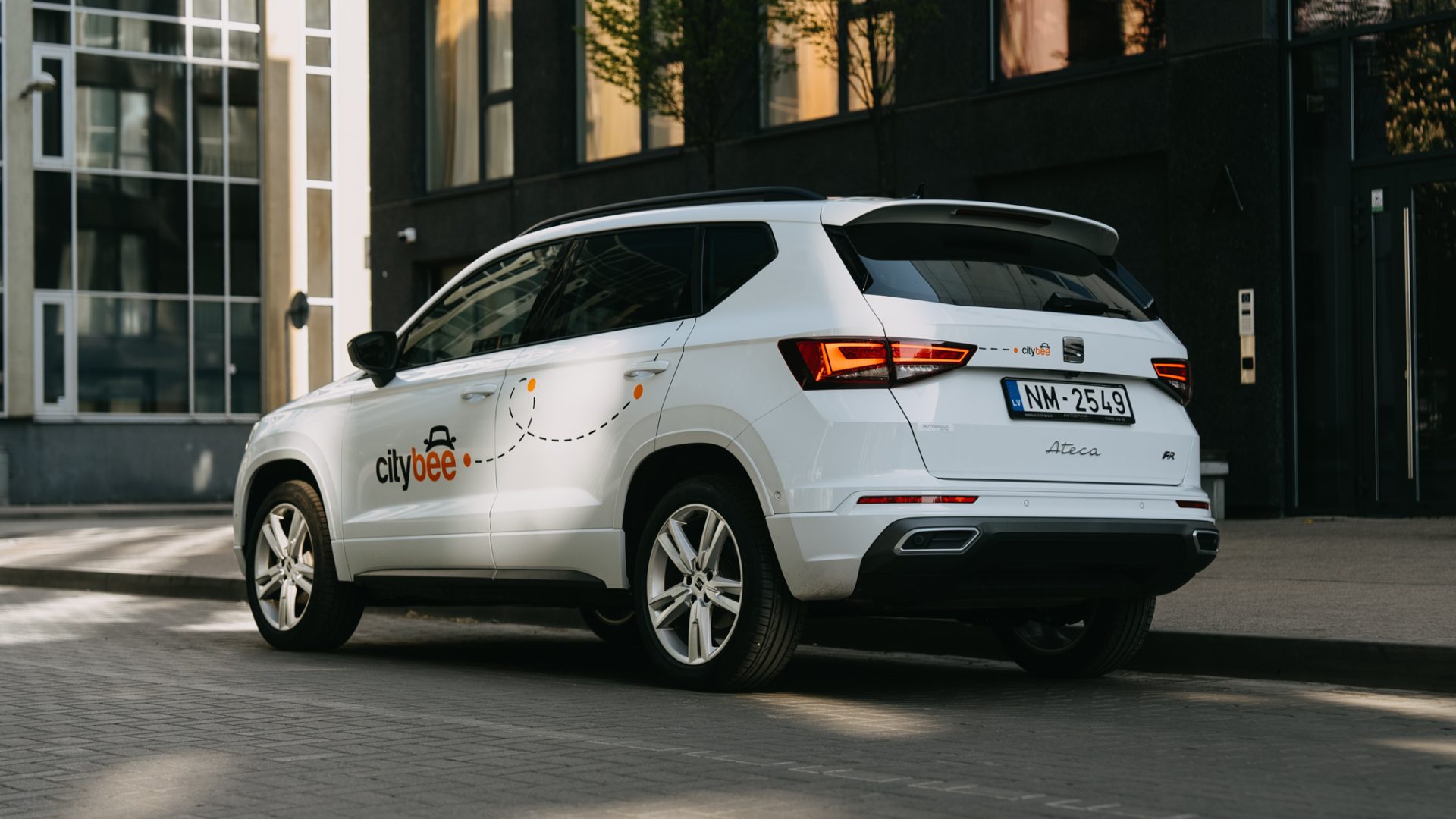
When you refill a bee with a fuel level less than 25% volume of the tank capacity, a 2 EUR discount will be added to your account for future trips.
ATTENTION! Discount for refueling the car is applied only when the fuel drops to 1/4 volume of the tank capacity and you need to fill a full tank. The discount is given just once during your trip.
❗The discount will be added to your account within about an hour after the refueling.
How to refuel: https://intercom.help/citybee/en/articles/4890184-do-you-need-to-pay-for-the-fuel.
A minimum fee will still be charged if the trip is less than it. Discounts will be applied after that.
Thank you for taking care of our bee!
To get started with CityBee, you must link a payment card to your CityBee account.
You can link more than one payment card and choose before each trip which card will be used for automatic payment for the services immediately after the trip or during your trip, depending on the length of your journey.
A linked payment card should allow making automatic payments from the client’s account linked to a card.
The usage time of the car starts from the moment of unlocking the car or when you click ‘extend the reservation’ and ends when the car is locked via the smartphone app.
Each time you use CityBee, you are able to choose Flexible or Prepaid Packages pricing.
Trip start fee – additionally applicable to all Flexible pricing trips (not applicable to travel packages). Fee amount for each car is indicated in the App.
Prepaid packages – the prices for the packages are fixed. Prepaid package prices are based on the time and kilometers included. If the time or kilometers included in the package are exceeded, the additional price is calculated according to the set tariff, specified when choosing the package.
You can find all of the available packages and prices in the CityBee app and use the custom package function.
There is no extra charge for fuel and insurance – we take care of it.
Car screenwash can not be purchased with a „Circle-K“ card.
With a CityBee subscription, you can drive any CityBee passenger car in Lithuania, except for cargo vehicles.
The subscription is ideal for anyone who regularly takes shorter trips (up to 5 km and 15 minutes) in the city with CityBee. Whether it’s just a few times or several trips a month, choose a subscription plan that fits your travel needs, save money, and enjoy additional benefits. However, if you typically take longer trips, we recommend selecting from a variety of trip packages that offer more cost-effective options for longer routes.
Children must be carried in kids’ chairs. CityBee cars have kids’ chairs (you can see whether there is a chair in a selected car by clicking on the car icon on the map or using a filter and selecting the criteria “Cars with kids’ chairs”). Chairs are for older children, i.e. this is a raised seat without a backrest.
Road traffic rules warn that children under the age of 12 and not higher than 150 cm are allowed to sit in the front seat only in special seats adapted to their weight and height.
For safety reasons, CityBee cars only provide a group 2/3 booster cushion for children from 22-36 kg, aged 6 to 12 years, following the law.
Bee Chill – we’ve got your back! If you happen to have an accident and accidentally damage the vehicle, don’t stress – we’ve got you covered. Just be sure to notify us right away, and we’ll take care of the rest.
The BeeChill is a financial responsibility fee is applied to all ‘Flexible’ trips, and it’s already included in the price of trip packages or trips made with a subscription plan. You can see the fee in the app before you start your trip.
This fee is intended to cover any damage caused to the vehicle as a result of an accident for which you are responsible.
However, BeeChill does not apply in any of the cases listed in Section 7.17 of our Terms of Use. Below are some of the most common examples:
• if the accident is not reported;
• if the accident occurred while driving under the influence of alcohol or drugs;
• if the accident resulted from a serious violation of traffic regulations;
• or in any other cases specified in Section 7.17 of the Terms of Use.
For complete information about the application of BeeChill and all applicable exceptions, please refer to Section 7.17 of our Terms of Use.
The price of this journey would be
0€
Trip start fee of 0.49€ is included in the price calculation.