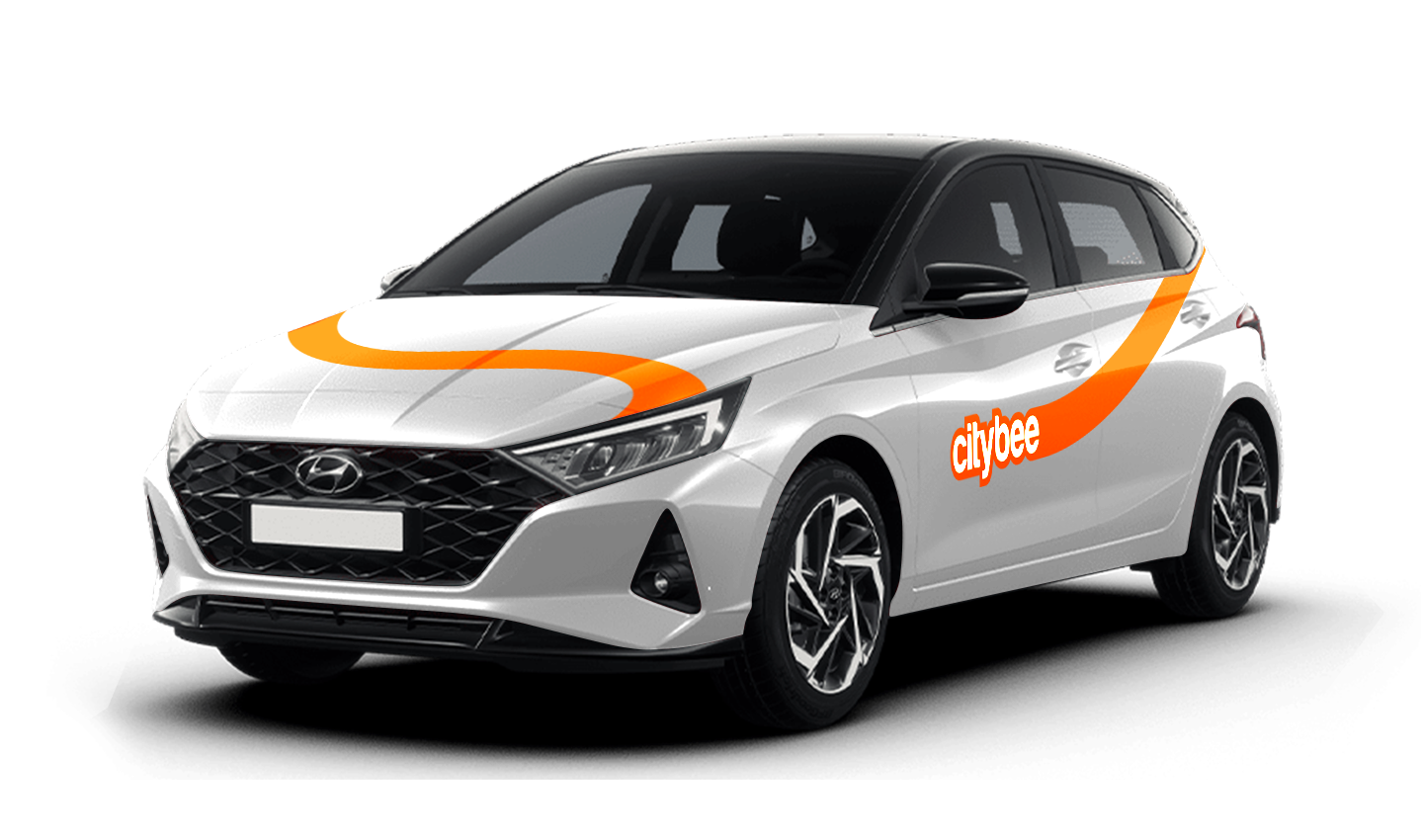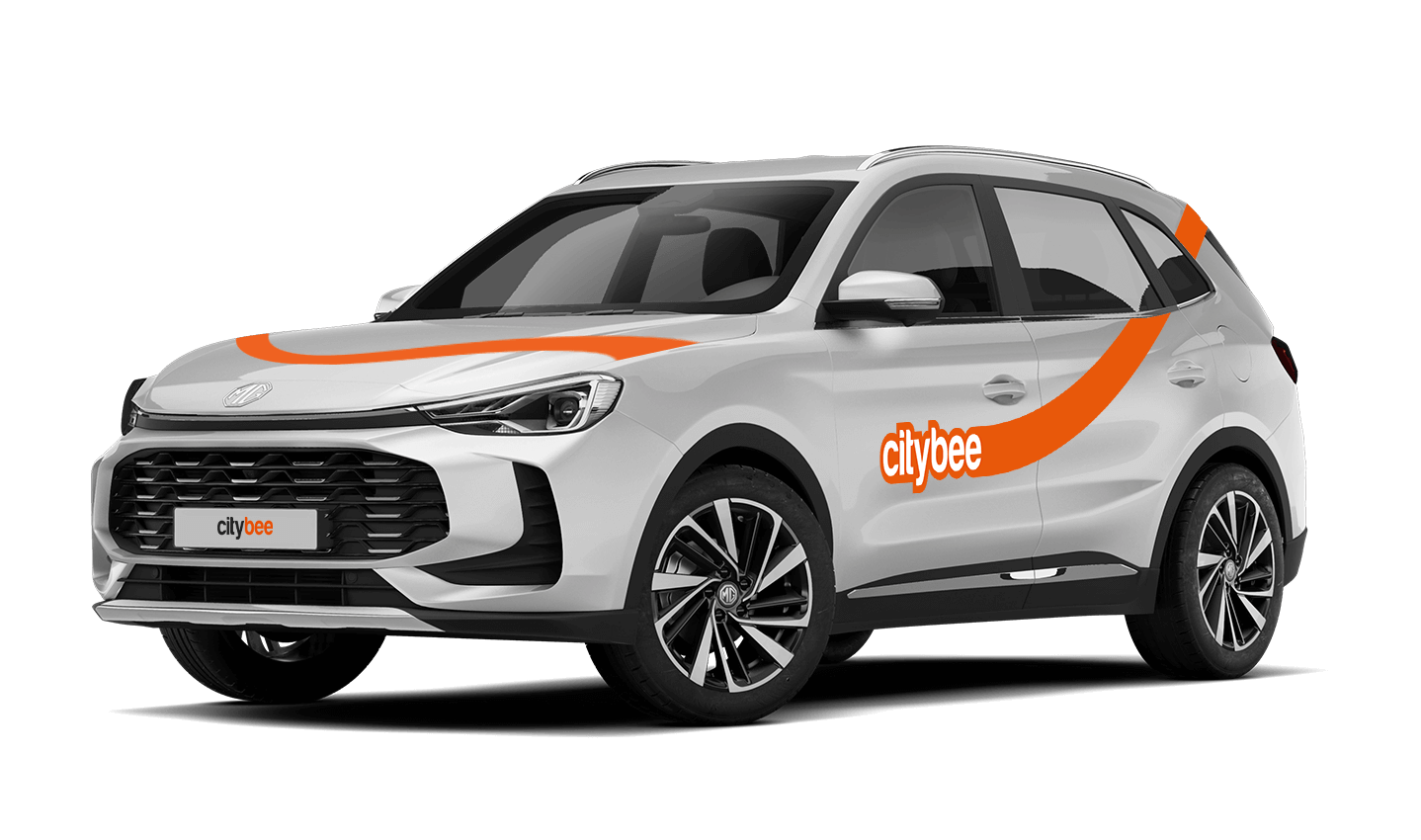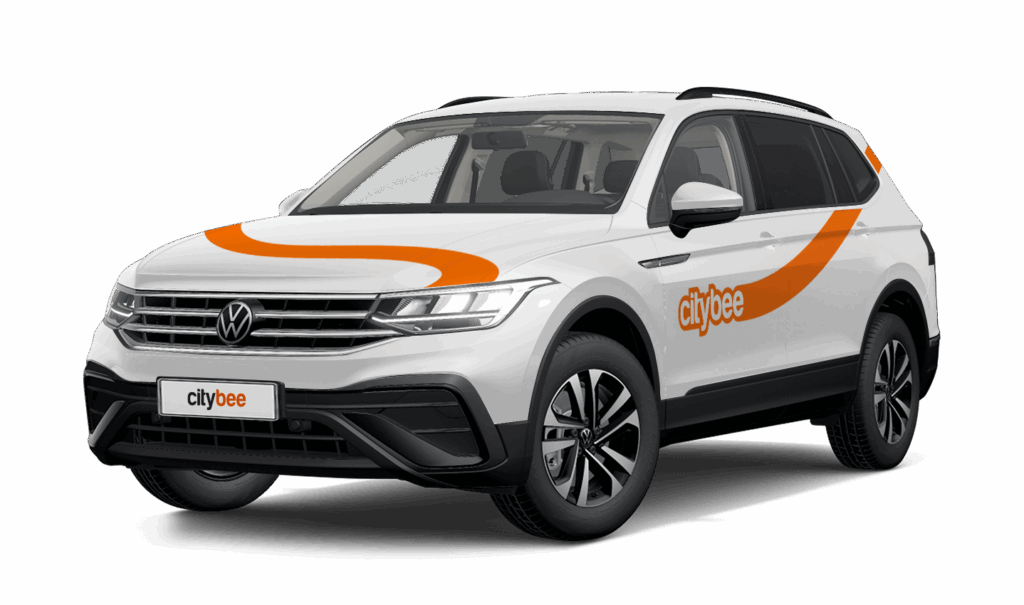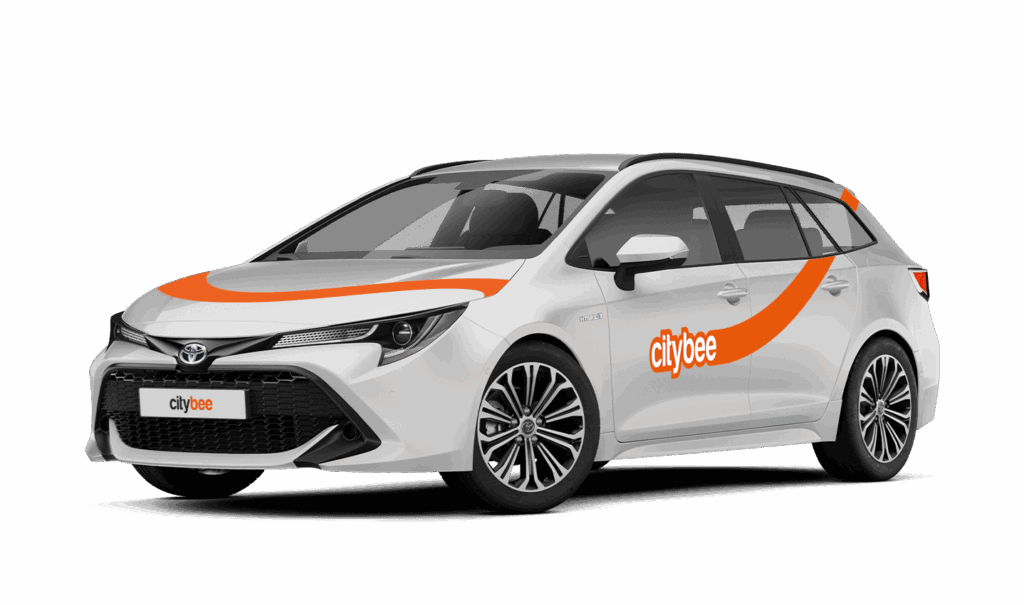
Price Calculator
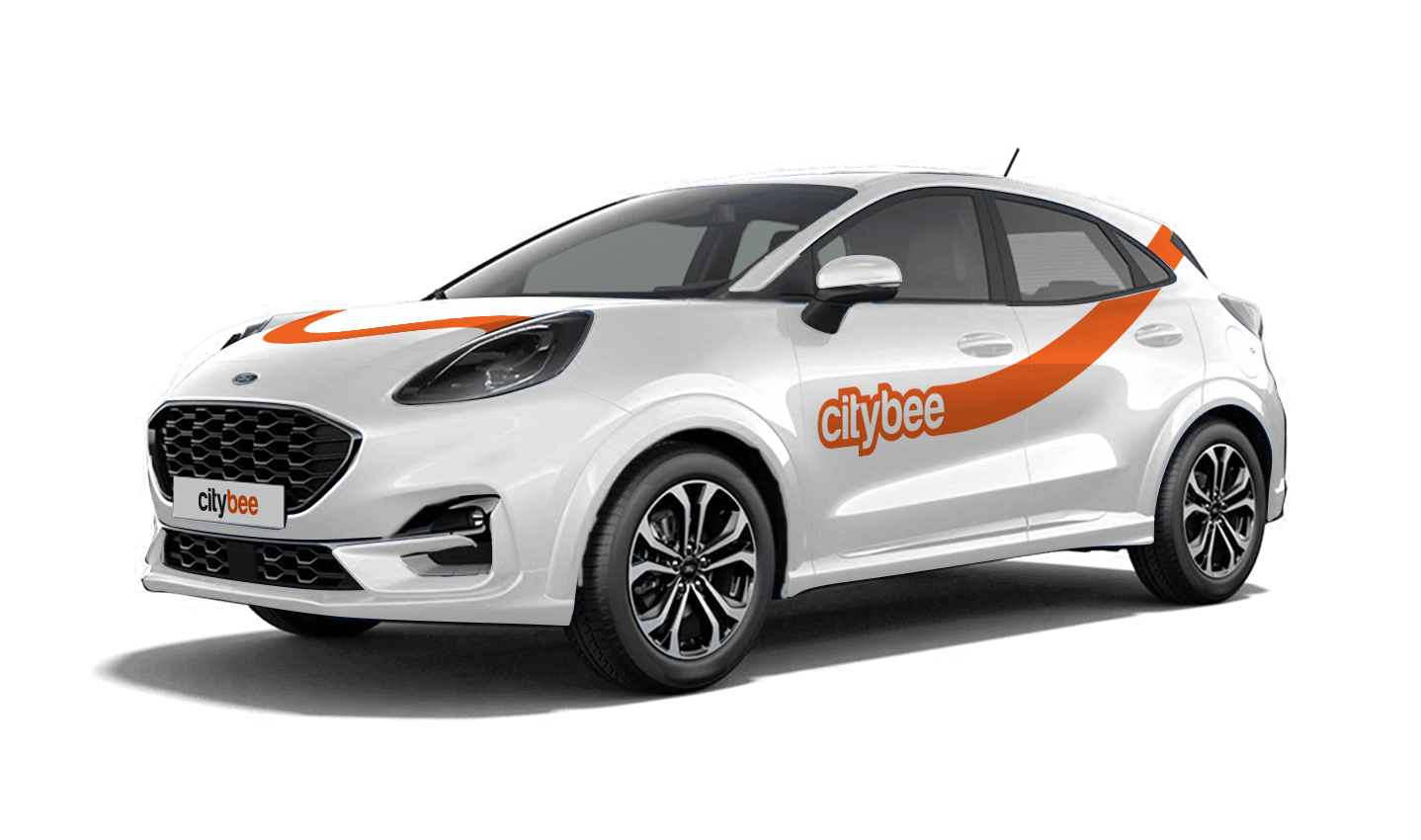
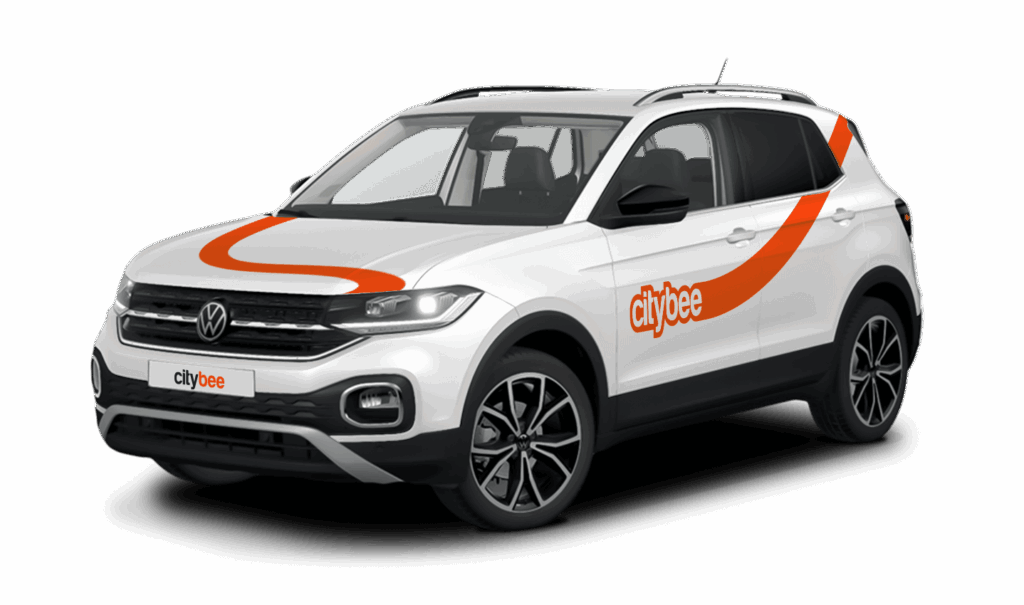
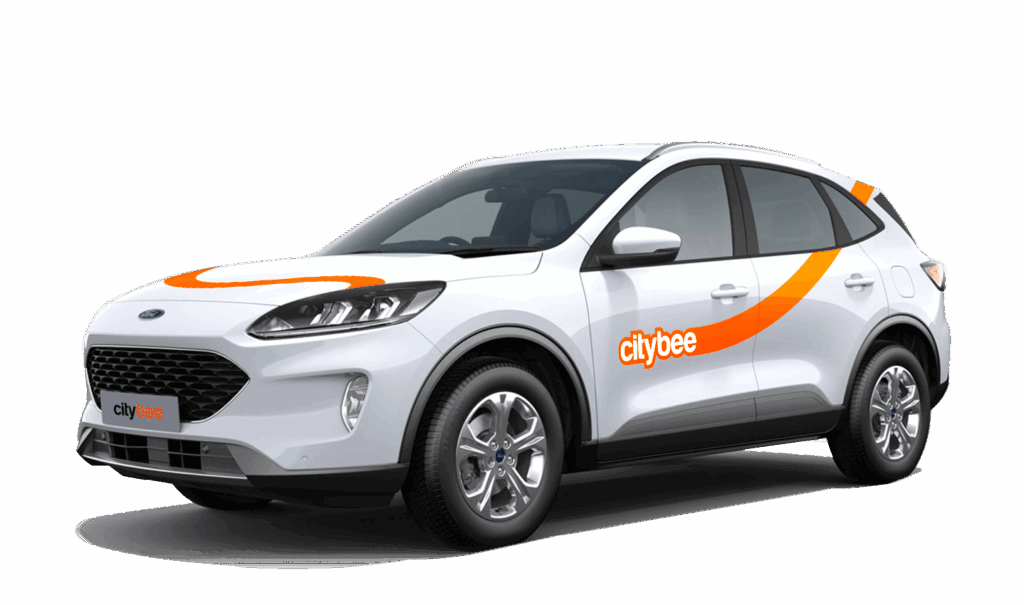
Ford Kuga
The price of this journey would be
0€
Trip start fee of 0.44€ is included in the price calculation.
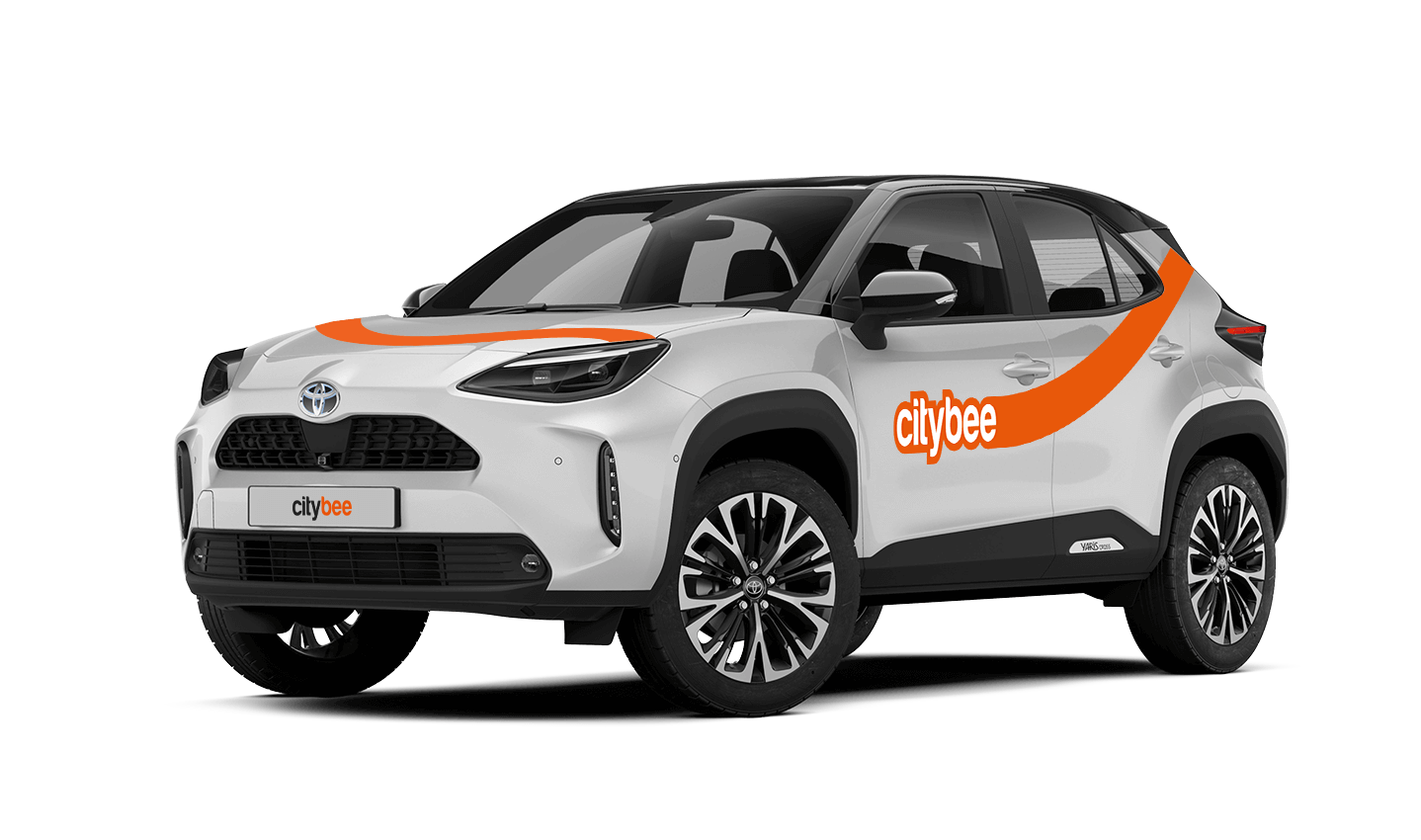
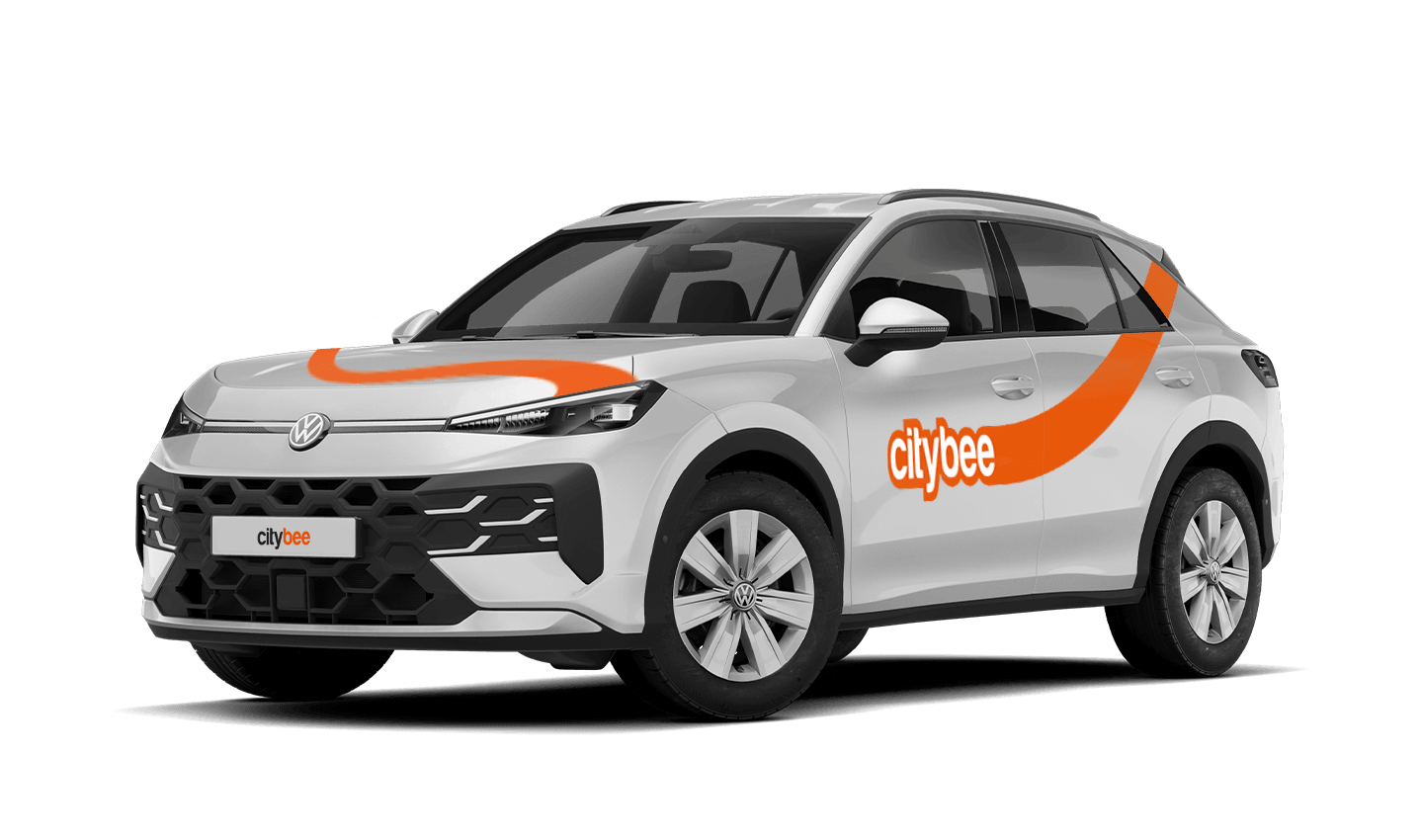
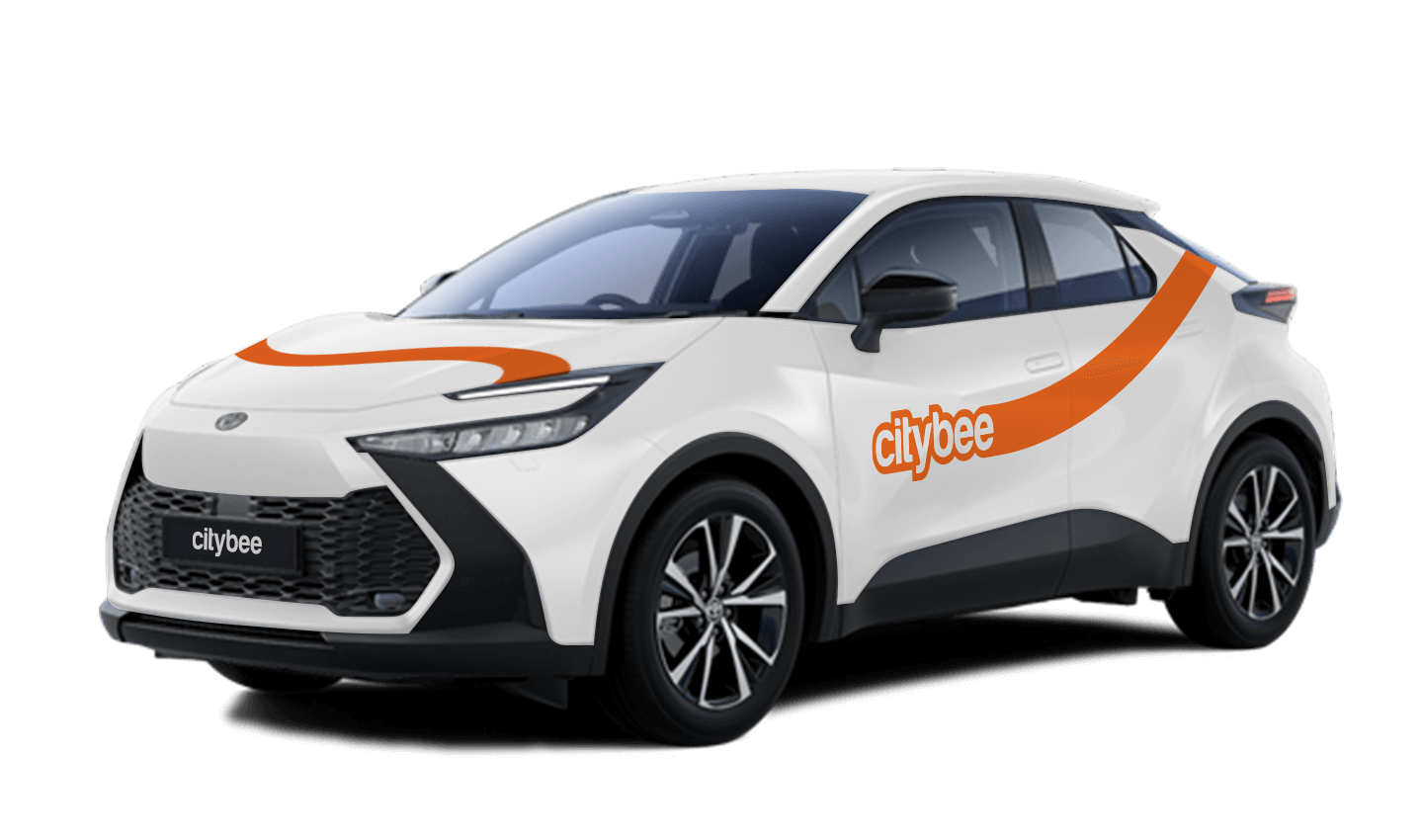
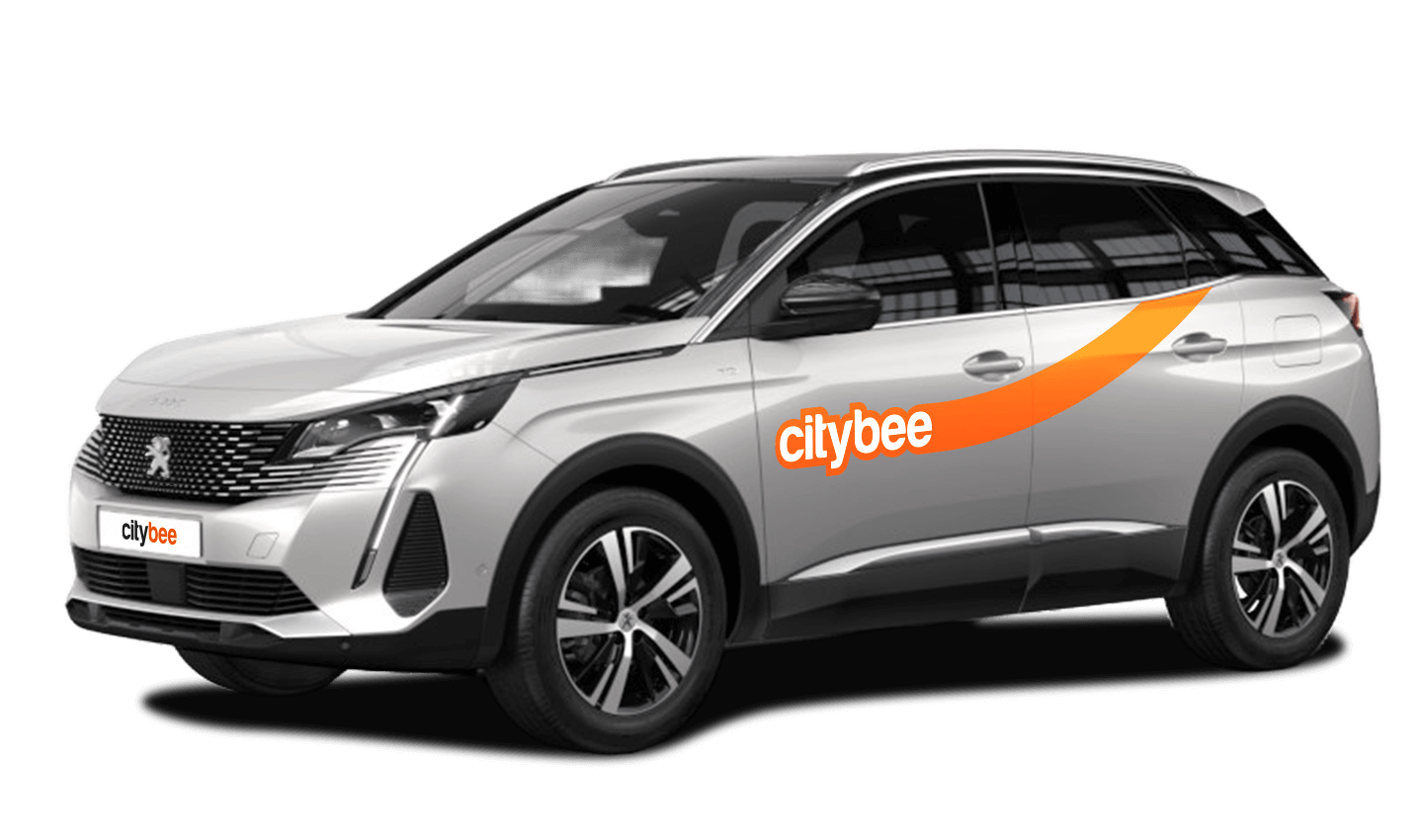
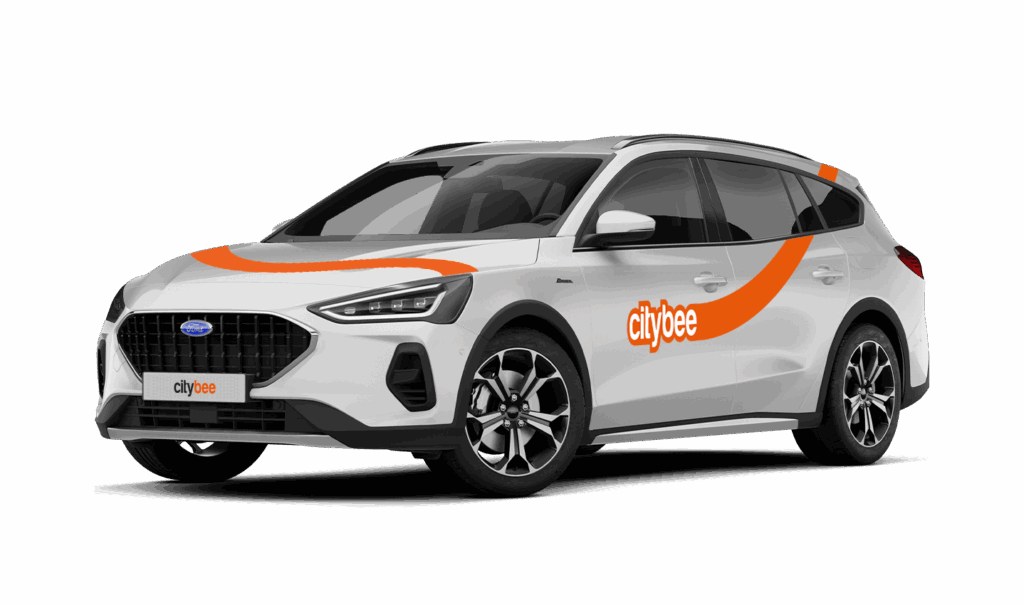
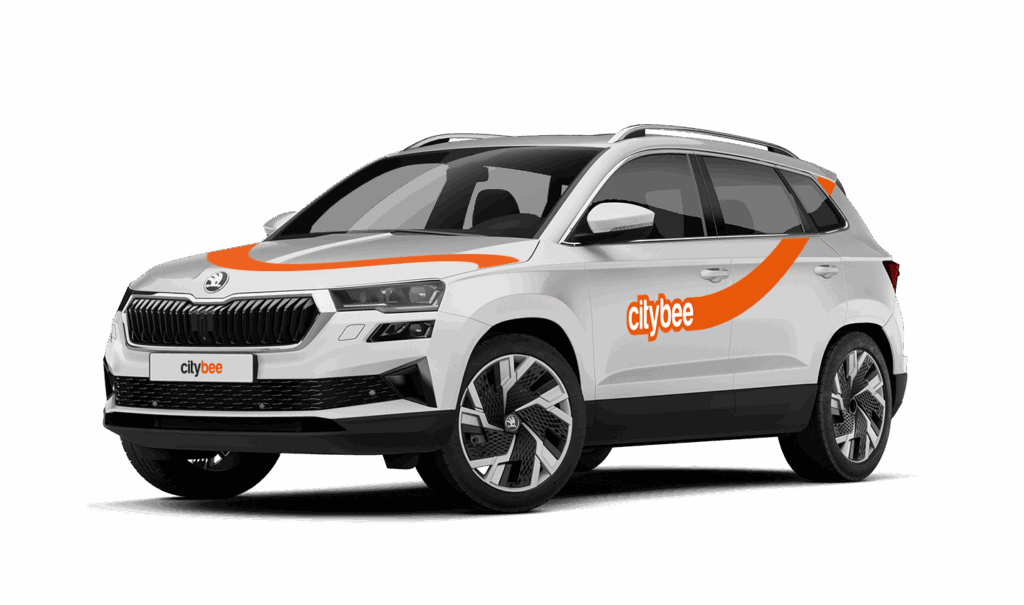
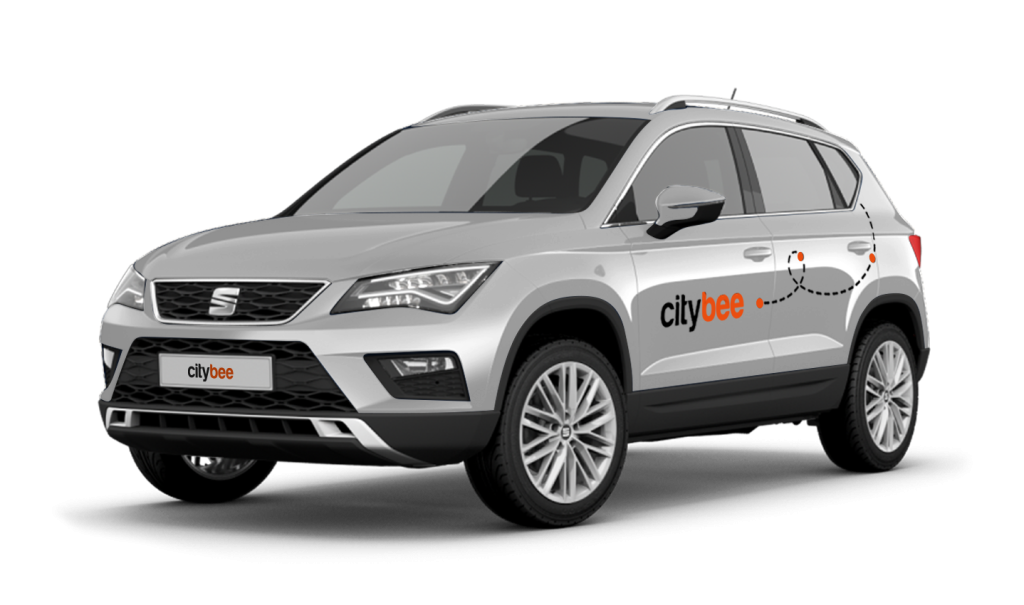
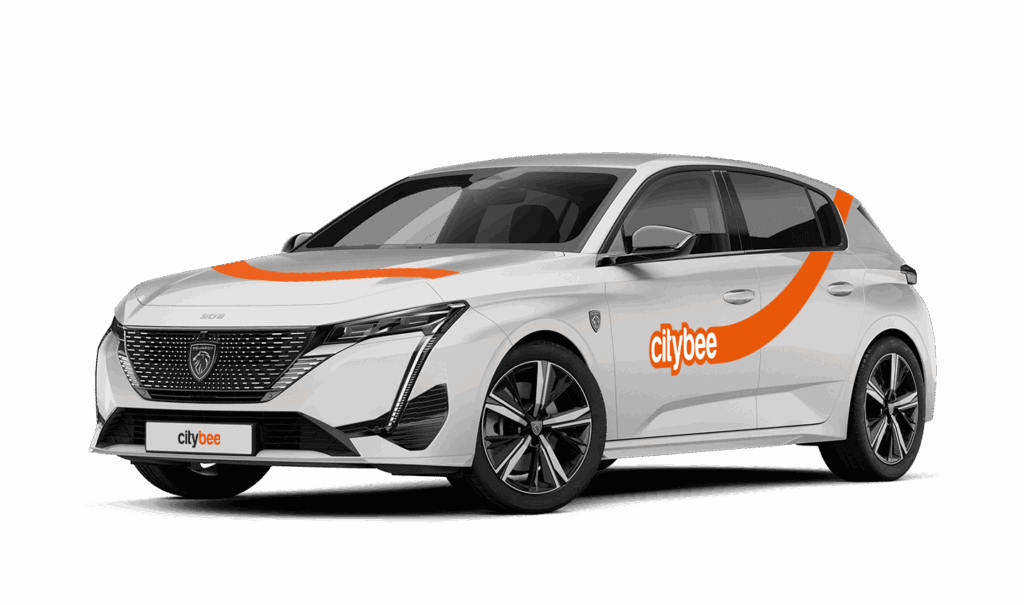
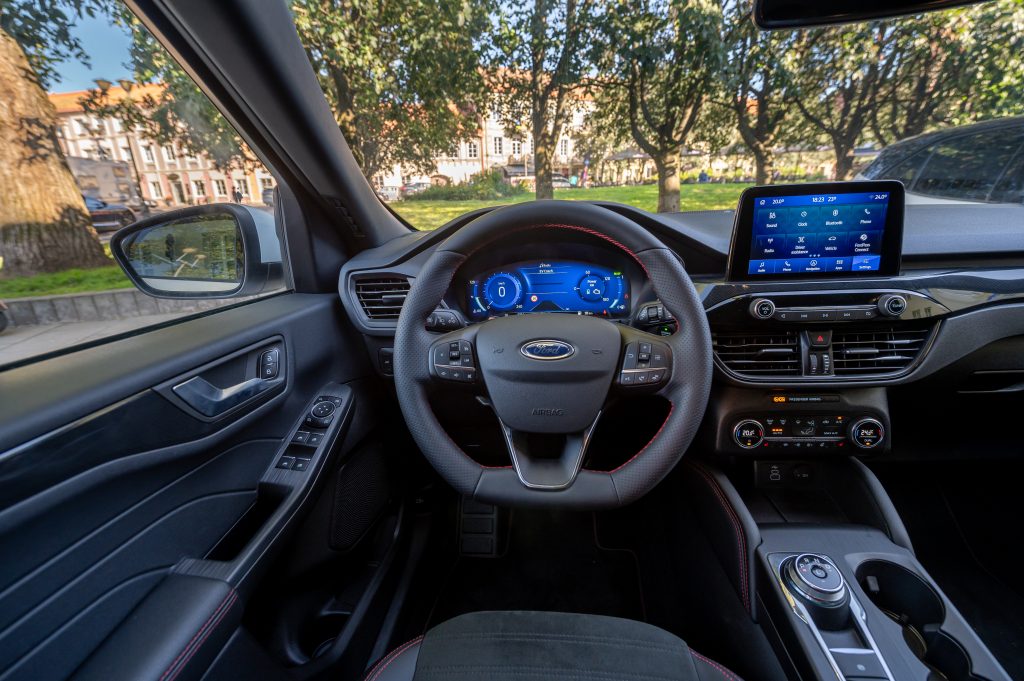
Car gallery




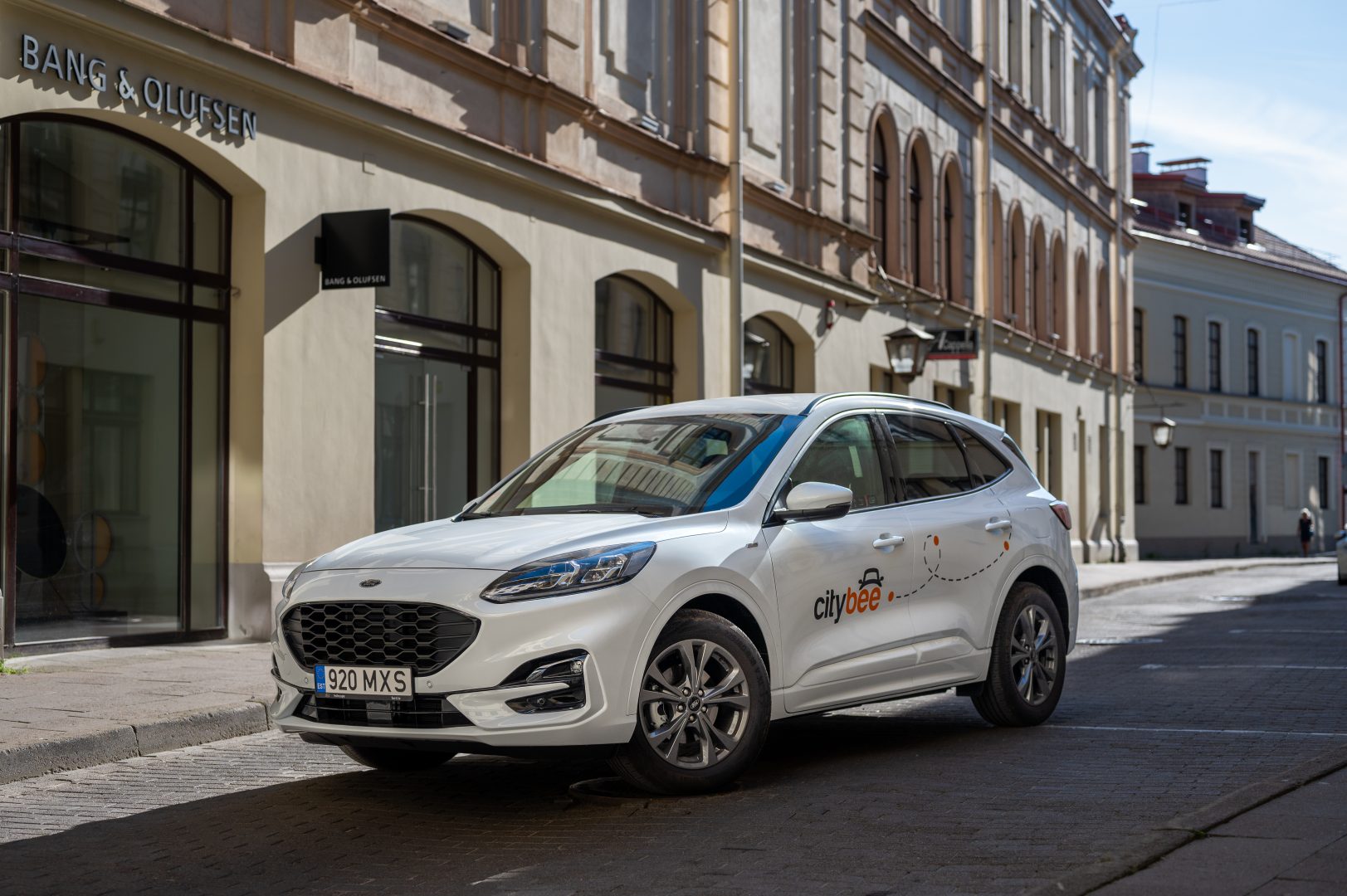
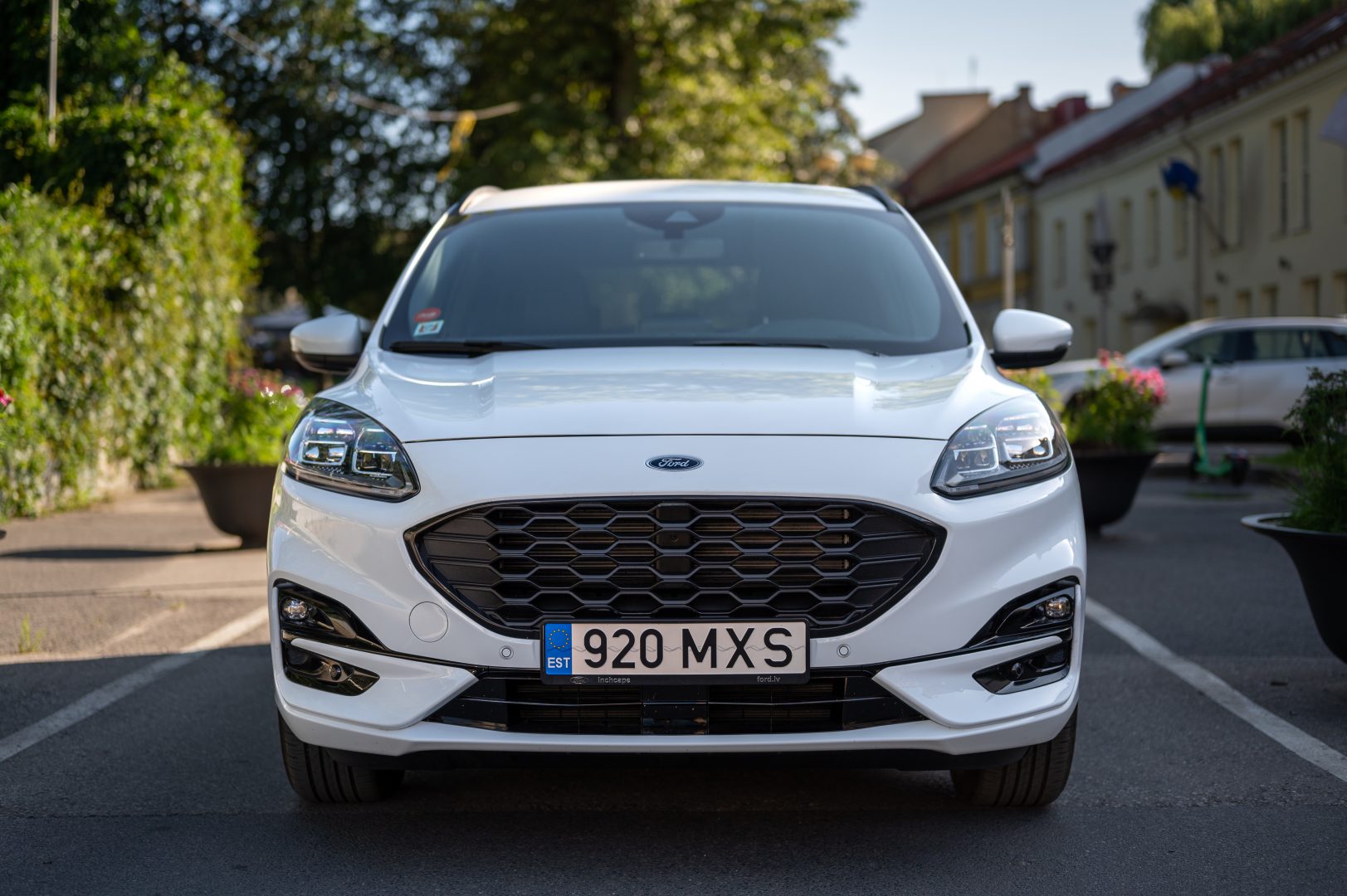

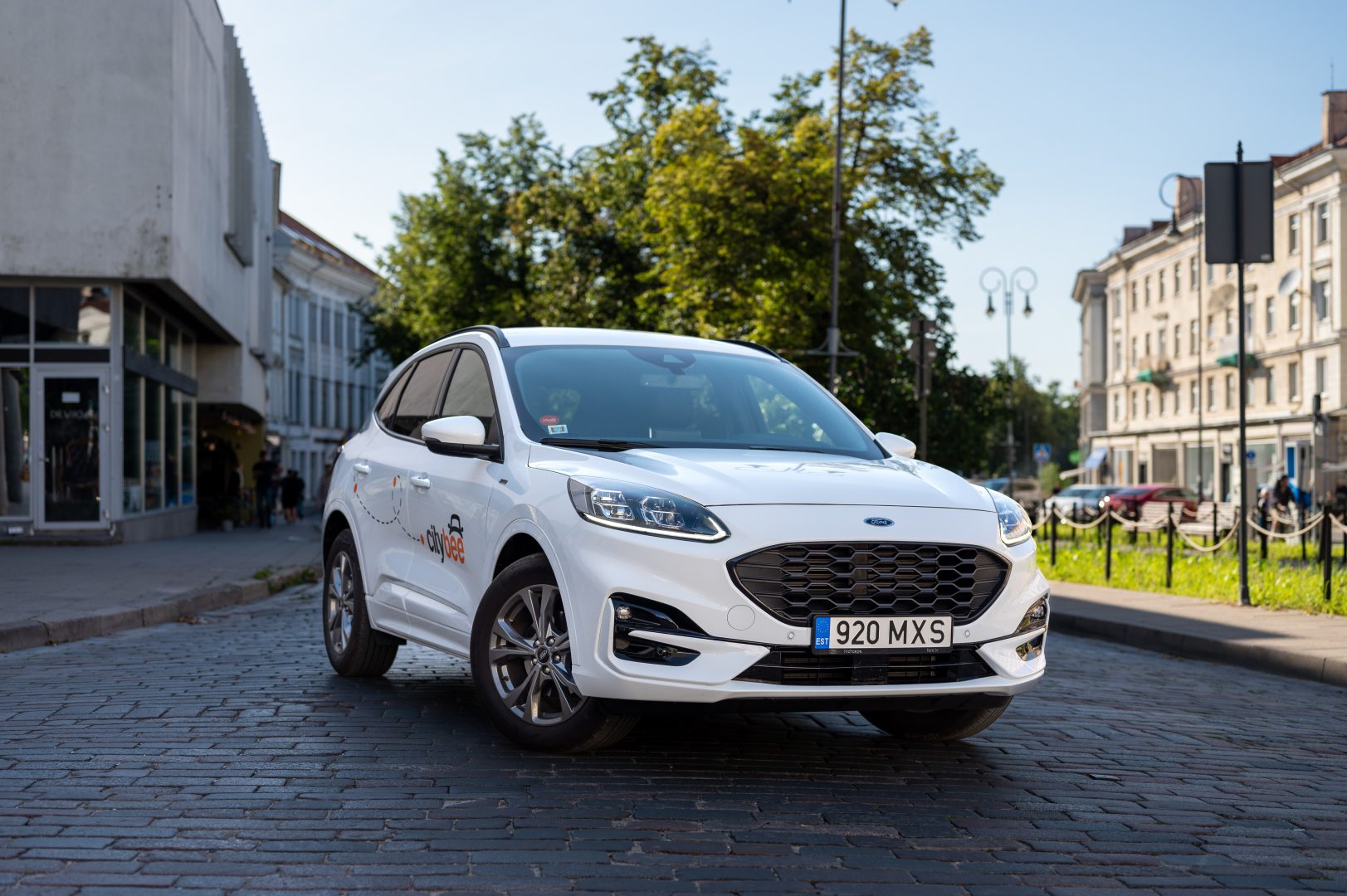

At CityBee, we prioritize safety, both for our drivers and everyone on the road. If you happen to exceed the speed limit, we’ll call you or send you a notification to remind you to slow down.
However, if after receiving this notification you continue to exceed the speed limit, a fine specified in our Pricelist will be applied. This fine serves as a reminder to follow the rules of the road and keep your driving safe.
By respecting speed limits, you’re not only avoiding fines but also contributing to a safer experience for everyone. Let’s keep it safe and smooth on the roads!
We process your personal data on the basis of your consent in order to conclude, execute, and administer the agreement concluded with you, to comply with the requirements of legal acts, and for the legitimate interest.
The CityBee Privacy Policy (https://citybee.lt/en/privacy-policy/) provides detailed information on the purpose of processing your personal data and the duration of storage thereof.
VW Crafter, VW e- Crafter and MAN TGE
Cargo area measurements:
Length – 3201 mm.;
Height – 1961 mm.;
Width – 1832 mm.;
Width between wheelhouse – 1380 mm..

VW Crafter load capacity is up to 1411kg.
VW e- Crafter load capacity is up to 950kg.
Renault Master
Cargo area measurements:
Height – 1894 mm.;
Width – 1765 mm.;
Length – 3733 mm.;
Width between wheelhouse – 1380 mm..
Car measurements:
Height – 2488 mm.;
Width – 2470 mm.;
Length – 6225 mm.
Load capacity is up to 1434kg.
Ford Transit
Cargo area measurements:
Height – 1886 mm.;
Width – 1784 mm.;
Length – 3494 mm;
Width between wheelhouse – 1392mm.
Car measurements:
Height – 2547 mm.;
Width – 2059 mm.;
Length – 5981 mm.
Load capacity is up to 1220kg.
Fiat Ducato
Cargo area measurements:
Height – 1932 mm
Width – 1870 mm
Length – 3705 mm
Wheelbase – 1422 mm
Car measurements:
Height – 2522 mm
Width – 2050 mm
Length – 5998 mm
Load capacity is up to 1326 kg
If you want to change your phone number in the CityBee app, please follow these steps:
Menu > My profile > Phone number. Specify the new phone number and enter the verification code, which you will receive as an SMS to the new phone number.
If you want to change the phone number registered in the CityBee app, but cannot access your profile in the app, please send us a request by e-mail, using the e-mail address you specified in your CityBee profile, and indicate your new phone number. We will change it upon request.
If you are unable to access the email inbox associated with your account, kindly get in touch with our customer support team for further assistance.
Attention! To protect Your account and to prevent fraud, while changing the phone number, we will remove Your driver‘s license and all Your attached payment cards. Add Your driver‘s license and payment card and You will be able to use the services again.
Email for contacting (for Citybee Lithuania customers): info@citybee.lt;
Email for contacting (for Citybee Latvia customers): info@citybee.lv;
Email for contacting (for Citybee Estonia customers): info@citybee.ee.
In the event of a traffic accident, follow the valid road traffic regulations of the country where the accident happened. If the accident is not complicated, there are no more than two cars involved and there are no casualties, a sketch of the accident is drawn and an accident statement is filled out, which You will find in the storage compartment. If parties disagree about the fault of the participants in the event, the police are called.
Each accident statement should include the causer of the accident and the victim. In the sketch, it is necessary to specify how many vehicles and which of those vehicles encountered in the accident.
ATTENTION!
When filling out the accident statement, keep in mind that both participants need to specify their contacts, each take a copy of the declaration and sign it (the victim signs only in box 15). Do not forget to fill out the circumstances field (12), it is mandatory.
An example of the filled out accident statement:
In Lithuania https://help.citybee.tech/lt/articles/5615179-kaip-pildyti-eismo-ivykio-deklaracija;
In Latvia https://help.citybee.tech/lv/articles/5615179-ka-aizpildit-saskanoto-pazinojumu;
In Estonia https://help.citybee.tech/et/articles/5615179-kuidas-taita-liiklusonnetuse-teadet.
You can also fill out the accident statement online:
In Lithuania https://draudimoivykiai.lt/;
In Latvia https://www.ltab.lv/spapp/;
In Estonia https://avarii.lkf.ee/et/.
You can use CityBee cars without 2 years of driving experience!
However, in Lithuania and Estonia, you must bring a personal “Maple Leaf” magnetic sticker, which you must stick to the back of the car in Lithuania and to the front of the car in Estonia. Do not forget to remove the sticker at the end of your trip.
You can refuel your CityBee at any Circle K station. Just open the app, check the map for the nearest station, and tap it for directions. When you get there, open the app, hit Refuel, and follow the simple steps. Want more info? See the full guide here.
Registration at CityBee is quick and easy. You don’t need to come anywhere – register with the mobile CityBee app and start using it! Registration will take just a few minutes.
The price of this journey would be
0€
Trip start fee of 0.44€ is included in the price calculation.