Price Calculator
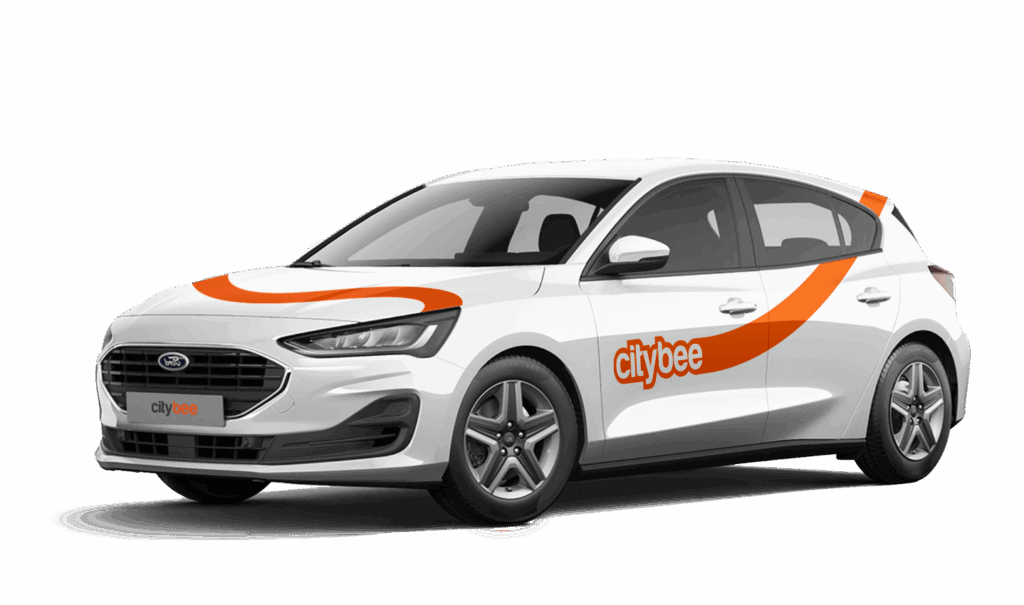
Ford Focus
The price of this journey would be
0€
Trip start fee of 0.49€ is included in the price calculation.
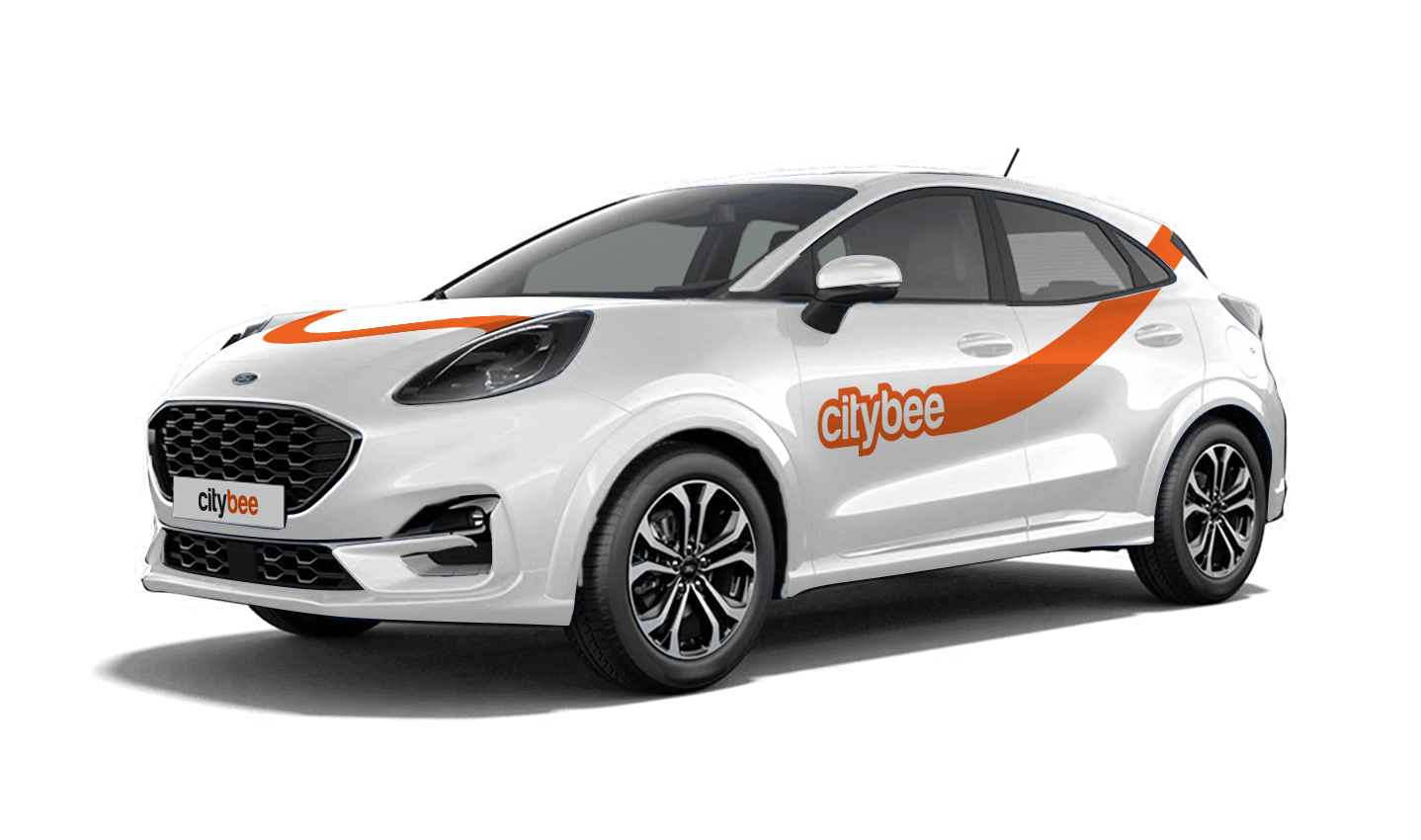
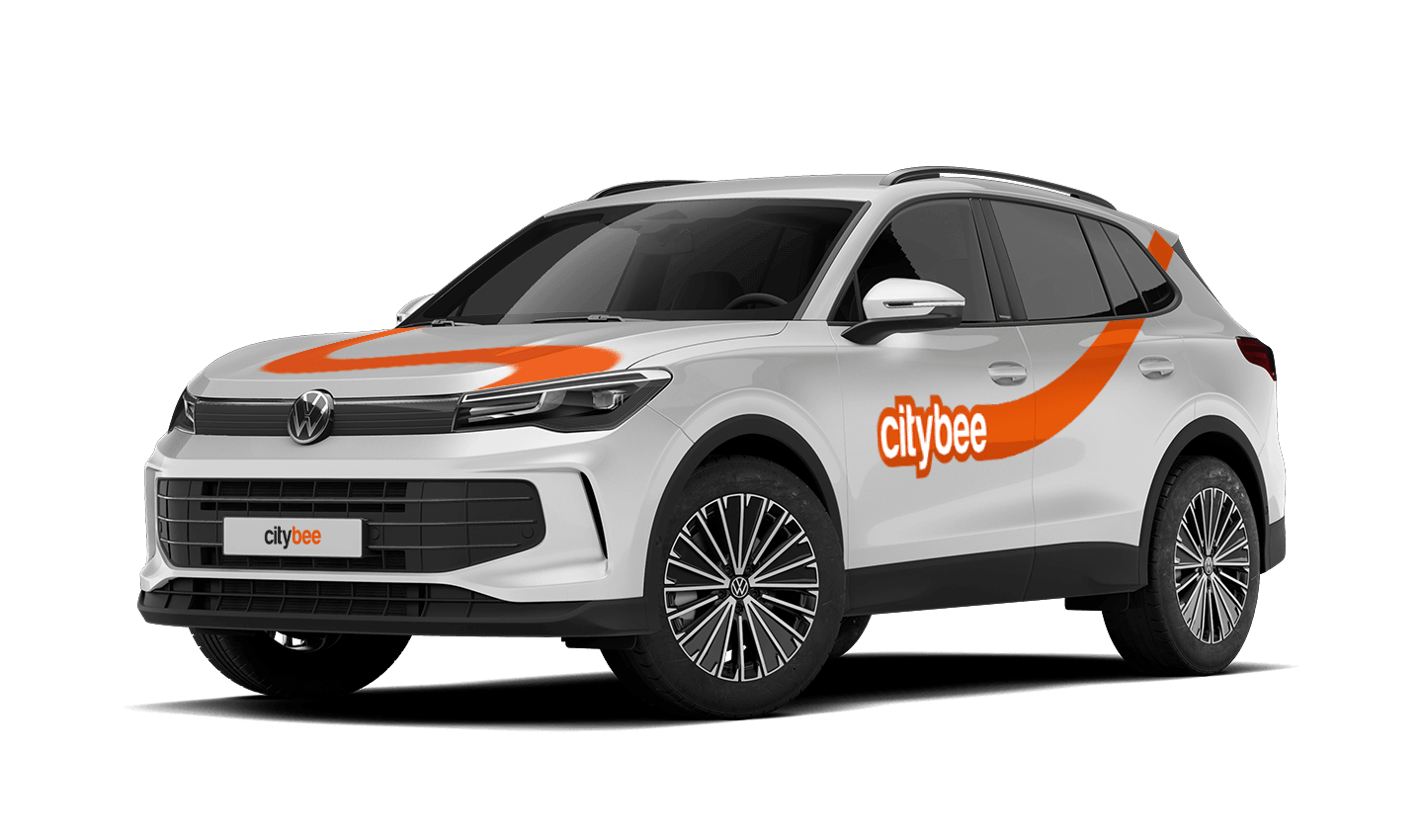
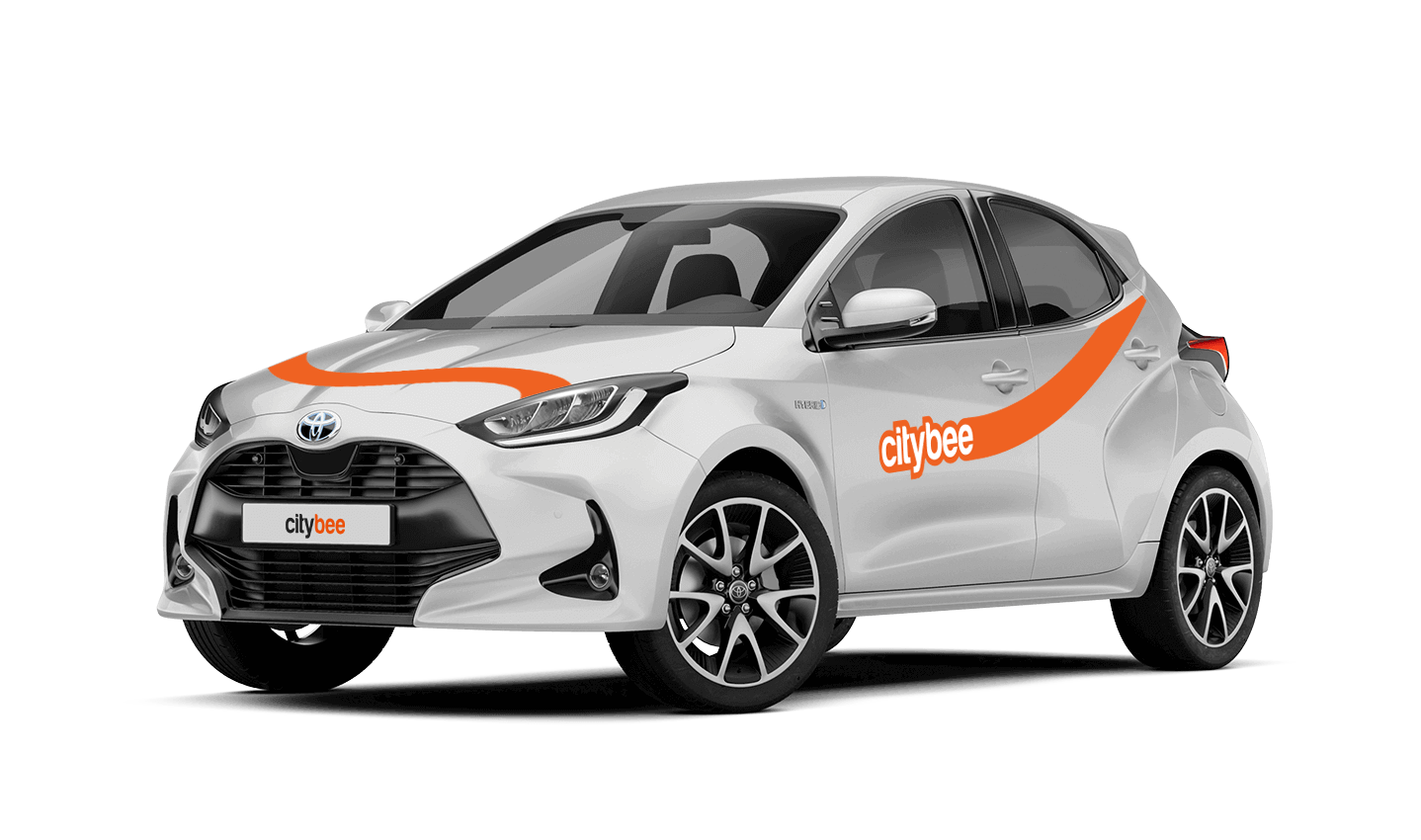
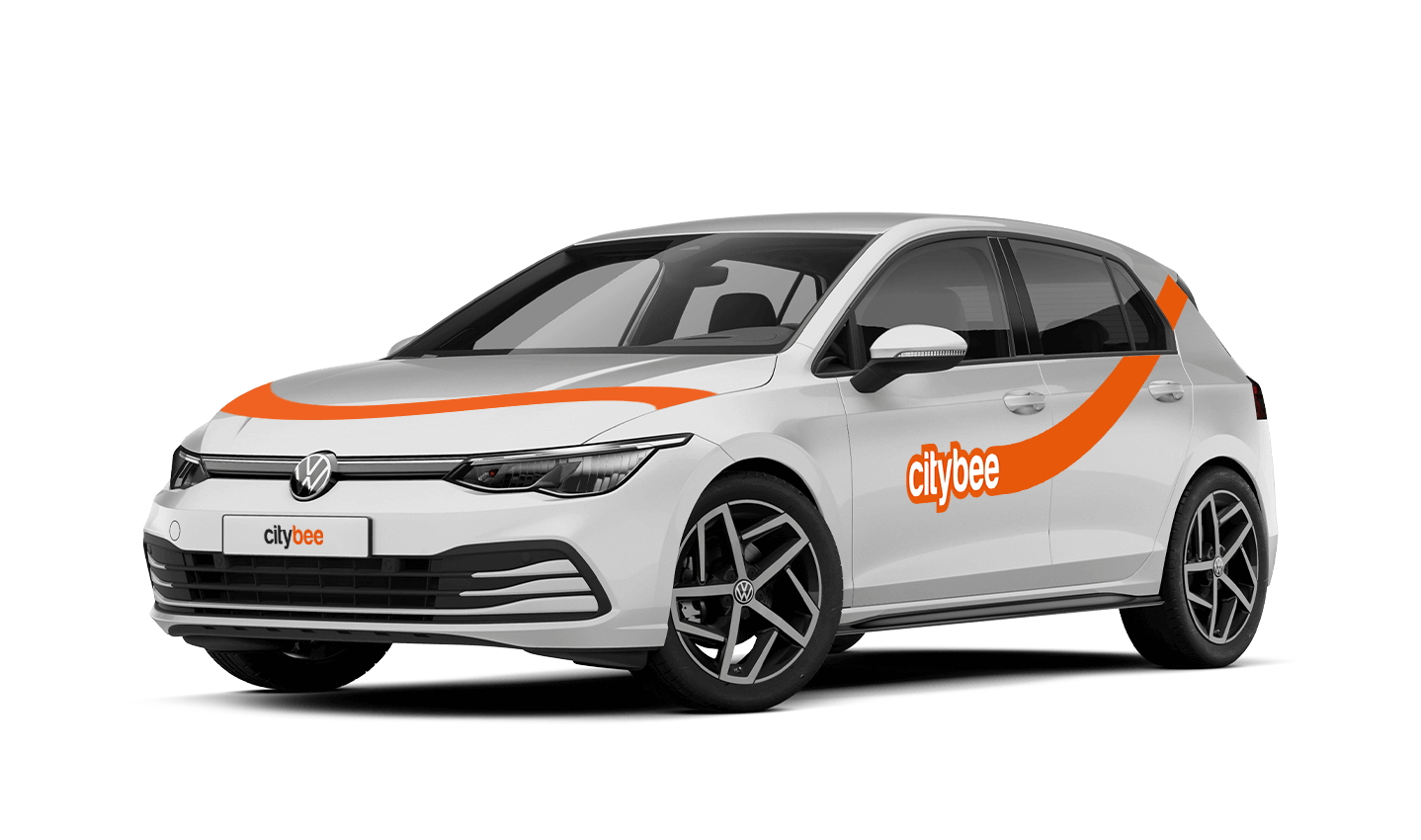
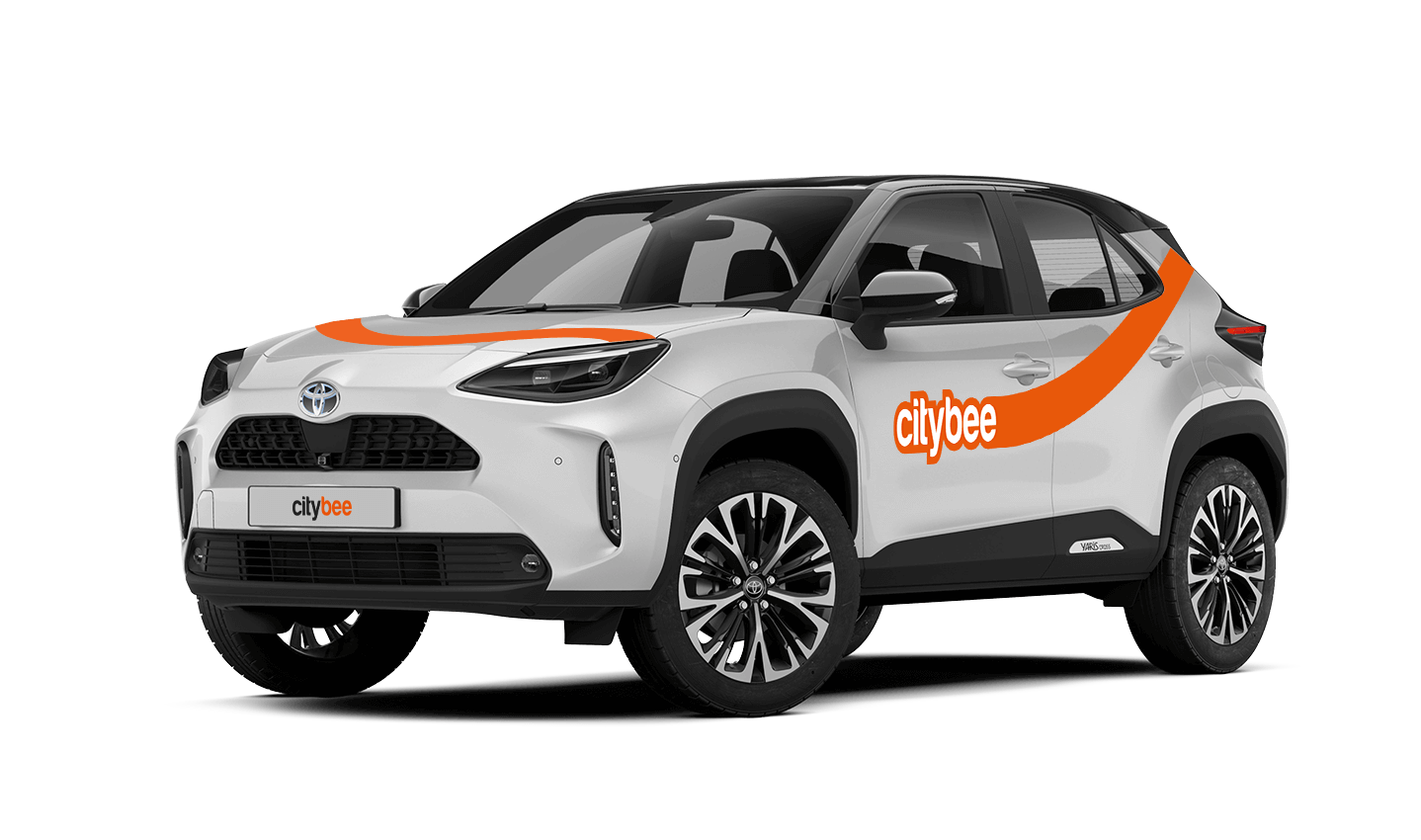
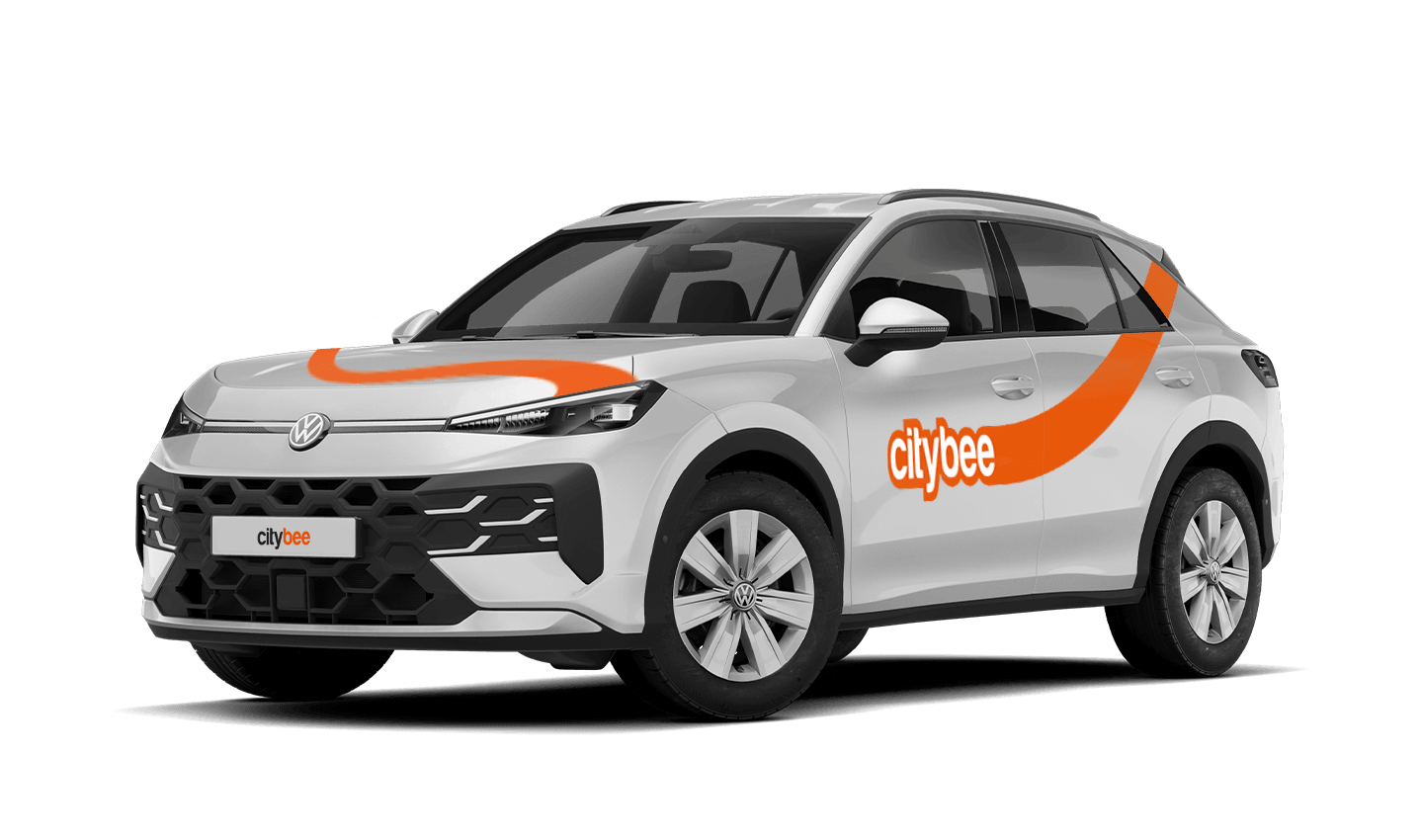
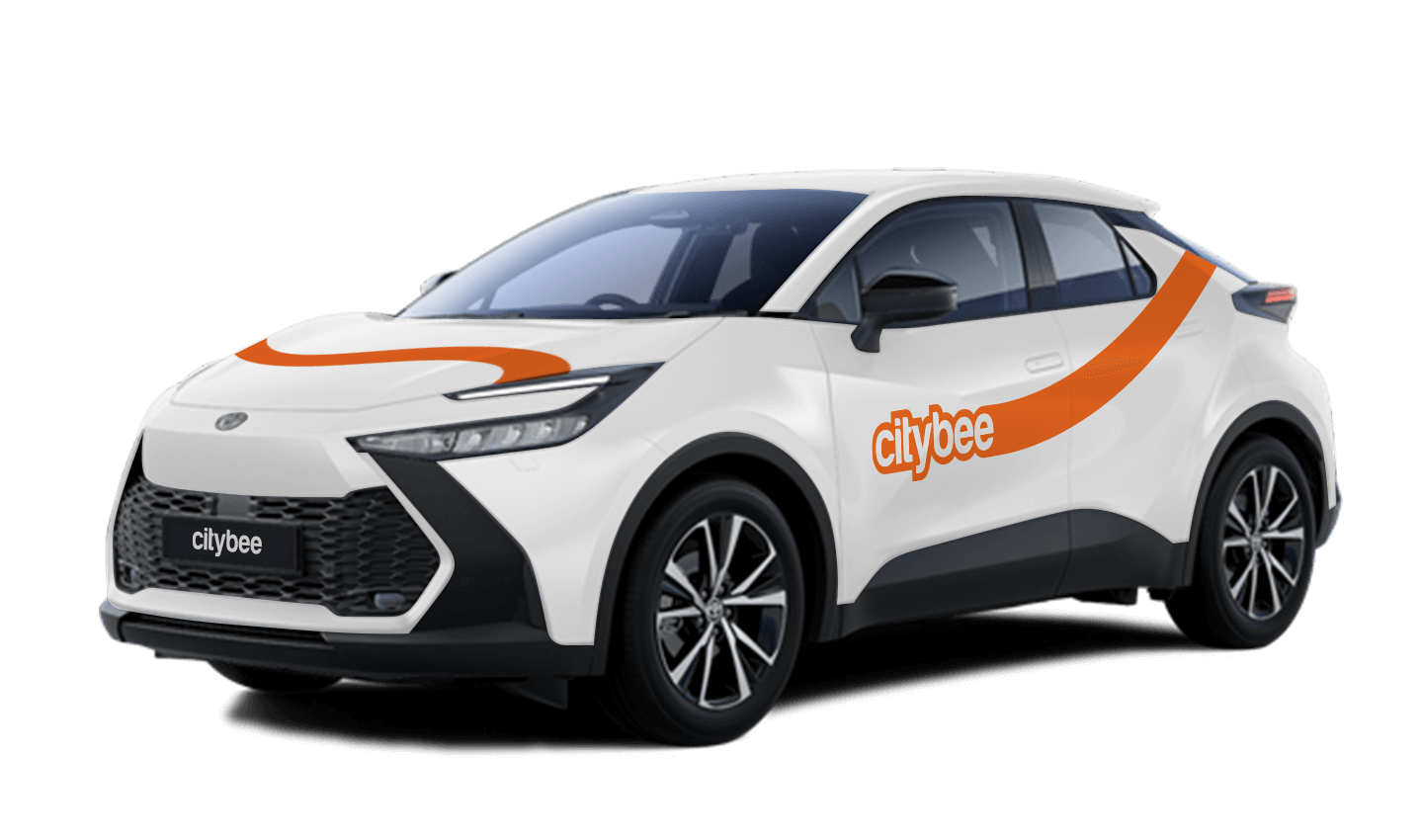
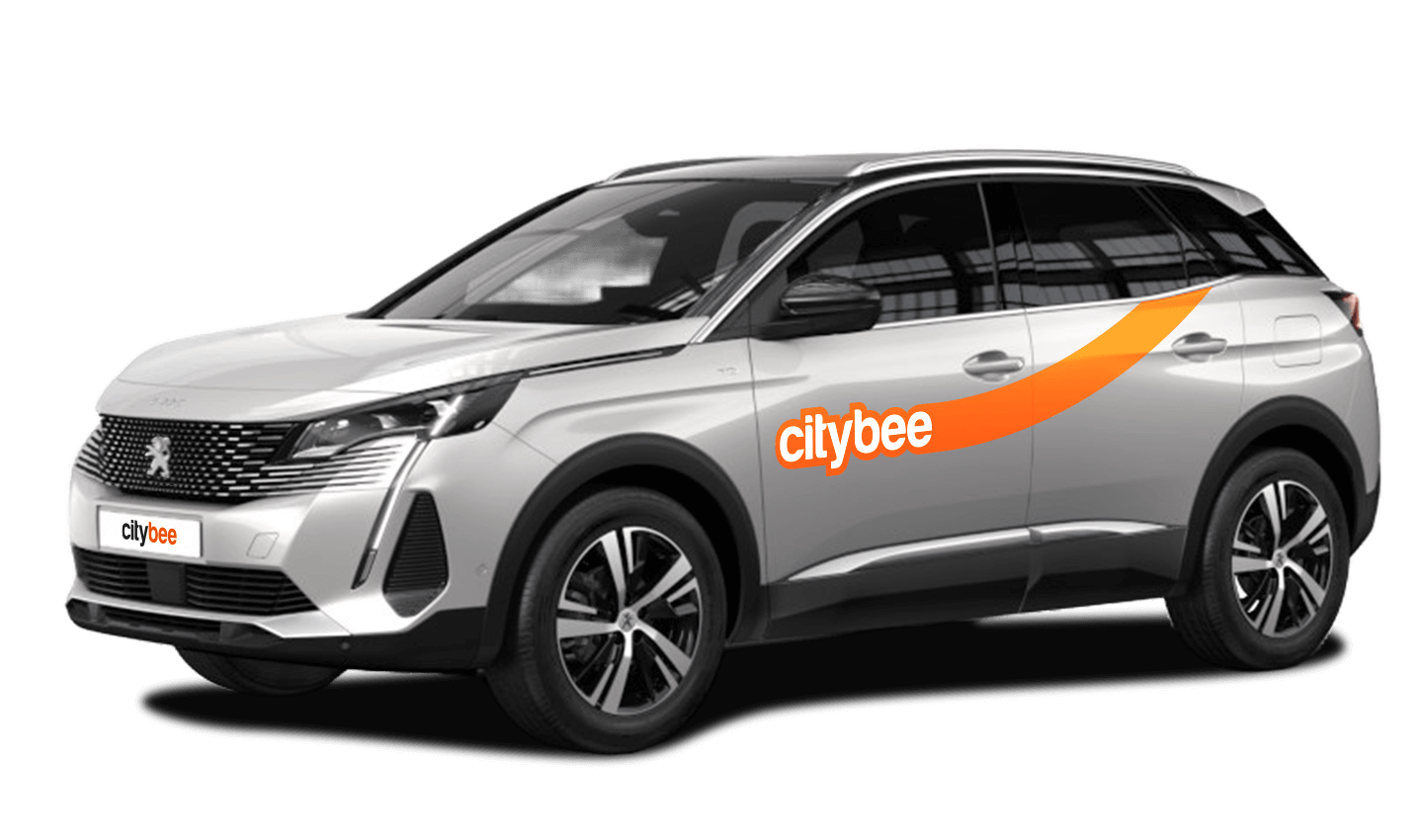
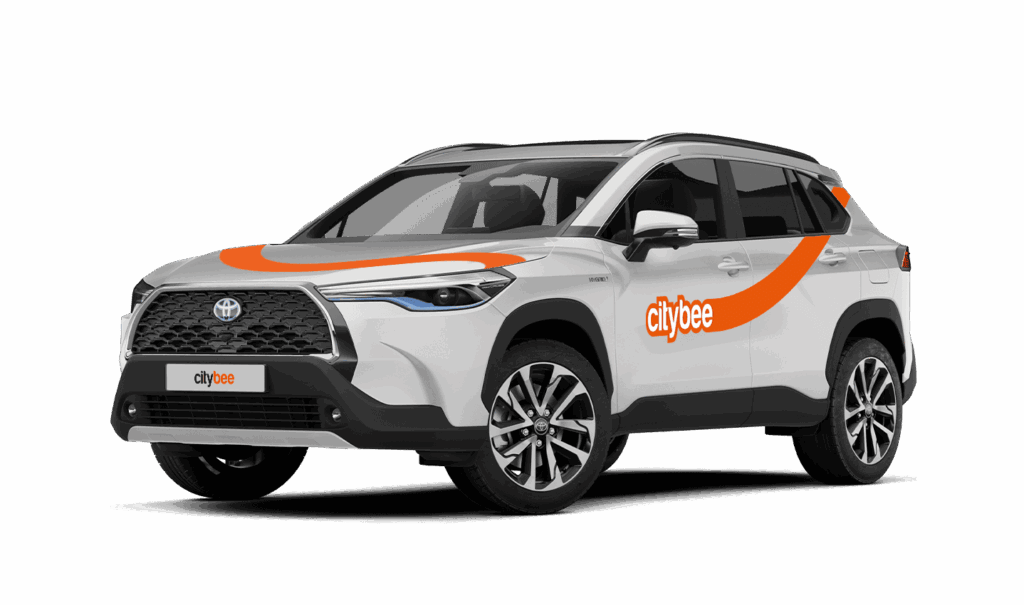
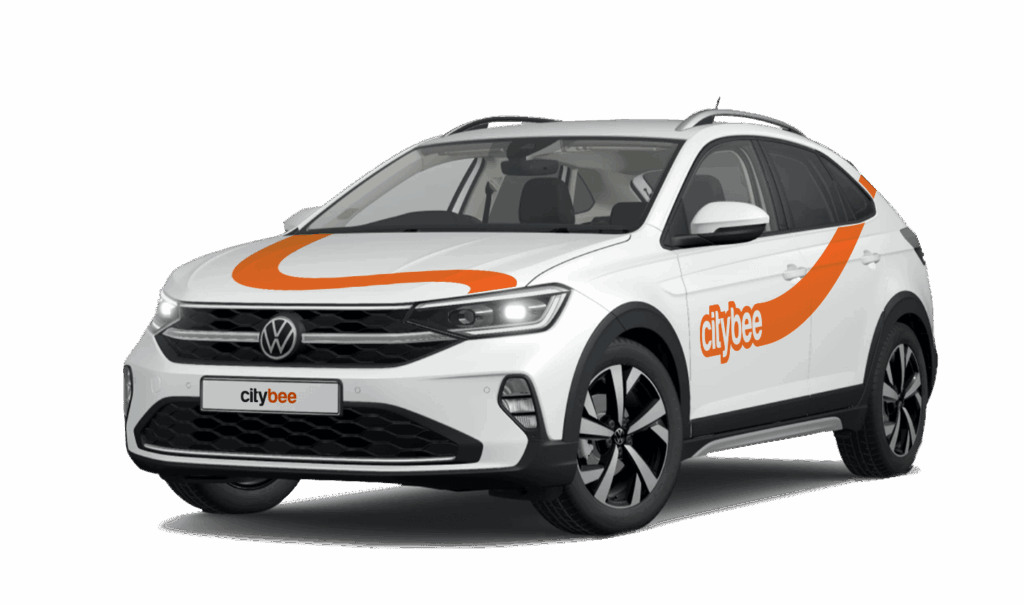
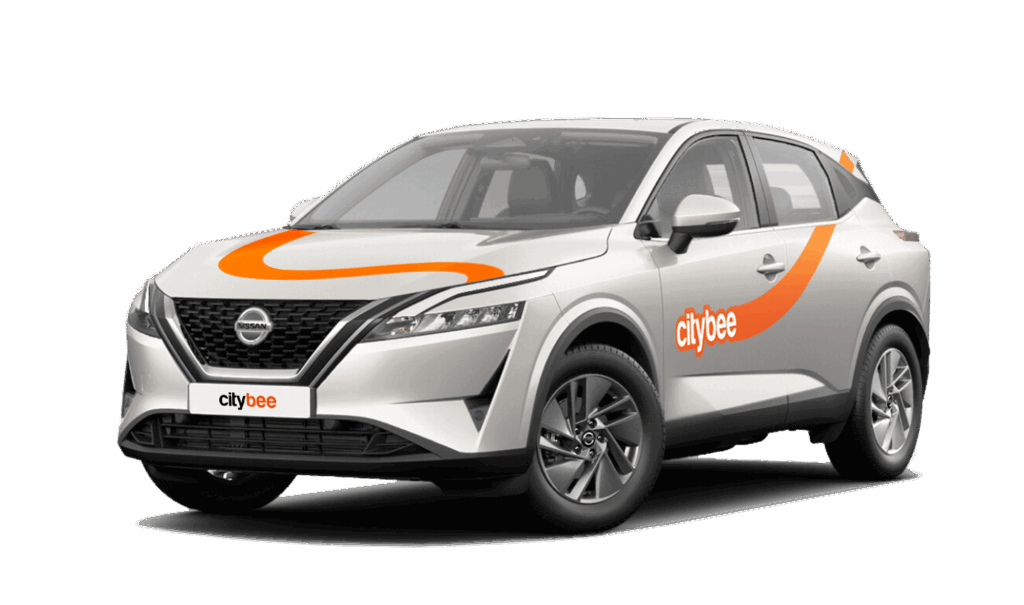
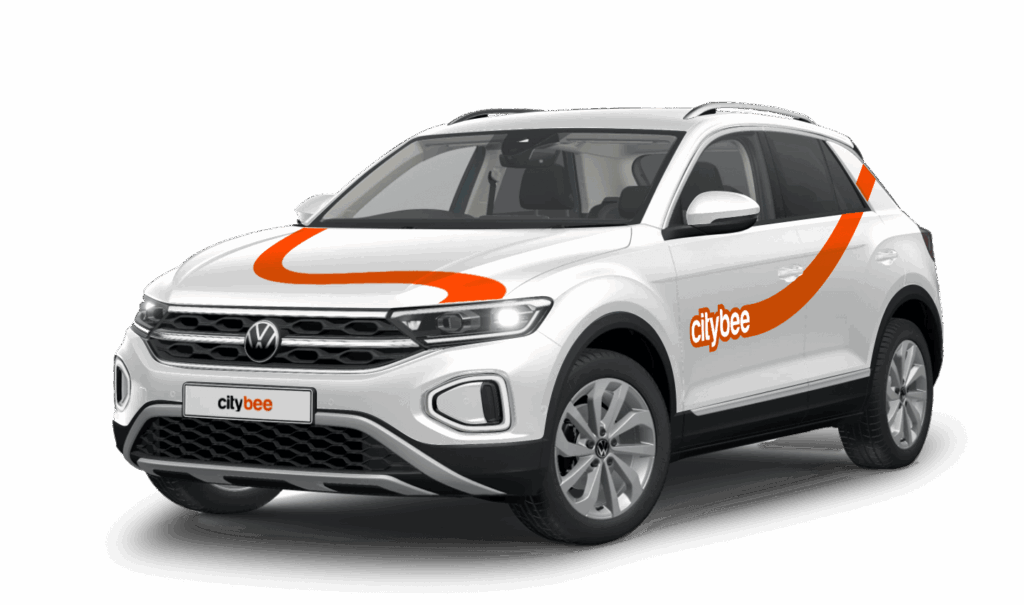
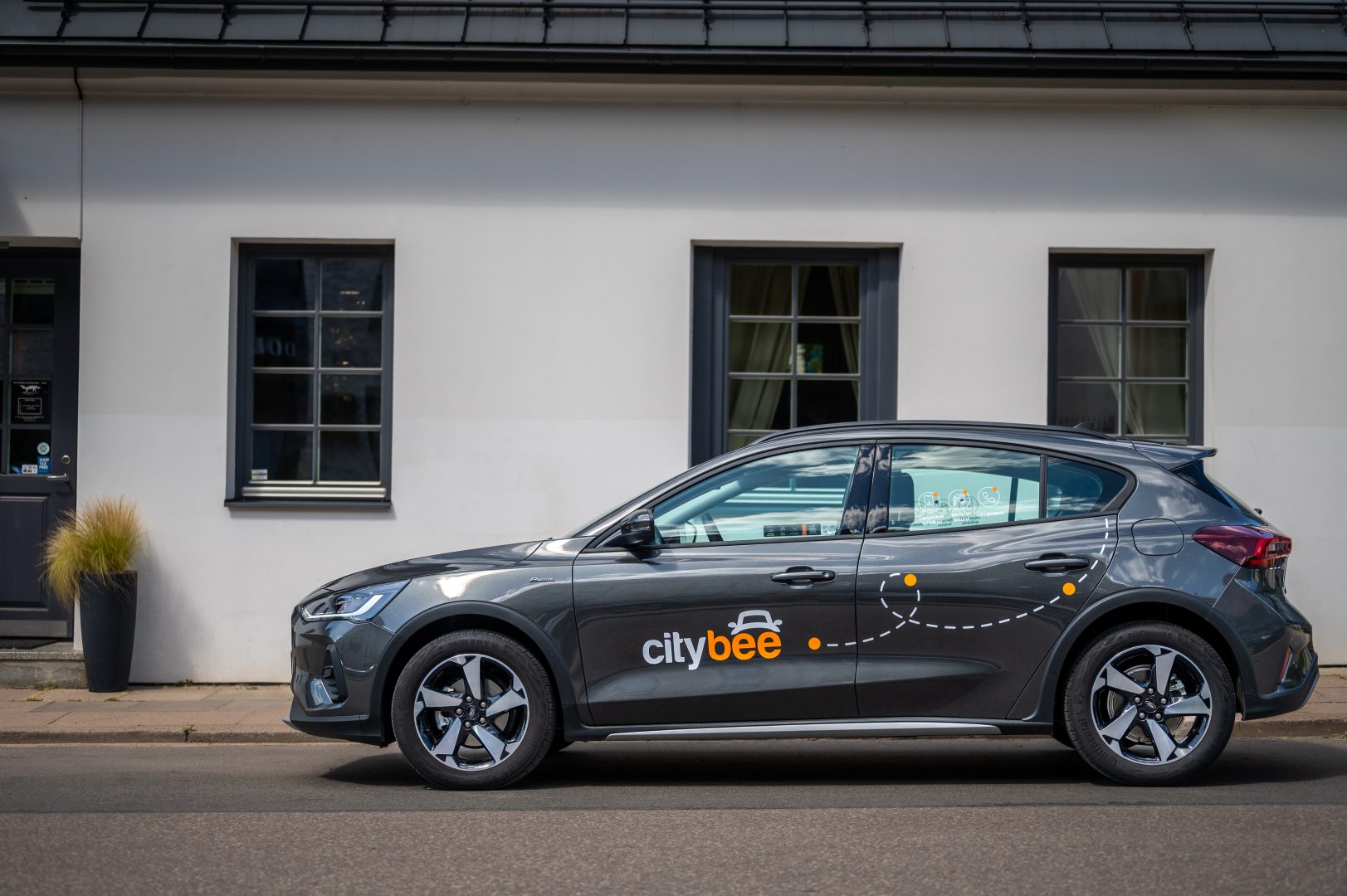
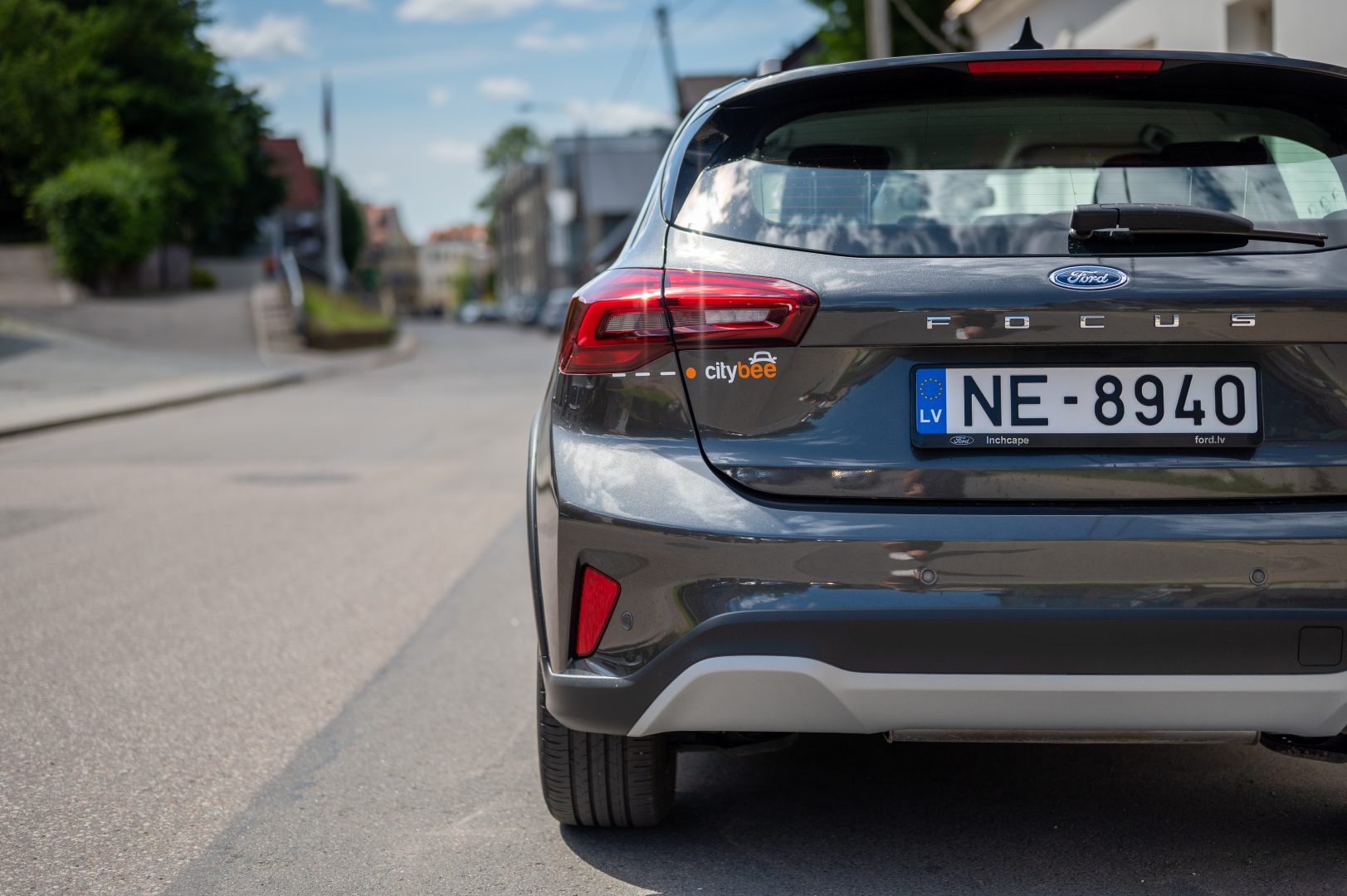
Car gallery
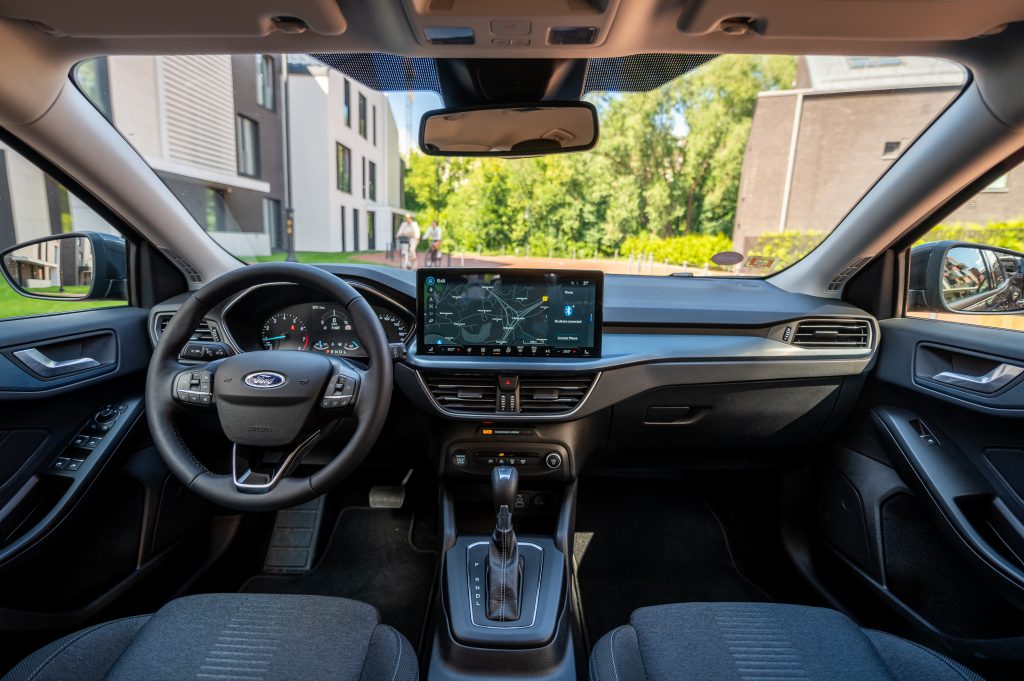



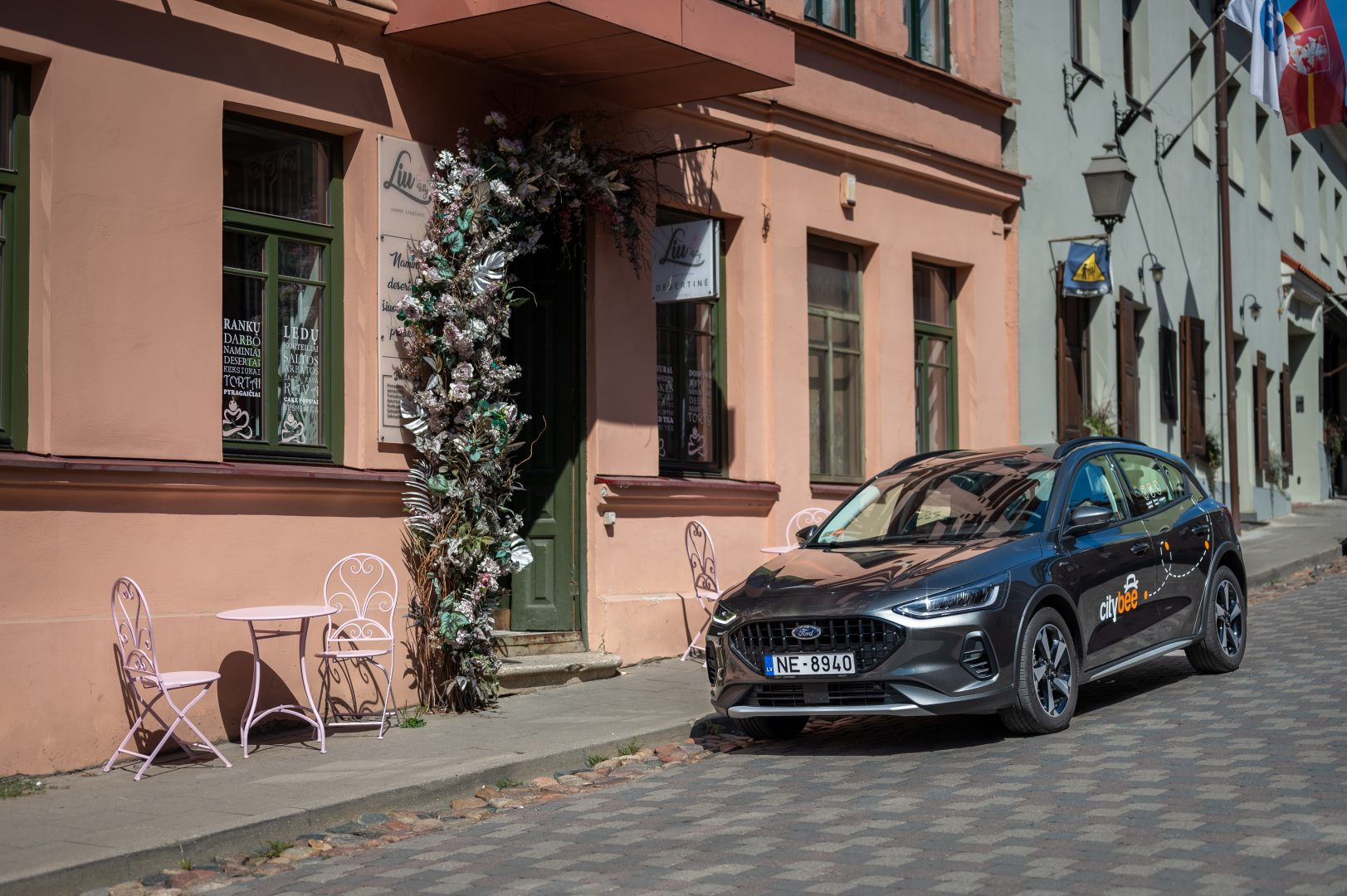

If you experience a flat tire during your trip, don’t worry—we’re here to help! Here’s what you should do:
Pull over safely: First and foremost, make sure you stop the car in a safe location.
Contact us immediately: Let us know about the flat tire as soon as possible by reaching out through the CityBee app or our customer service. We’ll guide you on the next steps and assist with any necessary arrangements.
Don’t attempt repairs on your own: We’ll take care of everything, so there’s no need to replace the tire yourself. Just follow the instructions provided by our team.
The good news is that the BeeChill fee is designed to cover tire repairs, provided that you follow our Terms of Service and adhere to traffic laws. You’ll be covered as long as the flat tire isn’t caused by actions like driving on it while it’s flat, causing more damage, or failing to report the incident.
For more details, please take a moment to review our Terms of Service. We’re here to support you and ensure your experience is as smooth as possible!
To change the CityBee self-service password, click on “I forgot/want to change my password” on the website . Once you’ve done that, enter your email address linked with your CityBee account in the box that appears. An email will be sent to your inbox with instructions explaining how to change your password.
Lithuania self – service: https://selfservice.citybee.lt/#/login;
Latvia self-service: https://selfservice.citybee.lv/;
Estonia self-service: https://selfservice.citybee.ee/.
The CityBee subscription is a monthly trip plan that allows you to travel much more affordably than with the ‘Flexible’ pricing and offers exclusive benefits for subscribers. When you purchase a subscription plan for a fixed price, you’ll receive a set number of trips. Each trip includes a predetermined number of kilometers and minutes, as well as the trip start fee and minimum trip cost. You have 30 days from the date of purchase to use your trips.
Regardless of the number of trips, the CityBee monthly subscription plan also includes the following benefits:
free parking in the CityBee yellow zone;
‘BeeChill’ fee included in the price.
Yes, you can. The CityBee Privacy Policy provides detailed information on the purpose of processing your personal data and the duration of storage thereof.
It’s important to report damages, and here’s when:
Before starting your trip: No need to worry about minor scratches or dents—we’ll take care of those. However, if you notice anything that could make the car unsafe or unfit to drive, such as a flat tire, broken window, loose or missing trim, or a non-functioning light, please report it through the CityBee app.
During your trip: Report any damage to the vehicle that occurs, no matter how small. This includes accidents or collisions, regardless of who is at fault. By reporting promptly, you’ll ensure you’re covered by the BeeChill fee, and we’ll handle the rest. If you fail to report, you could be held responsible for damages. It’s always better to let us know right away!
When using CityBee, you don’t have to pay for fuel yourself – you only pay for the time and kilometers you drive.
Refueling is easy!
Go to any of our partner Circle K gas stations. Open the CityBee app and start the refueling. Follow the simple instructions, fill up, and hit the road!
If the fuel is below 1/4 of the tank, you’ll receive a €2 discount for topping up.
Step by Step refueling guide
Check the Reservation map in the app to see nearby fuel stations. Tap a station for details and directions, then drive there.
When you arrive, tap the notification or open the CityBee app, go to Reservation, and select Refuel.
The app shows available pumps. Pick your pump, activate it, and wait for confirmation.
When it says, “Ready to fuel,” pick up the nozzle and start fueling. Return the nozzle when finished. The app will update the fueling status automatically.
If you decide not to refuel, you can cancel in two ways:
Manual cancel: Pick up the nozzle and immediately return it – the refueling is canceled.
Automatic cancel: If the nozzle is never picked up, the app will automatically cancel the refueling after 2 minutes of inactivity.
In rare cases, you may need to use the fuel card inside the car. This happens if the pump doesn’t work via the app or if you’re refueling outside the Baltic States. The CityBee app shows the PIN code and fuel type under your active reservation.
From now on, before starting the trip, we will ask you to check the car and inform us only if there are any obvious defects that make the car unsuitable for its intended purpose (5.3.19, 5.15).
1. Make a short inspection of the car;
2. Check whether there is any damage that could make the car unsafe or unsuitable for driving (for example flat tires, moderate or severe body damage, etc.) if there is any – please report it using the CityBee app;
3. If the damage is minor (e.g. small scratches or dents) – You do not have to report it and you can safely start the trip!
If the damage impacts your ability to drive safely or you’re uncertain, please reach out to us via email, in-app chat, or phone. Please include a photo to help us assess the situation more accurately.
If the car is dirty – you can select the “report” function in the reservation and the technical team will clean the car at the first opportunity.
You can contact us here:
LT- info@citybee.lt
LV- info@citybee.lv
EE- info@citybee.ee
If you don’t use all the kilometers and minutes allocated for a trip under the subscription plan, the unused distance and time will not be carried over to another trip.
The price of this journey would be
0€
Trip start fee of 0.49€ is included in the price calculation.