Price Calculator
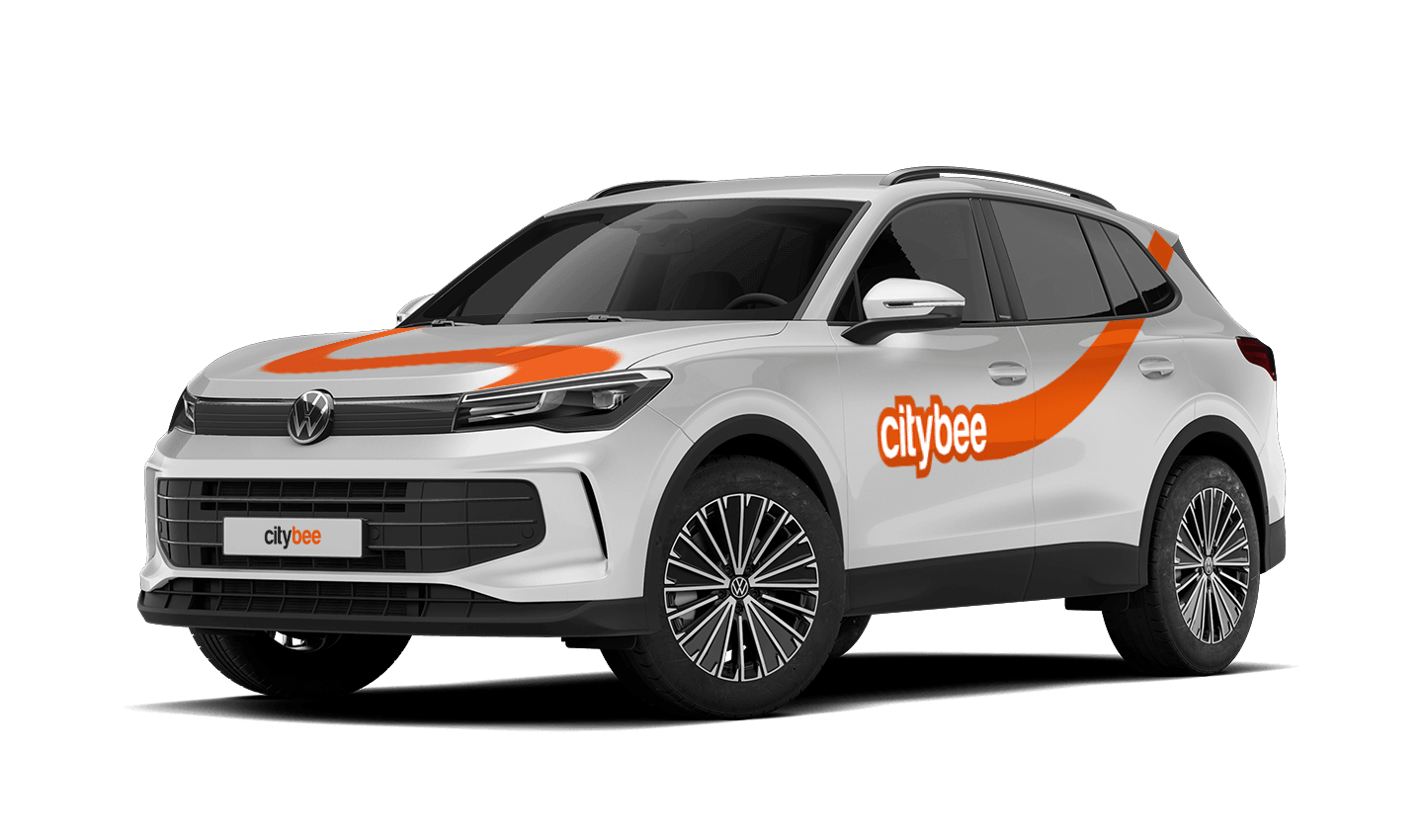
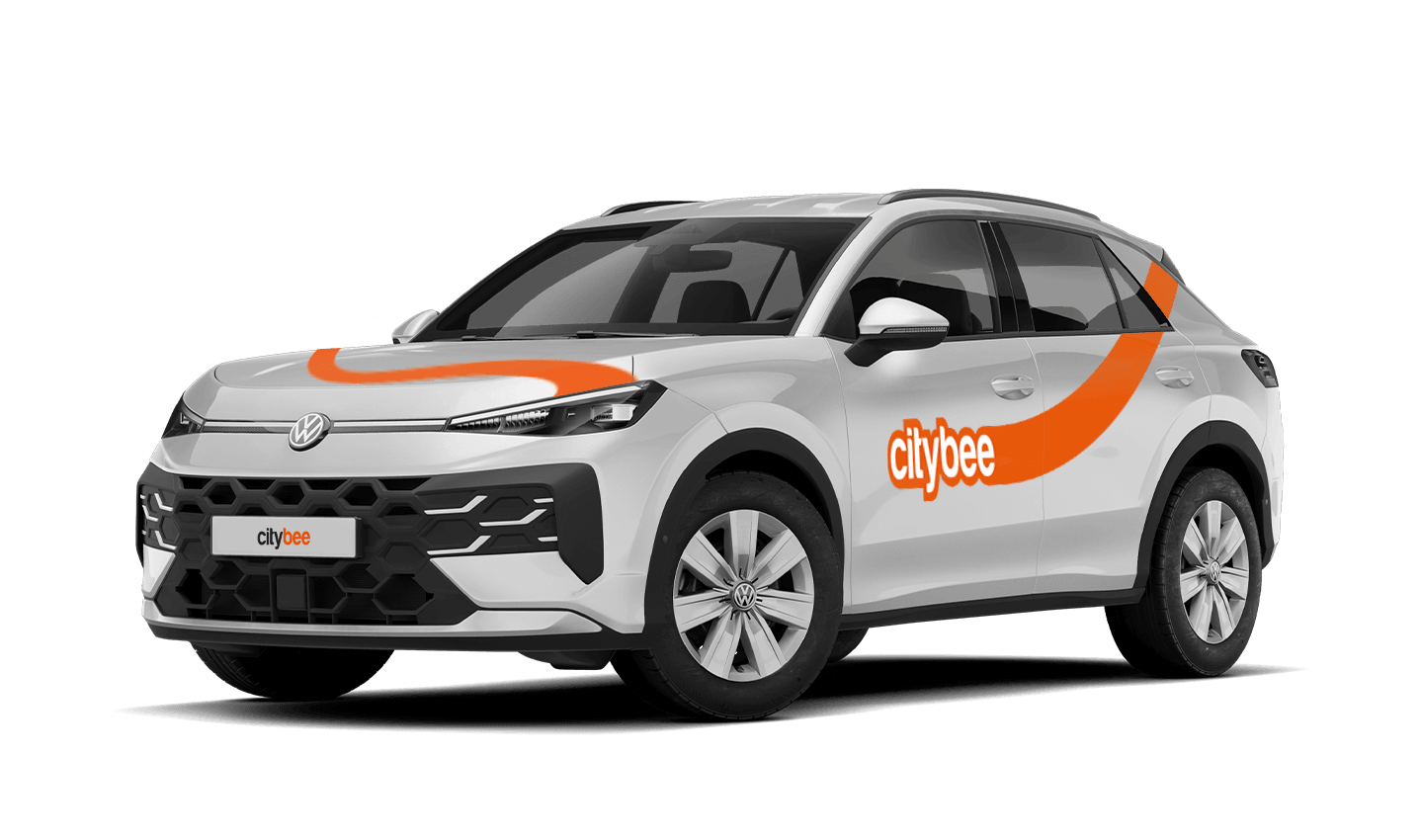
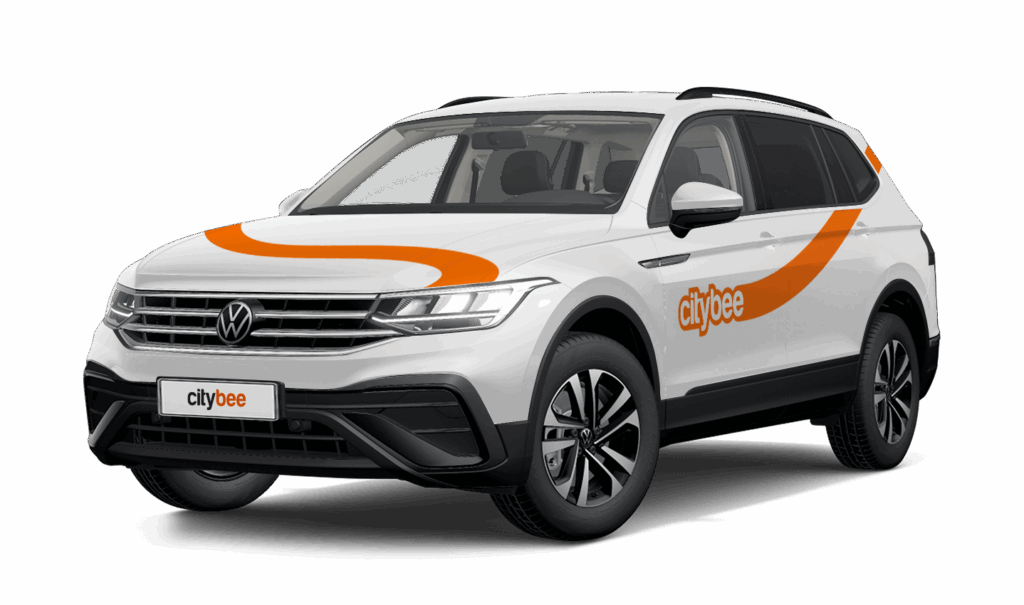
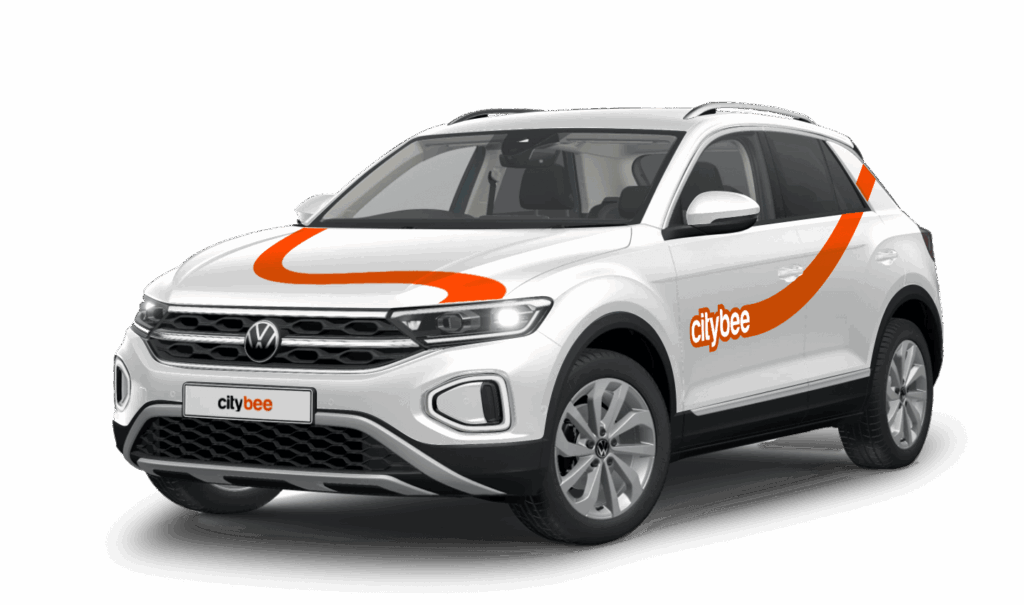
Volkswagen T-Roc R-line
The price of this journey would be
0€
Trip start fee of 0.49€ is included in the price calculation.
You will receive an email notification after each trip made with your CityBee subscription plan, informing you of the plan’s expiration date. You can also check the expiration date in the CityBee app under the ‘Subscription’ section.
We process your personal data in accordance with the General Data Protection Regulation (BDAR) and other legal requirements.
In order to provide you with services and administer them, we process your name, contact details, other data required for the use and provision of the services. The CityBee Privacy Policy provides detailed information on the purpose of processing your personal data and the duration of storage thereof.
If you want to use the car for a day, a week, or longer, you can choose from our prepaid package deals.
The price of the fixed prepaid package will be charged at the beginning of the trip and the price for the extra kilometers and/or time will be charged during or at the end of the journey, depending on the length of your trip.
You can find all of the prepaid packages in the CityBee app by clicking on the chosen car reserve button.
If you happen to exceed the kilometers and /or time included in the price of the package, you will be able to continue the journey safely.
After the prepaid package ends (mileage and time included are finished), you will be paying for additional minutes and/or kilometers as specified in the chosen package deal.
You can also continue your trip by purchasing one more additional prepaid package without completing the active reservation.
If you decide to end the trip before using the time and /or kilometers indicated on the prepaid package, this balance will not be refunded.
Use is no different from a short-term CityBee rent, and all the benefits offered (insurance, fuel, washing) remain as well.
Choose the car you want from the CityBee fleet, reserve it, and start your journey.
Yes, you can. The CityBee Privacy Policy provides detailed information on the purpose of processing your personal data and the duration of storage thereof.
When using CityBee, you don’t have to pay for fuel yourself – you only pay for the time and kilometers you drive.
Refueling is easy!
Go to any of our partner Circle K gas stations. Open the CityBee app and start the refueling. Follow the simple instructions, fill up, and hit the road!
If the fuel is below 1/4 of the tank, you’ll receive a €2 discount for topping up.
Step by Step refueling guide
Check the Reservation map in the app to see nearby fuel stations. Tap a station for details and directions, then drive there.
When you arrive, tap the notification or open the CityBee app, go to Reservation, and select Refuel.
The app shows available pumps. Pick your pump, activate it, and wait for confirmation.
When it says, “Ready to fuel,” pick up the nozzle and start fueling. Return the nozzle when finished. The app will update the fueling status automatically.
If you decide not to refuel, you can cancel in two ways:
Manual cancel: Pick up the nozzle and immediately return it – the refueling is canceled.
Automatic cancel: If the nozzle is never picked up, the app will automatically cancel the refueling after 2 minutes of inactivity.
In rare cases, you may need to use the fuel card inside the car. This happens if the pump doesn’t work via the app or if you’re refueling outside the Baltic States. The CityBee app shows the PIN code and fuel type under your active reservation.
In the CityBee app, parking zones marked in yellow usually have a drop-off and/or pick-up fee for CityBee cars. This fee does not apply to trips made under the CityBee subscription. The drop-off fee in the yellow CityBee zone is not charged even if the trip starts under the subscription plan but ends with the ‘Flexible’ pricing due to exceeding the allocated kilometers and/or minutes in the subscription plan.
When purchasing additional trips, i.e., trip packages, during the subscription period, the CityBee drop-off and/or pick-up fee waiver in the yellow zone does not apply for the package trips.
For more information on CityBee parking zones, click here.
The plan is activated on the day of purchase. You will receive an email notification confirming the activation immediately after the purchase.
If you’d like to use the car-sharing service, you’ll need to confirm the validity of your driver’s license.
You can do this in just a few minutes by following the steps in the ‘CityBee’ app. Open the app, choose Add driver’s license and enter your driver license number.
We now offer several ways to confirm your license:
Smart-ID or Mobile-ID
Available for users whose driver’s license can be verified through these electronic identification methods.
Uploading photos
If you prefer pictures, you can complete the process by taking a few photos directly in the app. You’ll be asked to:
1) Take a selfie;
2) Take a selfie while holding your driver’s license;
3) Take a photo of the front side of the document.
Whichever method you choose, please make sure your document is valid and undamaged. When taking photos ensure good lighting and that document is removed from any cover or case so your document number, personal identification number, and personal photo can be clearly seen.
Note: We accept only photocard driver’s licenses.
The price of this journey would be
0€
Trip start fee of 0.49€ is included in the price calculation.