Price Calculator
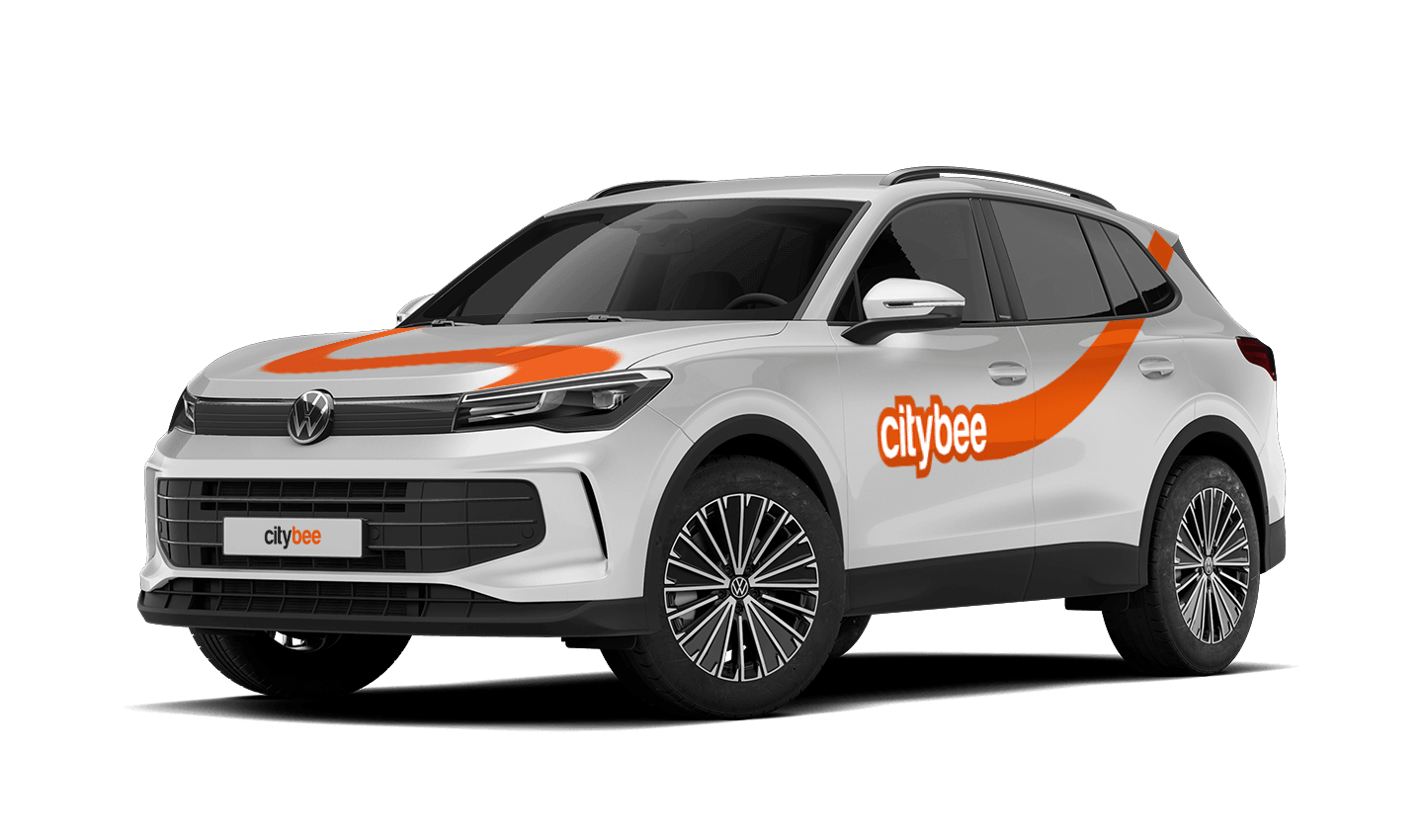
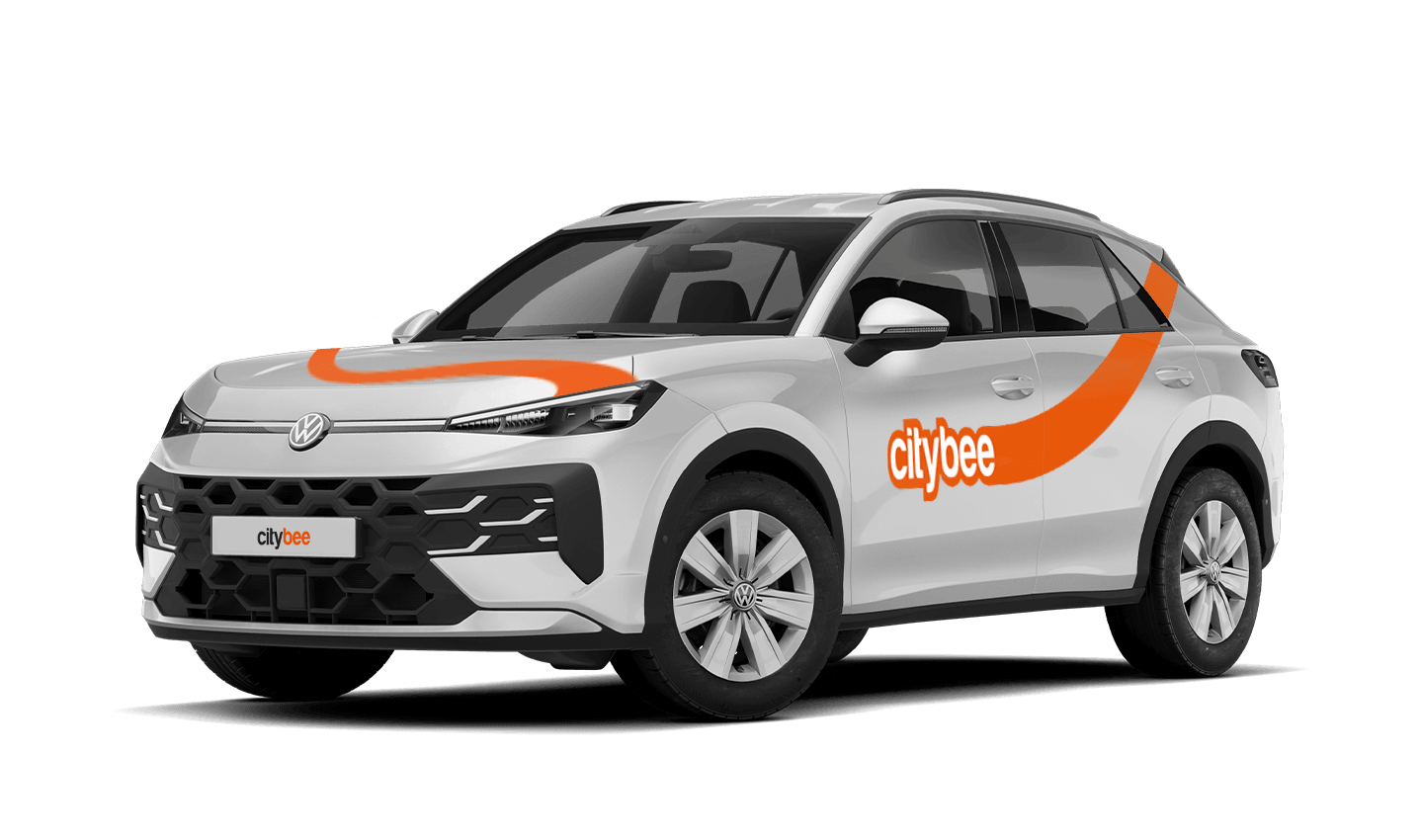
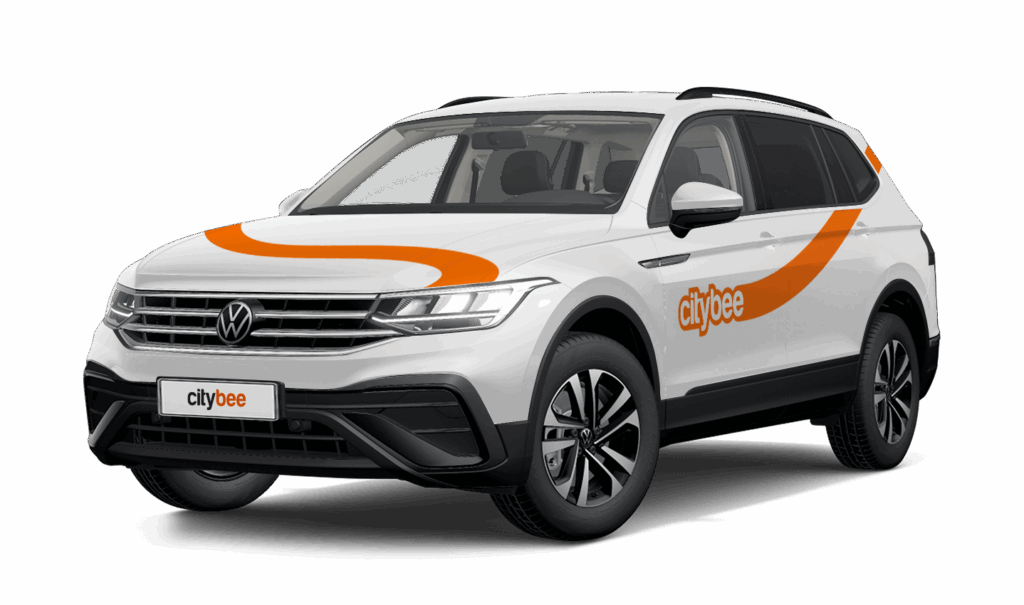
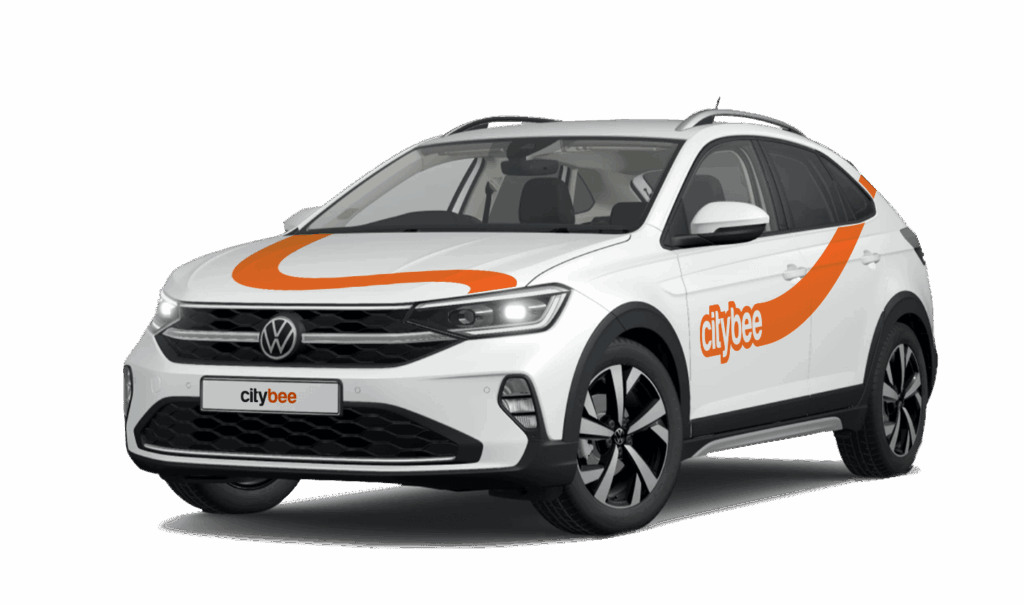
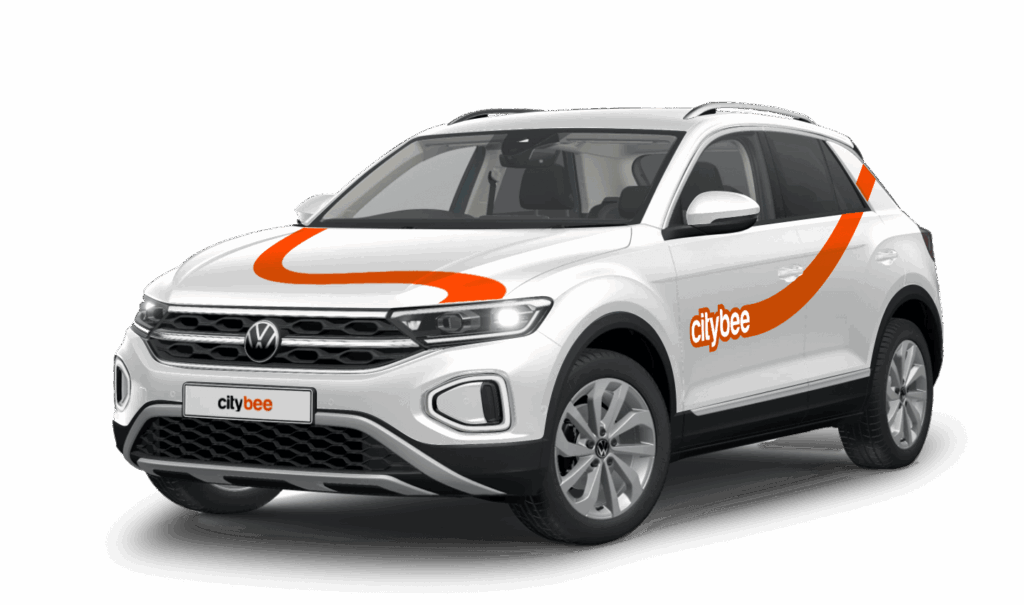
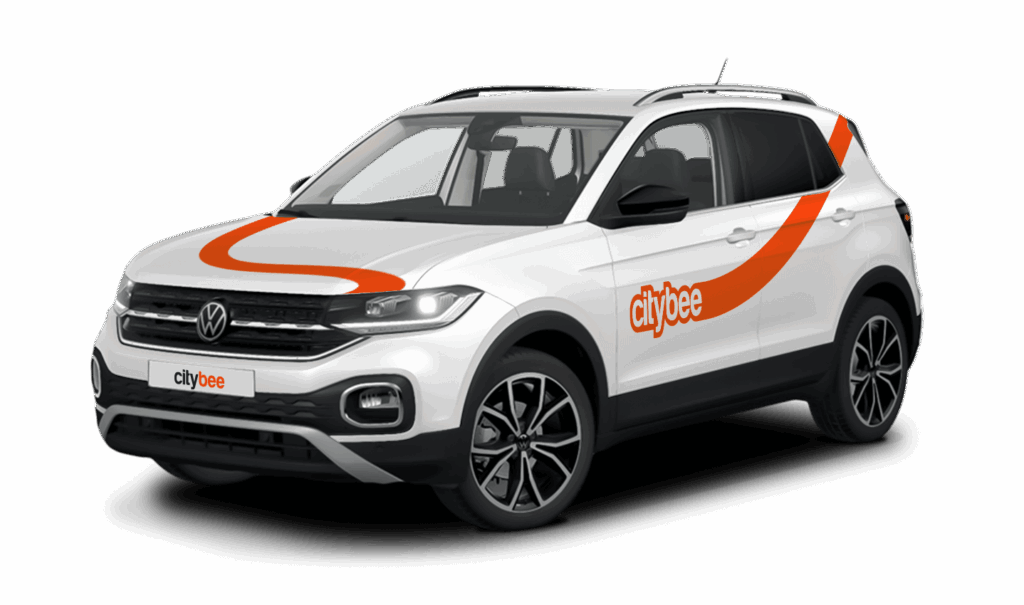
Volkswagen T-Cross
The price of this journey would be
0€
Trip start fee of 0.49€ is included in the price calculation.
Car gallery

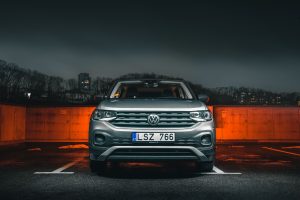


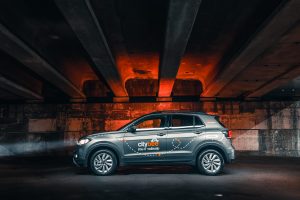
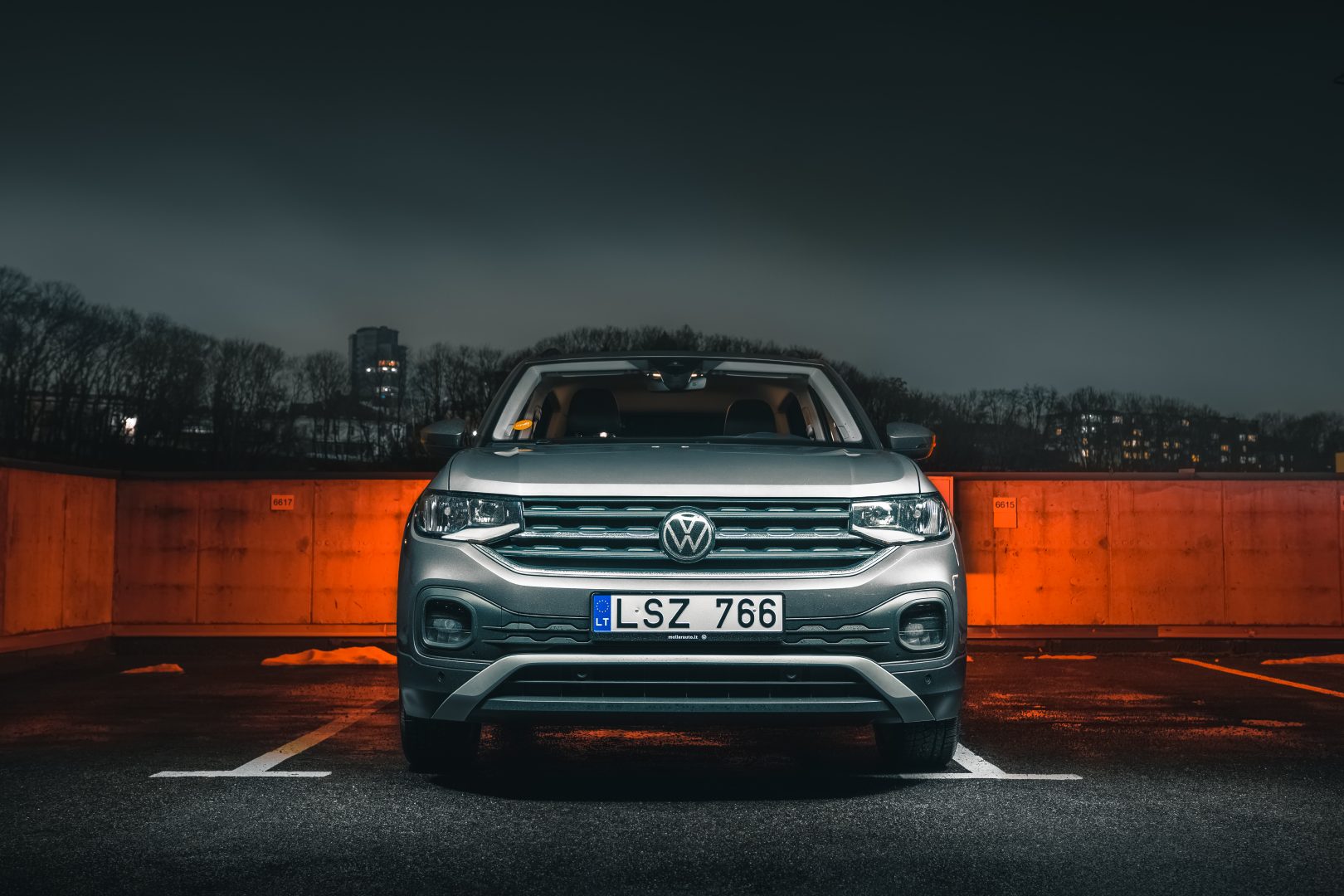
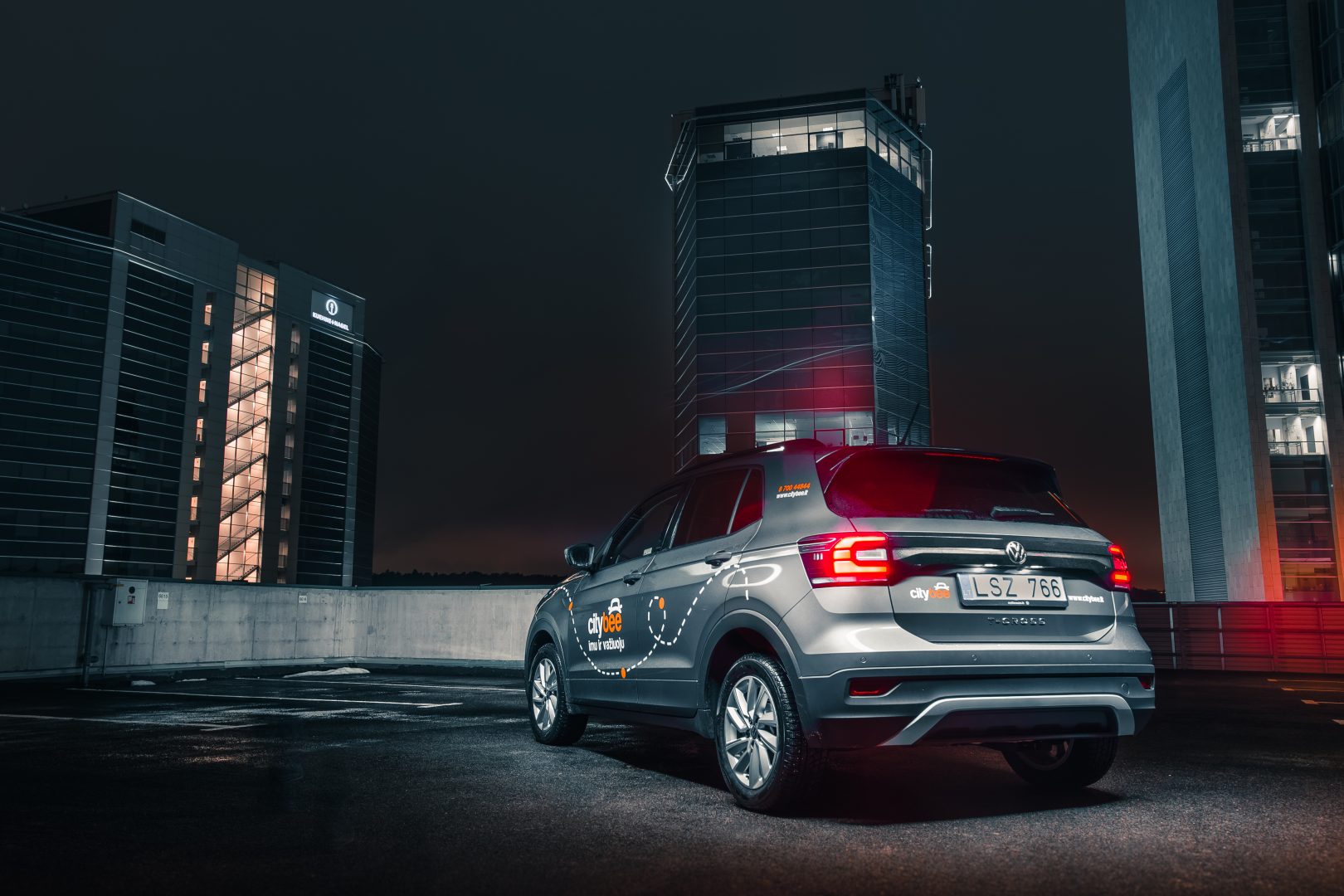
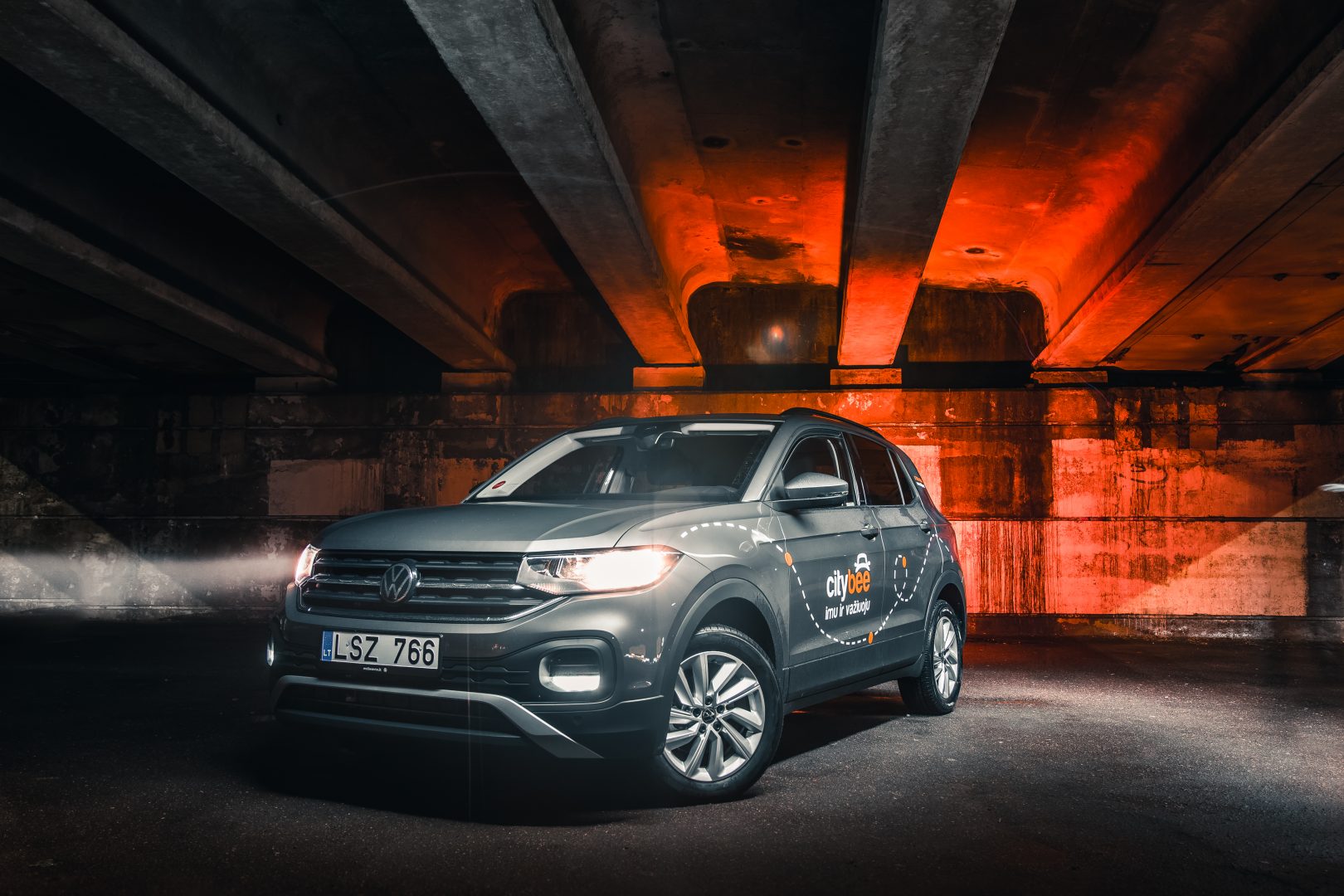
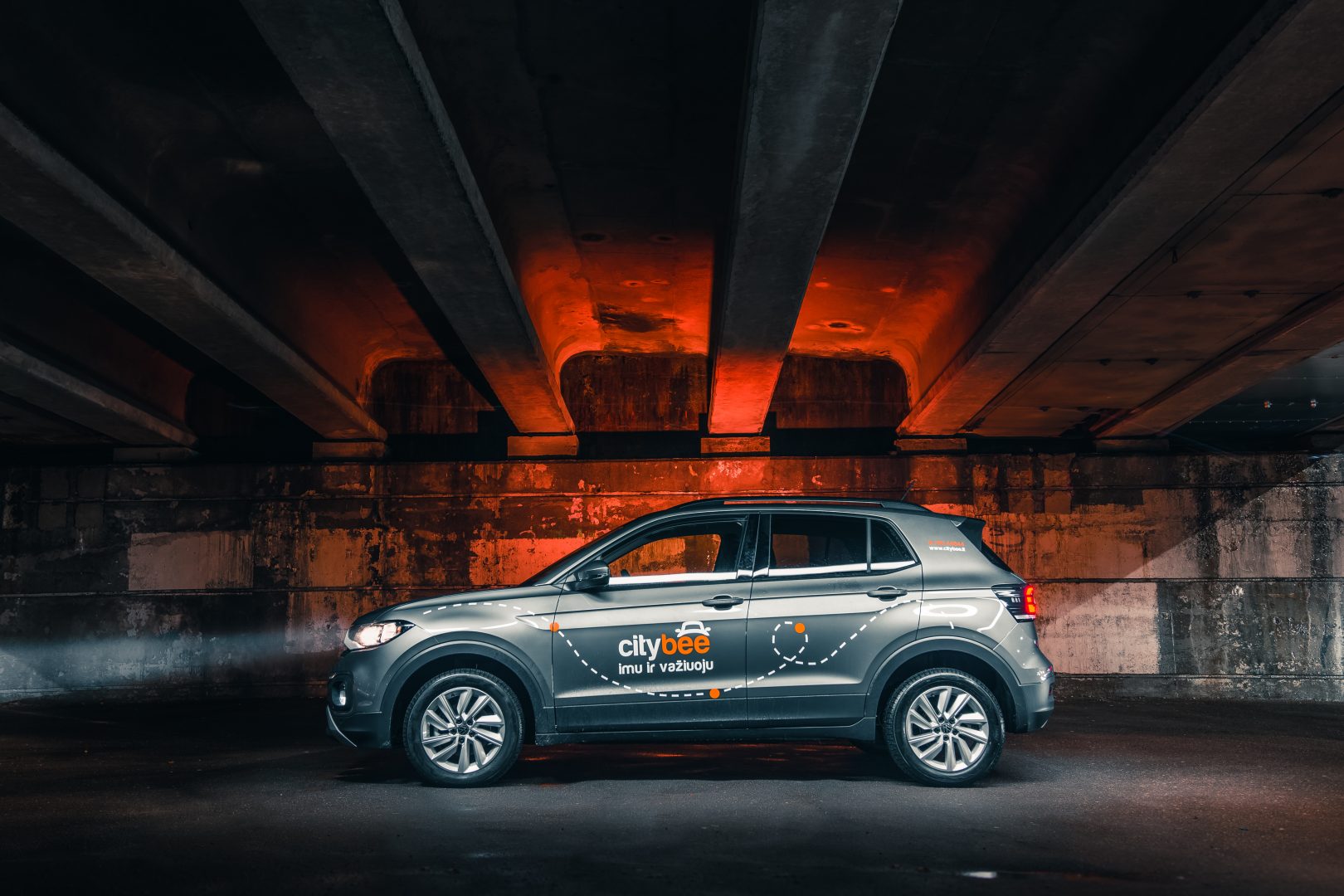
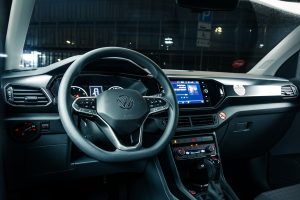
Registration at CityBee is quick and easy. You don’t need to come anywhere – register with the mobile CityBee app and start using it! Registration will take just a few minutes.
Due to company policy, we are able to provide our services to customers who have Drivers licenses issued from one of these countries listed below.
If your country is not on the list – unfortunately, you will not be able to register.
Also, our system is unable to accept International Driver’s Permits/ Licenses.
|
Australia |
|
Austria |
|
Belarus |
|
Belgium |
|
Bulgaria |
|
Canada |
|
Croatia |
|
Cyprus |
|
Czech Republic |
|
Denmark |
|
Egypt |
|
Estonia |
|
Finland |
|
France |
|
Georgia |
|
Germany |
|
Greece |
|
Hungary |
|
Iceland |
|
Ireland |
|
Isle of Man |
|
Israel |
|
Italy |
|
Latvia |
|
Liechtenstein |
|
Lithuania |
|
Luxembourg |
|
Malta |
|
Netherlands |
|
Norway |
|
Poland |
|
Portugal |
|
Romania |
|
Russia |
|
San Marino |
|
Slovakia |
|
Slovenia |
|
Spain |
|
Sweden |
|
Switzerland |
|
Turkey |
|
Ukraine |
|
United Kingdom |
|
United States of America |
You will receive an email notification after each trip made with your CityBee subscription plan, informing you of the remaining trips. You can also view your remaining trips in the CityBee app by selecting the desired car for your trip.
With a CityBee subscription, you can drive any CityBee passenger car in Lithuania, except for cargo vehicles.
Before you hit the road, we’d love for you to do a quick check to make sure the car is roadworthy. If you notice anything that might make it unsafe or unsuitable to drive, just let us know through the CityBee app. This simple check helps keep our cars in great shape and ensures a smooth, safe ride for you!
The subscription is ideal for anyone who regularly takes shorter trips (up to 5 km and 15 minutes) in the city with CityBee. Whether it’s just a few times or several trips a month, choose a subscription plan that fits your travel needs, save money, and enjoy additional benefits. However, if you typically take longer trips, we recommend selecting from a variety of trip packages that offer more cost-effective options for longer routes.
This fee applies to all Flexible pricing trips and is already included in the price of our trip packages or trips made with a subscription plan!
By registering in the CityBee application, you confirm that you have read and agree to the terms of use and privacy policy. If you had not done that, you would not be able to use CityBee services.
The price of this journey would be
0€
Trip start fee of 0.49€ is included in the price calculation.
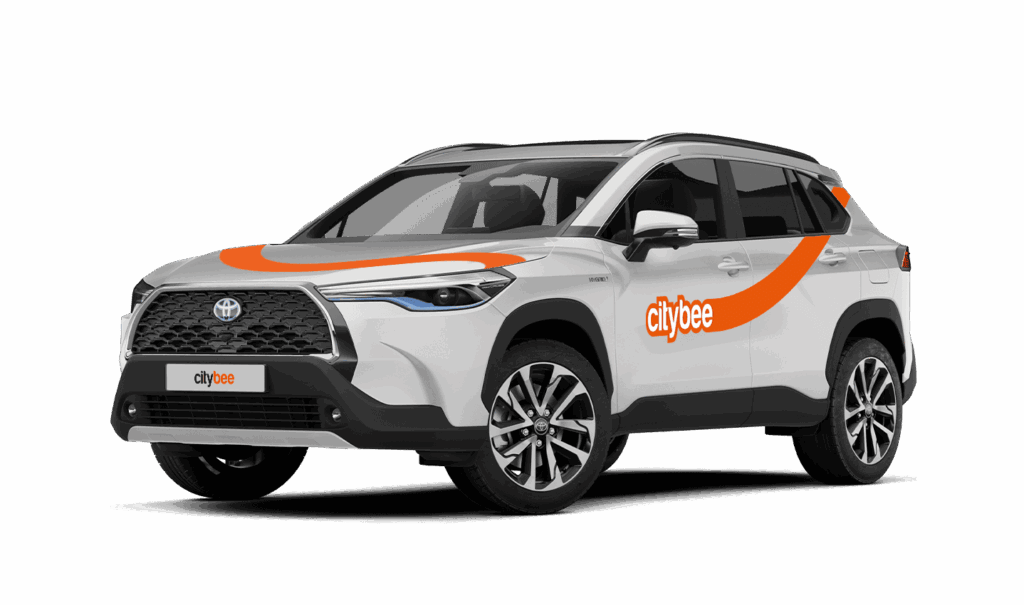
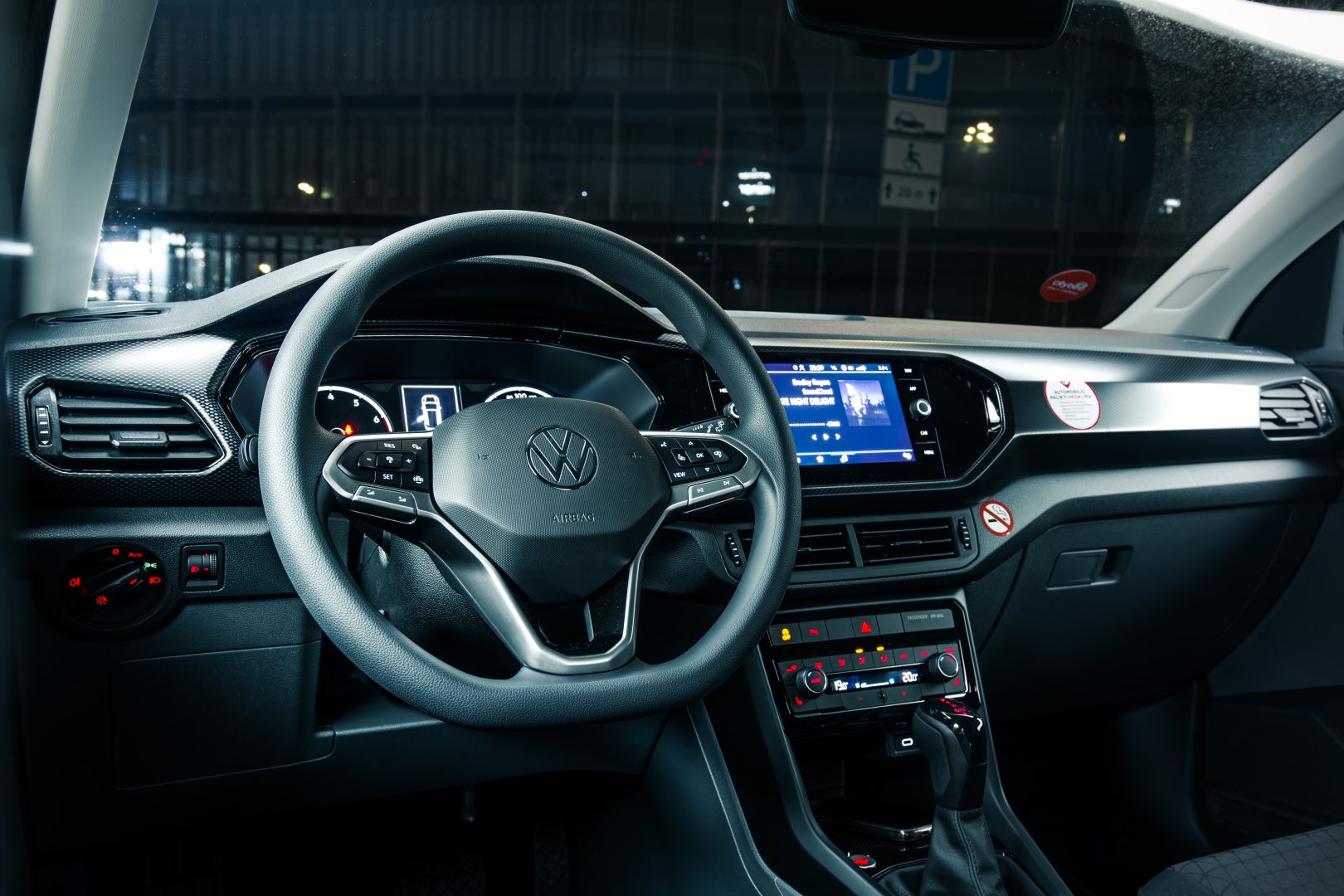
The car has an automatic gearbox, so the gears are switched by pressing the brake pedal, pressing the button on the gear switch, and putting the switch in the desired position.
P – Parking
R – Reverse gear
N- Neutral gear
D – Drive gear
B – The slow gear. This gear charges the battery for the electrical engine while driving.
The car is started by pushing the brake pedal and pressing the start button near to the gear lever.
All documents can be found in the storage box.
The car has a built-in radio with a touchscreen, so everything is controlled by pushing the buttons on the screen and using additional buttons on the radio itself and the steering wheel.
The car lights are turned on by turning the switch under the steering wheel on the left side.
Turns and high beam are connected by a lever on the left side behind the steering wheel.
The cover for the gas tank is opened by pressing it. Then the cap is screwed off by turning counter-clockwise.
The gas tank is on the right side. The fuel type is indicated on the sticker that is on the cover for the gas tank, the sun visor, and in the vehicle registration certificate, found in the car’s glovebox.
You can fill up at any Circle K station. You will find the fuel card in the visor and you can find the PIN code in app just press “”PIN””. Pay with that card and keep driving 🙂