Price Calculator
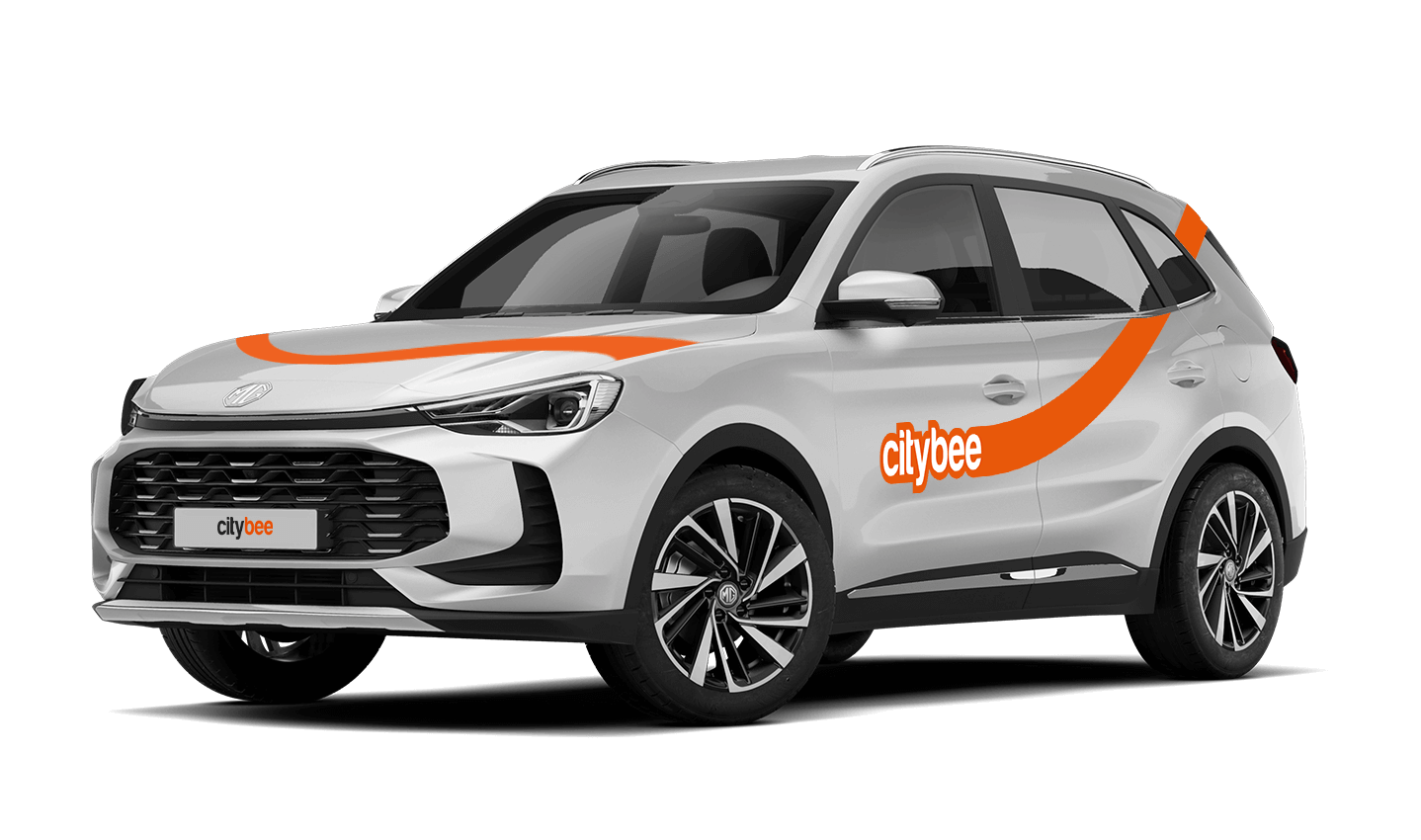
MG ZS
The price of this journey would be
0€
Trip start fee of 0.49€ is included in the price calculation.
If you contact us by phone, calling from a phone number that you haven’t registered in your CityBee profile, we will verify your identity by asking you to provide your profile or other information known only by you.
As part of this check, we can send a verification code (SMS or e-mail) to the registered phone number or e-mail address, asking you to provide the verification code.
If the verification doesn’t work, we cannot continue providing assistance.
Please note that when calling from the registered phone number some additional identification questions may be asked.
All publicly available information will be provided to any caller without verification.
The CityBee subscription is only available to private customers. Invoices for the CityBee subscription cannot be issued in the name of a legal entity.
All CityBee cars are covered by compulsory Civil Liability Insurance, so you do not need to worry about the insurance. The car is equipped with an insurer-compliant, satellite-linked security system that will protect CityBee from possible theft.
To learn more about your financial responsibility in case of an accident, check out our article: “What is my financial liability in the event of a car accident?”
Link to the law governing the CMTPLI in Lithuania;
Link to the law governing the CMTPLI in Latvia;
Link to the law governing the CMTPLI in Estonia.
You can use CityBee cars without 2 years of driving experience!
However, in Lithuania and Estonia, you must bring a personal “Maple Leaf” magnetic sticker, which you must stick to the back of the car in Lithuania and to the front of the car in Estonia. Do not forget to remove the sticker at the end of your trip.
The usage time of the car starts from the moment of unlocking the car or when you click ‘extend the reservation’ and ends when the car is locked via the smartphone app.
Each time you use CityBee, you are able to choose Flexible or Prepaid Packages pricing.
Trip start fee – additionally applicable to all Flexible pricing trips (not applicable to travel packages). Fee amount for each car is indicated in the App.
Prepaid packages – the prices for the packages are fixed. Prepaid package prices are based on the time and kilometers included. If the time or kilometers included in the package are exceeded, the additional price is calculated according to the set tariff, specified when choosing the package.
You can find all of the available packages and prices in the CityBee app and use the custom package function.
There is no extra charge for fuel and insurance – we take care of it.
We process your personal data in accordance with the General Data Protection Regulation (BDAR) and other legal requirements.
In order to provide you with services and administer them, we process your name, contact details, other data required for the use and provision of the services. The CityBee Privacy Policy provides detailed information on the purpose of processing your personal data and the duration of storage thereof.
At the moment we do not have any cars which would be 4 wheel drive.
The subscription is ideal for anyone who regularly takes shorter trips (up to 5 km and 15 minutes) in the city with CityBee. Whether it’s just a few times or several trips a month, choose a subscription plan that fits your travel needs, save money, and enjoy additional benefits. However, if you typically take longer trips, we recommend selecting from a variety of trip packages that offer more cost-effective options for longer routes.
The price of this journey would be
0€
Trip start fee of 0.49€ is included in the price calculation.