Price Calculator
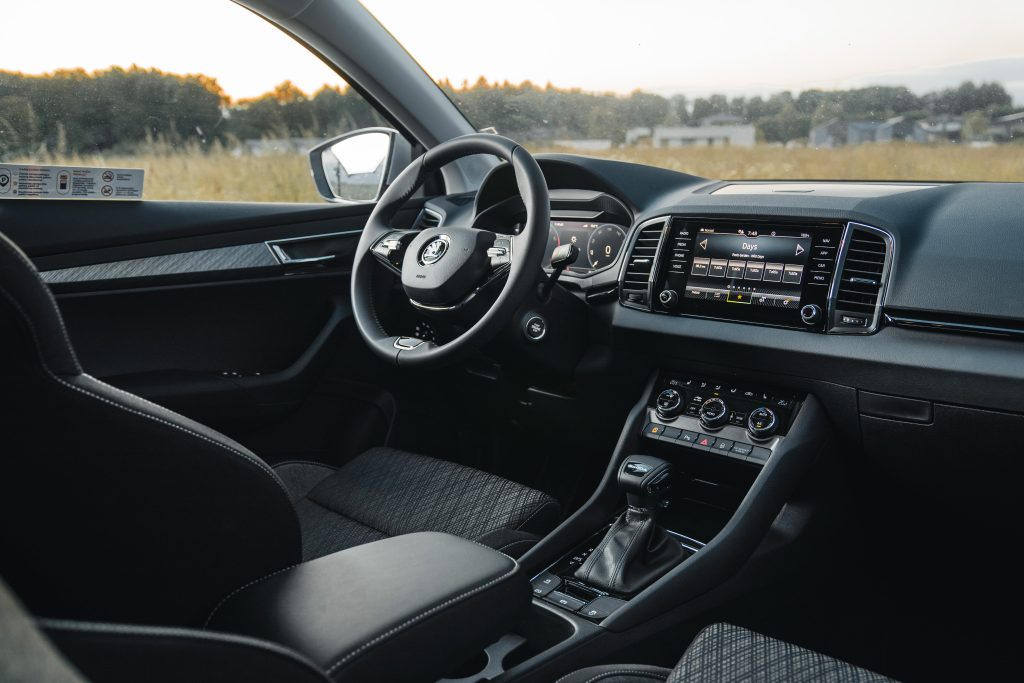
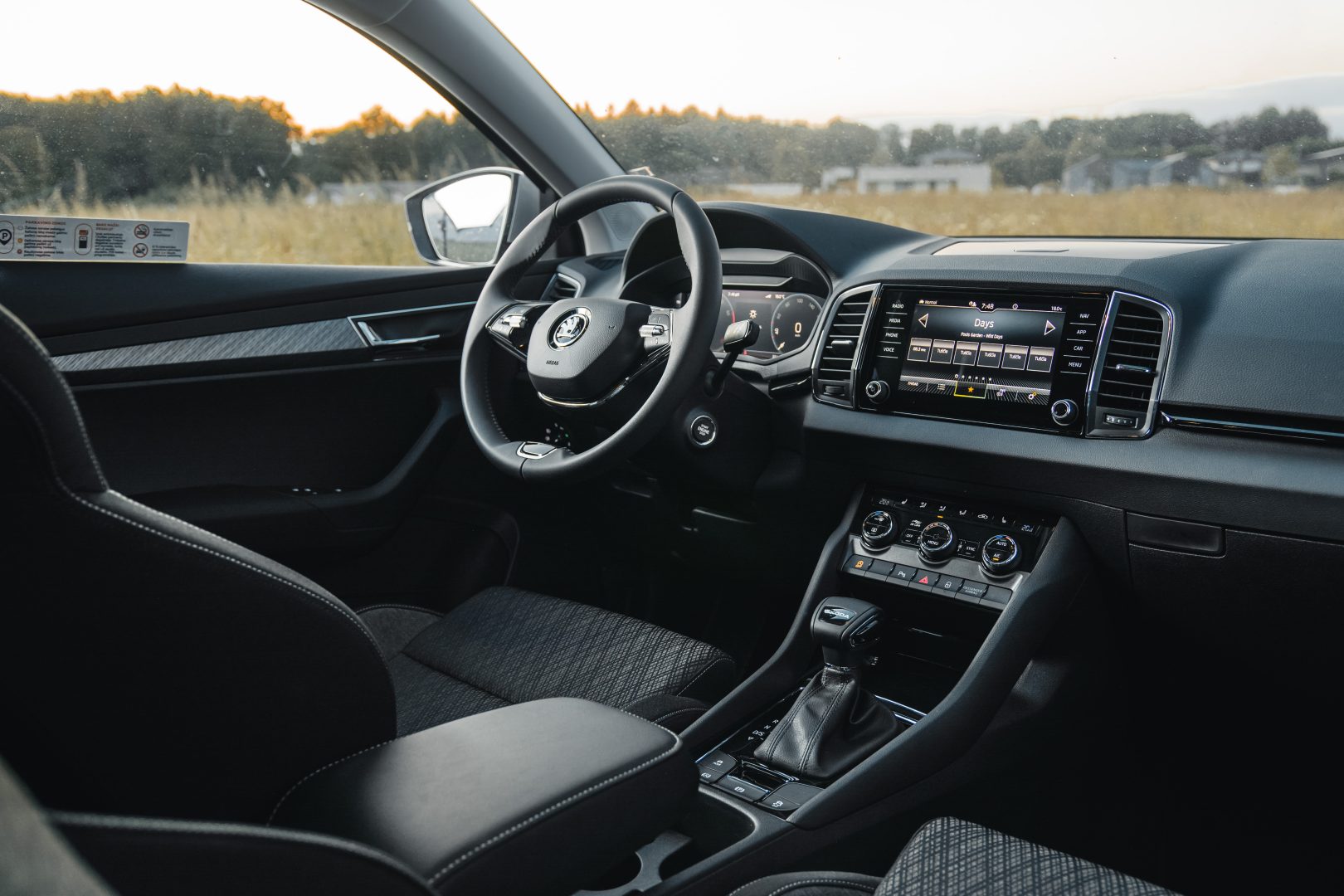
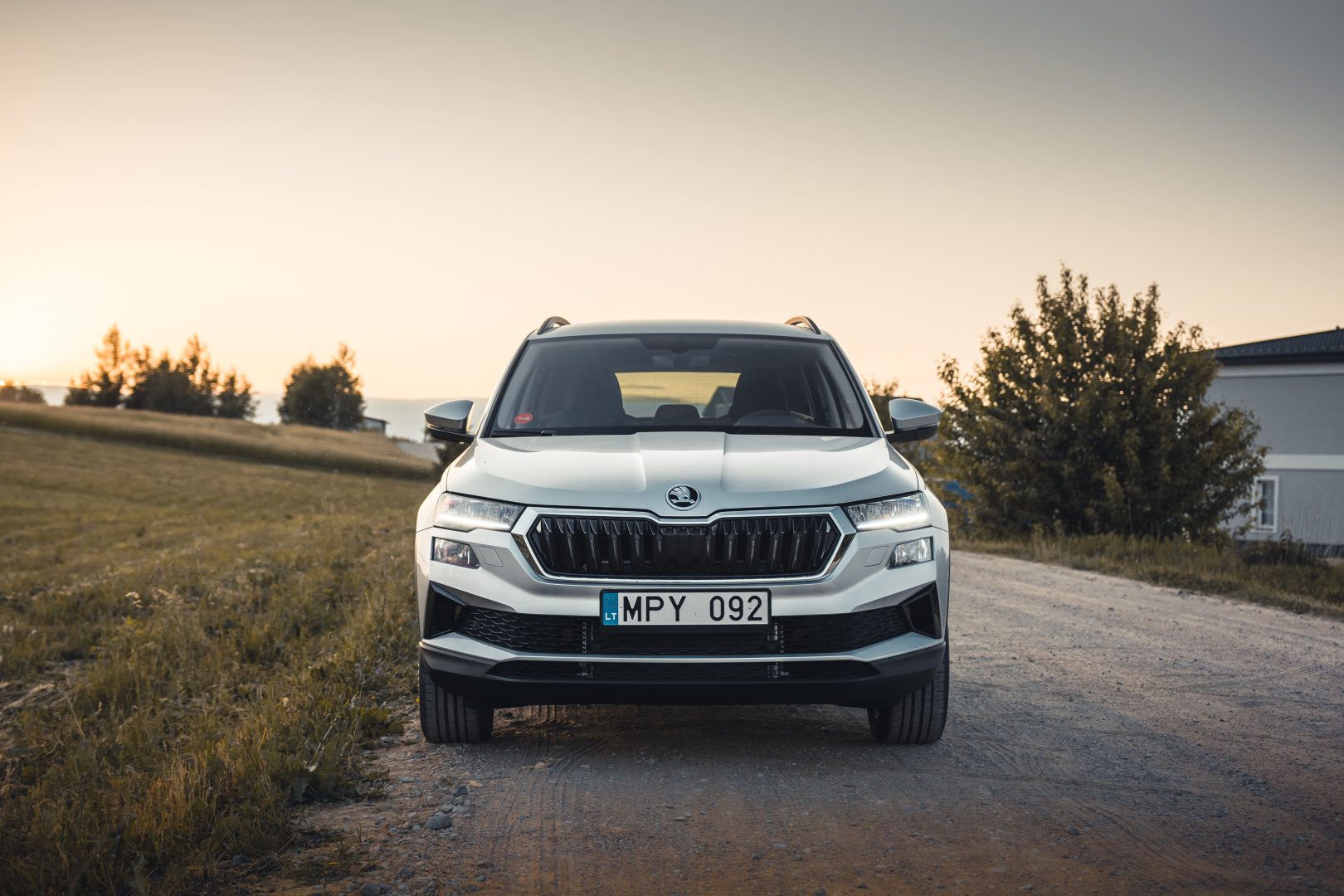
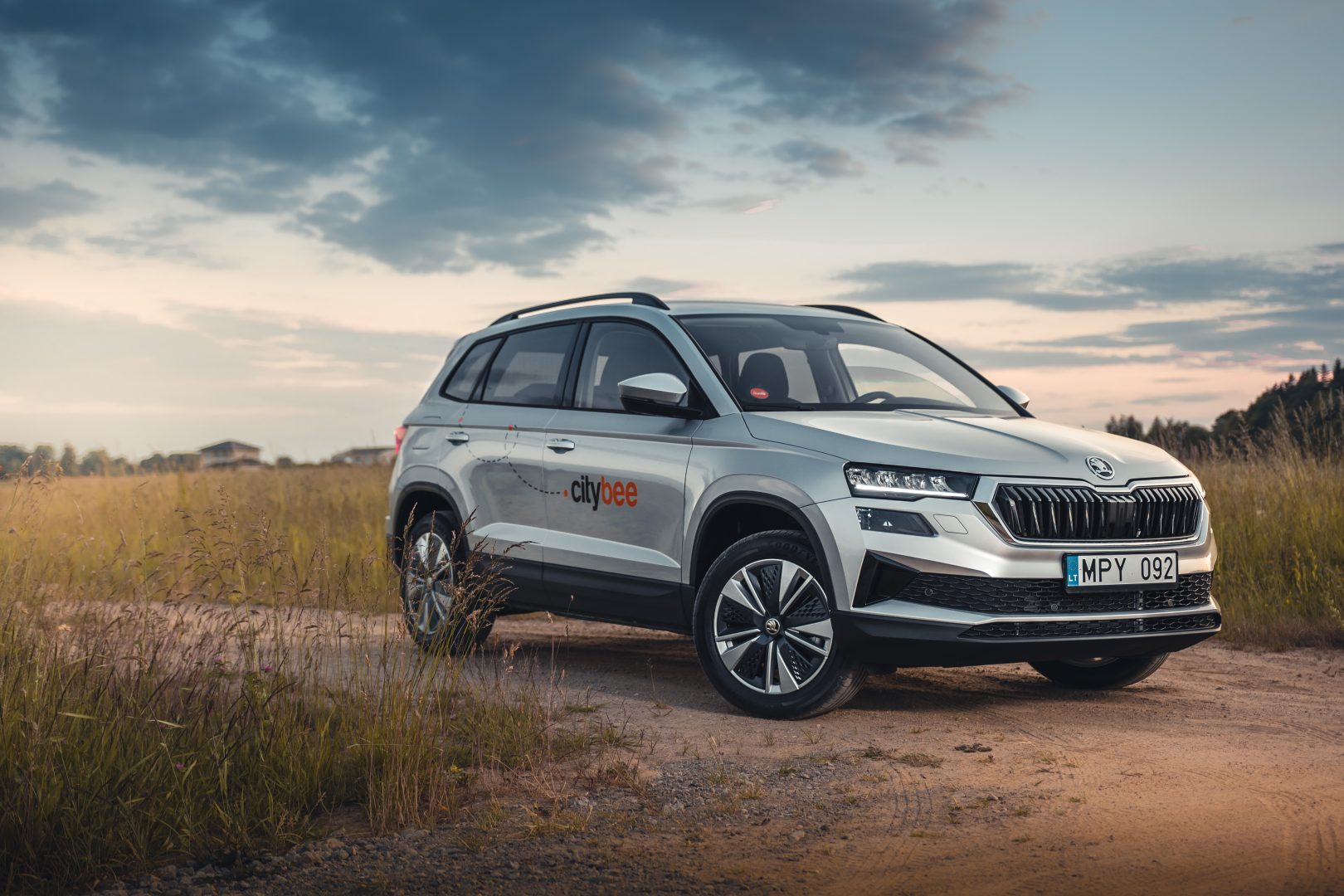
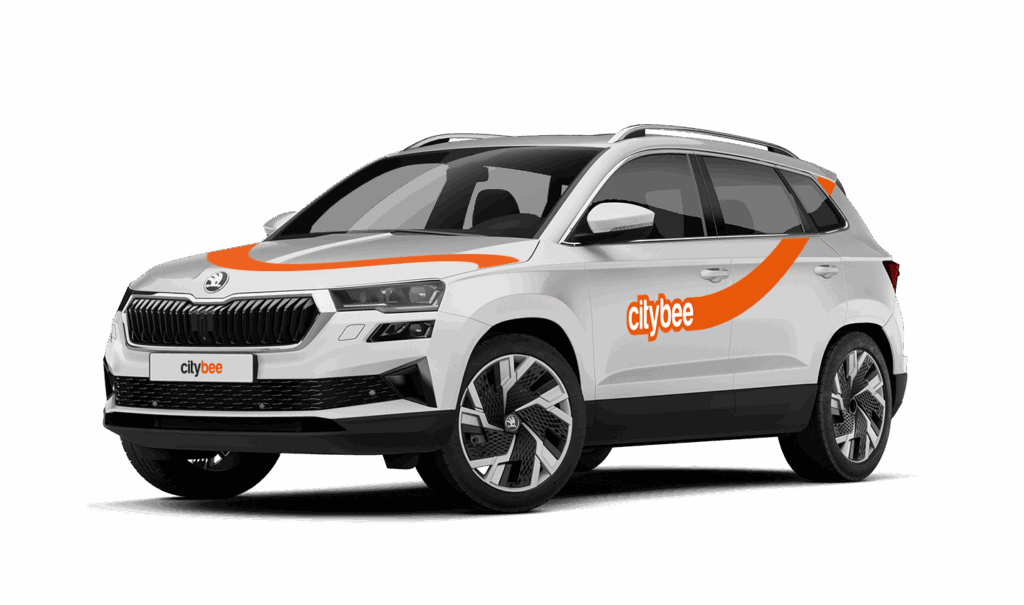
Skoda Karoq
The price of this journey would be
0€
Trip start fee of 0.44€ is included in the price calculation.
‘CityBee’ zones shown on the app map indicate where you can start, pause, or end your trip. Always follow local traffic and parking rules, and avoid restricted areas such as ‘No Parking’, ‘Reserved’, or private spaces.
Please do not leave ‘CityBee’ cars in underground or multi-story car parks, private driveways, lawns, or areas with time-regulated parking.
Important: parking zones are different for passenger, van, and electric van vehicles.
Zone Types and How They Work
Transparent (light) areas are the main ‘CityBee’ zones. Here, you can freely end your trip or park temporarily free of charges as long as you follow parking rules and don’t use disabled, reserved, or private spots. If you park in a private paid lot such as Citypark, Unipark, Europark (unless stated otherwise), you are responsible for the parking fee.
Yellow zones may include an extra fee or a discount when starting or ending a trip, depending on the zone. Tap the yellow zone or (€) icon in the app to view details.
Grey (dark) zones are areas where trips cannot be ended. You can drive through them or park temporarily, but if you do, you’ll need to pay any parking fees yourself.
If you want to finish your trip, you must move to a transparent or yellow zone.
Private or Paid Parking Lots
Parking in private paid lots is allowed unless stated otherwise, but you will need to cover the parking cost yourself.
Country-Specific Parking Rules
Lithuania: You can park the car in public city parking free of charge if it’s a ‘CityBee’ permitted zone displayed in the app. Be aware of private parking exceptions and traffic rules described above. You can find parking zones in Vilnius, Kaunas, Klaipėda, Palanga, Kretinga, Gargždai.
Latvia: You can freely park the car in public city spaces in Riga, Jūrmala (no need to buy entry pass), Liepāja, Ventspils and Ādaži. If the car is parked in a private paid parking lot (e.g., Citypark, Europark), except for these exceptions, the driver covers the parking fee themselves. Riga City Parking zones, except for Zone R, are free of charge for ‘CityBee’ users.
Estonia: Parking is free in public city spaces (except Old Town) and in selected private car parks. A full list of available private lots can be found here. If you park in a private paid lot not included in that list, you must pay for parking yourself.
Travelling Between Cities and Countries
❗ You’re welcome to take a CityBee car across the Baltics (Lithuania, Latvia, Estonia) and finish your trip in any CityBee zone you see in the app. Just keep in mind that a €69 cross-border fee applies when a trip starts in Latvia or Estonia and ends in Lithuania.
More information about the reason for this additional fee can be found here.
If you end the trip in Latvia or Estonia, no additional fees will be charged.
Van drivers should note that in some cases, road vignettes or passes may need to be purchased separately, depending on local regulations.
Before You End Your Trip
1. Open the ‘CityBee’ app, click ‘Reservation’ and check your current zone.
2. Ensure you are in a transparent or yellow zone.
3. Review any applicable fee or discount in the app.
4. Confirm you are parked correctly according to traffic and parking rules.
5. Avoid grey zones, restricted areas, or private driveways.
When using CityBee, you don’t have to pay for fuel yourself – you only pay for the time and kilometers you drive.
Refueling is easy!
Go to any of our partner Circle K gas stations. Open the CityBee app and start the refueling. Follow the simple instructions, fill up, and hit the road!
If the fuel is below 1/4 of the tank, you’ll receive a €2 discount for topping up.
Step by Step refueling guide
Check the Reservation map in the app to see nearby fuel stations. Tap a station for details and directions, then drive there.
When you arrive, tap the notification or open the CityBee app, go to Reservation, and select Refuel.
The app shows available pumps. Pick your pump, activate it, and wait for confirmation.
When it says, “Ready to fuel,” pick up the nozzle and start fueling. Return the nozzle when finished. The app will update the fueling status automatically.
If you decide not to refuel, you can cancel in two ways:
Manual cancel: Pick up the nozzle and immediately return it – the refueling is canceled.
Automatic cancel: If the nozzle is never picked up, the app will automatically cancel the refueling after 2 minutes of inactivity.
In rare cases, you may need to use the fuel card inside the car. This happens if the pump doesn’t work via the app or if you’re refueling outside the Baltic States. The CityBee app shows the PIN code and fuel type under your active reservation.
During long-term reservation (trip package), the sum is charged before the start of the trip and if additional time and/or km is required after the prepayment package ends, the sum for the actual accumulated amount will be deducted during or at the end of the trip.
The money will be deducted from your selected card. If you have money in your CityBee wallet or have accumulated credit, for example for refueling, the funds will be deducted from this amount first. If the amount cannot be deducted, we will ask you to pay it or leave the car.
If you’d like to use the car-sharing service, you’ll need to confirm the validity of your driver’s license.
You can do this in just a few minutes by following the steps in the ‘CityBee’ app. Open the app, choose Add driver’s license and enter your driver license number.
We now offer several ways to confirm your license:
Smart-ID or Mobile-ID
Available for users whose driver’s license can be verified through these electronic identification methods.
Uploading photos
If you prefer pictures, you can complete the process by taking a few photos directly in the app. You’ll be asked to:
1) Take a selfie;
2) Take a selfie while holding your driver’s license;
3) Take a photo of the front side of the document.
Whichever method you choose, please make sure your document is valid and undamaged. When taking photos ensure good lighting and that document is removed from any cover or case so your document number, personal identification number, and personal photo can be clearly seen.
Note: We accept only photocard driver’s licenses.
At least one payment card must be linked to a CityBee account. You can link more than one payment card and choose from which card you will be billed for services before each trip. It is important that the card type is VISA or MasterCard and that the secure internet shopping function is activated.
How do I activate the secure internet shopping function?
1. SEB: Log in to your internet bank and look for “Accounts and Cards” -> “Card List” in the menu bar at the top. You’ll see all of your cards that can be registered with the secure internet shopping programme. Next to the desired card in the options below, click on “Online Billing” and click “Enable”.
2. Swedbank: Log in to your internet bank and look for “Cards” -> “Secure internet shopping” in the menu bar on the left. You’ll see all of your cards that can be registered with the secure internet shopping programme. Select the desired card next to the note “Online Billing” and click “Enable”.
3. Šiaulių Bankas: Log in to your Internet bank and in the menu on the left, select “Cards” -> “Secure payment” -> select the payment card for which you want to activate the secure internet shopping and click “Register” -> enter the requested data and confirm it by pressing the “Enter and Sign” button -> soon the status of the card will change to “Registered”.
4. Luminor bank: Log in to your Internet bank and in the menu, select the item “Payment cards” -> select the payment card for which you want to activate the secure internet shopping and in the opened window click “Secure shopping service settings” -> select the “Order service” button -> enter the requested data, which the bank will show you later during the purchase -> click “Order service”.
5. Citadele bank: No additional activation of the secure internet shopping is required.
If you refuel at a station other than Circle K, we’ll refund the cost of the fuel. To request a refund, make sure to save the receipt and follow the process described here.
Please note that we cannot process receipts older than 3 months.
Signing up for CityBee is free. And no membership fees are applied.
In that case, we recommend purchasing a pre-paid trip package. Before starting your trip, you can choose whether you want to use a subscription plan trip or buy a pre-paid package. You can select from available packages or create your own.
The price of this journey would be
0€
Trip start fee of 0.44€ is included in the price calculation.