Price Calculator
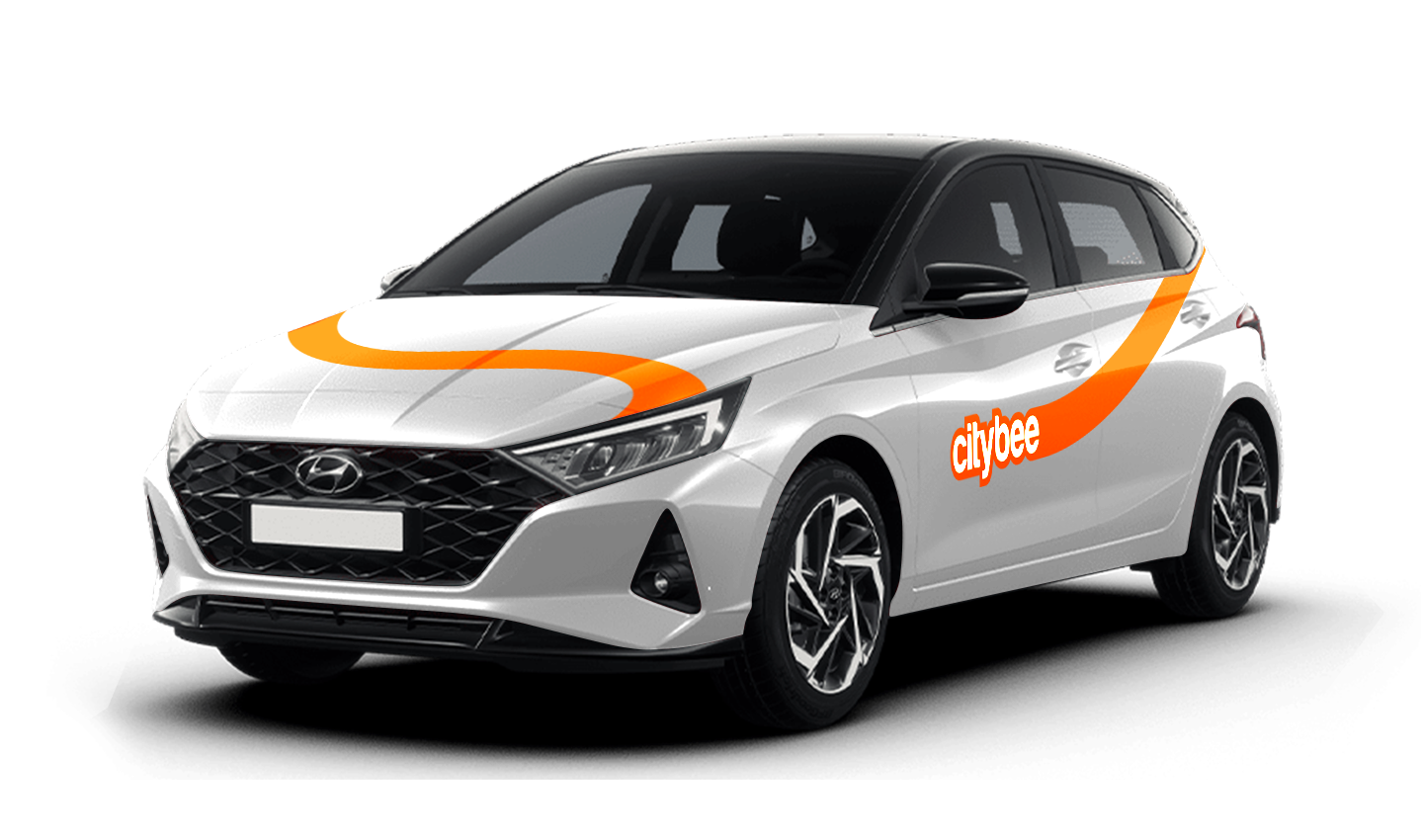
Hyundai i20
The price of this journey would be
0€
Trip start fee of 0.49€ is included in the price calculation.
VW Crafter, VW e- Crafter and MAN TGE
Cargo area measurements:
Length – 3201 mm.;
Height – 1961 mm.;
Width – 1832 mm.;
Width between wheelhouse – 1380 mm..

VW Crafter load capacity is up to 1411kg.
VW e- Crafter load capacity is up to 950kg.
Renault Master
Cargo area measurements:
Height – 1894 mm.;
Width – 1765 mm.;
Length – 3733 mm.;
Width between wheelhouse – 1380 mm..
Car measurements:
Height – 2488 mm.;
Width – 2470 mm.;
Length – 6225 mm.
Load capacity is up to 1434kg.
Ford Transit
Cargo area measurements:
Height – 1886 mm.;
Width – 1784 mm.;
Length – 3494 mm;
Width between wheelhouse – 1392mm.
Car measurements:
Height – 2547 mm.;
Width – 2059 mm.;
Length – 5981 mm.
Load capacity is up to 1220kg.
Fiat Ducato
Cargo area measurements:
Height – 1932 mm
Width – 1870 mm
Length – 3705 mm
Wheelbase – 1422 mm
Car measurements:
Height – 2522 mm
Width – 2050 mm
Length – 5998 mm
Load capacity is up to 1326 kg
With a CityBee subscription, you can drive any CityBee passenger car in Lithuania, except for cargo vehicles.
This fee applies to all Flexible pricing trips and is already included in the price of our trip packages or trips made with a subscription plan!
To sign an agreement with CityBee, fill the application form:
https://citybee.lt/lt/verslo-klientai/ (For companies operating in Lithuania);
https://citybee.lv/lv/business-clients/ (For companies operating in Latvia);
https://www.citybee.ee/ee/arikliendile (For companies operating in Estonia).
Registration at CityBee is quick and easy. You don’t need to come anywhere – register with the mobile CityBee app and start using it! Registration will take just a few minutes.
From now on, before starting the trip, we will ask you to check the car and inform us only if there are any obvious defects that make the car unsuitable for its intended purpose (5.3.19, 5.15).
1. Make a short inspection of the car;
2. Check whether there is any damage that could make the car unsafe or unsuitable for driving (for example flat tires, moderate or severe body damage, etc.) if there is any – please report it using the CityBee app;
3. If the damage is minor (e.g. small scratches or dents) – You do not have to report it and you can safely start the trip!
If the damage impacts your ability to drive safely or you’re uncertain, please reach out to us via email, in-app chat, or phone. Please include a photo to help us assess the situation more accurately.
If the car is dirty – you can select the “report” function in the reservation and the technical team will clean the car at the first opportunity.
You can contact us here:
LT- info@citybee.lt
LV- info@citybee.lv
EE- info@citybee.ee
If you want to use the car for longer than travelling from point A to point B, lock the car with a key at intermediate stops and take the keys with you. Do not mark the trip as complete in the app. If needed, you can continue your trip using the same car at any time. Only mark the trip as complete in the app when you no longer wish to use the car. Please note that if you lock the car with the key, if it has not been used for some time, but you have not completed the reservation via the app, the price of the travel time will continue to be calculated.
If you’d like to use the car-sharing service, you’ll need to confirm the validity of your driver’s license.
You can do this in just a few minutes by following the steps in the ‘CityBee’ app. Open the app, choose Add driver’s license and enter your driver license number.
We now offer several ways to confirm your license:
Smart-ID or Mobile-ID
Available for users whose driver’s license can be verified through these electronic identification methods.
Uploading photos
If you prefer pictures, you can complete the process by taking a few photos directly in the app. You’ll be asked to:
1) Take a selfie;
2) Take a selfie while holding your driver’s license;
3) Take a photo of the front side of the document.
Whichever method you choose, please make sure your document is valid and undamaged. When taking photos ensure good lighting and that document is removed from any cover or case so your document number, personal identification number, and personal photo can be clearly seen.
Note: We accept only photocard driver’s licenses.
The price of this journey would be
0€
Trip start fee of 0.49€ is included in the price calculation.