Price Calculator
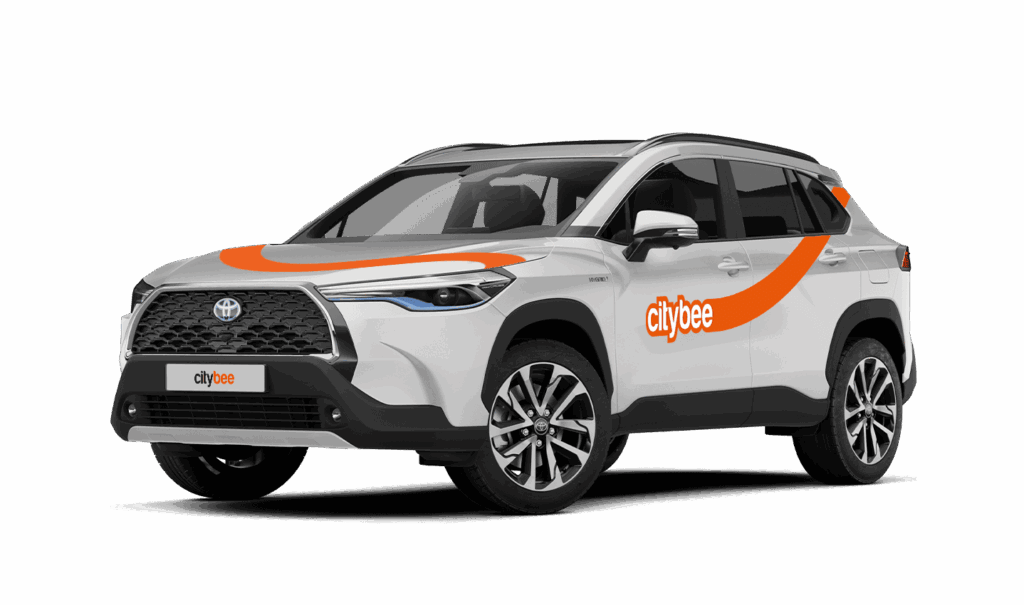
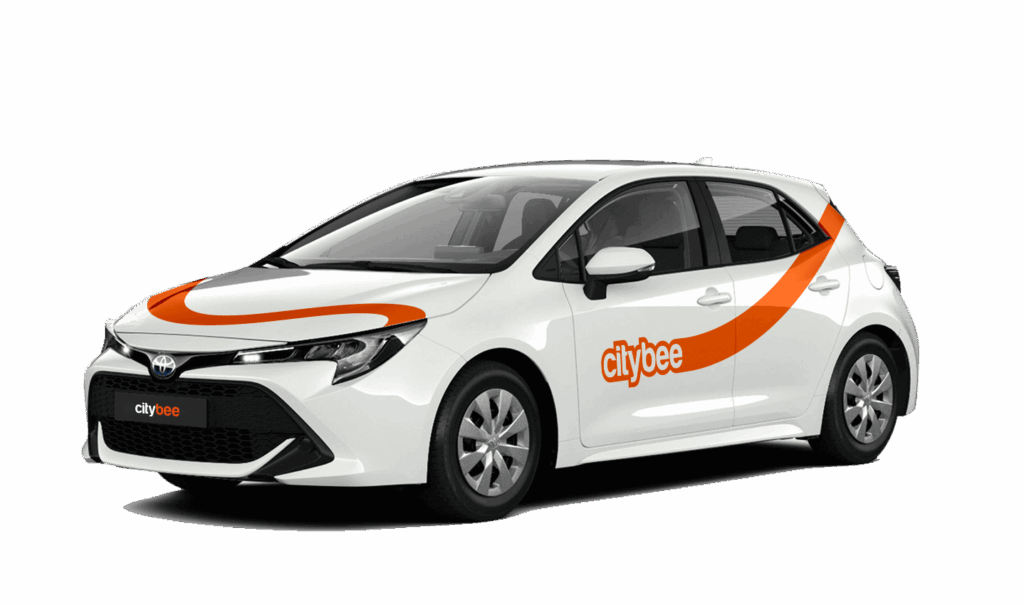
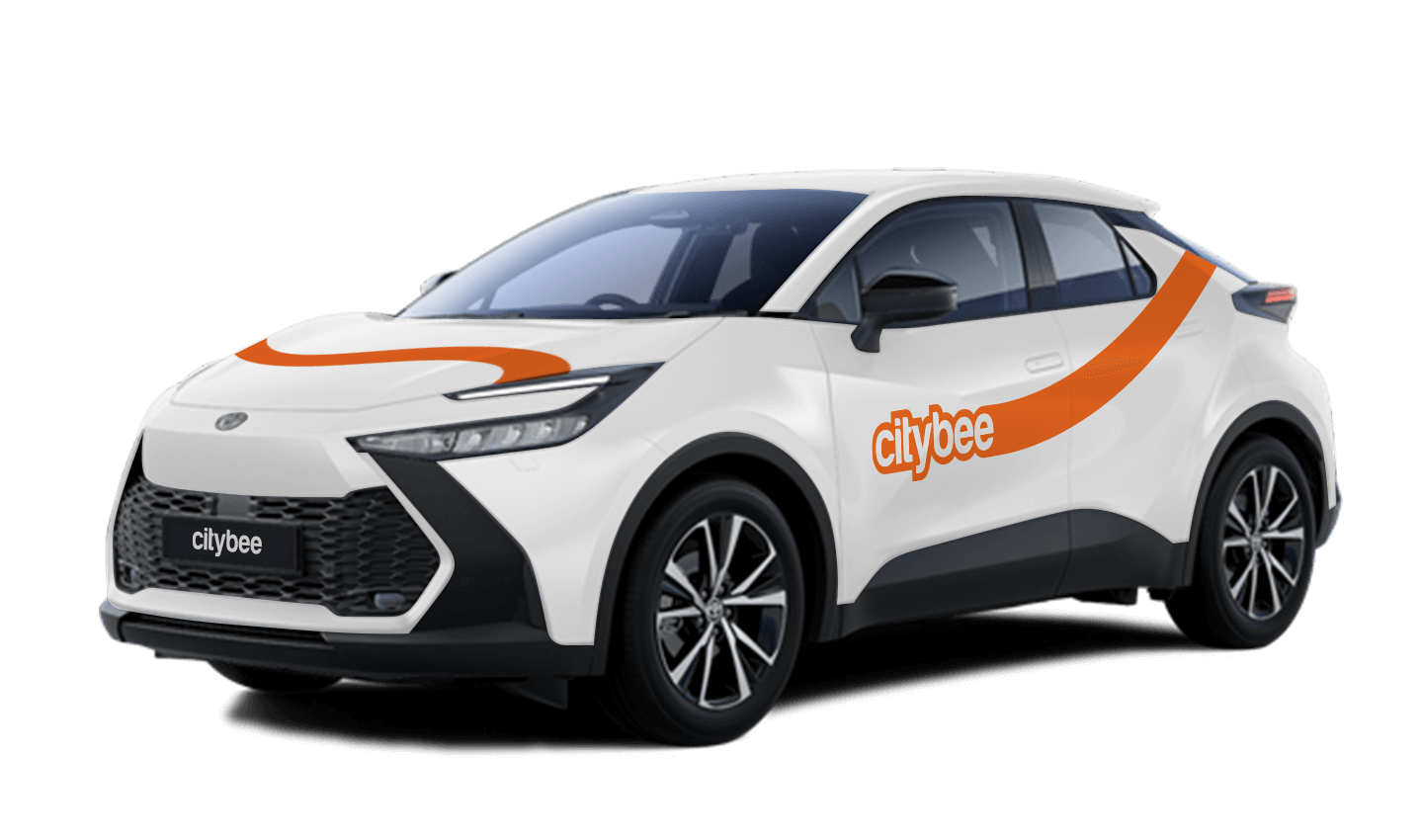
Toyota C-HR
The price of this journey would be
0€
Trip start fee of 0.49€ is included in the price calculation.
When using CityBee, you don’t have to pay for fuel yourself – you only pay for the time and kilometers you drive.
Refueling is easy!
Go to any of our partner Circle K gas stations. Open the CityBee app and start the refueling. Follow the simple instructions, fill up, and hit the road!
If the fuel is below 1/4 of the tank, you’ll receive a €2 discount for topping up.
Step by Step refueling guide
Check the Reservation map in the app to see nearby fuel stations. Tap a station for details and directions, then drive there.
When you arrive, tap the notification or open the CityBee app, go to Reservation, and select Refuel.
The app shows available pumps. Pick your pump, activate it, and wait for confirmation.
When it says, “Ready to fuel,” pick up the nozzle and start fueling. Return the nozzle when finished. The app will update the fueling status automatically.
If you decide not to refuel, you can cancel in two ways:
Manual cancel: Pick up the nozzle and immediately return it – the refueling is canceled.
Automatic cancel: If the nozzle is never picked up, the app will automatically cancel the refueling after 2 minutes of inactivity.
In rare cases, you may need to use the fuel card inside the car. This happens if the pump doesn’t work via the app or if you’re refueling outside the Baltic States. The CityBee app shows the PIN code and fuel type under your active reservation.
The subscription is ideal for anyone who regularly takes shorter trips (up to 5 km and 15 minutes) in the city with CityBee. Whether it’s just a few times or several trips a month, choose a subscription plan that fits your travel needs, save money, and enjoy additional benefits. However, if you typically take longer trips, we recommend selecting from a variety of trip packages that offer more cost-effective options for longer routes.
Once you reserve a car, you are able to keep it reserved for you 15 minutes for free. However, if you weren’t able to reach the car within 15 minutes and need additional time – you can easily extend your reservation through the app. Just click on Reservation and then select Extend.
The price for extended reservation costs as much as the time price for that specific car displayed in the price list.
The maximum duration of the extended reservation is 24 hours. If you do not unlock a car by selecting Unlock in the app within that period, the reservation will discontinue and you will be charged for the time used. You can cancel the extended reservation anytime. In this case, you will pay only for the used paid reservation time.
To sign up, you need to download the CityBee app to your smart iOS or Android phone.
To register, enter the requested personal data and a valid telephone number to verify signing up.
The final step is to link a payment card to your CityBee account.
If you want to use a car-sharing service, you must confirm your driving license’s validity. You can do it just in a few minutes by following the instructions in the app!
The plan is activated on the day of purchase. You will receive an email notification confirming the activation immediately after the purchase.
At least one payment card must be linked to a CityBee account. You can link more than one payment card and choose from which card you will be billed for services before each trip. It is important that the card type is VISA or MasterCard and that the secure internet shopping function is activated.
How do I activate the secure internet shopping function?
1. SEB: Log in to your internet bank and look for “Accounts and Cards” -> “Card List” in the menu bar at the top. You’ll see all of your cards that can be registered with the secure internet shopping programme. Next to the desired card in the options below, click on “Online Billing” and click “Enable”.
2. Swedbank: Log in to your internet bank and look for “Cards” -> “Secure internet shopping” in the menu bar on the left. You’ll see all of your cards that can be registered with the secure internet shopping programme. Select the desired card next to the note “Online Billing” and click “Enable”.
3. Šiaulių Bankas: Log in to your Internet bank and in the menu on the left, select “Cards” -> “Secure payment” -> select the payment card for which you want to activate the secure internet shopping and click “Register” -> enter the requested data and confirm it by pressing the “Enter and Sign” button -> soon the status of the card will change to “Registered”.
4. Luminor bank: Log in to your Internet bank and in the menu, select the item “Payment cards” -> select the payment card for which you want to activate the secure internet shopping and in the opened window click “Secure shopping service settings” -> select the “Order service” button -> enter the requested data, which the bank will show you later during the purchase -> click “Order service”.
5. Citadele bank: No additional activation of the secure internet shopping is required.
During your CityBee subscription period, you can choose between using a subscription plan trip or purchasing a pre-paid trip package for a longer route at the start of each trip. The ‘Flexible’ pricing will automatically apply only if you exceed the allocated kilometers and/or minutes for the subscription plan or the additionally purchased package.
Vans have their own parking zones, which are different from the ones for cars. Just tap the van icon in the app to see where you can go. The color-coding works the same way you’re used to:
– Clear zones – Park or end your trip here anytime, as long as you follow regular parking rules
– Yellow zones – These might add a small fee or give you a discount when you start or finish a trip. Tap the € symbol to check the exact amount for that zone
– Grey zones – No ending trips here, sorry!
The good news? You don’t have to bring the van back to where you picked it up. Any allowed van zone works.
One thing to keep in mind: Electric vans have their own special zones. If you plan to drive an electric van, make sure to select it in the app, that way you’ll only see their specific zones.
For more details on parking zones, see our guide here.
The price of this journey would be
0€
Trip start fee of 0.49€ is included in the price calculation.