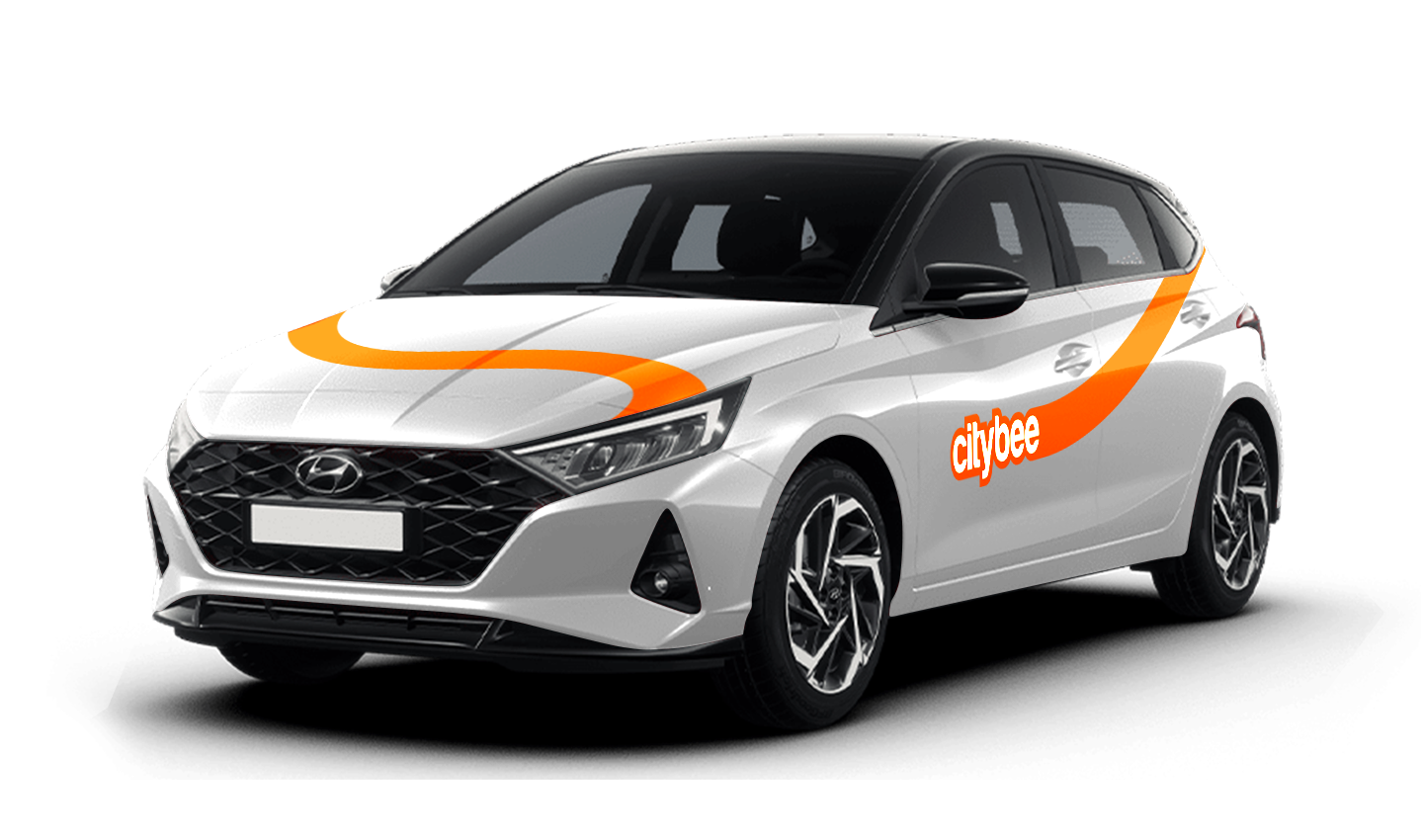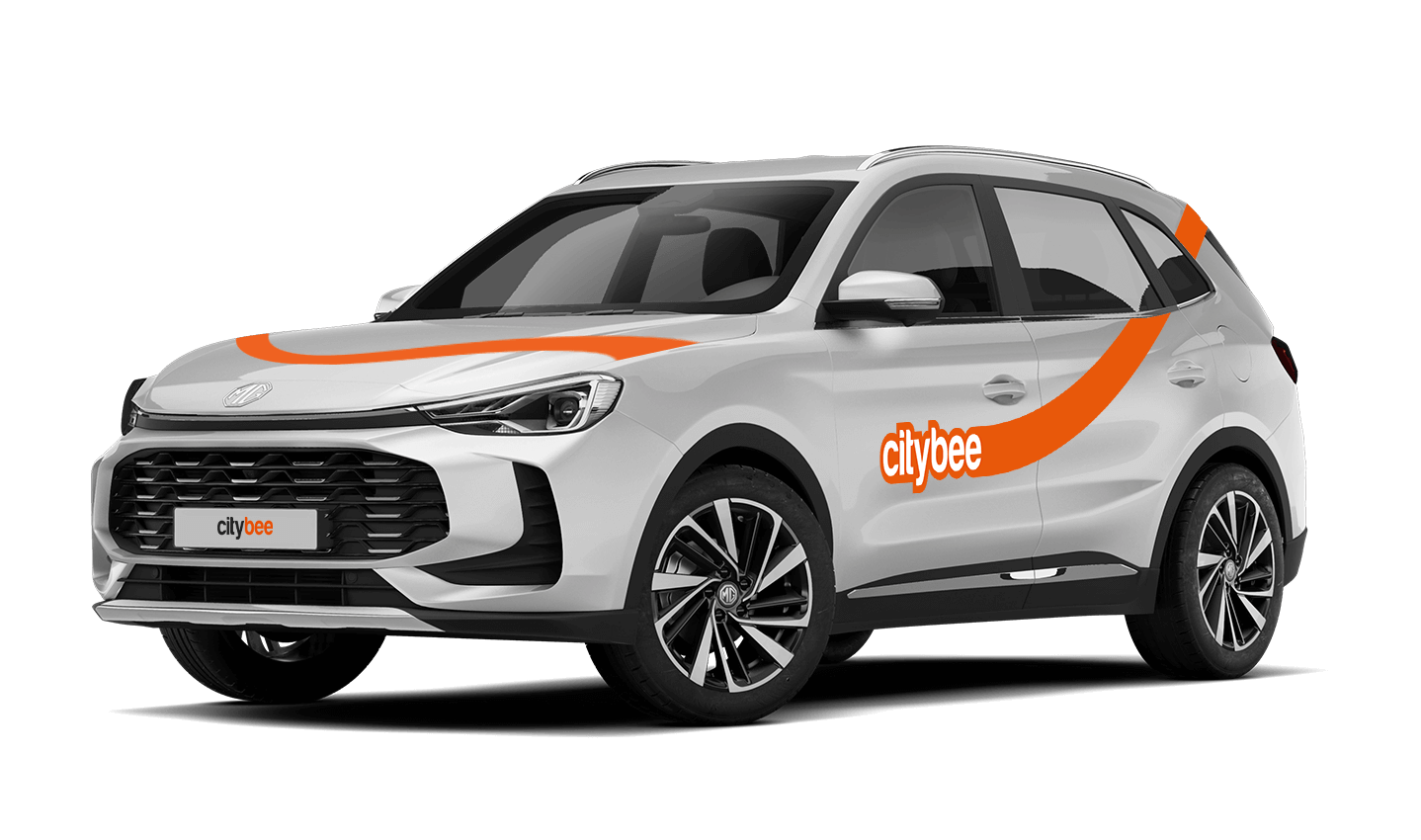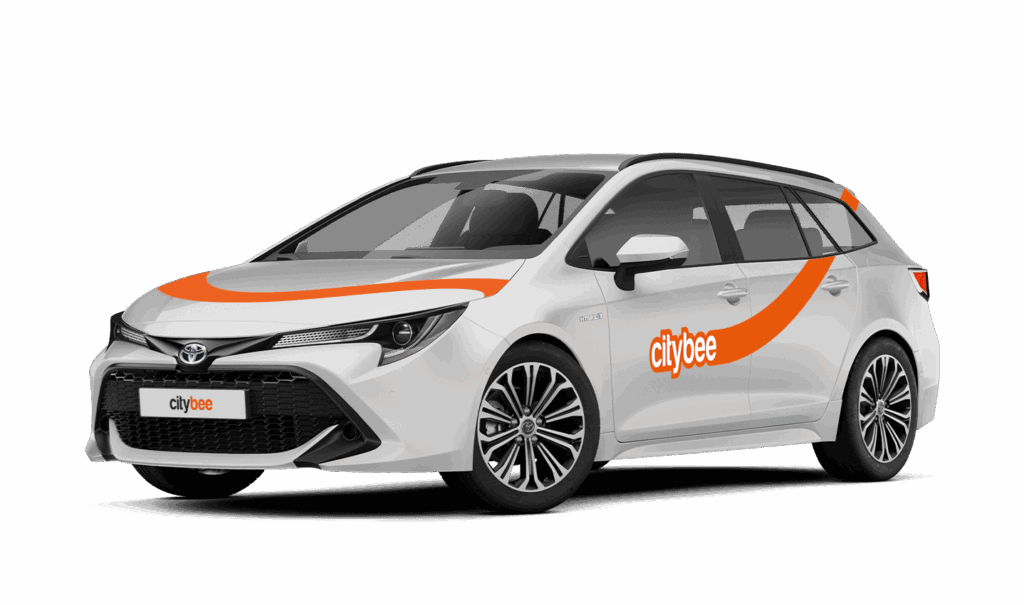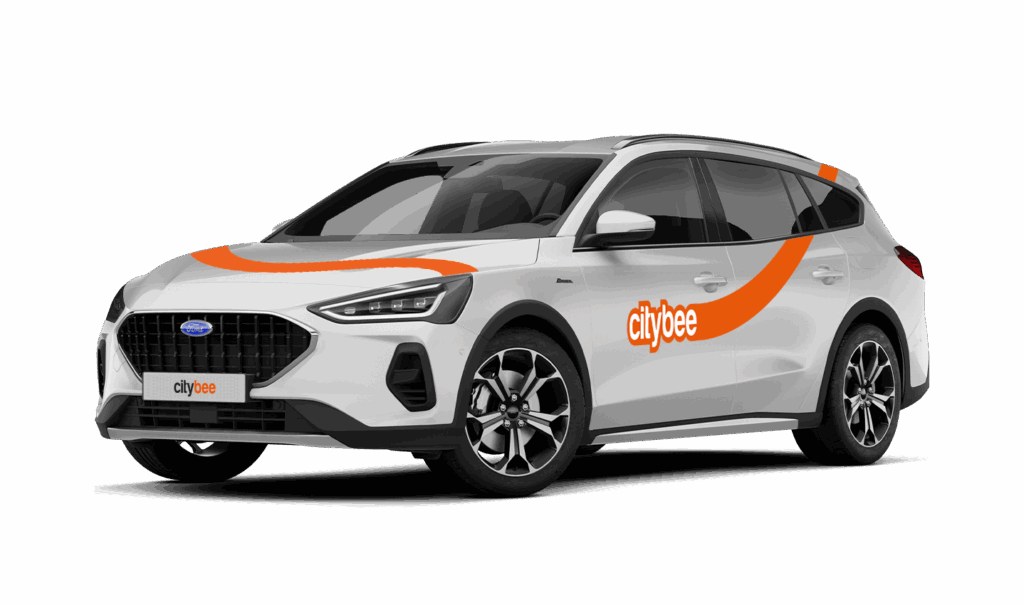
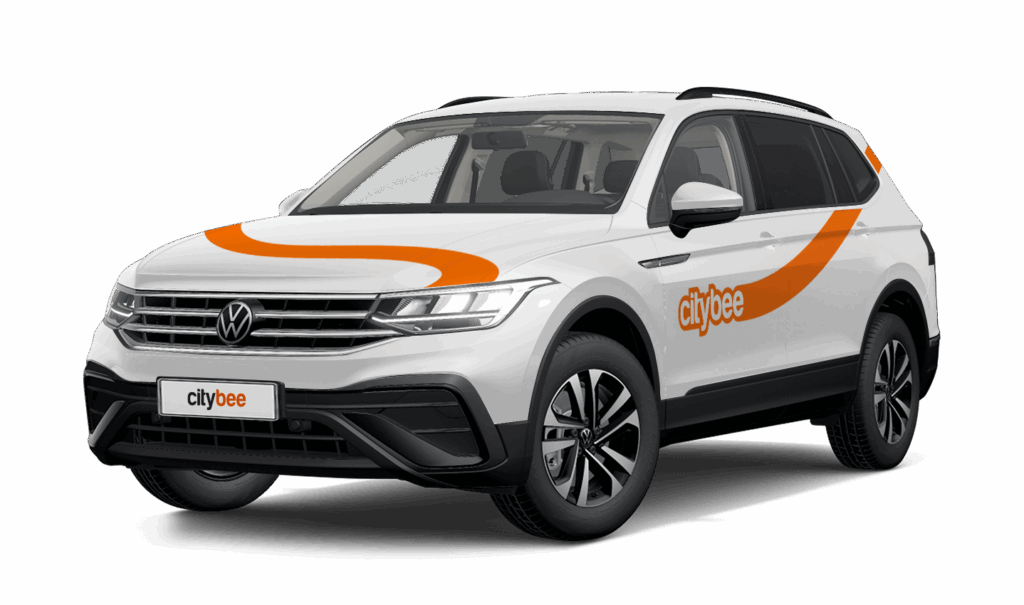
Price Calculator
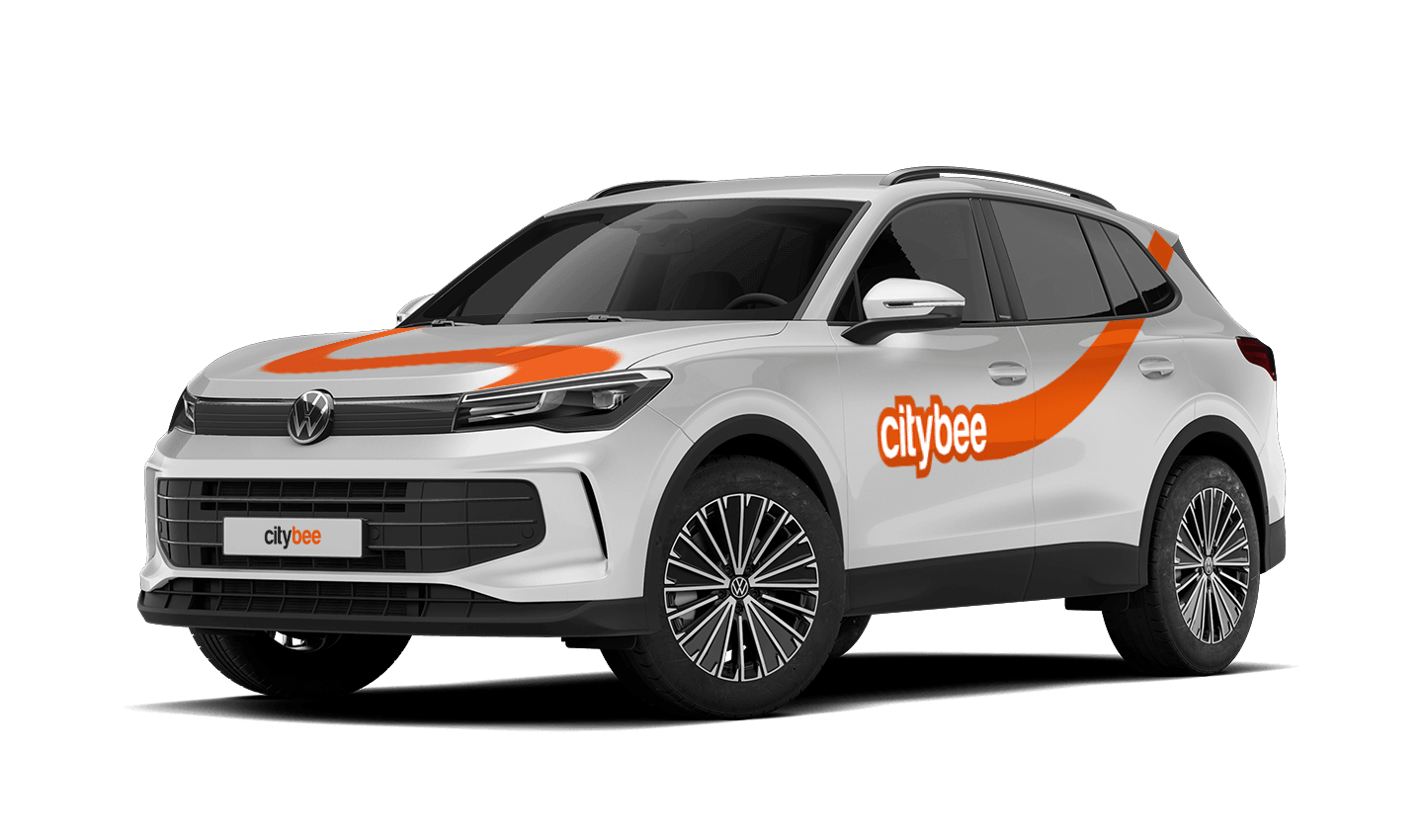
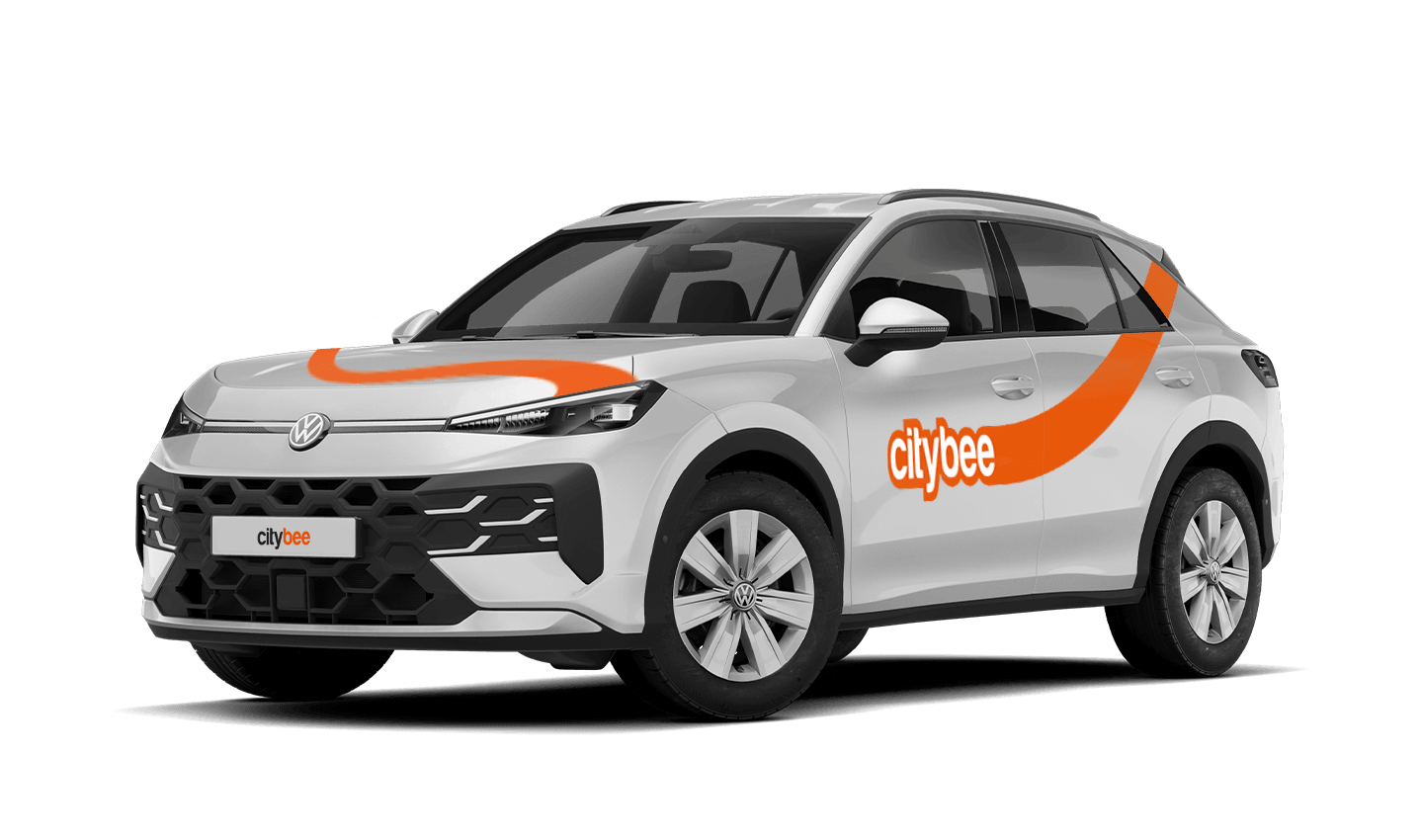
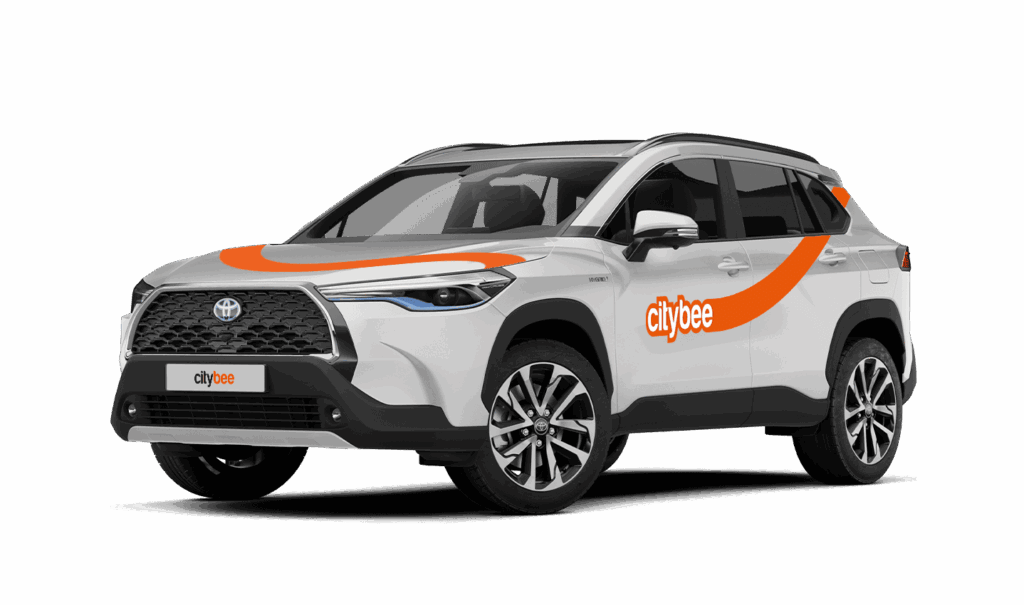
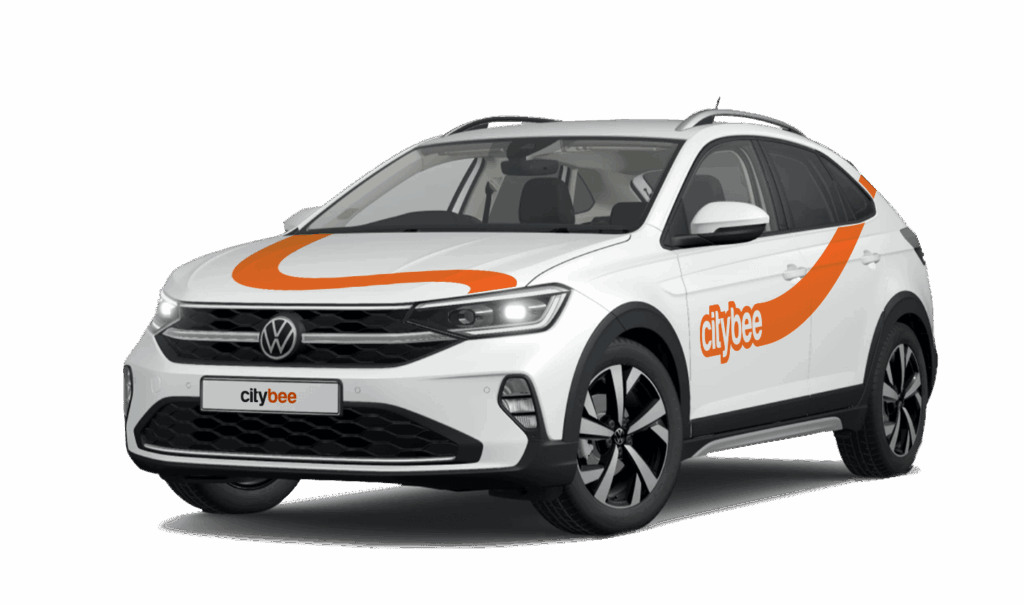
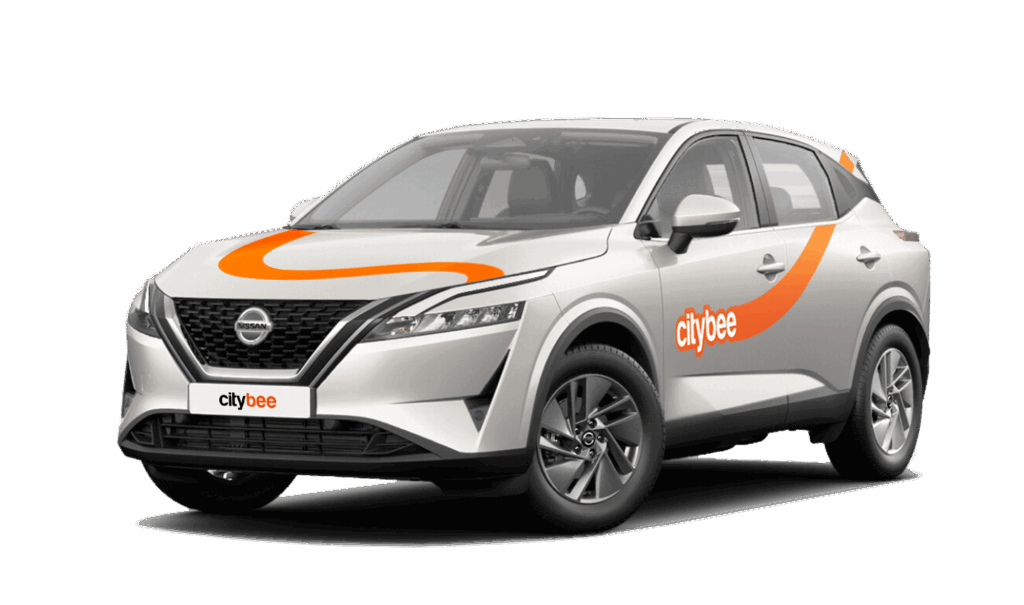
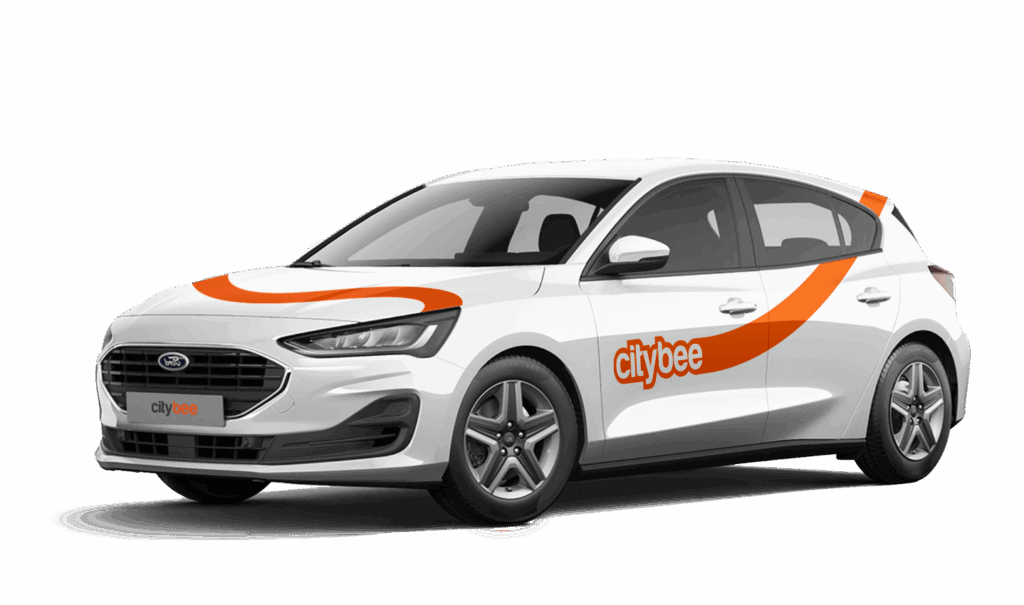
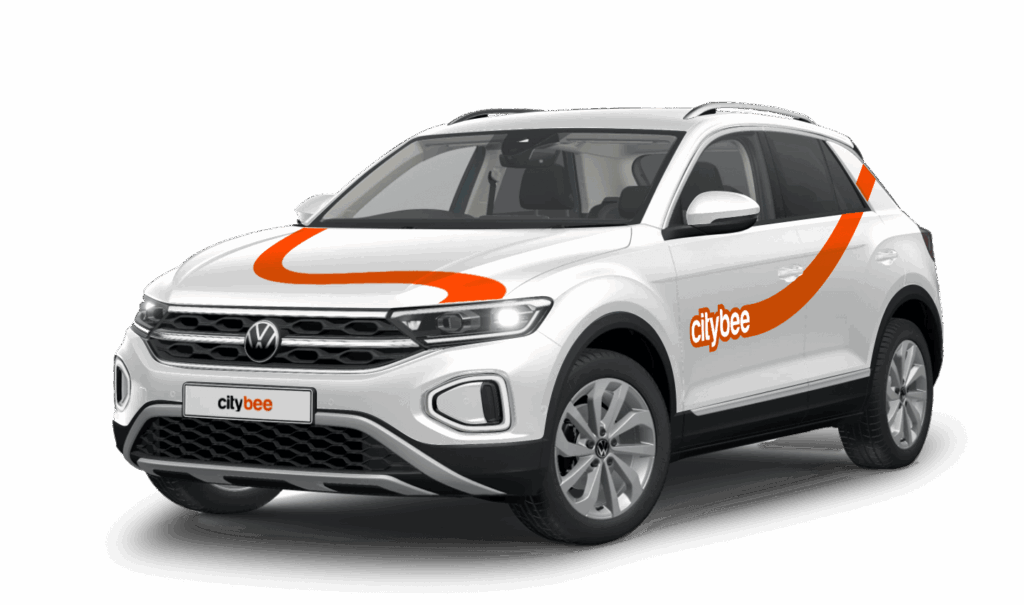
Volkswagen Tiguan
The price of this journey would be
0€
Trip start fee of 0.44€ is included in the price calculation.
Atkreipk dėmesį, jog šis Volkswagen Tiguan yra dyzelinio variklio!
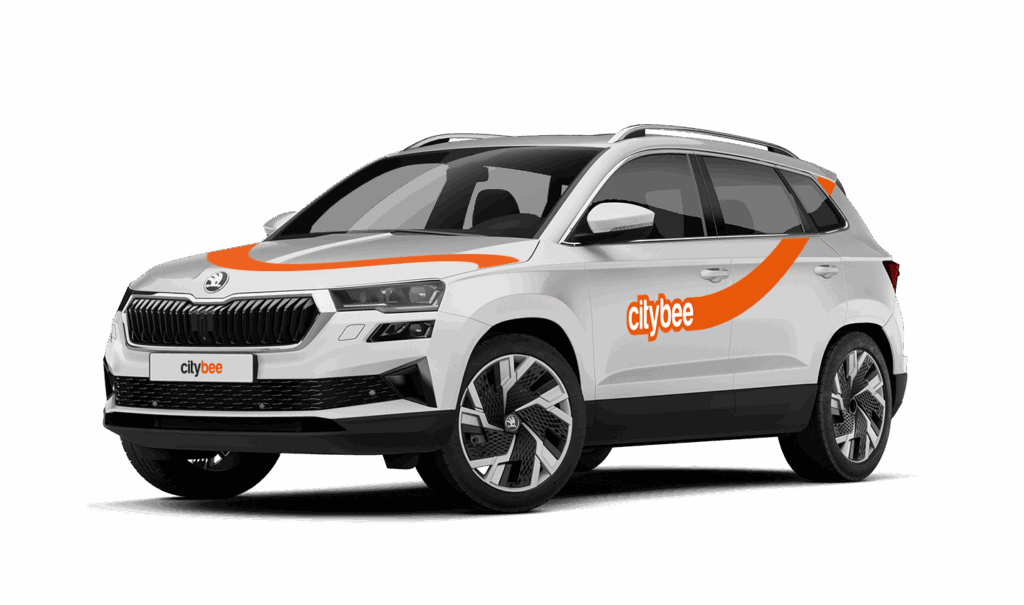
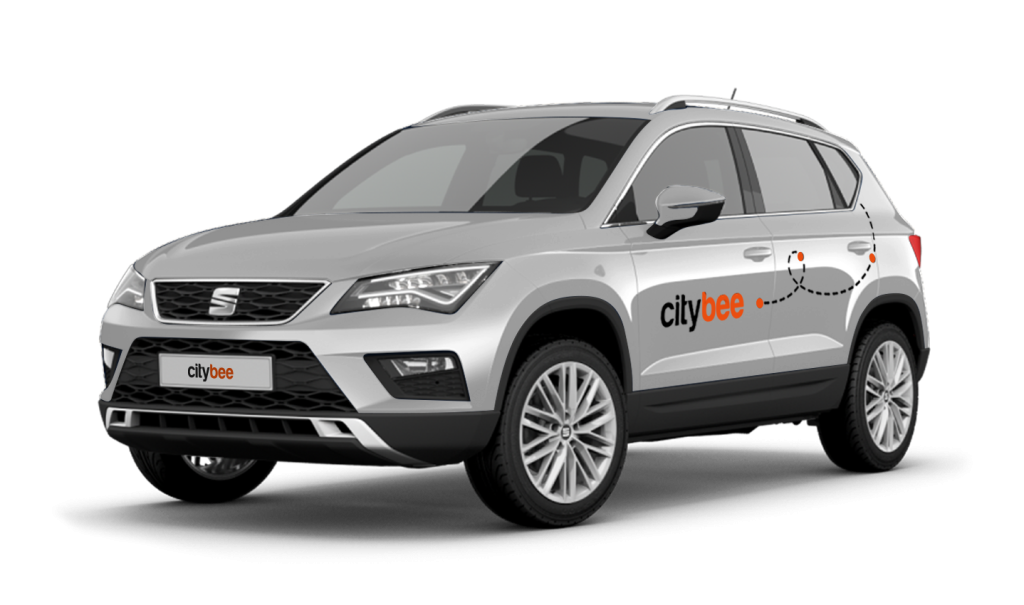
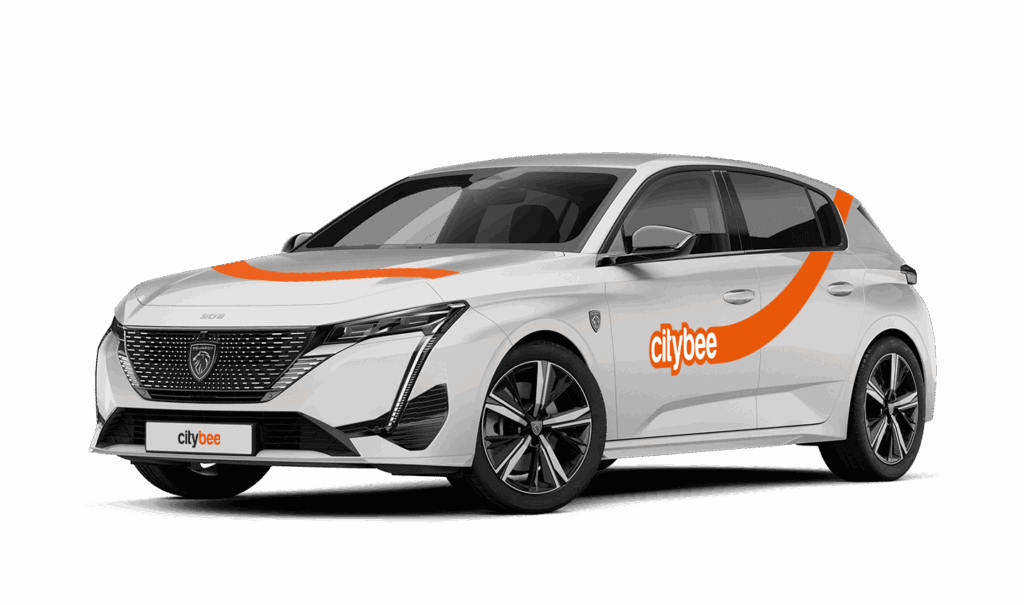
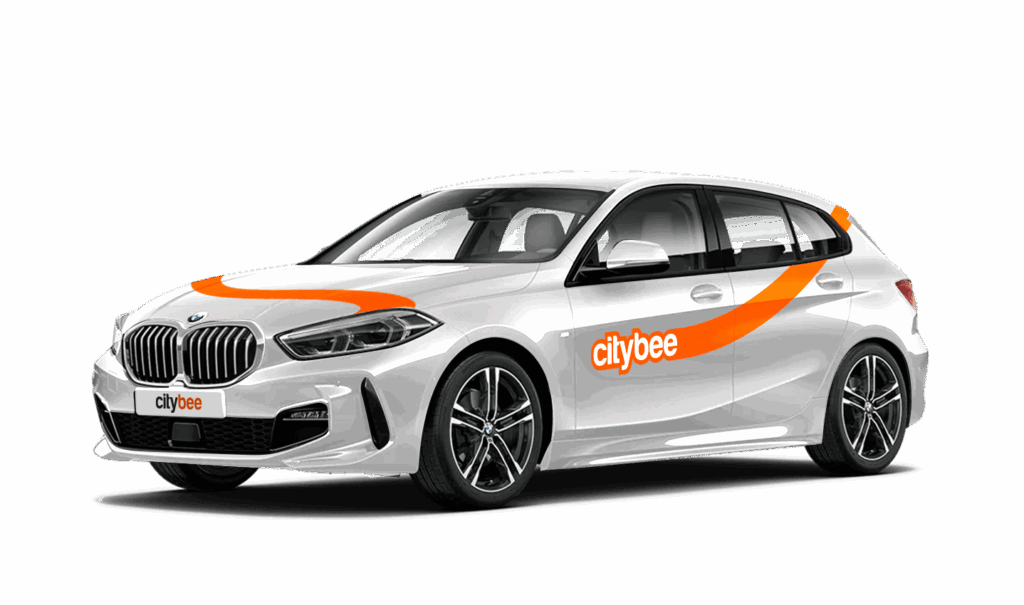
Car gallery
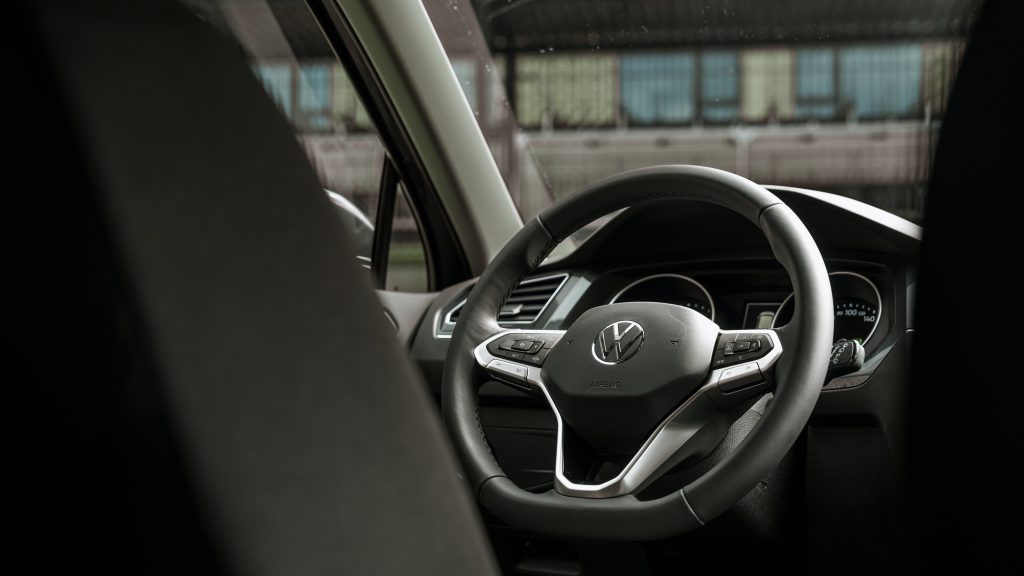

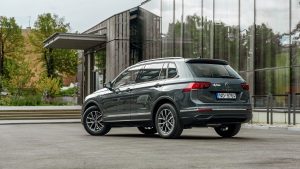
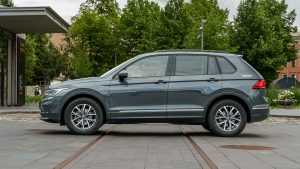
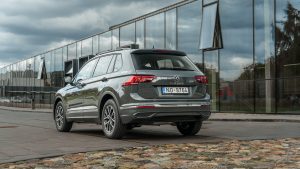
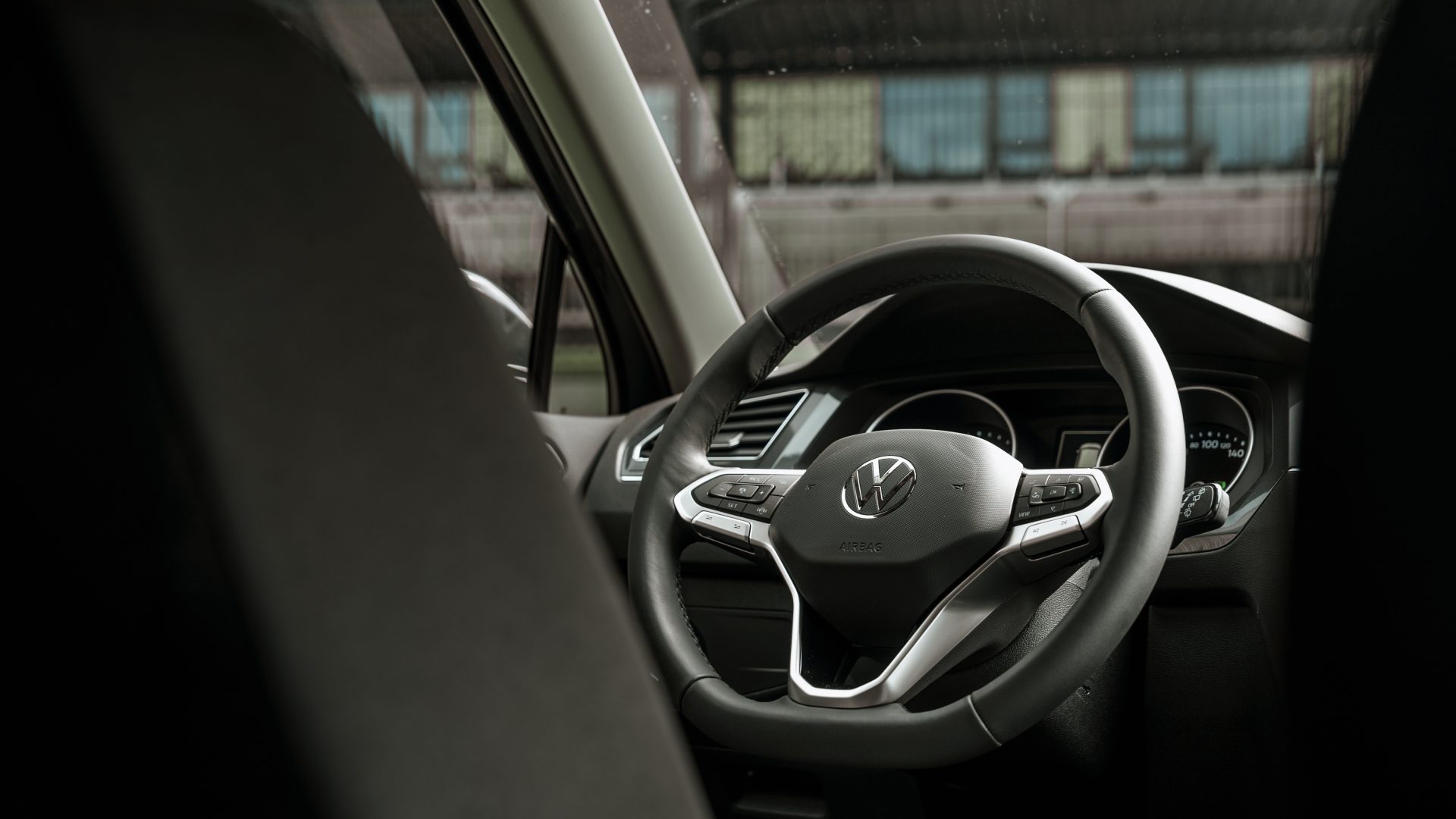
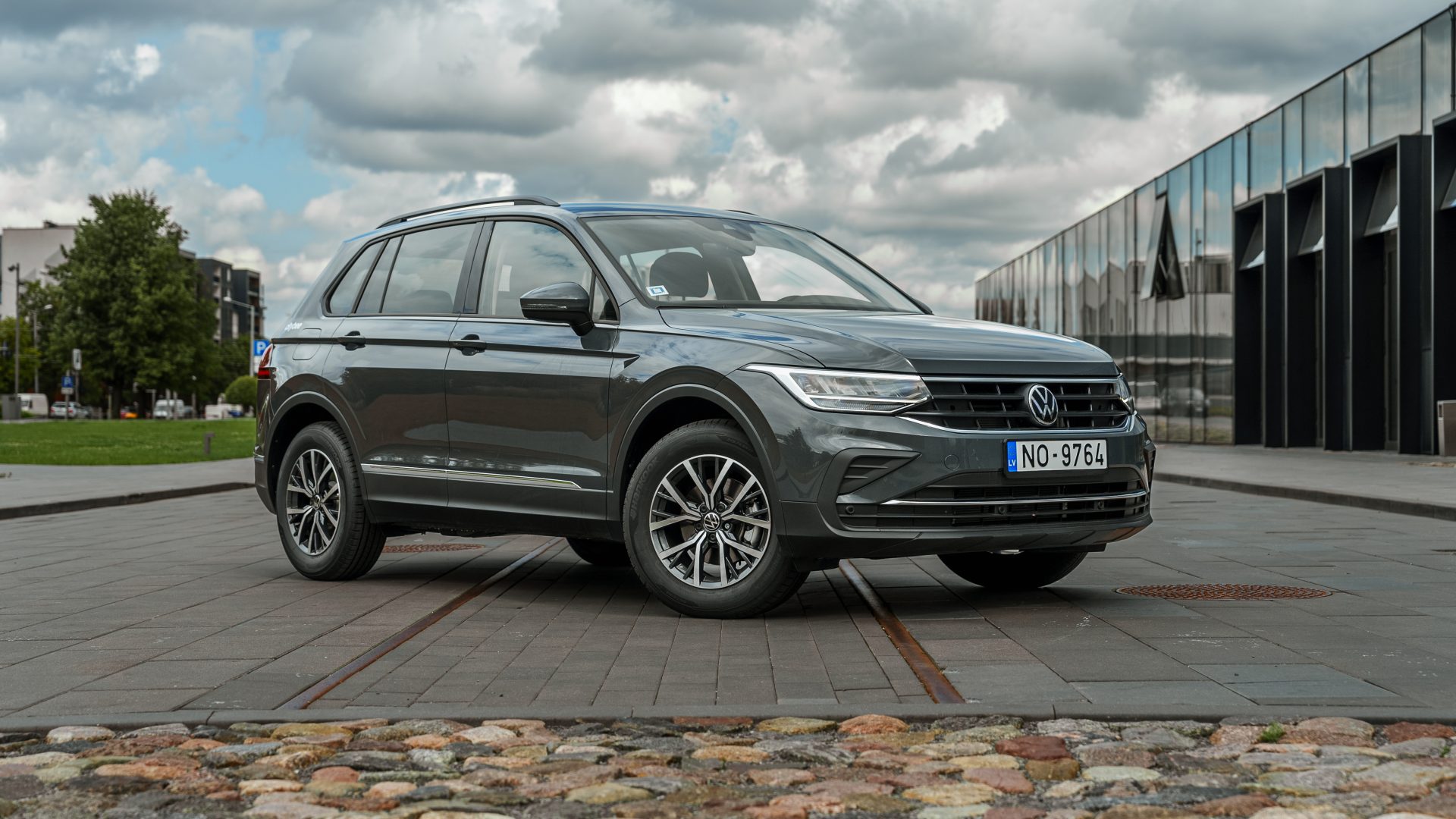
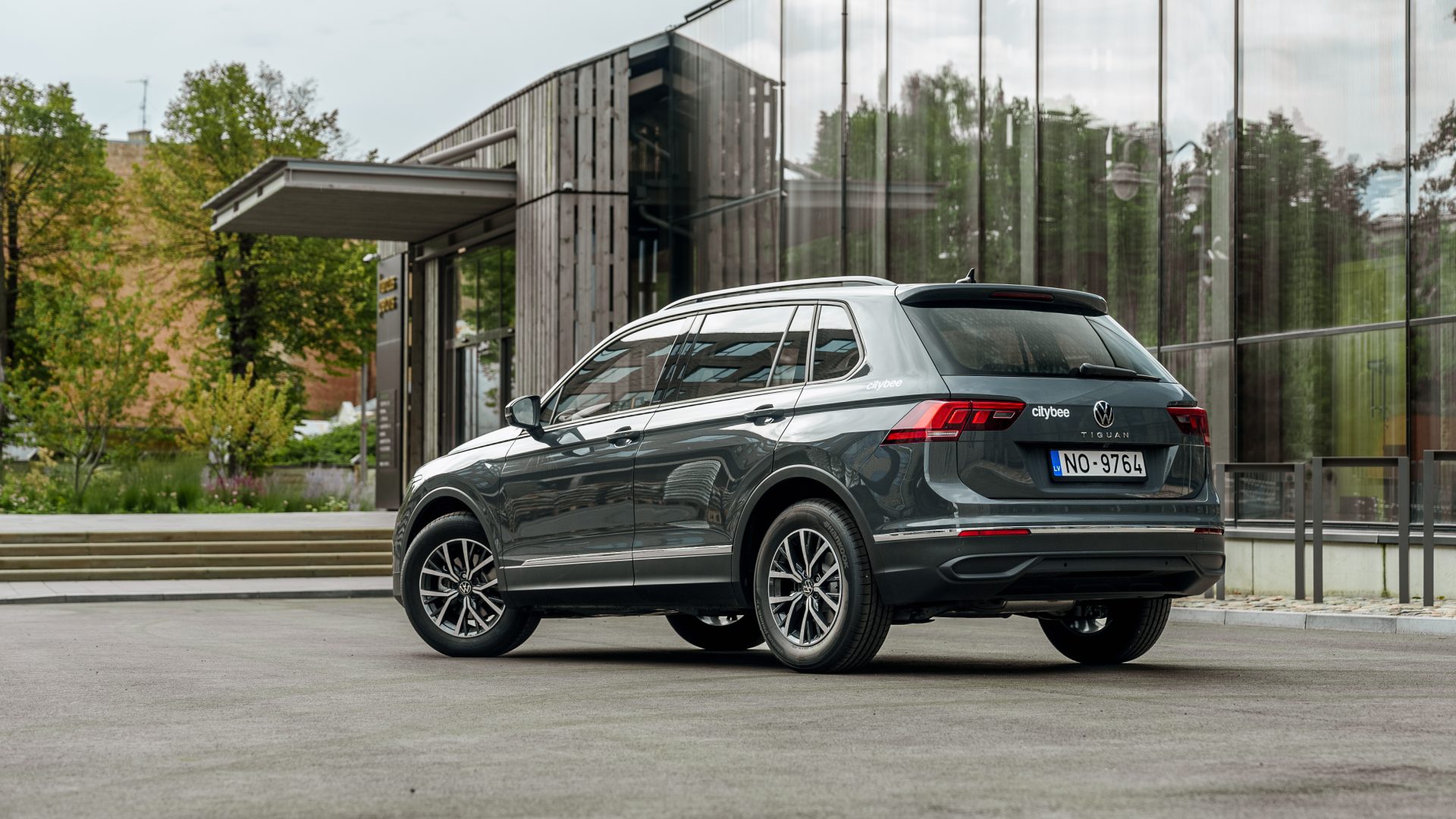
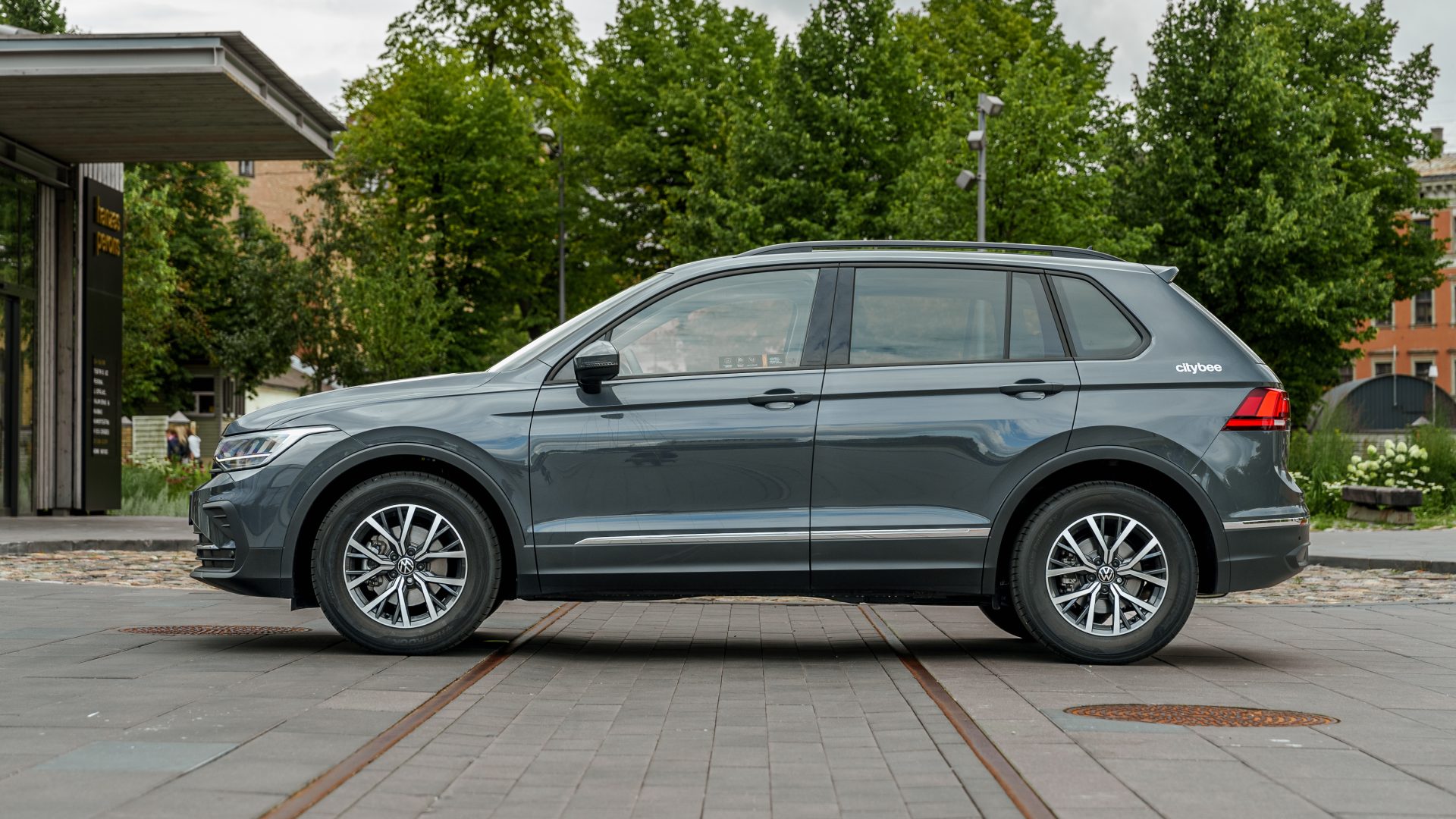
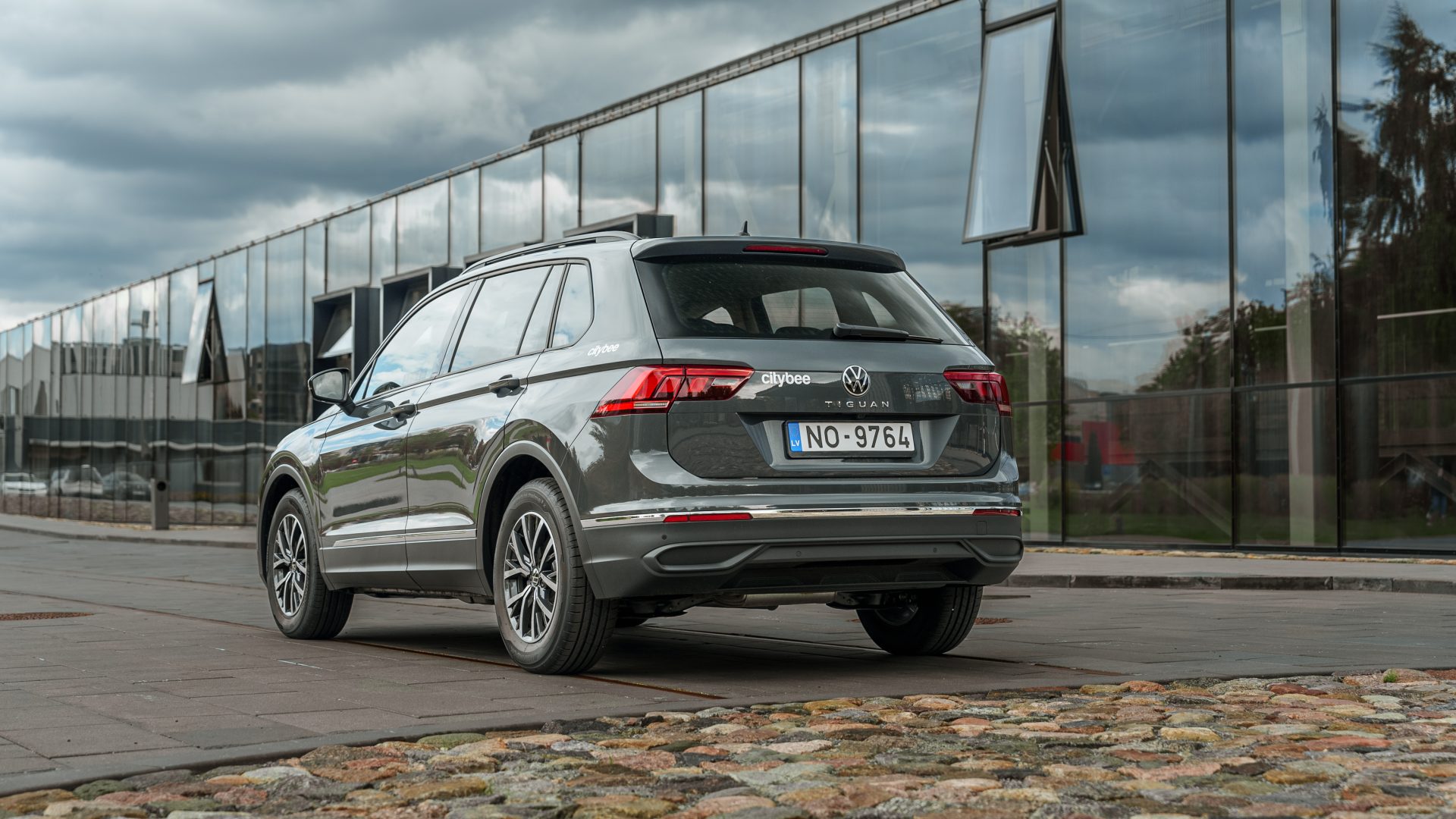
CityBee cars are new and in good technical condition. However, if your car does not start or breaks down (if you hear a strange sound, a red indicator lights on the dashboard or there are other signs of breakdown), please contact us by phone:
CityBee Lithuania contacts: +37070077084, info@citybee.lt;
CityBee Latvia contacts: +371 27265460, info@citybee.lv ;
CityBee Estonia contacts: +372 600 0160, info@citybee.ee.
Our task is to provide the services you need as soon as possible and smoothly so that any breakdown on the road will cause the least inconvenience and you will be able to continue your trip as soon as possible. No matter where in the city you are, we will quickly make conditions to continue your trip and you will get a compensation.
Left something behind? You’ve got 24 hours to grab it for free.
Just reserve and unlock the same car like you normally would. You’ll have 5 free minutes to collect your stuff. Important: don’t turn on the ignition unless you’re planning to drive. If you stay longer than 5 minutes, you’ll automatically start a paid reservation.
After 24 hours, you can still find the car on our live map. If you don’t see your vehicle on the map, it may be in use by another customer at the moment. You can find available vehicles here:
Lithuania: https://map.citybee.lt/#/main-map
Estonia: https://map.citybee.ee/#/main-map
Latvia: https://map.citybee.lv/#/main-map
Need a hand? Reach out at info@citybee.lt, info@citybee.lv, info@citybee.ee, or through the in-app chat.
CityBee subscription plan is valid for 30 days from the date of purchase. Unused trips do not carry over to a new plan.
By registering in the CityBee application, you confirm that you have read and agree to the terms of use and privacy policy. If you had not done that, you would not be able to use CityBee services.
Due to company policy, we are able to provide our services to customers who have Drivers licenses issued from one of these countries listed below.
If your country is not on the list – unfortunately, you will not be able to register.
Also, our system is unable to accept International Driver’s Permits/ Licenses.
|
Australia |
|
Austria |
|
Belarus |
|
Belgium |
|
Bulgaria |
|
Canada |
|
Croatia |
|
Cyprus |
|
Czech Republic |
|
Denmark |
|
Egypt |
|
Estonia |
|
Finland |
|
France |
|
Georgia |
|
Germany |
|
Greece |
|
Hungary |
|
Iceland |
|
Ireland |
|
Isle of Man |
|
Israel |
|
Italy |
|
Latvia |
|
Liechtenstein |
|
Lithuania |
|
Luxembourg |
|
Malta |
|
Netherlands |
|
Norway |
|
Poland |
|
Portugal |
|
Romania |
|
Russia |
|
San Marino |
|
Slovakia |
|
Slovenia |
|
Spain |
|
Sweden |
|
Switzerland |
|
Turkey |
|
Ukraine |
|
United Kingdom |
|
United States of America |
We process your personal data on the basis of your consent in order to conclude, execute, and administer the agreement concluded with you, to comply with the requirements of legal acts, and for the legitimate interest.
The CityBee Privacy Policy (https://citybee.lt/en/privacy-policy/) provides detailed information on the purpose of processing your personal data and the duration of storage thereof.
To subscribe to CityBee, open the CityBee app and go to the ‘Subscription’ section. Choose the plan that best suits you from the available options. The plan cost will be automatically charged to the payment card linked to your CityBee account. Once the payment is successful, you’ll receive a confirmation email. The purchased plan will be activated immediately and will be valid for 30 days.
The plan is activated on the day of purchase. You will receive an email notification confirming the activation immediately after the purchase.
The price of this journey would be
0€
Trip start fee of 0.44€ is included in the price calculation.
Atkreipk dėmesį, jog šis Volkswagen Tiguan yra dyzelinio variklio!