Price Calculator
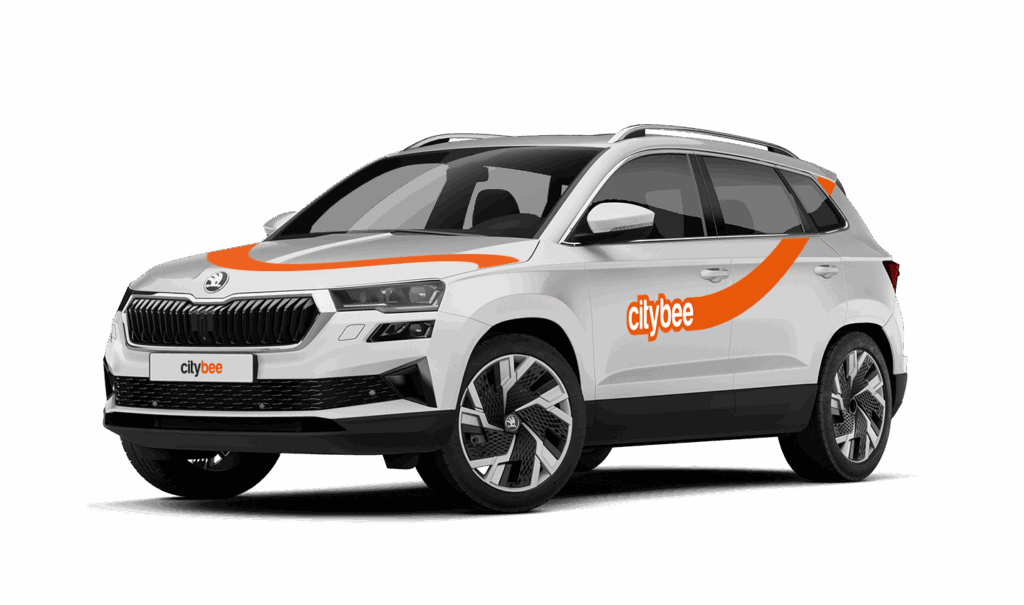
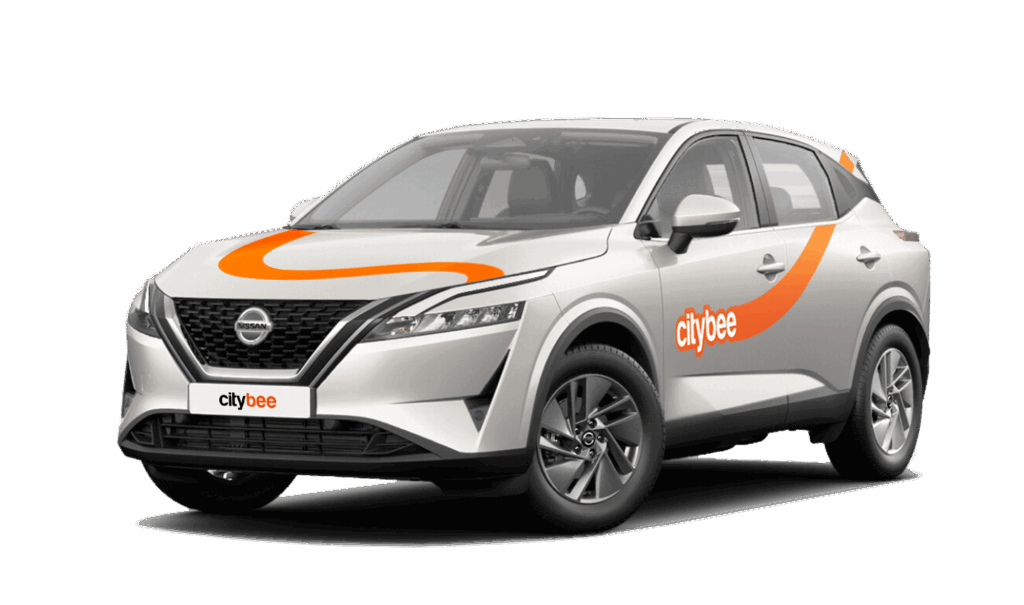
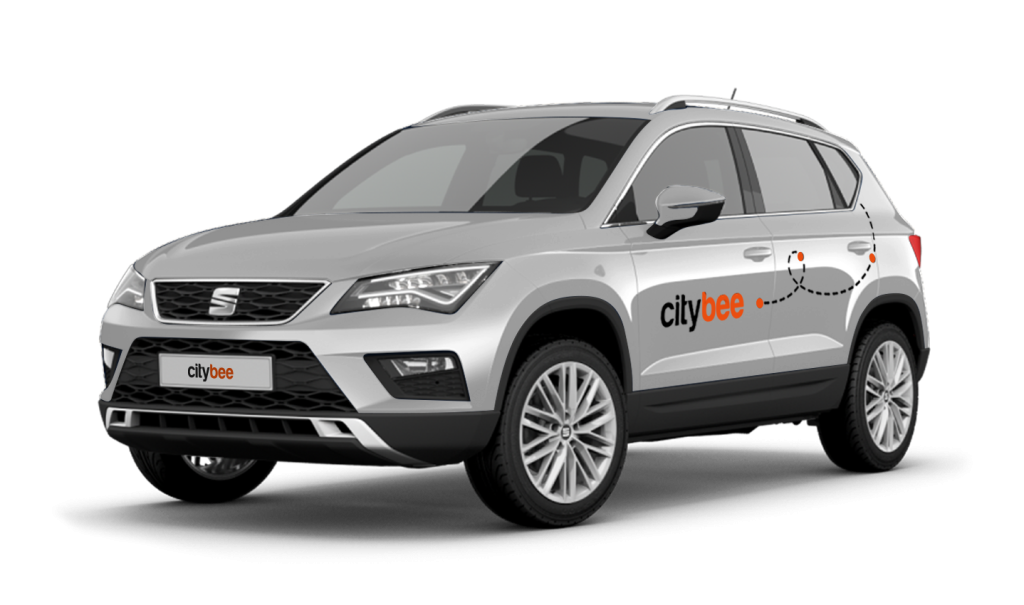
Seat Ateca
The price of this journey would be
0€
Trip start fee of 0.49€ is included in the price calculation.
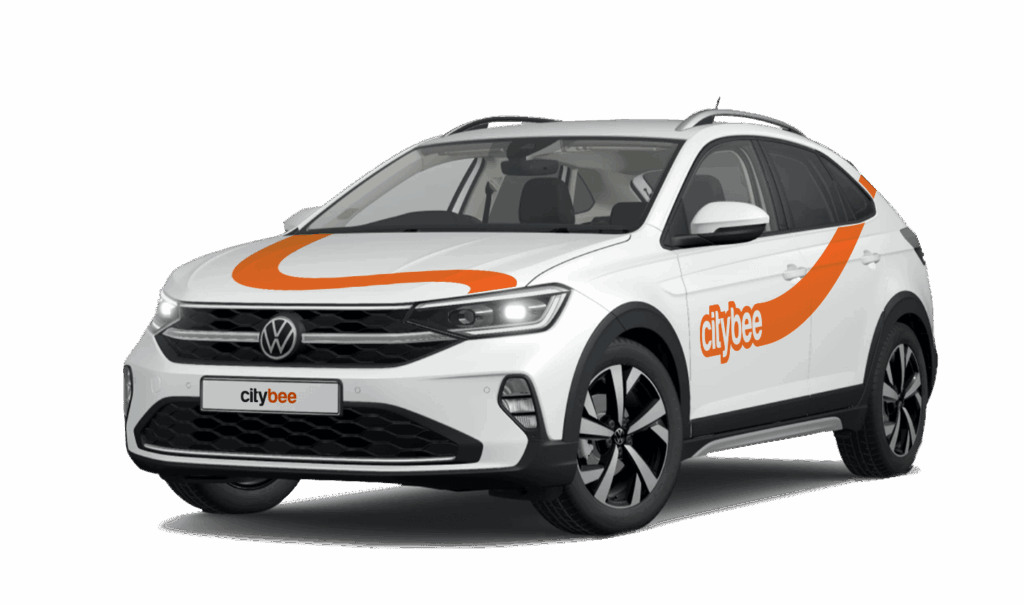
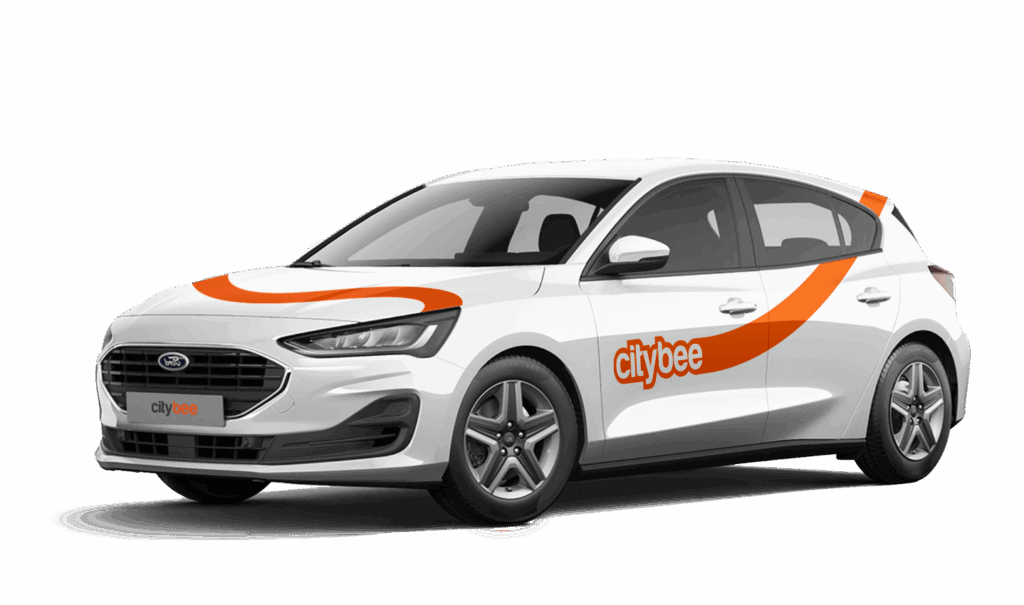
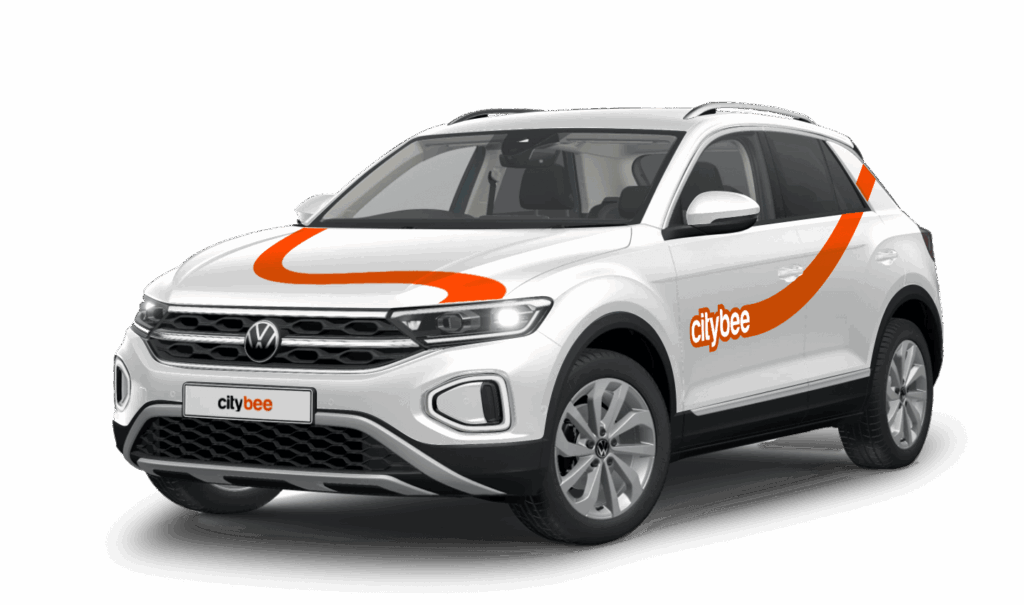
Car gallery
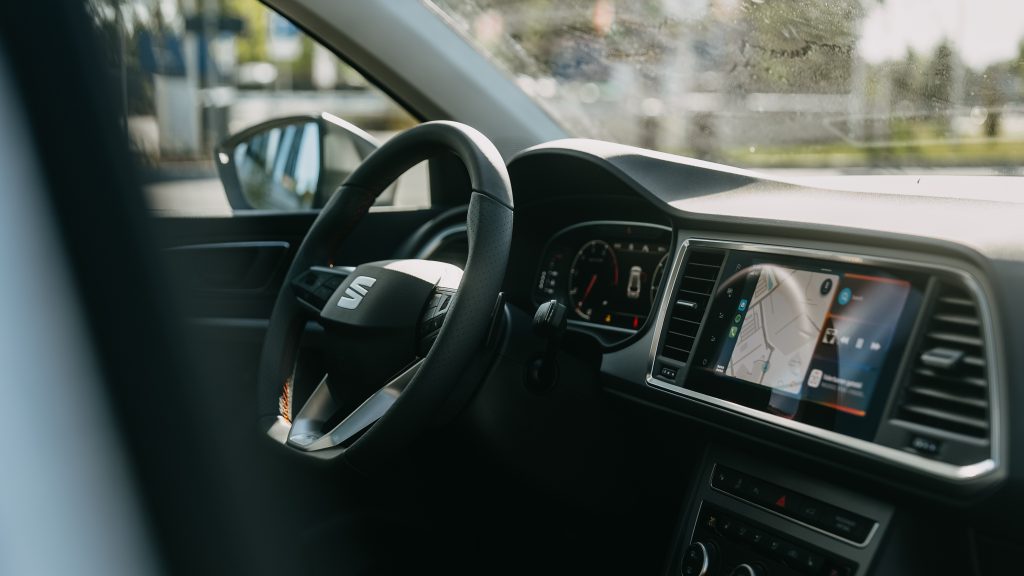


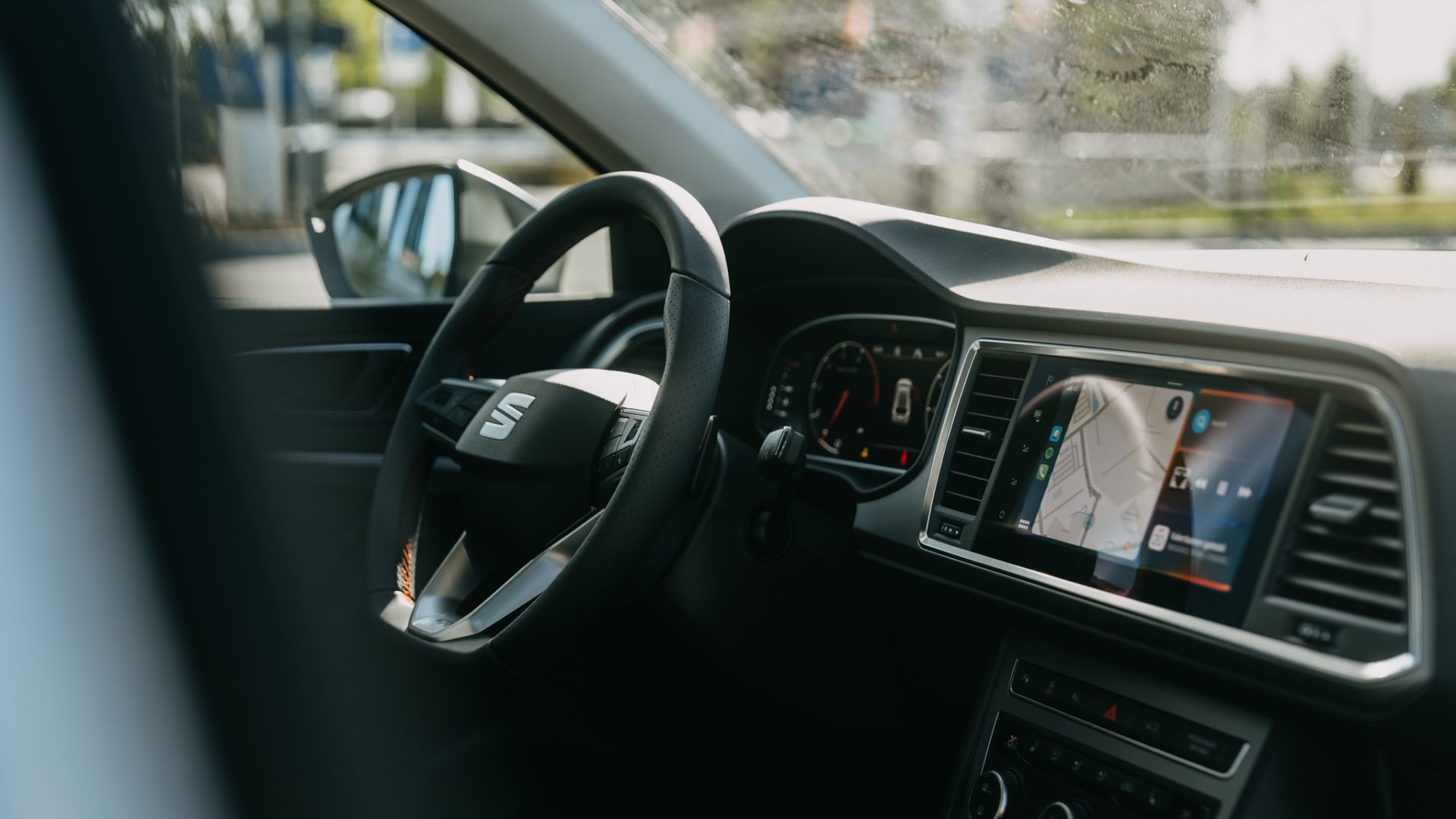

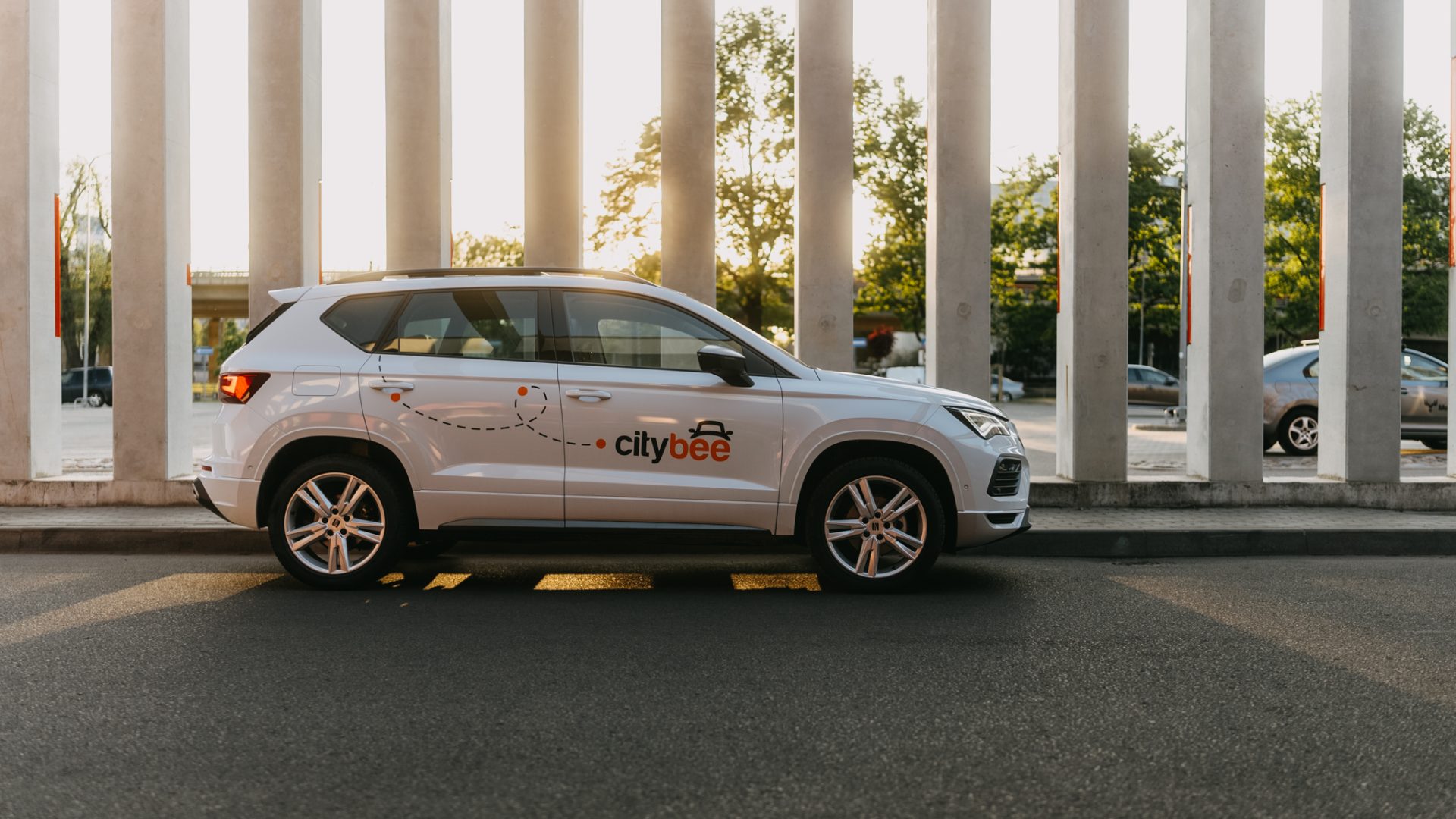
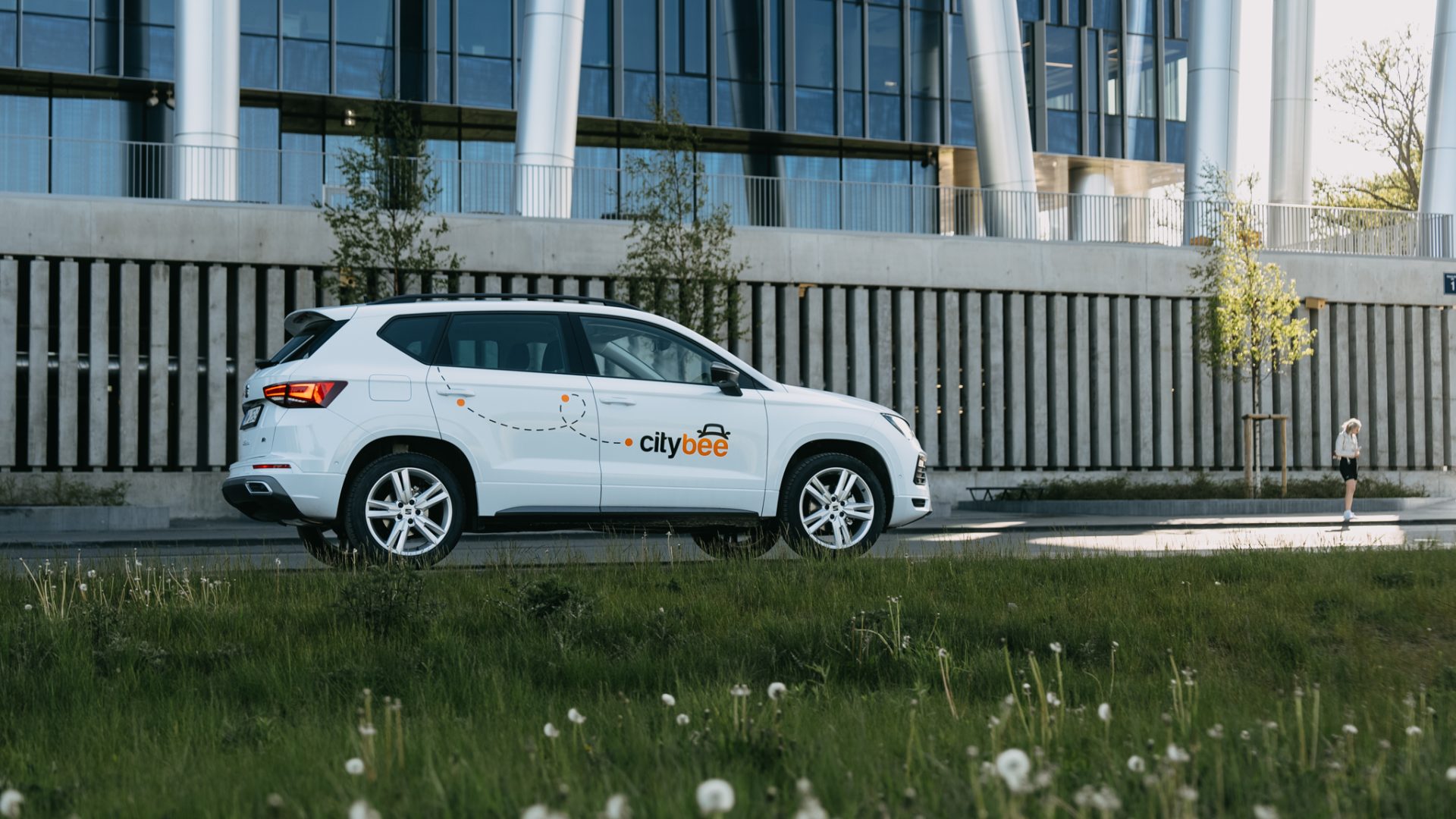
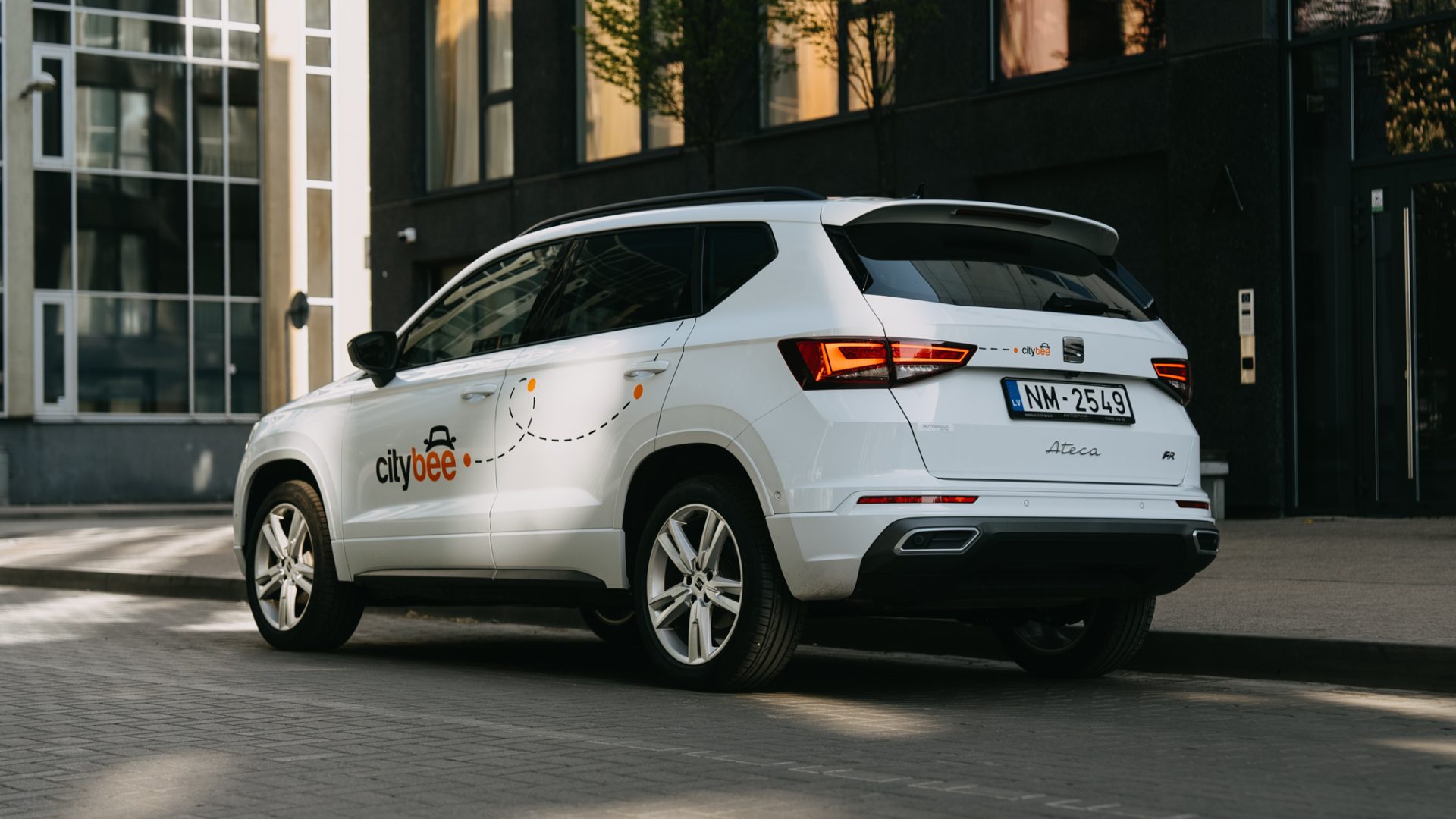
If you want to use the car for longer than travelling from point A to point B, lock the car with a key at intermediate stops and take the keys with you. Do not mark the trip as complete in the app. If needed, you can continue your trip using the same car at any time. Only mark the trip as complete in the app when you no longer wish to use the car. Please note that if you lock the car with the key, if it has not been used for some time, but you have not completed the reservation via the app, the price of the travel time will continue to be calculated.
‘CityBee’ cars can be used to travel within the European Union (or where ‘CityBee’ car insurance is valid). However, you need to get our prior permission first.
The permission request must be sent to the general email addresses:
You can contact the LT team via info@citybee.lt;
You can contact the LV team via info@citybee.lv;
You can contact the EE team via info@citybee.ee.
Before deciding whether to allow to transport ‘CityBee’ car outside of LT, LV or EE, we will assess our technical and organizational capabilities and your history of using ‘CityBee’ services.
You’re welcome to take a CityBee car across the Baltics (Lithuania, Latvia, Estonia) and finish your trip in any permitted CityBee zone shown in the app. Just keep in mind that a €69 cross-border fee applies when a trip starts in Latvia or Estonia and ends in Lithuania.
We’ve got you covered in the event of a car accident, as long as you inform us immediately about it and follow the Terms of Service, the BeeChill fee will take care of the damage.
However, there are exceptions where you will be financially liable, such as:
Failing to report the accident,
Intentional or reckless actions (e.g., driving under the influence or violating traffic laws),
Other exceptions mentioned in our Terms of Service (section 7.17).
In these cases, you will be responsible for the damage, and you will have to cover all costs. For full details, refer to our Terms of Service.
When using CityBee, you don’t have to pay for fuel yourself – you only pay for the time and kilometers you drive.
Refueling is easy!
Go to any of our partner Circle K gas stations. Open the CityBee app and start the refueling. Follow the simple instructions, fill up, and hit the road!
If the fuel is below 1/4 of the tank, you’ll receive a €2 discount for topping up.
Step by Step refueling guide
Check the Reservation map in the app to see nearby fuel stations. Tap a station for details and directions, then drive there.
When you arrive, tap the notification or open the CityBee app, go to Reservation, and select Refuel.
The app shows available pumps. Pick your pump, activate it, and wait for confirmation.
When it says, “Ready to fuel,” pick up the nozzle and start fueling. Return the nozzle when finished. The app will update the fueling status automatically.
If you decide not to refuel, you can cancel in two ways:
Manual cancel: Pick up the nozzle and immediately return it – the refueling is canceled.
Automatic cancel: If the nozzle is never picked up, the app will automatically cancel the refueling after 2 minutes of inactivity.
In rare cases, you may need to use the fuel card inside the car. This happens if the pump doesn’t work via the app or if you’re refueling outside the Baltic States. The CityBee app shows the PIN code and fuel type under your active reservation.
You probably already have a CityBee account linked to this email but it has a different phone number. Contact us by e-mail or by phone and we will help you solve this issue.
You can contact Lithuania team via info@citybee.lt or by phone +37070077084;
You can contact Latvia team via info@citybee.lv or by phone +371 27265460;
You can contact Estonia team via info@citybee.ee or by phone +372 600 0160.
The Night Reservation package lets you reserve a car in the evening, and it will be waiting for you until the morning – perfect if you need a car early the next day or just want peace of mind.
The package is available from Sunday to Thursday, and can only be purchased between 9:00 PM and 11:00 PM. You’ll still see the package in the app during the day, but it will not be available for purchase outside of these hours.
❗If you already have an active reservation, you will still be able to purchase this package.
You can purchase only one Night Reservation package at a time.
To make sure you don’t miss it, you can set a reminder in the app – you’ll receive a push notification as soon as the Night package becomes available.
Here’s how it works:
Choose any car between 9 PM and 11 PM and select the Night Reservation package for just €4.99.
The car will be reserved for you overnight.
If you’re not planning to drive right away, you can come to the car when it suits you. Reservation will extend automatically.
During the 9-hour night reservation, you only pay for the kilometers driven – no minute charges apply.
After the 9 hours, regular minute and kilometer rates will apply
Park the car in ‘CityBee’ zone when you’re finished. All zones are shown on the app map. For more details on parking zones, see our guide here.
Before you hop out, do a quick check:
– Grabbed all your stuff
– Car documents and accessories still in the car
– Key back where you found it (or somewhere the next person will easily spot it)
– Windows and sunroof closed
Then just open your active trip in the app, hit ‘End trip’, and confirm. Make sure the doors actually lock. You’ll get a confirmation.
Left something behind?
No worries. You can unlock the car once for free to grab your things. Find out more about retrieving lost items here.
Before you hit the road, we’d love for you to do a quick check to make sure the car is roadworthy. If you notice anything that might make it unsafe or unsuitable to drive, just let us know through the CityBee app. This simple check helps keep our cars in great shape and ensures a smooth, safe ride for you!
The price of this journey would be
0€
Trip start fee of 0.49€ is included in the price calculation.