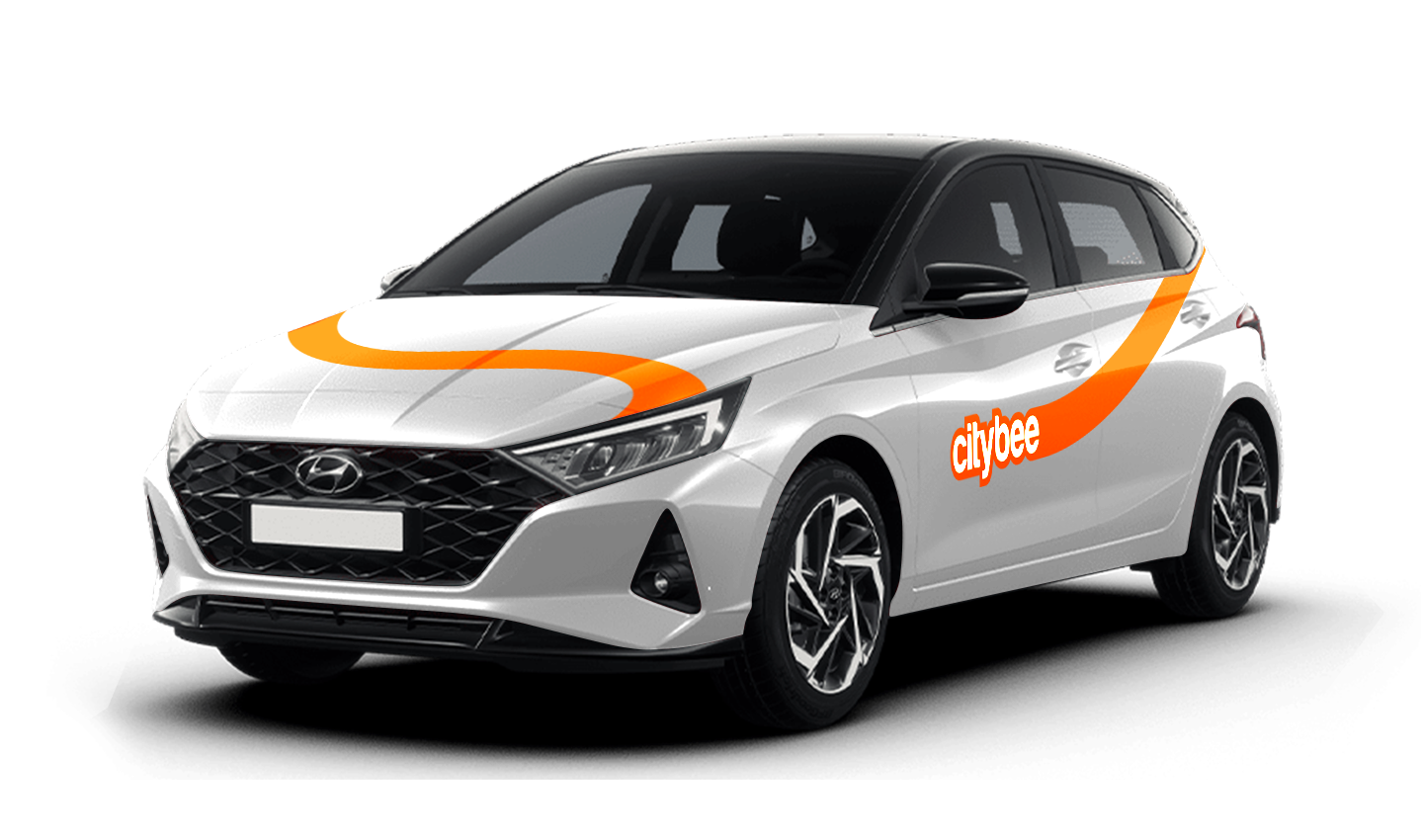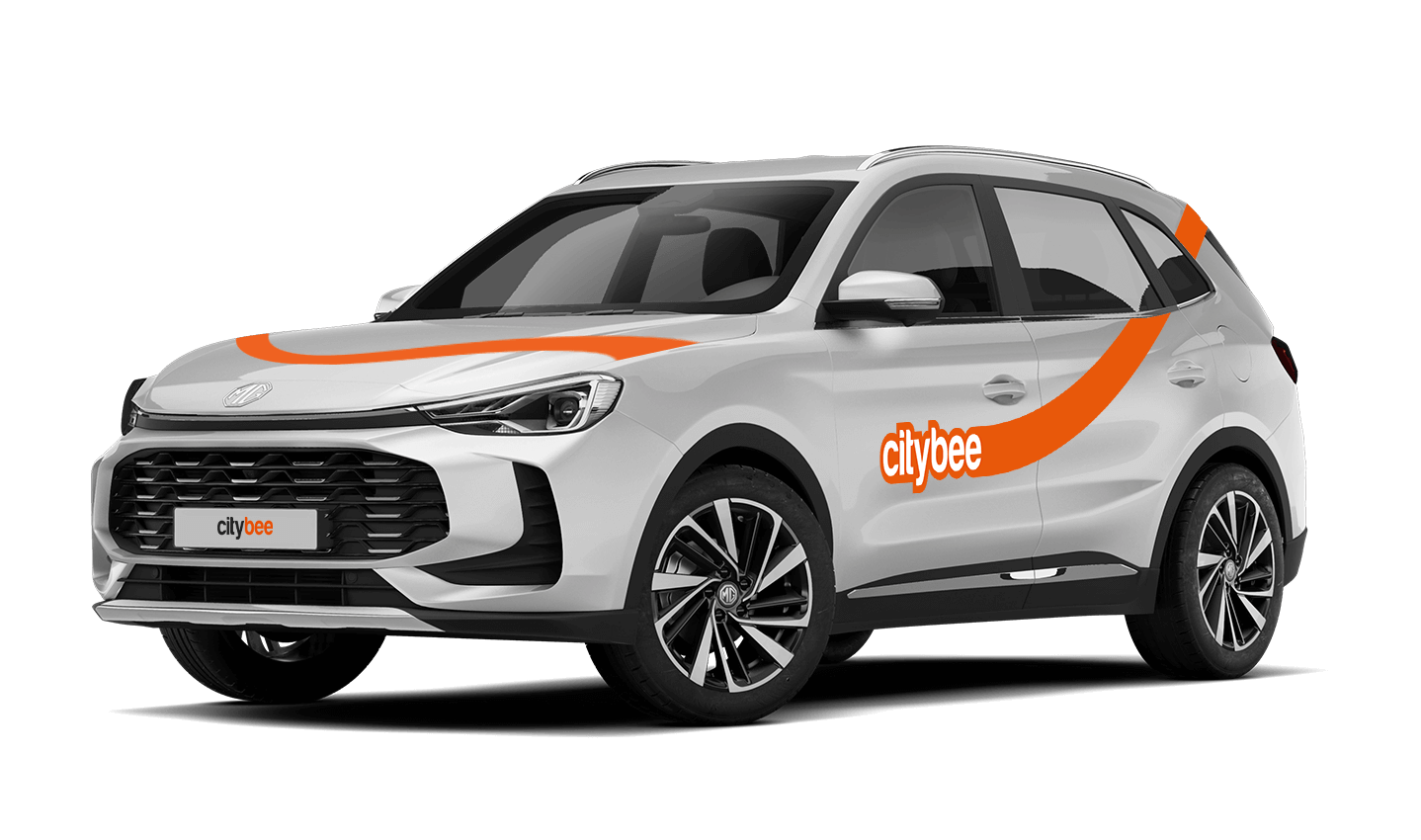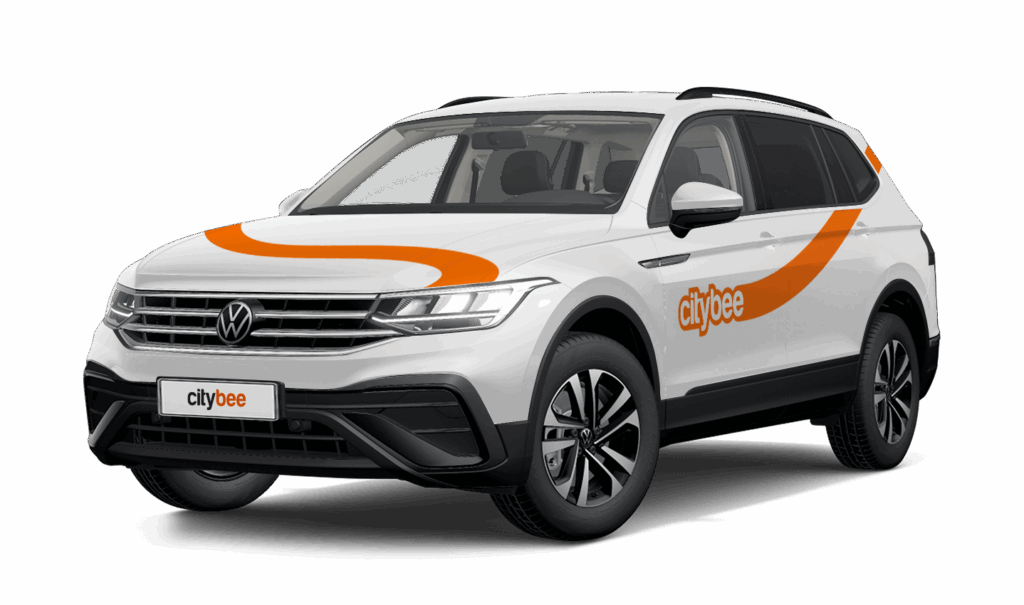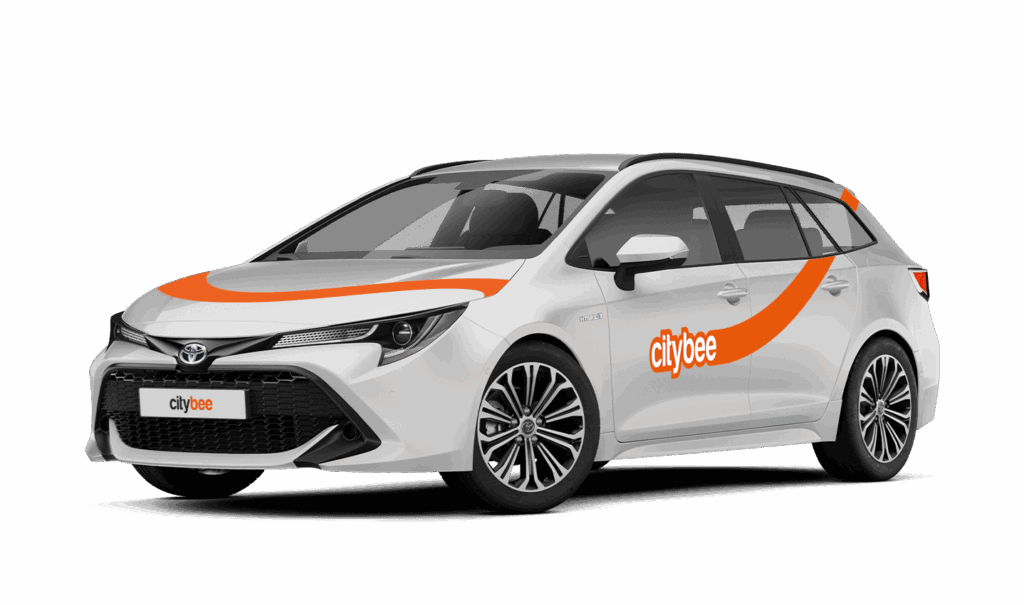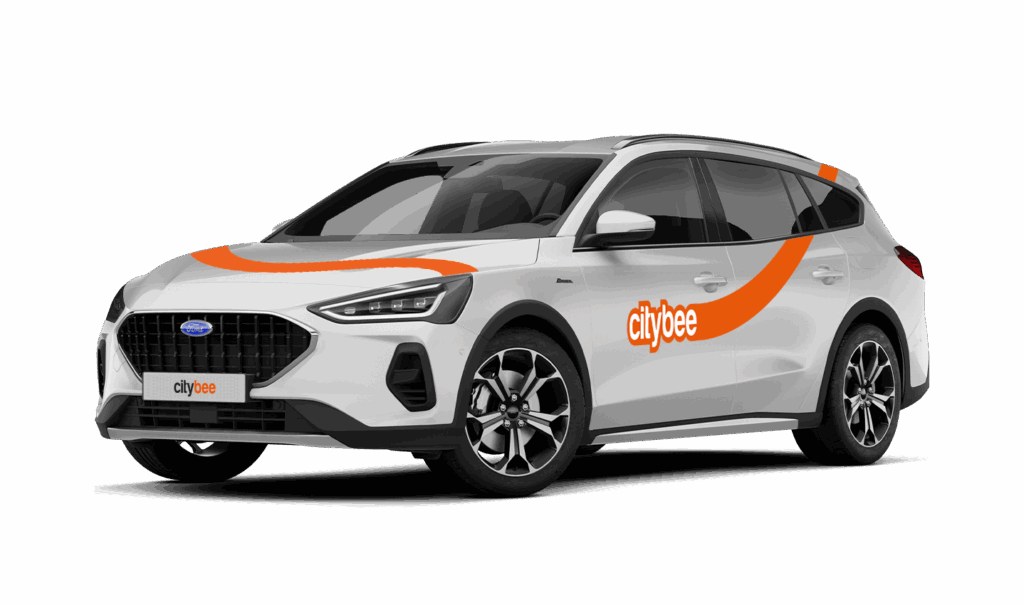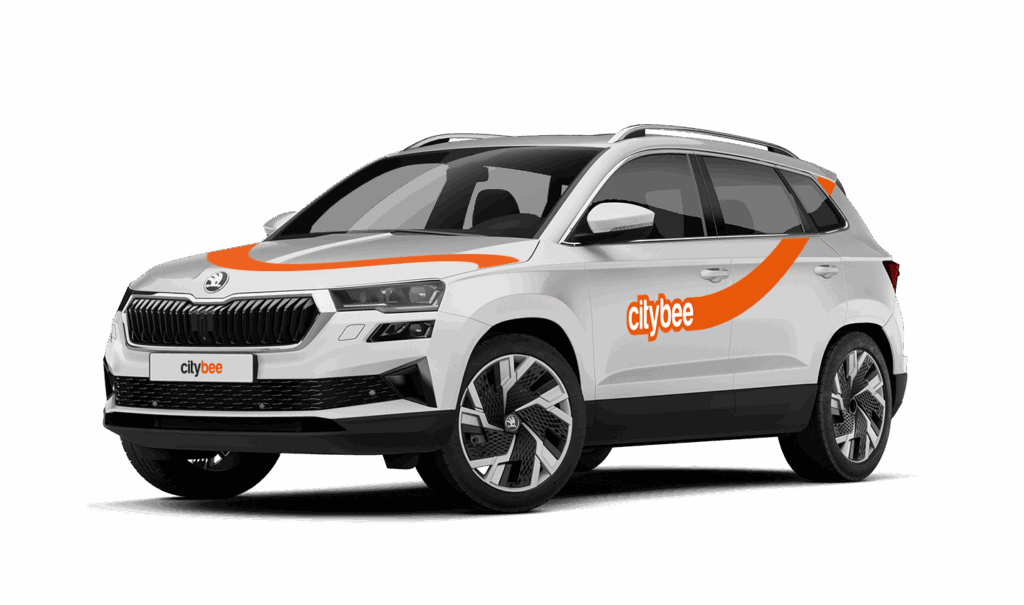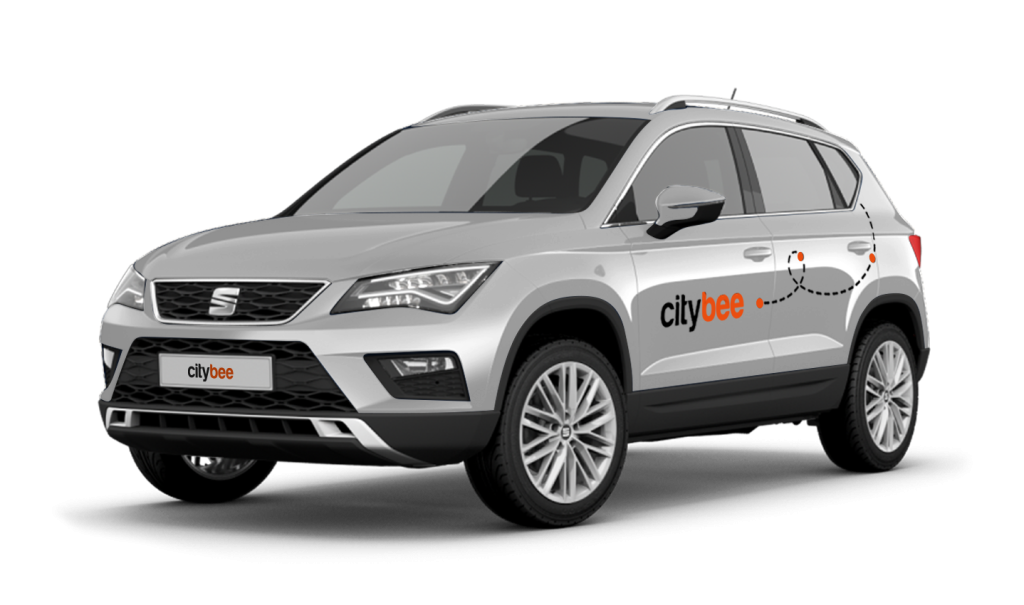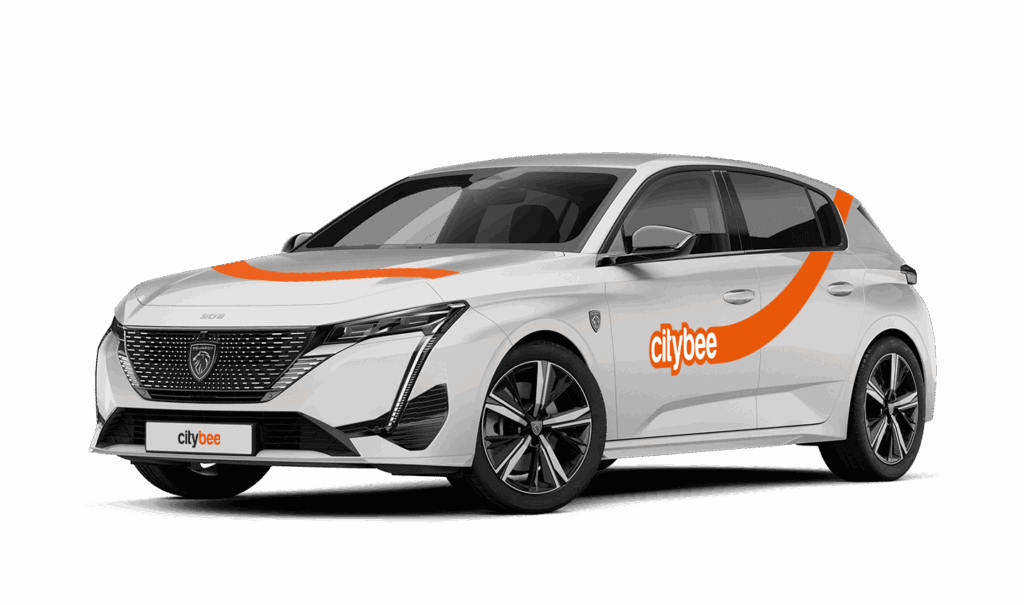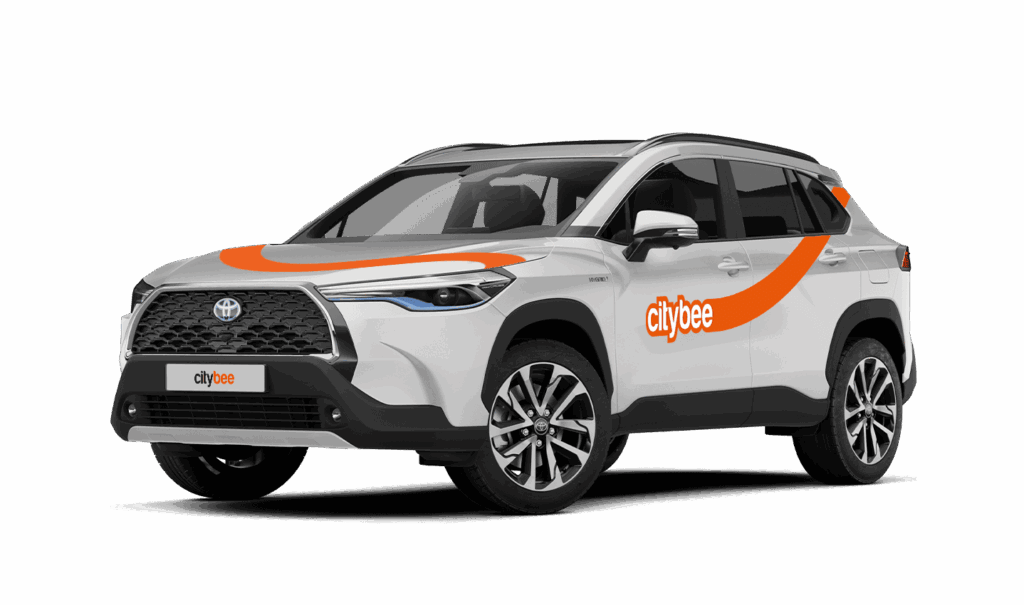
Price Calculator
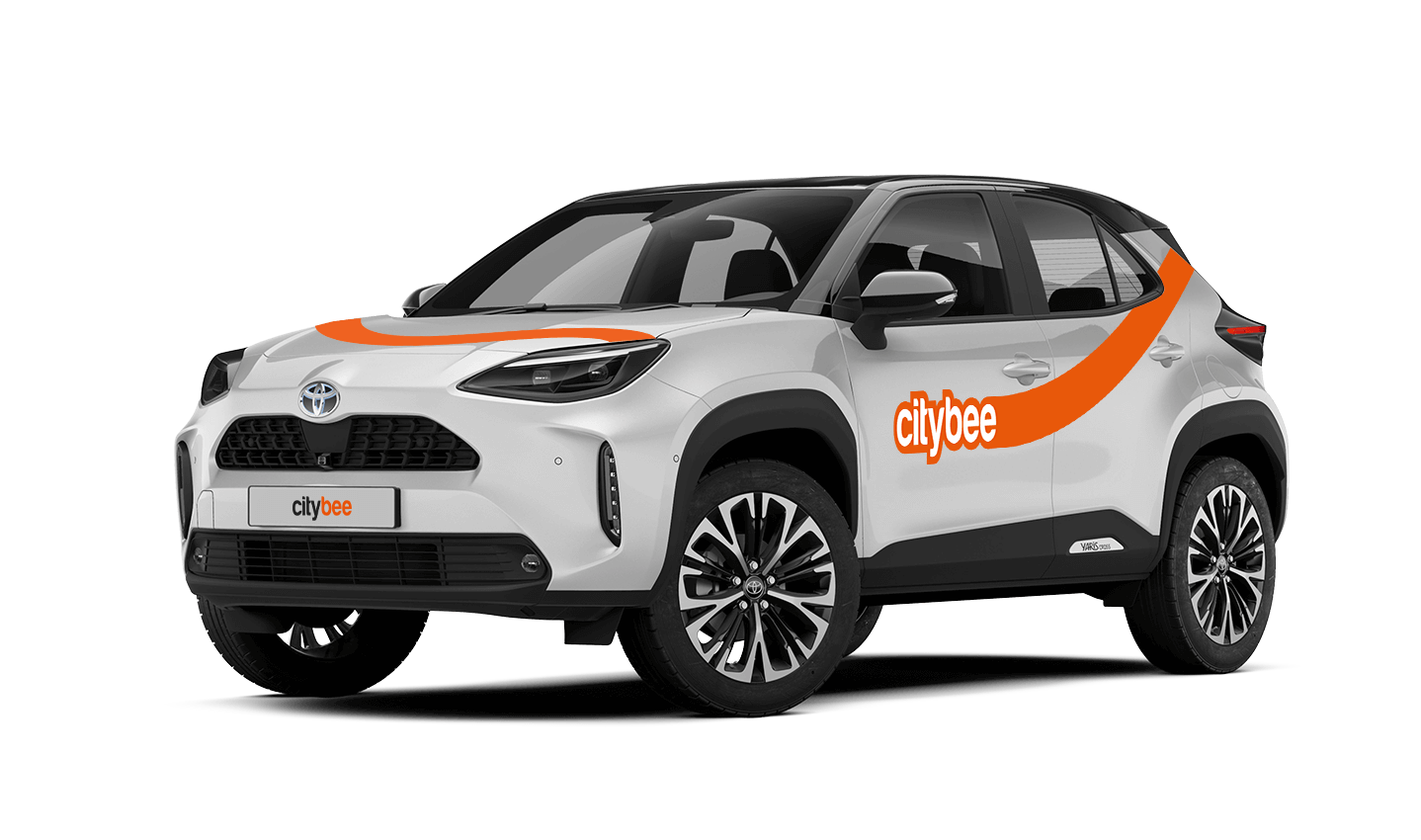
Toyota Corolla Cross
The price of this journey would be
0€
Trip start fee of 0.49€ is included in the price calculation.
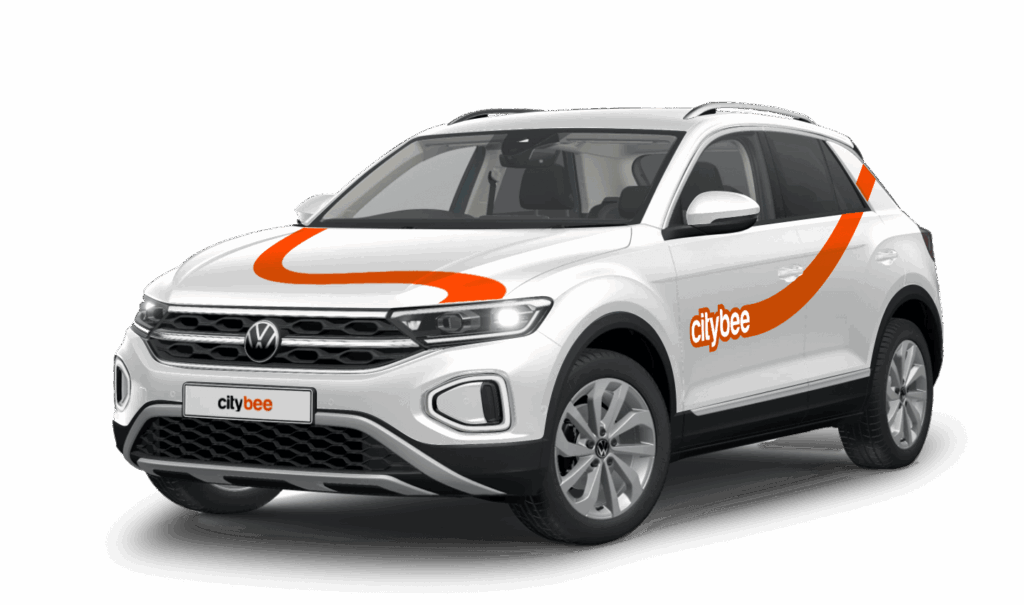
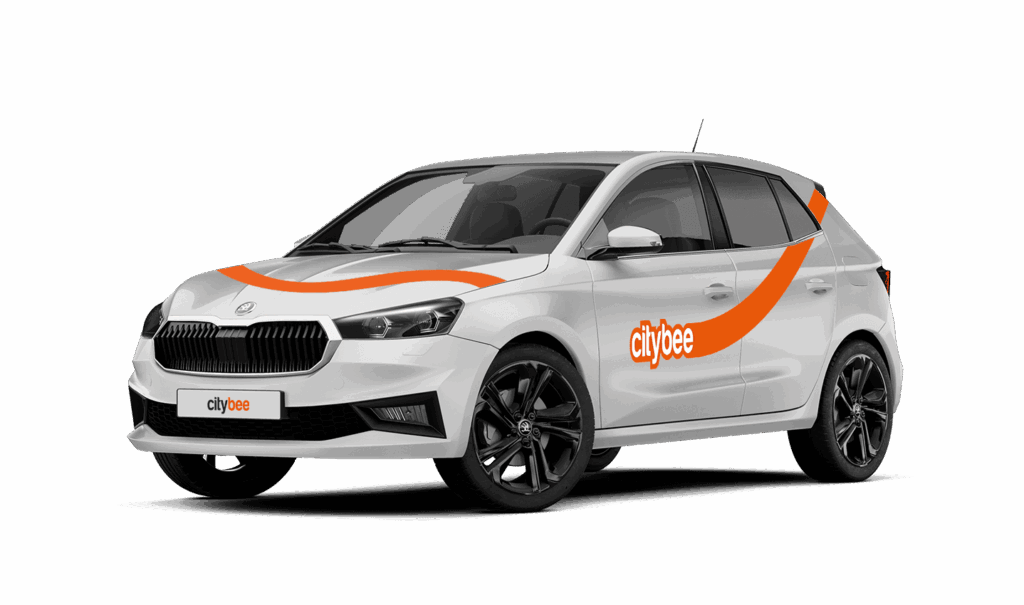
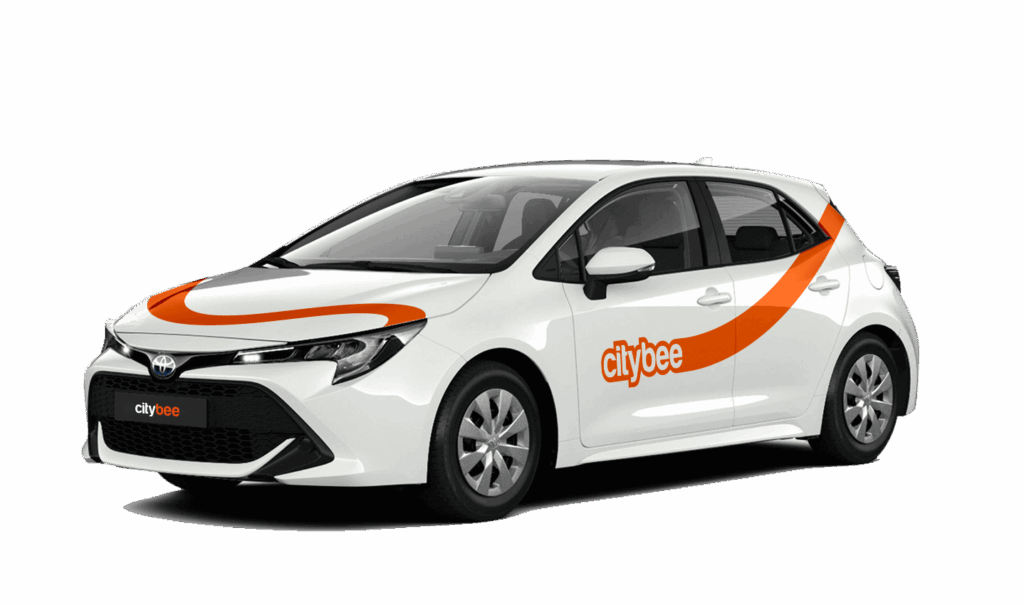
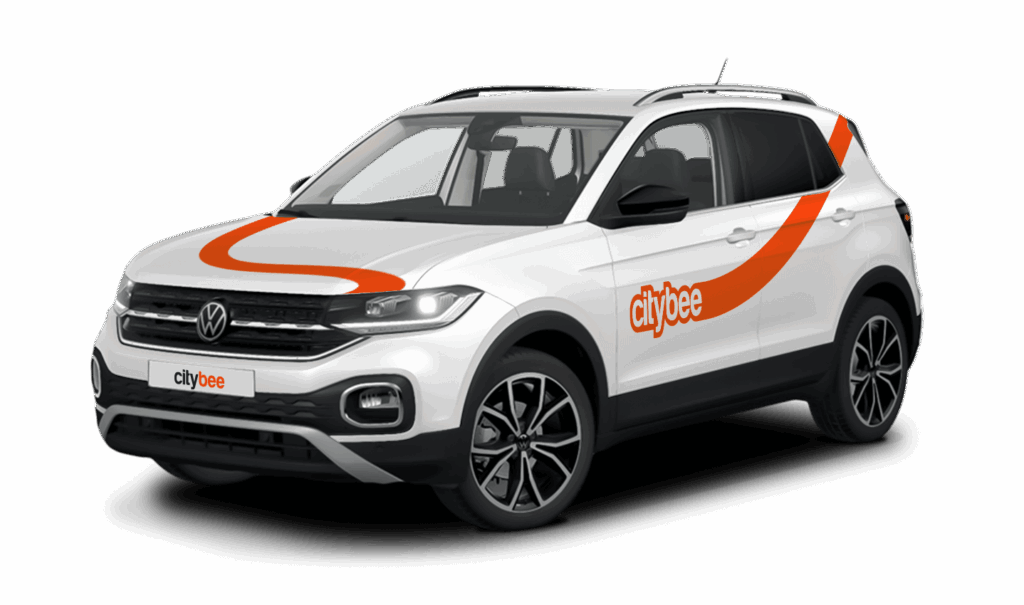
Car gallery
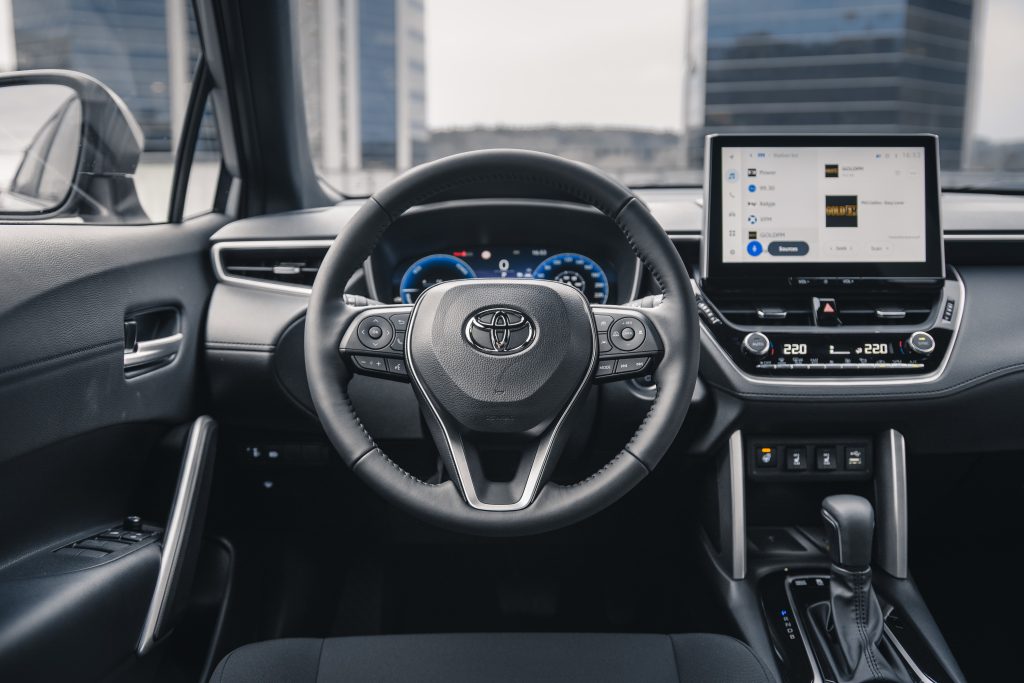



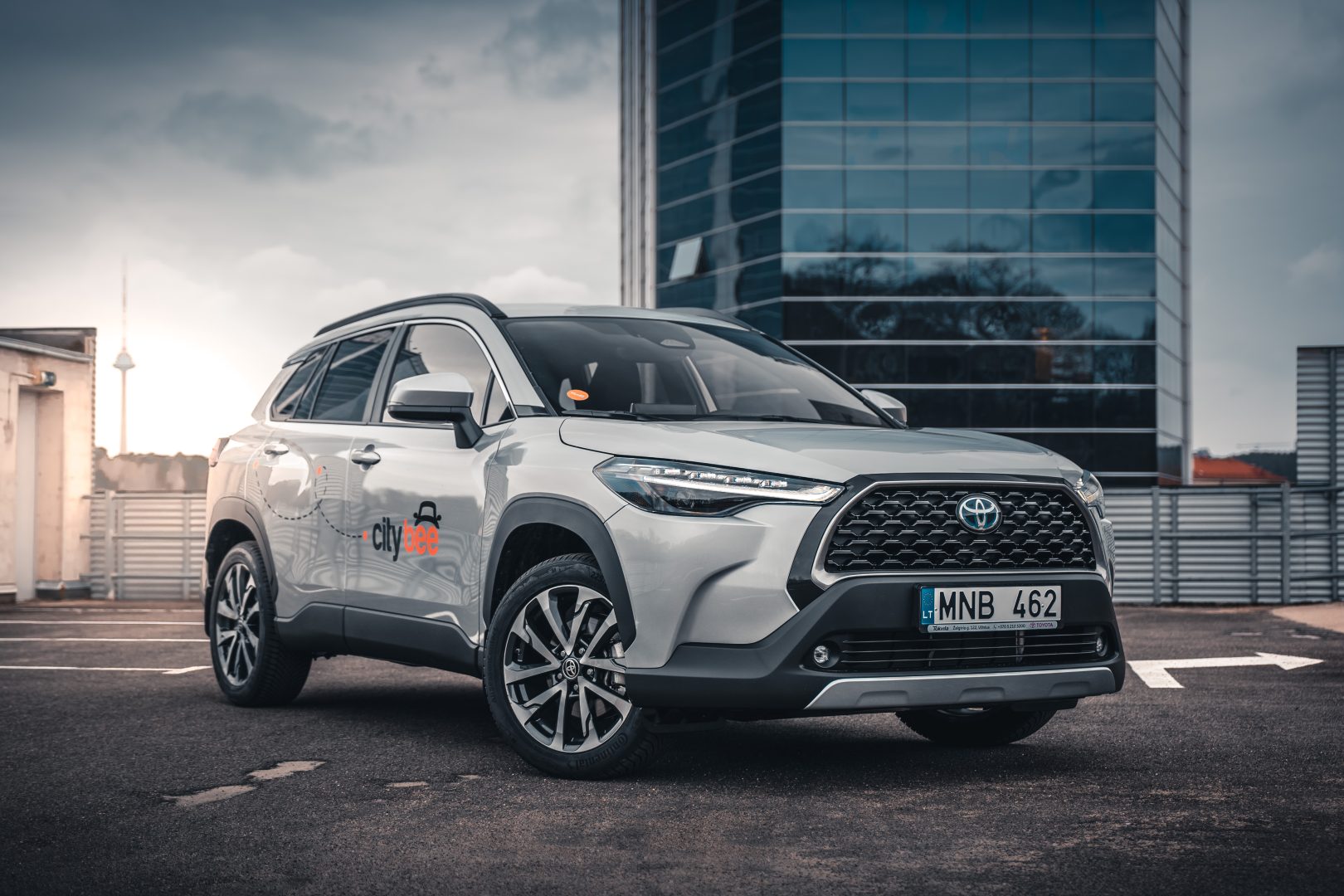

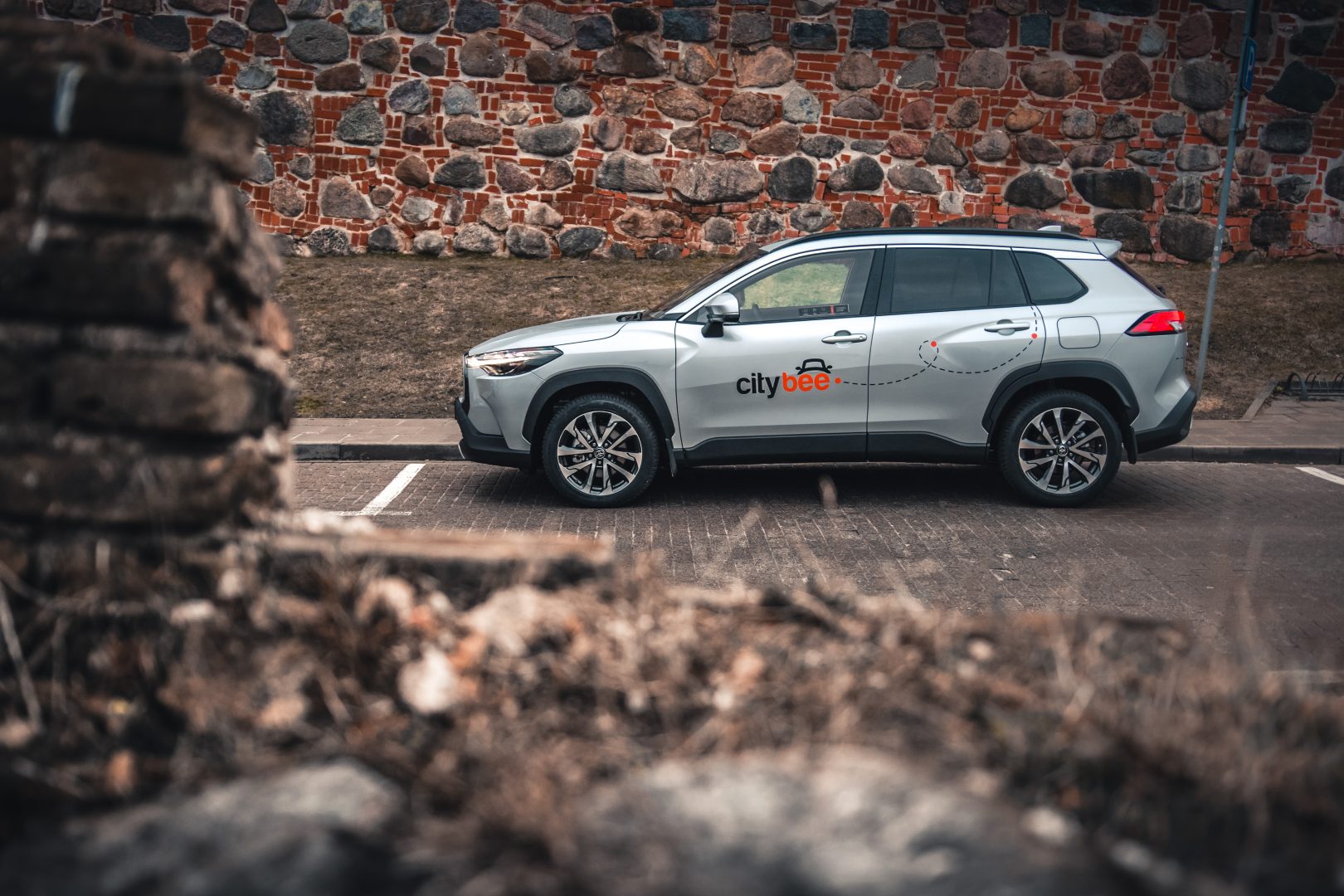
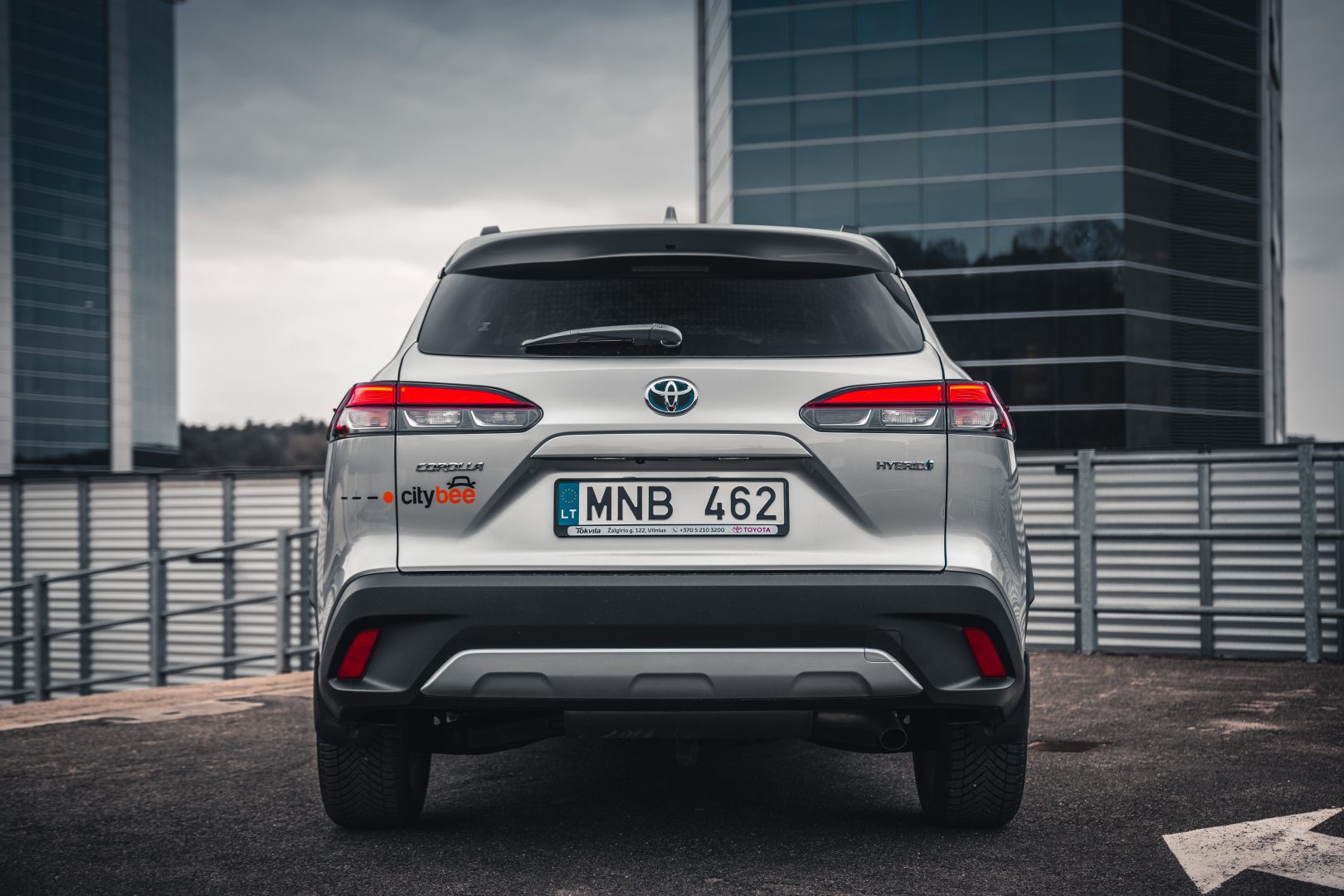
If you refuel at a station other than Circle K, we’ll refund the cost of the fuel. To request a refund, make sure to save the receipt and follow the process described here.
Please note that we cannot process receipts older than 3 months.
During your CityBee subscription period, you can choose between using a subscription plan trip or purchasing a pre-paid trip package for a longer route at the start of each trip. The ‘Flexible’ pricing will automatically apply only if you exceed the allocated kilometers and/or minutes for the subscription plan or the additionally purchased package.
If you want to change your phone number in the CityBee app, please follow these steps:
Menu > My profile > Phone number. Specify the new phone number and enter the verification code, which you will receive as an SMS to the new phone number.
If you want to change the phone number registered in the CityBee app, but cannot access your profile in the app, please send us a request by e-mail, using the e-mail address you specified in your CityBee profile, and indicate your new phone number. We will change it upon request.
If you are unable to access the email inbox associated with your account, kindly get in touch with our customer support team for further assistance.
Attention! To protect Your account and to prevent fraud, while changing the phone number, we will remove Your driver‘s license and all Your attached payment cards. Add Your driver‘s license and payment card and You will be able to use the services again.
Email for contacting (for Citybee Lithuania customers): info@citybee.lt;
Email for contacting (for Citybee Latvia customers): info@citybee.lv;
Email for contacting (for Citybee Estonia customers): info@citybee.ee.
CityBee cars are new and in good technical condition. However, if your car does not start or breaks down (if you hear a strange sound, a red indicator lights on the dashboard or there are other signs of breakdown), please contact us by phone:
CityBee Lithuania contacts: +37070077084, info@citybee.lt;
CityBee Latvia contacts: +371 27265460, info@citybee.lv ;
CityBee Estonia contacts: +372 600 0160, info@citybee.ee.
Our task is to provide the services you need as soon as possible and smoothly so that any breakdown on the road will cause the least inconvenience and you will be able to continue your trip as soon as possible. No matter where in the city you are, we will quickly make conditions to continue your trip and you will get a compensation.
In the CityBee app, parking zones marked in yellow usually have a drop-off and/or pick-up fee for CityBee cars. This fee does not apply to trips made under the CityBee subscription. The drop-off fee in the yellow CityBee zone is not charged even if the trip starts under the subscription plan but ends with the ‘Flexible’ pricing due to exceeding the allocated kilometers and/or minutes in the subscription plan.
When purchasing additional trips, i.e., trip packages, during the subscription period, the CityBee drop-off and/or pick-up fee waiver in the yellow zone does not apply for the package trips.
For more information on CityBee parking zones, click here.
When you refill a bee with a fuel level less than 25% volume of the tank capacity, a 2 EUR discount will be added to your account for future trips.
ATTENTION! Discount for refueling the car is applied only when the fuel drops to 1/4 volume of the tank capacity and you need to fill a full tank. The discount is given just once during your trip.
❗The discount will be added to your account within about an hour after the refueling.
How to refuel: https://intercom.help/citybee/en/articles/4890184-do-you-need-to-pay-for-the-fuel.
A minimum fee will still be charged if the trip is less than it. Discounts will be applied after that.
Thank you for taking care of our bee!
The radar function in the CityBee app helps the user to be the first to know if any of the CityBee cars are nearby his location at a specific time chosen by the user.
The radar function icon can be found in the ‘Search’ section of the app, to the left of the ‘Filter’ icon. When you click on the icon and activate the radar, it will turn blue.
The minimum radar distance is 150 meters, the maximum – 1250 meters.
When activating the radar, you can choose between two options:
Notification without automatic reservation – when a CityBee car appears at the specified time and distance, the app will send a message to the user to inform them about it.
Automatic reservation – when a CityBee car appears at the specified time and distance, an automatic car reservation will be made by choosing the ‘Flexible’ pricing. The tariff can be changed after car reservation. Car reservation remains free until the end of the free reservation period (15 min).
Additional information:
The radar function will be activated at the specified time and will remain active until you reserve your car. If the car is not available within 2 hours, the radar will switch off. The radar function detects only cars that are incoming in the current location of the user and chosen distance when the radar function is activated.
You can change your email address in the mobile app.
Select Menu – My profile – E-mail address – Replace the previous e-mail address with a new one.
You will receive an email at the new address with a confirmation link. You will need to click it to confirm the new email address.
The price of this journey would be
0€
Trip start fee of 0.49€ is included in the price calculation.