Price Calculator
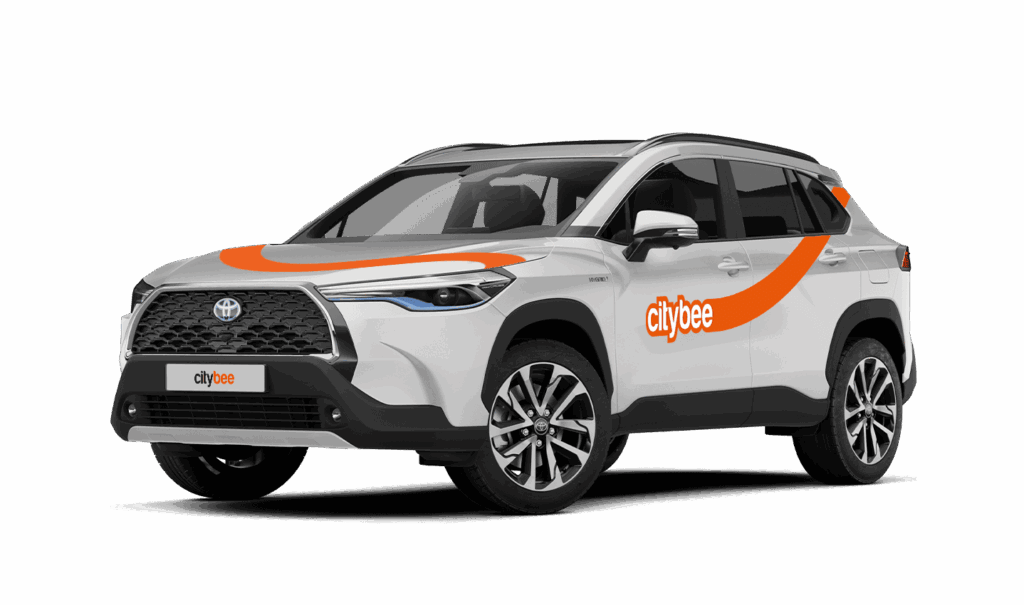
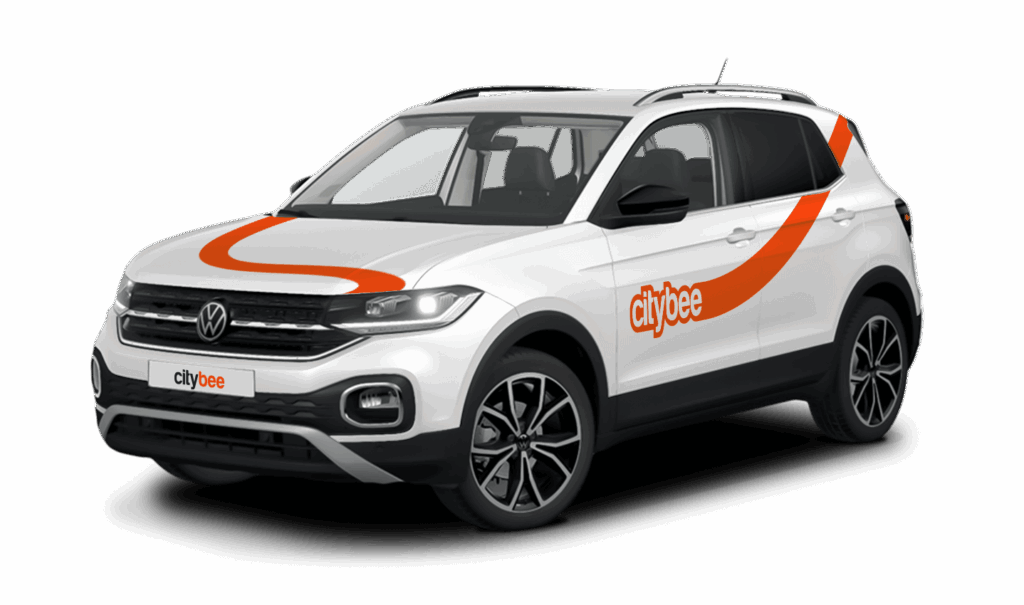
Toyota Yaris Cross
The price of this journey would be
0€
Trip start fee of 0.44€ is included in the price calculation.
Park the car in ‘CityBee’ zone when you’re finished. All zones are shown on the app map. For more details on parking zones, see our guide here.
Before you hop out, do a quick check:
– Grabbed all your stuff
– Car documents and accessories still in the car
– Key back where you found it (or somewhere the next person will easily spot it)
– Windows and sunroof closed
Then just open your active trip in the app, hit ‘End trip’, and confirm. Make sure the doors actually lock. You’ll get a confirmation.
Left something behind?
No worries. You can unlock the car once for free to grab your things. Find out more about retrieving lost items here.
You can change your email address in the mobile app.
Select Menu – My profile – E-mail address – Replace the previous e-mail address with a new one.
You will receive an email at the new address with a confirmation link. You will need to click it to confirm the new email address.
Car screenwash can not be purchased with a „Circle-K“ card.
All CityBee subscription plans are valid for 30 days from the date of purchase. If you do not use all the trips included in the plan within this period, the plan will not be automatically renewed, and no refunds will be given for unused trips.
Please note that this service is provided in Lithuania and Estonia.
Lithuania:
Make sure the car is unlocked.
Take the car keys and find the charging coin (RFID key) attached (there are two coins: one for “IgnitisON” and one for “ElintaCharge”).

In case of charging at the “IgnitisON” charging station or “ElintaCharge” fast charging station:
Approach the charging station, scan the charging token, and choose “Stop Charging” (“Sustabdyti”).


Wait a few seconds until the charging process is fully stopped.
Gently unplug the cable from the vehicle and leave it at the charging station.

In case of charging the vehicle at a 2-slot “ElintaCharge” station:
Scan the charging token and wait for a few seconds until the word “Charging” on the station stops lightning.

Wait a few seconds until the charging process is fully stopped.
Gently unplug the cable from the charging station first and then unplug it from the CityBee vehicle.

Don’t leave the cable at the charging station, put the cable back in the car:
• In the case of the VW e-Crafter electric van – under the front center seat


• In the case of a passenger car – to the spare wheel space in the trunk.

If you cannot unplug the cable from the car easily, take the car keys and press the “Unlock” button twice again.
Estonia:
Make sure the car is unlocked
Take the ‘Eleport’ charging card from sun visor

To disconnect the charger in Eleport charging station:
Take the Eleport charging card and tap it on the reader

Press ”Stop Charging” (”Lõpeta laadimine”) – this process may take up to 30 seconds

Disconnect the charging cable from the car and put it back to the charger

When using CityBee, you don’t have to pay for fuel yourself – you only pay for the time and kilometers you drive.
Refueling is easy!
Go to any of our partner Circle K gas stations. Open the CityBee app and start the refueling. Follow the simple instructions, fill up, and hit the road!
If the fuel is below 1/4 of the tank, you’ll receive a €2 discount for topping up.
Step by Step refueling guide
Check the Reservation map in the app to see nearby fuel stations. Tap a station for details and directions, then drive there.
When you arrive, tap the notification or open the CityBee app, go to Reservation, and select Refuel.
The app shows available pumps. Pick your pump, activate it, and wait for confirmation.
When it says, “Ready to fuel,” pick up the nozzle and start fueling. Return the nozzle when finished. The app will update the fueling status automatically.
If you decide not to refuel, you can cancel in two ways:
Manual cancel: Pick up the nozzle and immediately return it – the refueling is canceled.
Automatic cancel: If the nozzle is never picked up, the app will automatically cancel the refueling after 2 minutes of inactivity.
In rare cases, you may need to use the fuel card inside the car. This happens if the pump doesn’t work via the app or if you’re refueling outside the Baltic States. The CityBee app shows the PIN code and fuel type under your active reservation.
During the process of drivers license approval, sometimes the system will ask you to join a video call.
You will receive a link to this call via SMS and e-mail. After receiving this link, please click on it and join the video call during these hours – 8:00-00:00.
If you do not join the video call within 7 days, the driver’s license will not be successfully approved.
From now on, before starting the trip, we will ask you to check the car and inform us only if there are any obvious defects that make the car unsuitable for its intended purpose (5.3.19, 5.15).
1. Make a short inspection of the car;
2. Check whether there is any damage that could make the car unsafe or unsuitable for driving (for example flat tires, moderate or severe body damage, etc.) if there is any – please report it using the CityBee app;
3. If the damage is minor (e.g. small scratches or dents) – You do not have to report it and you can safely start the trip!
If the damage impacts your ability to drive safely or you’re uncertain, please reach out to us via email, in-app chat, or phone. Please include a photo to help us assess the situation more accurately.
If the car is dirty – you can select the “report” function in the reservation and the technical team will clean the car at the first opportunity.
You can contact us here:
LT- info@citybee.lt
LV- info@citybee.lv
EE- info@citybee.ee
The price of this journey would be
0€
Trip start fee of 0.44€ is included in the price calculation.