Price Calculator
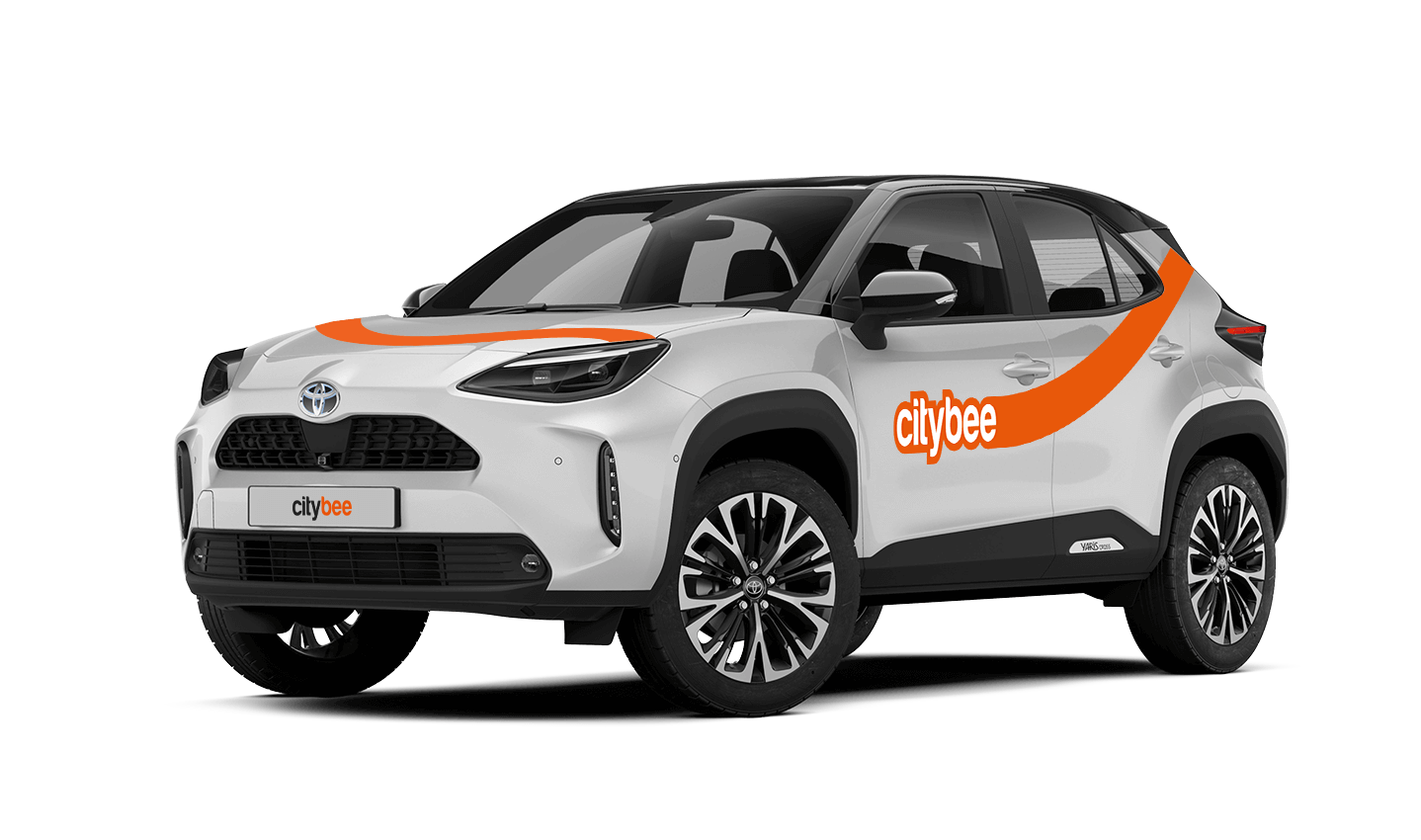
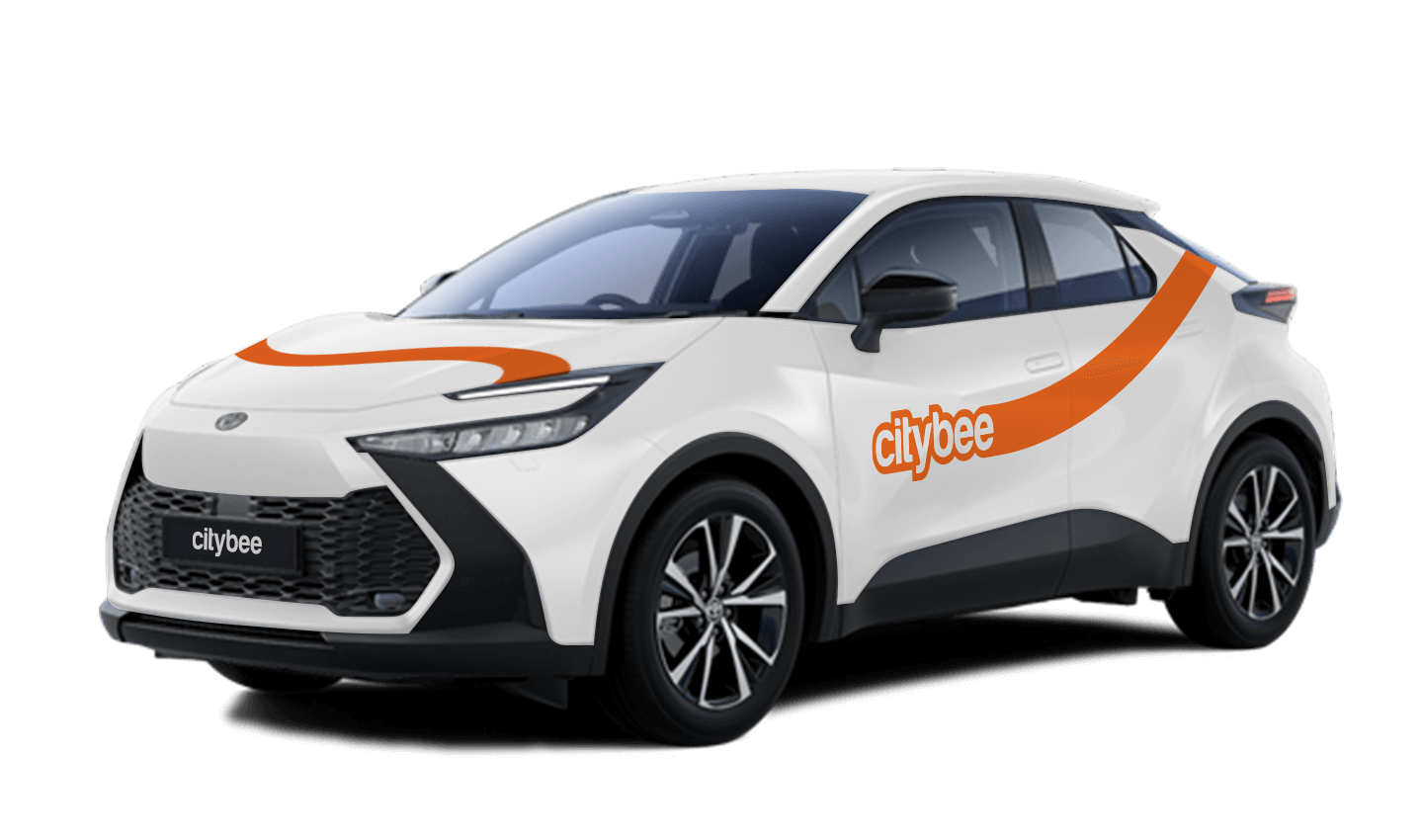
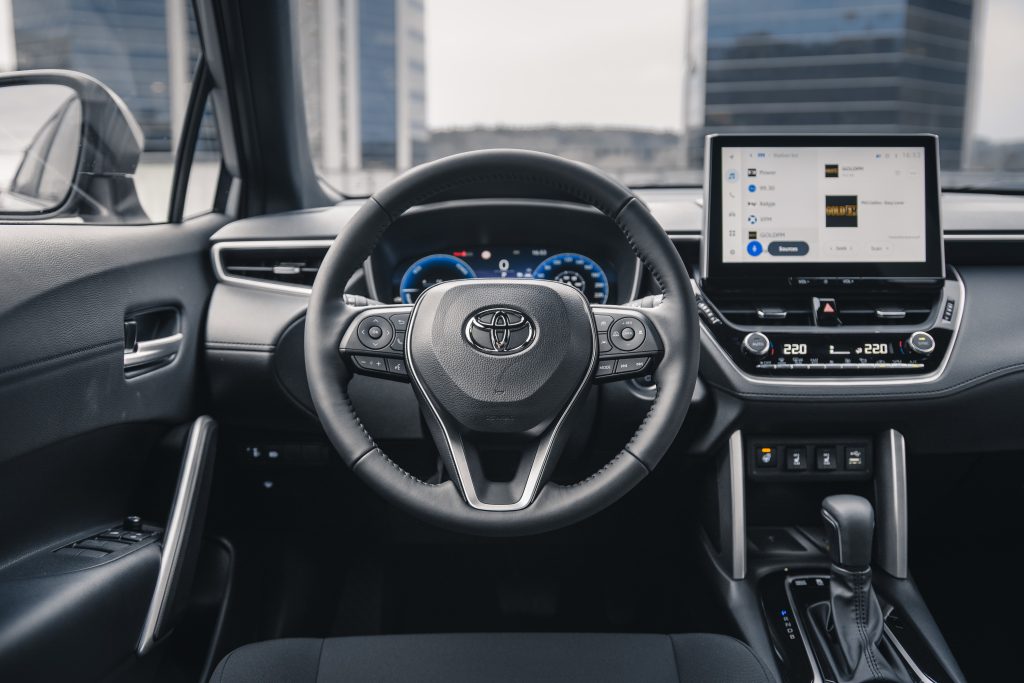
Toyota Corolla Cross
The price of this journey would be
0€
Trip start fee of 0.44€ is included in the price calculation.
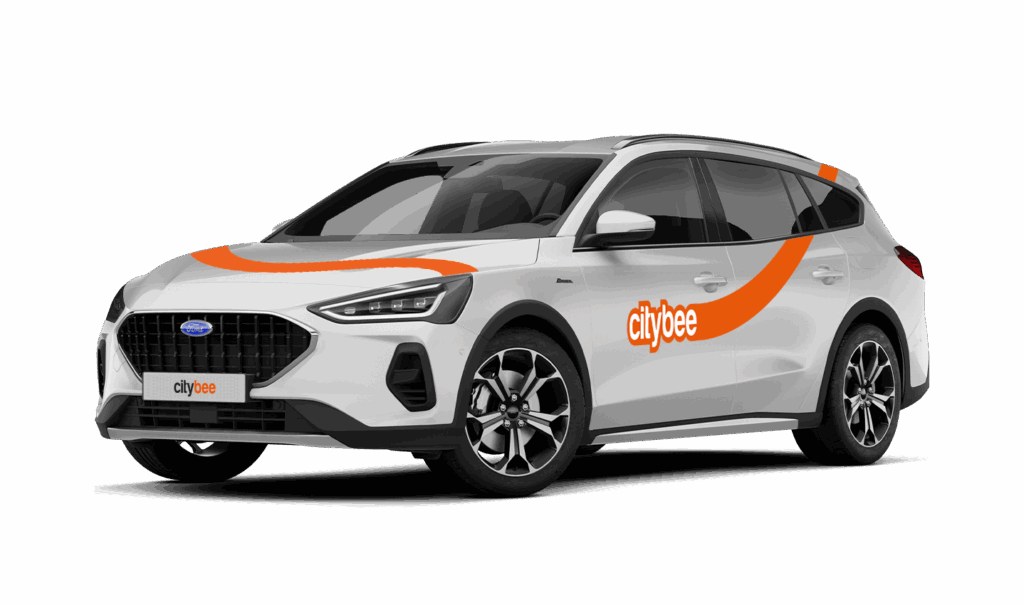
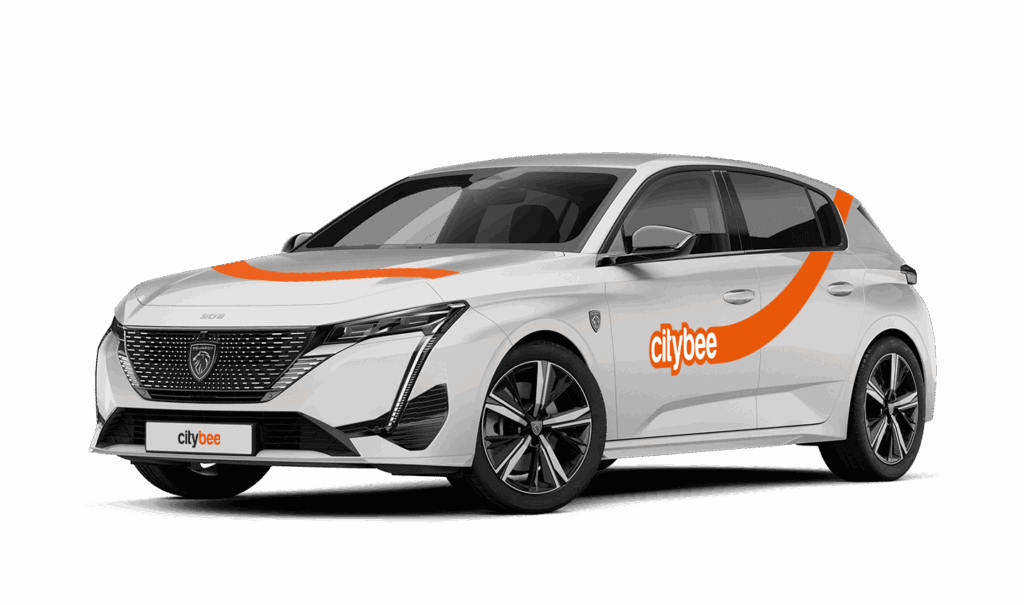
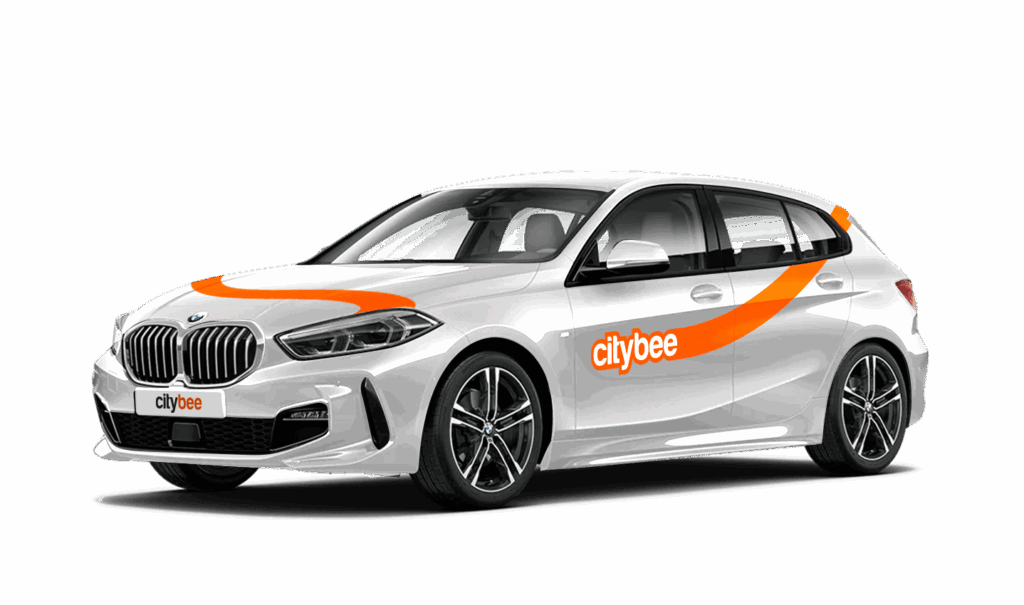
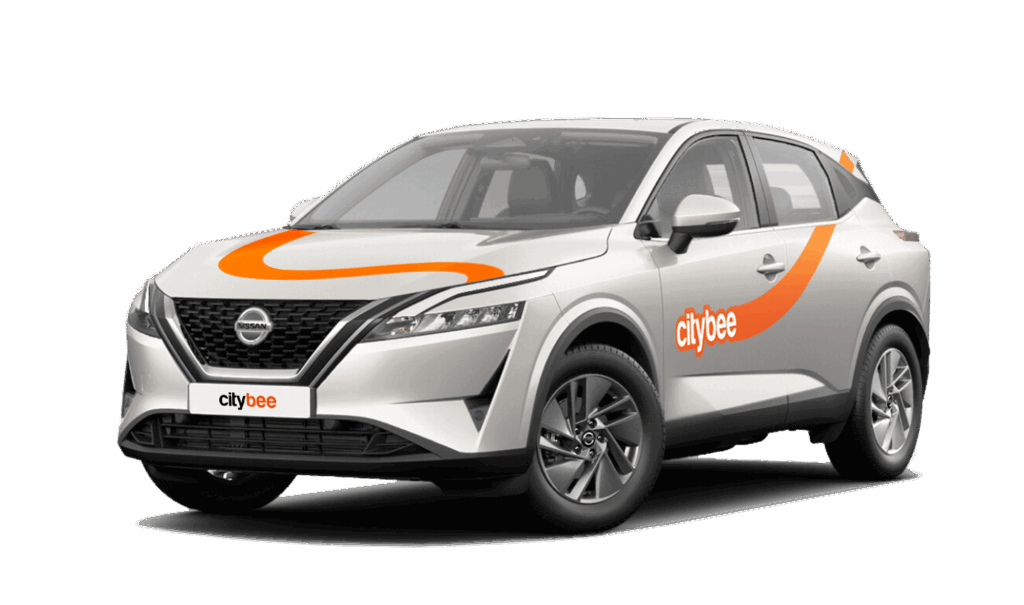
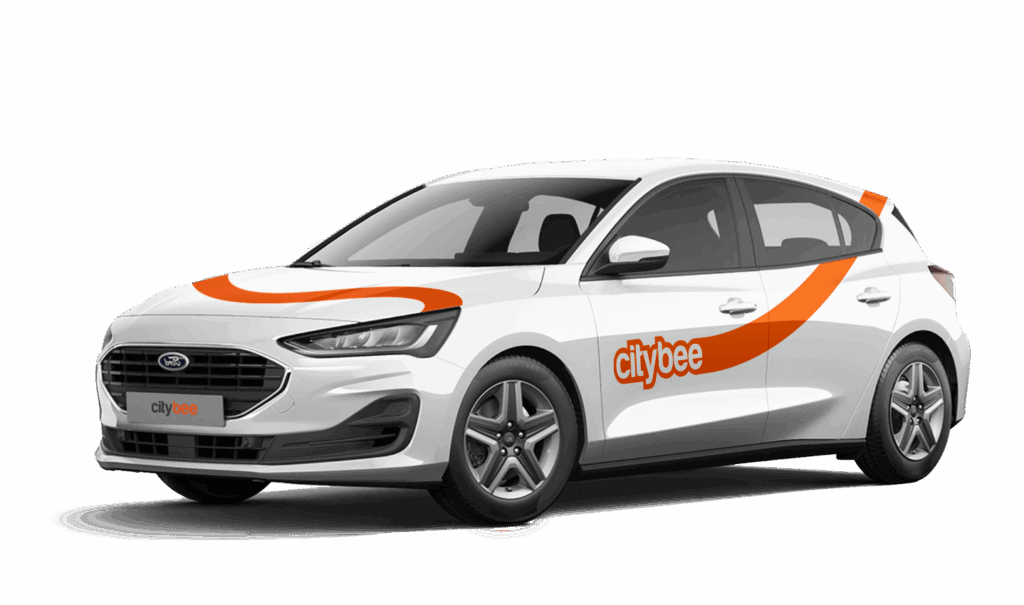
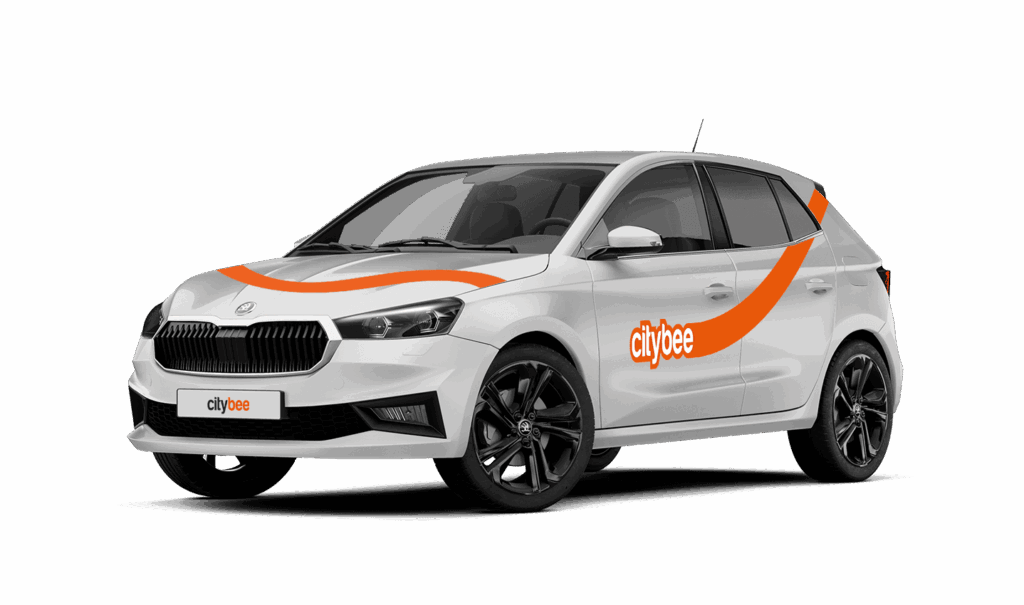
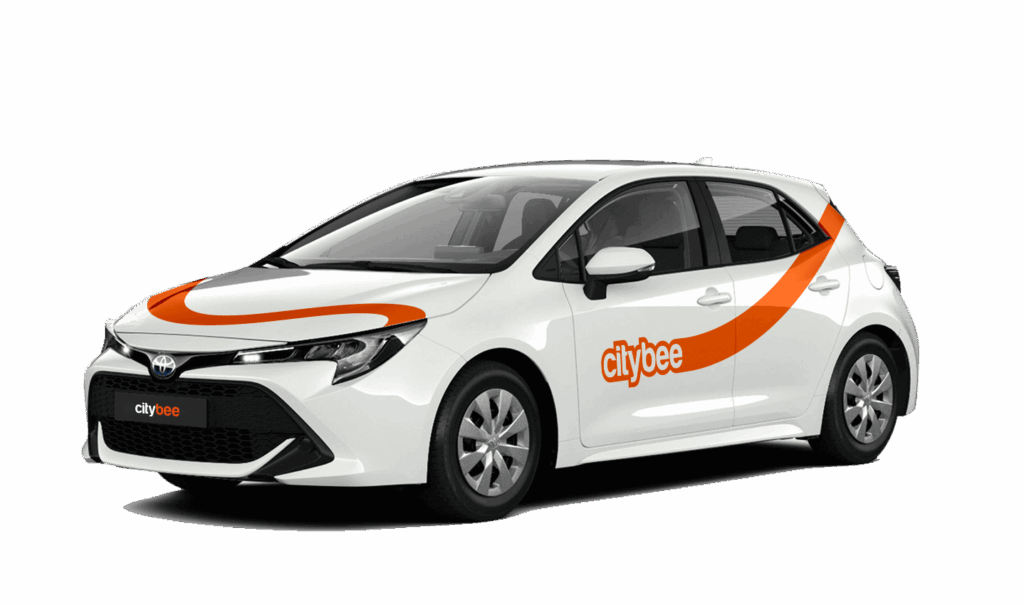
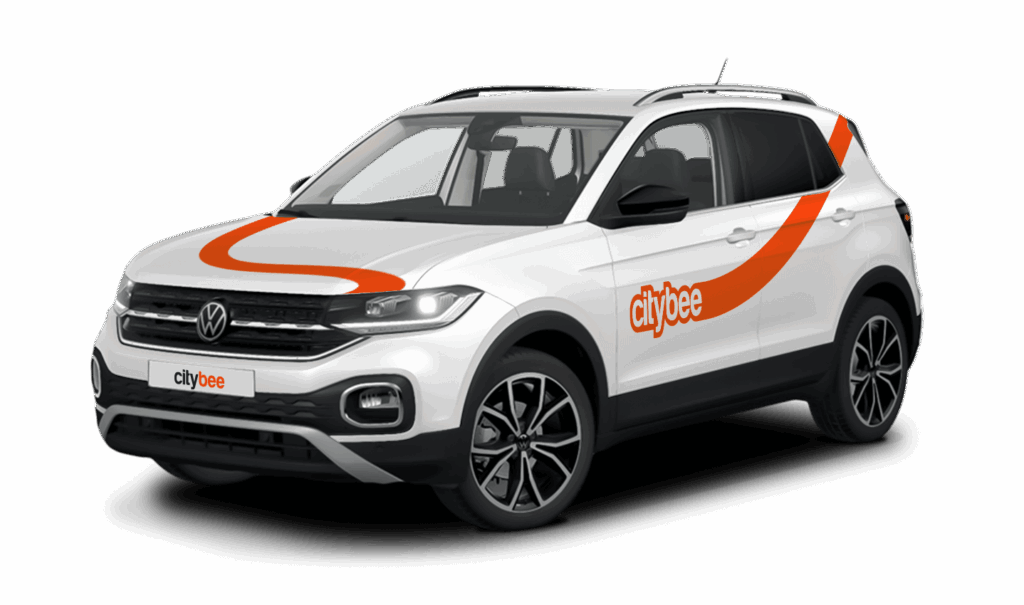
Car gallery









The plan is activated on the day of purchase. You will receive an email notification confirming the activation immediately after the purchase.
By registering in the CityBee application, you confirm that you have read and agree to the terms of use and privacy policy. If you had not done that, you would not be able to use CityBee services.
When using CityBee, you don’t have to pay for fuel yourself – you only pay for the time and kilometers you drive.
Refueling is easy!
Go to any of our partner Circle K gas stations. Open the CityBee app and start the refueling. Follow the simple instructions, fill up, and hit the road!
If the fuel is below 1/4 of the tank, you’ll receive a €2 discount for topping up.
Step by Step refueling guide
Check the Reservation map in the app to see nearby fuel stations. Tap a station for details and directions, then drive there.
When you arrive, tap the notification or open the CityBee app, go to Reservation, and select Refuel.
The app shows available pumps. Pick your pump, activate it, and wait for confirmation.
When it says, “Ready to fuel,” pick up the nozzle and start fueling. Return the nozzle when finished. The app will update the fueling status automatically.
If you decide not to refuel, you can cancel in two ways:
Manual cancel: Pick up the nozzle and immediately return it – the refueling is canceled.
Automatic cancel: If the nozzle is never picked up, the app will automatically cancel the refueling after 2 minutes of inactivity.
In rare cases, you may need to use the fuel card inside the car. This happens if the pump doesn’t work via the app or if you’re refueling outside the Baltic States. The CityBee app shows the PIN code and fuel type under your active reservation.
You can change your email address in the mobile app.
Select Menu – My profile – E-mail address – Replace the previous e-mail address with a new one.
You will receive an email at the new address with a confirmation link. You will need to click it to confirm the new email address.
You can find the fuel type in the CityBee app, under active reservation.
The CityBee subscription is a monthly trip plan that allows you to travel much more affordably than with the ‘Flexible’ pricing and offers exclusive benefits for subscribers. When you purchase a subscription plan for a fixed price, you’ll receive a set number of trips. Each trip includes a predetermined number of kilometers and minutes, as well as the trip start fee and minimum trip cost. You have 30 days from the date of purchase to use your trips.
Regardless of the number of trips, the CityBee monthly subscription plan also includes the following benefits:
free parking in the CityBee yellow zone;
‘BeeChill’ fee included in the price.
To subscribe to CityBee, open the CityBee app and go to the ‘Subscription’ section. Choose the plan that best suits you from the available options. The plan cost will be automatically charged to the payment card linked to your CityBee account. Once the payment is successful, you’ll receive a confirmation email. The purchased plan will be activated immediately and will be valid for 30 days.
Once payment is made for a CityBee subscription plan, it cannot be canceled or paused. The payment for the plan is non-refundable. The CityBee subscription plan cannot be sold or transferred to another person.
The price of this journey would be
0€
Trip start fee of 0.44€ is included in the price calculation.