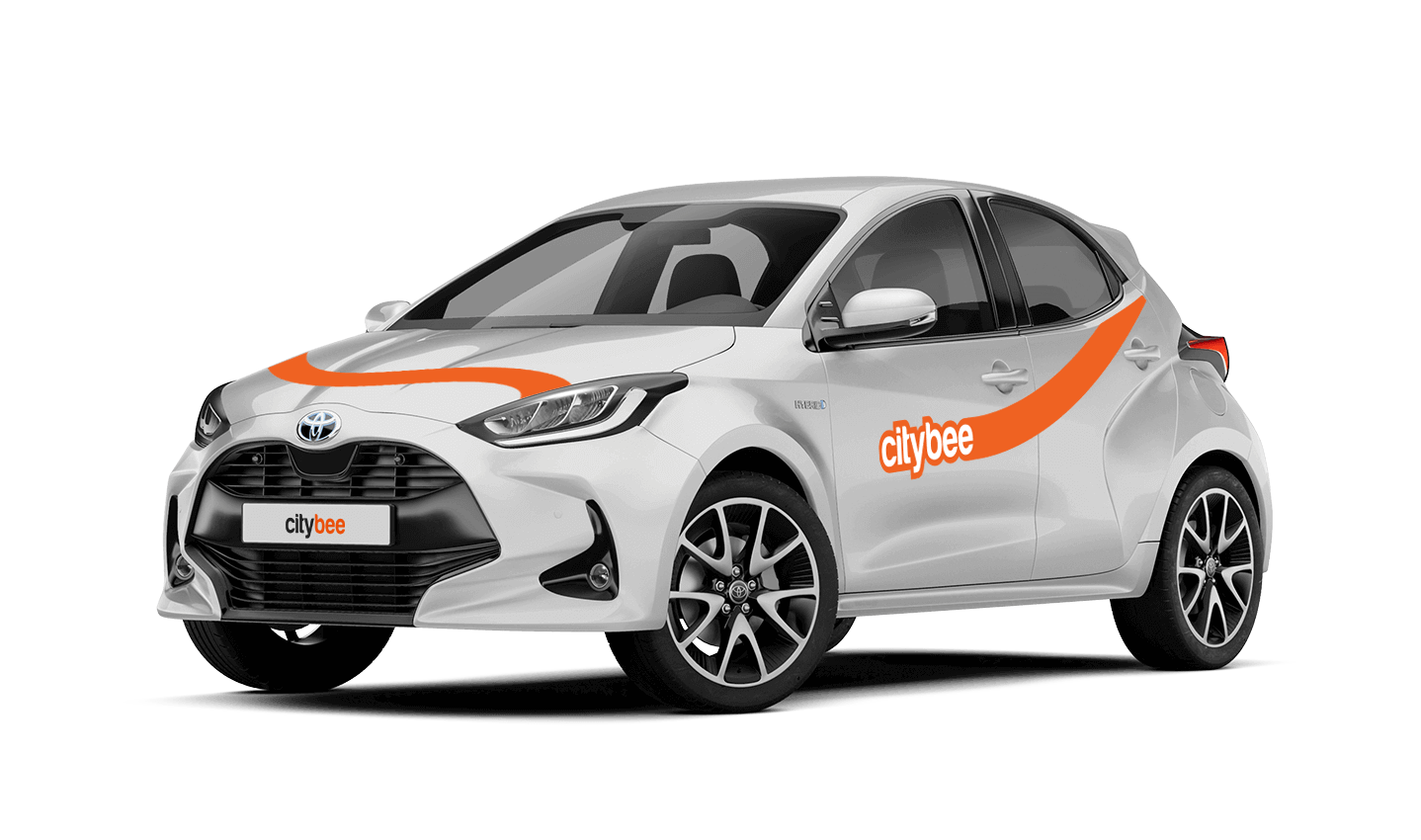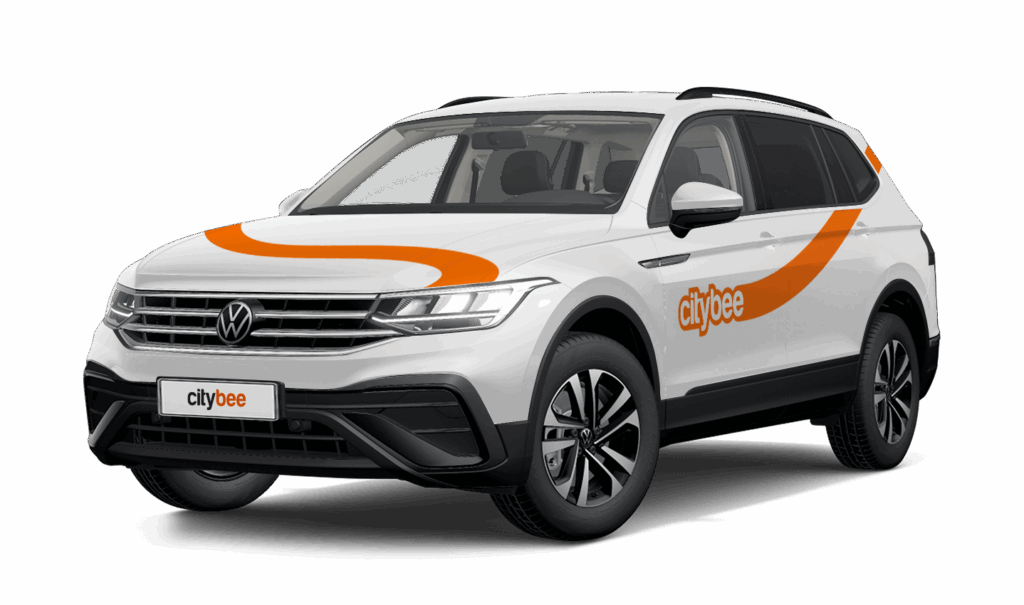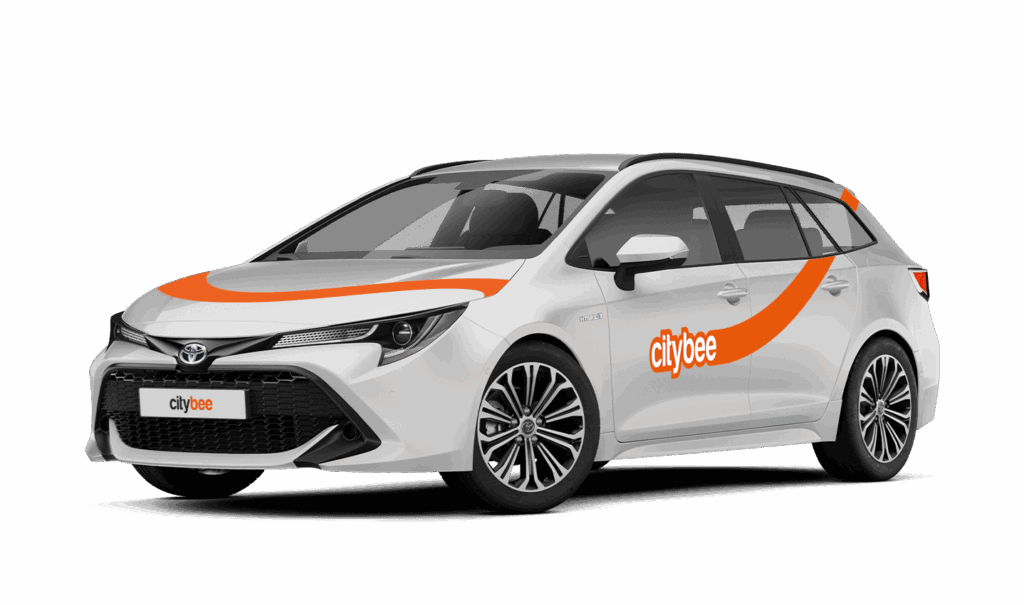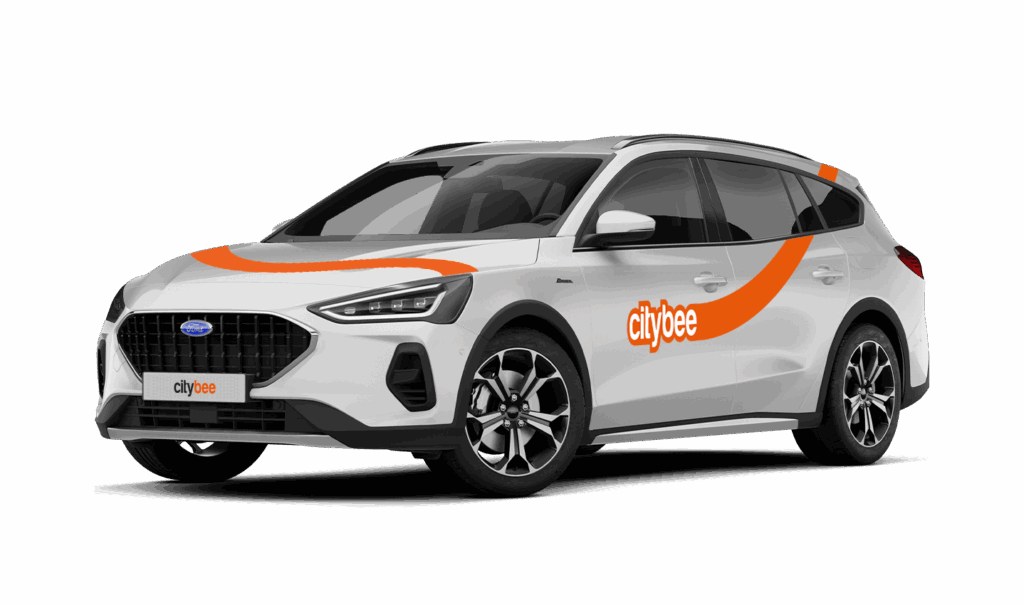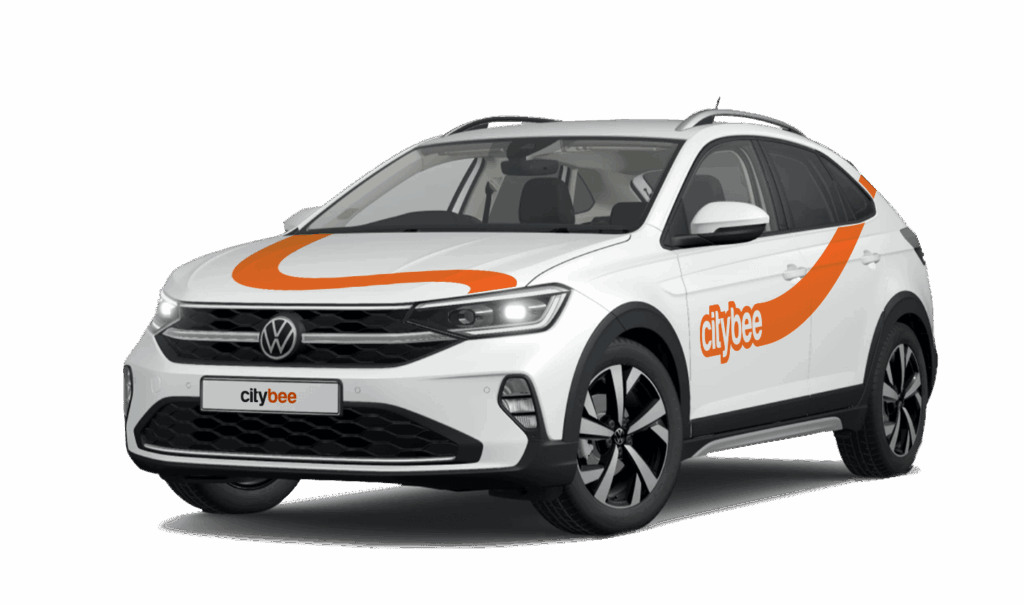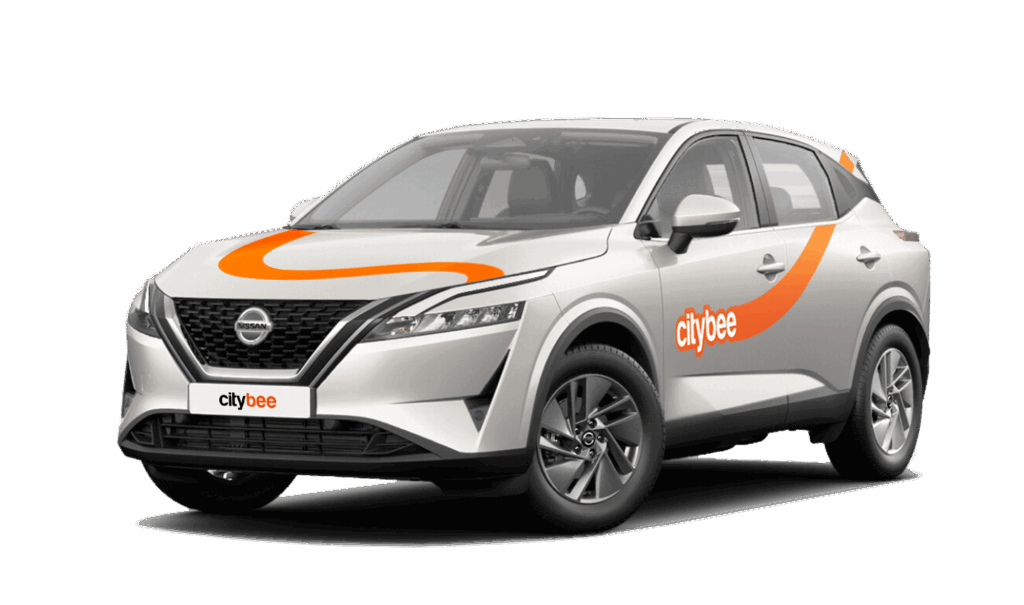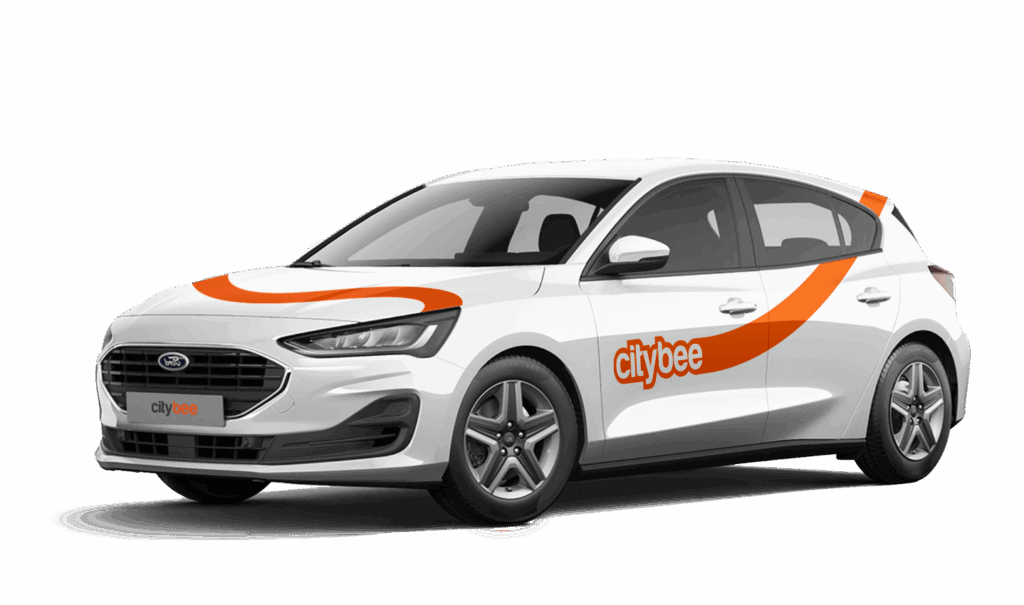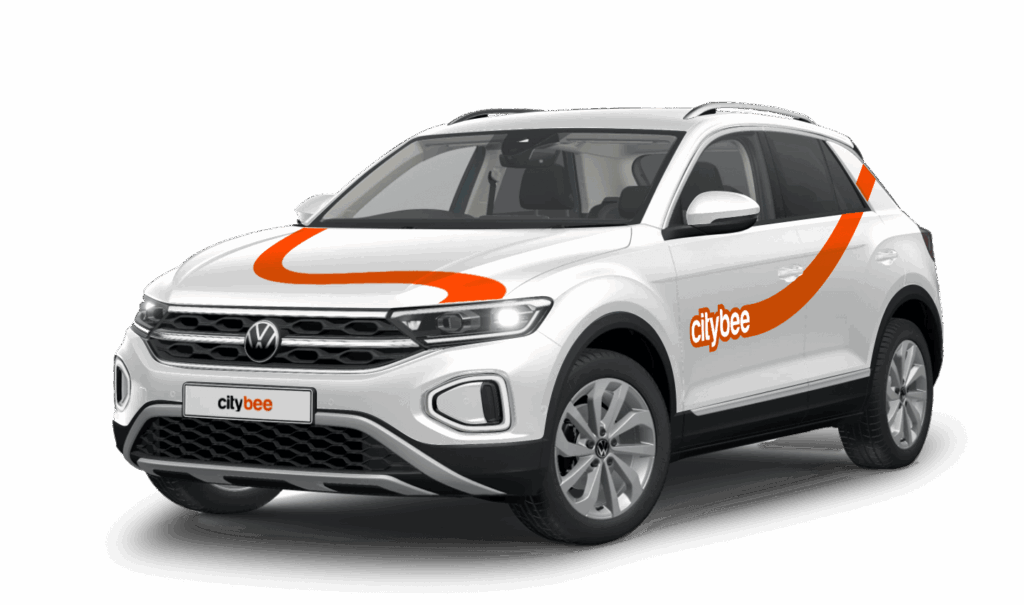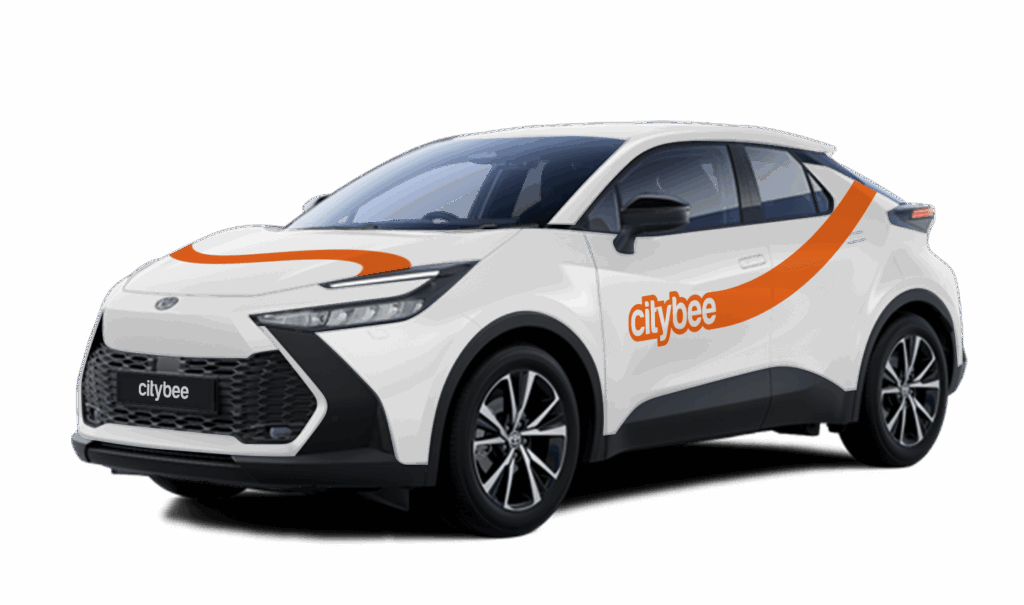
Price Calculator
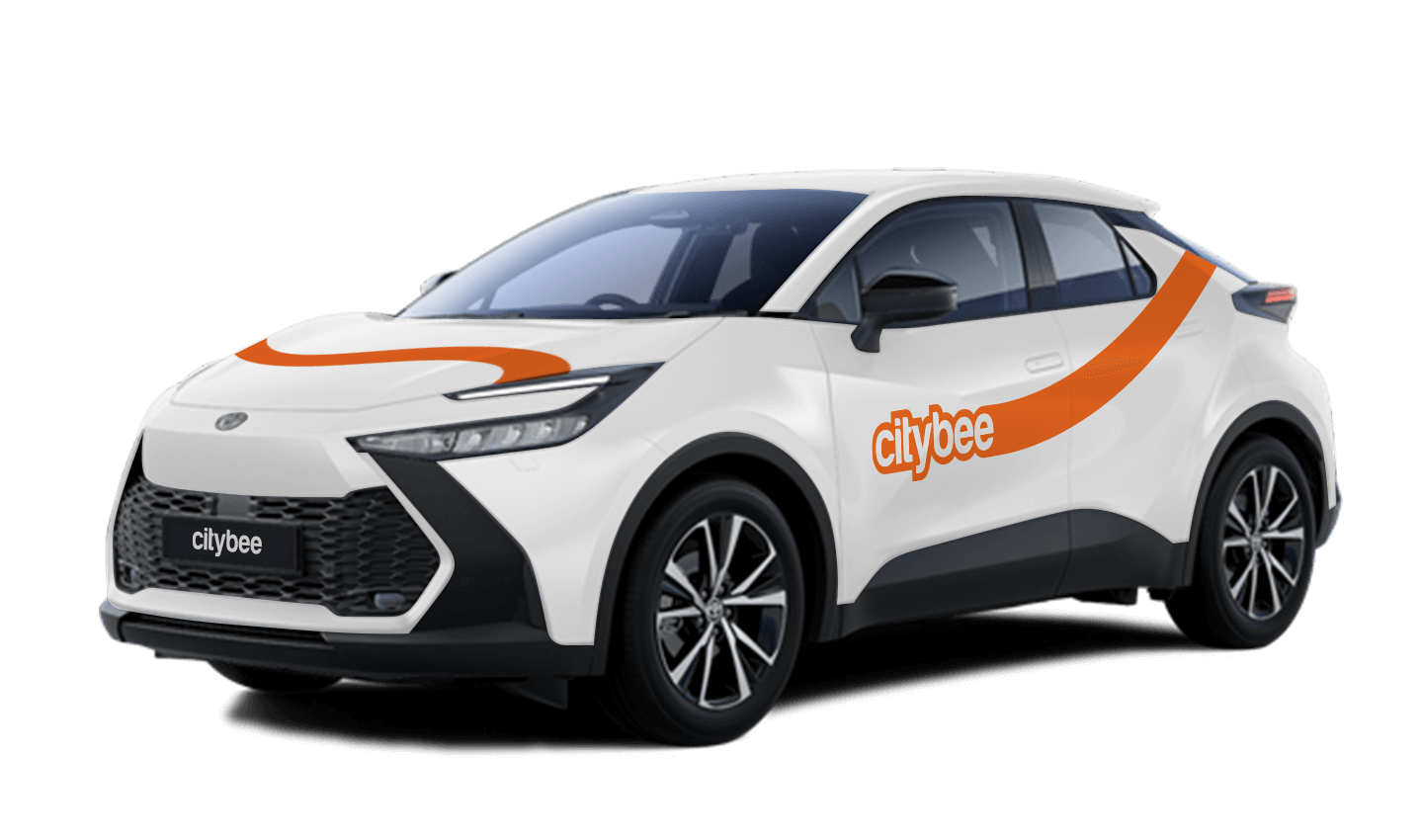
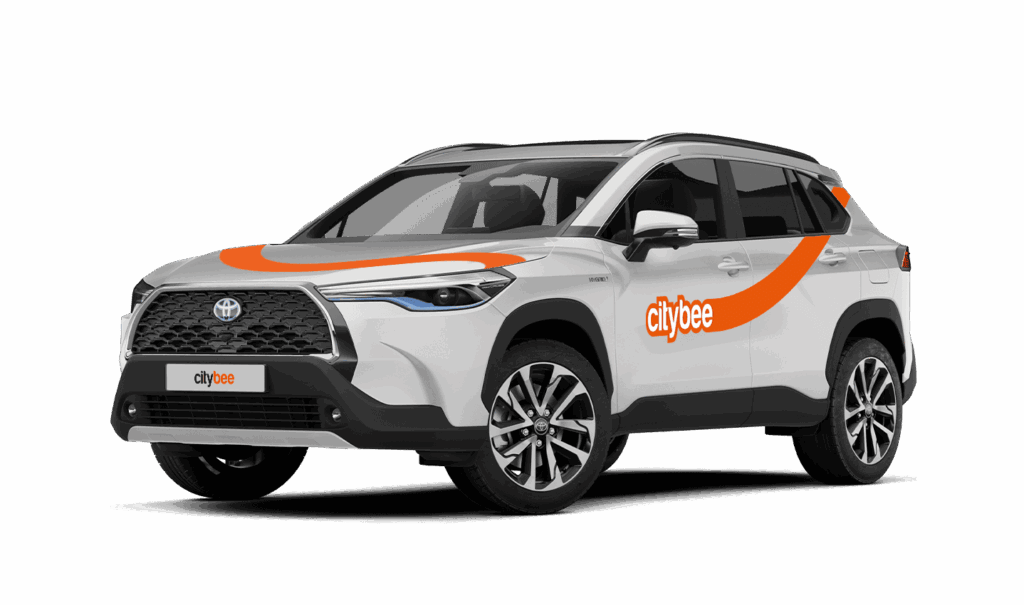
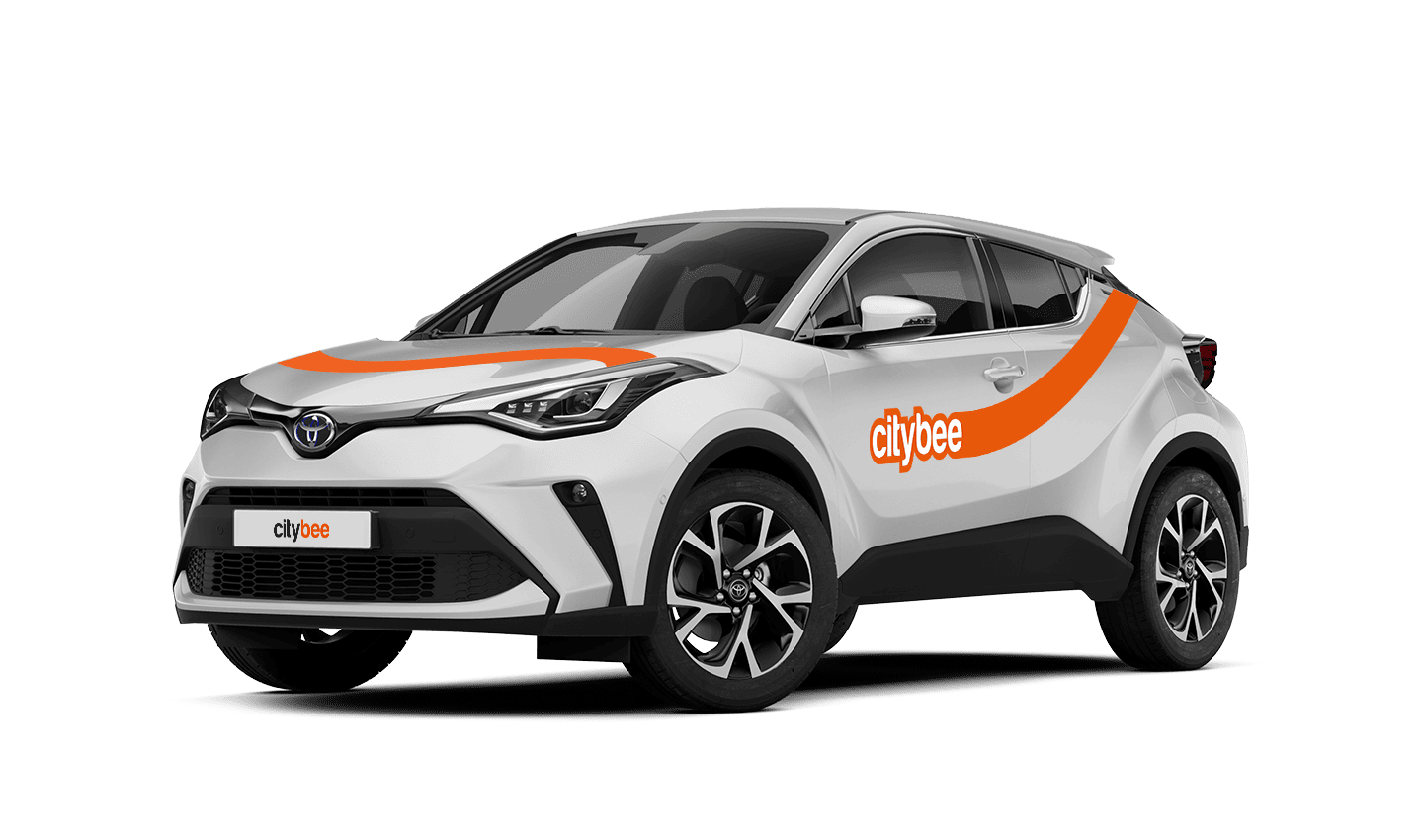
Toyota C-HR
The price of this journey would be
0€
Trip start fee of 0.44€ is included in the price calculation.
Car gallery
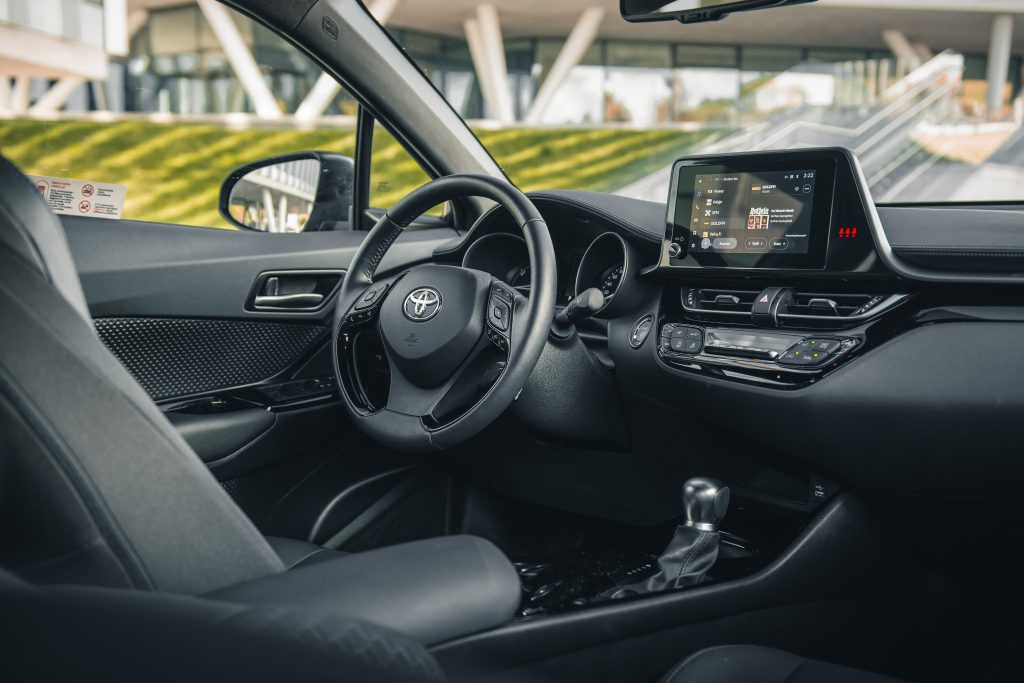


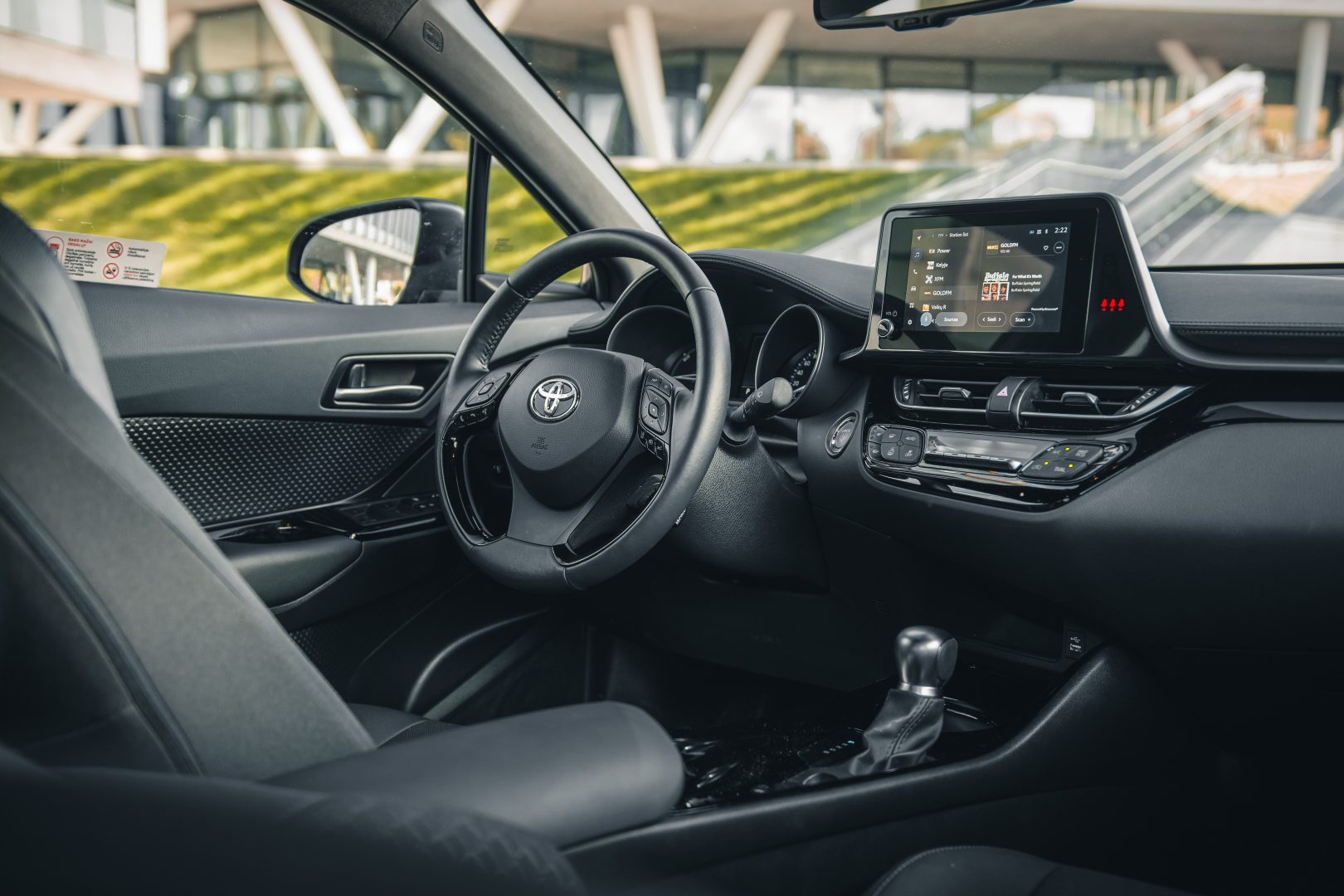
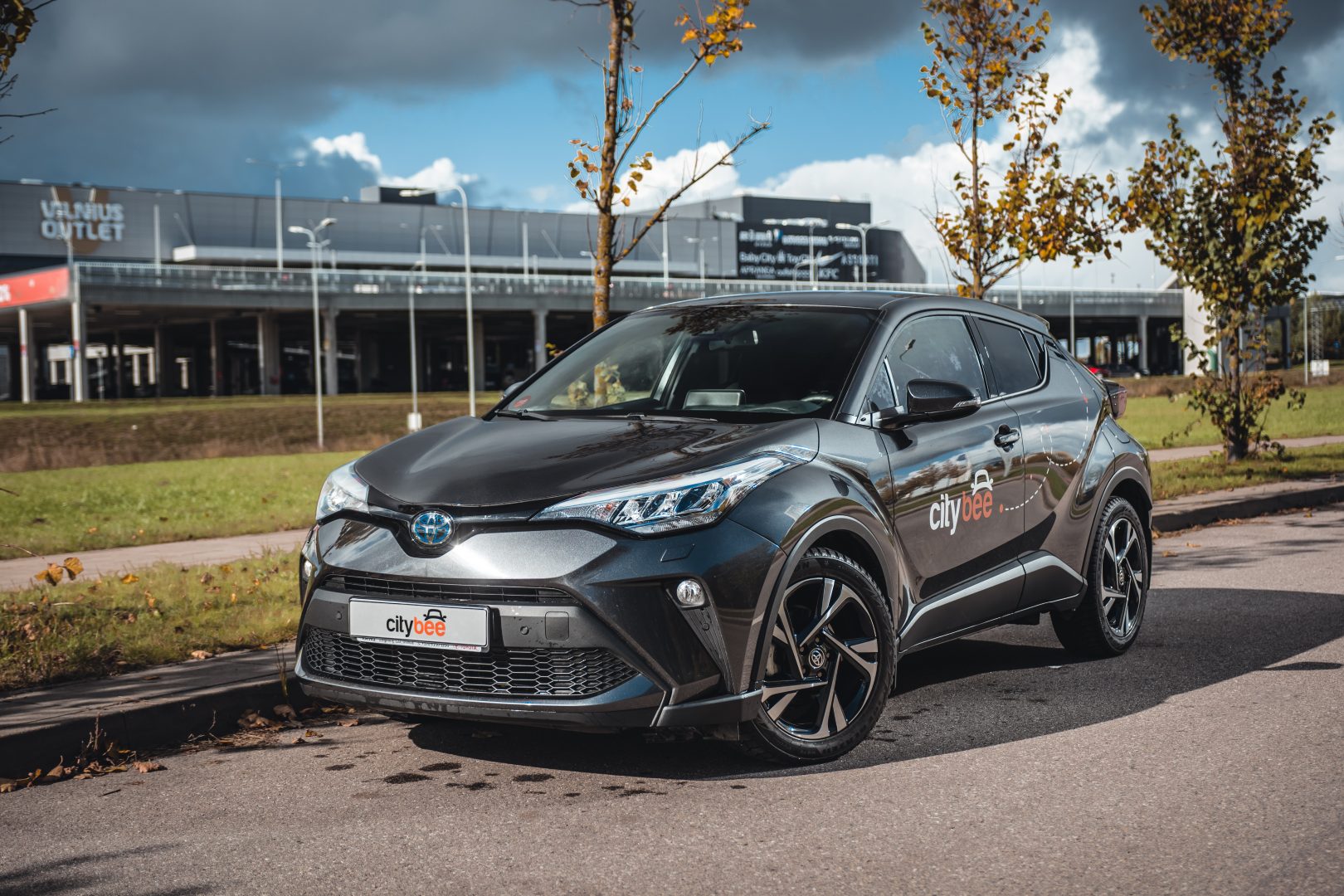
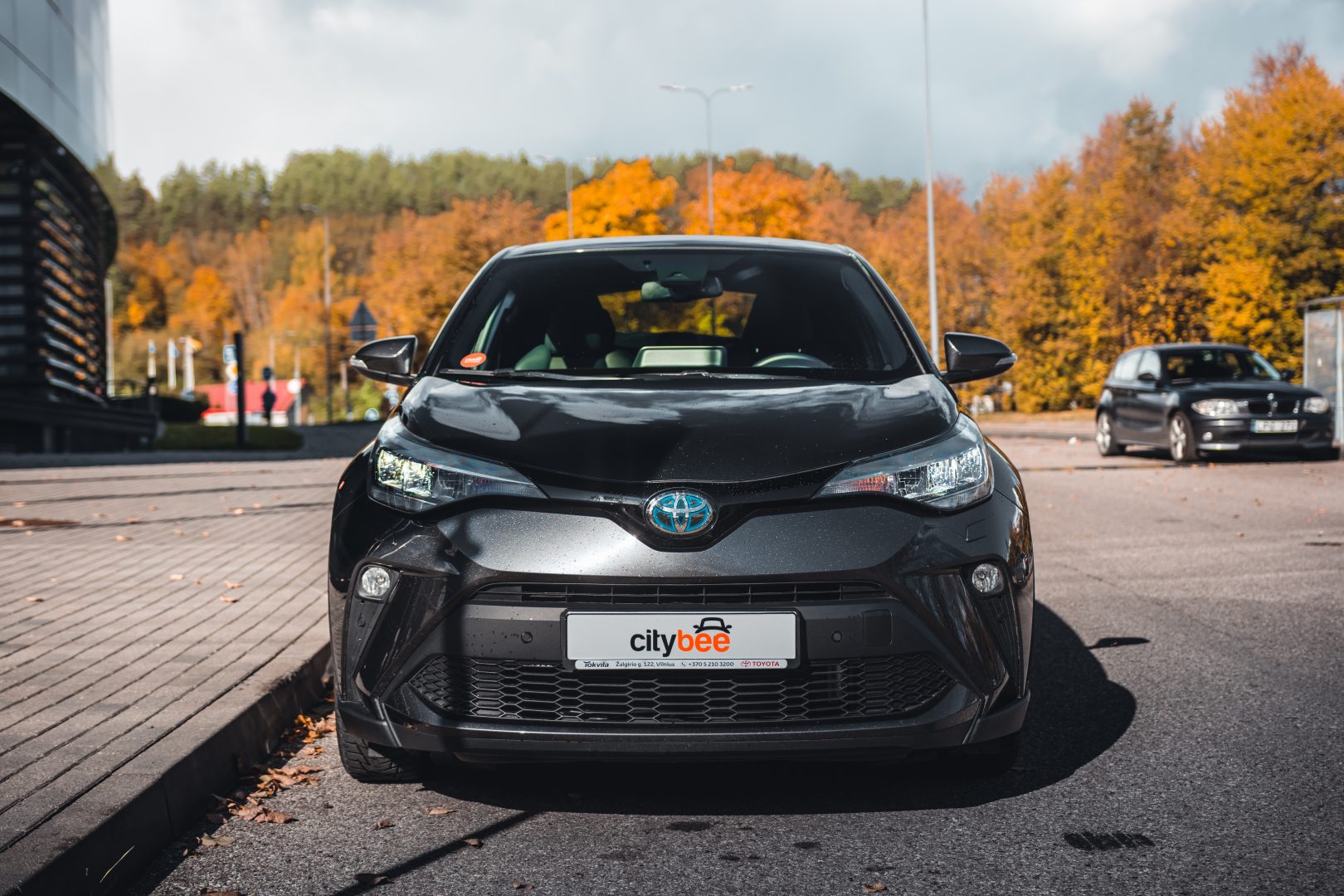
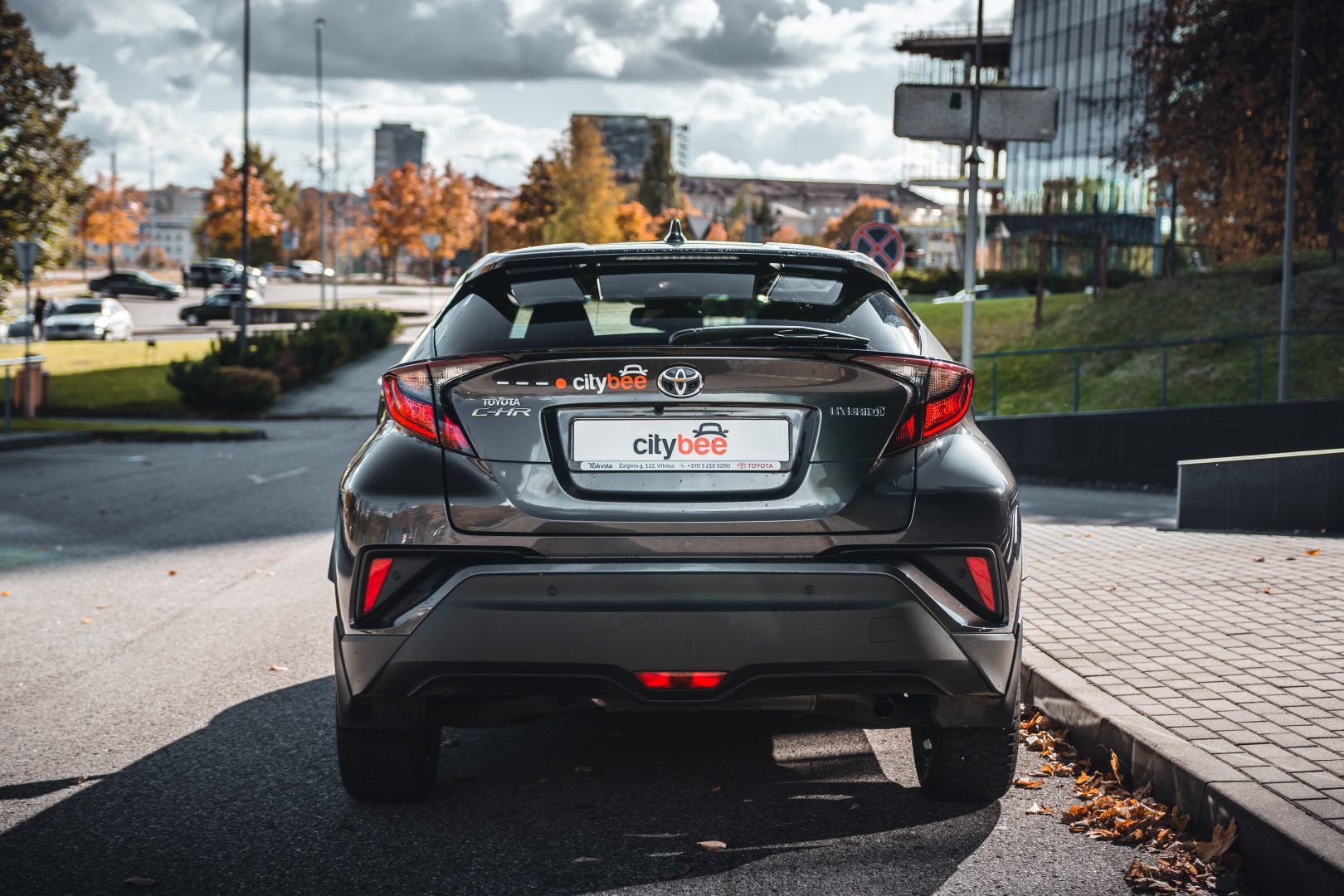
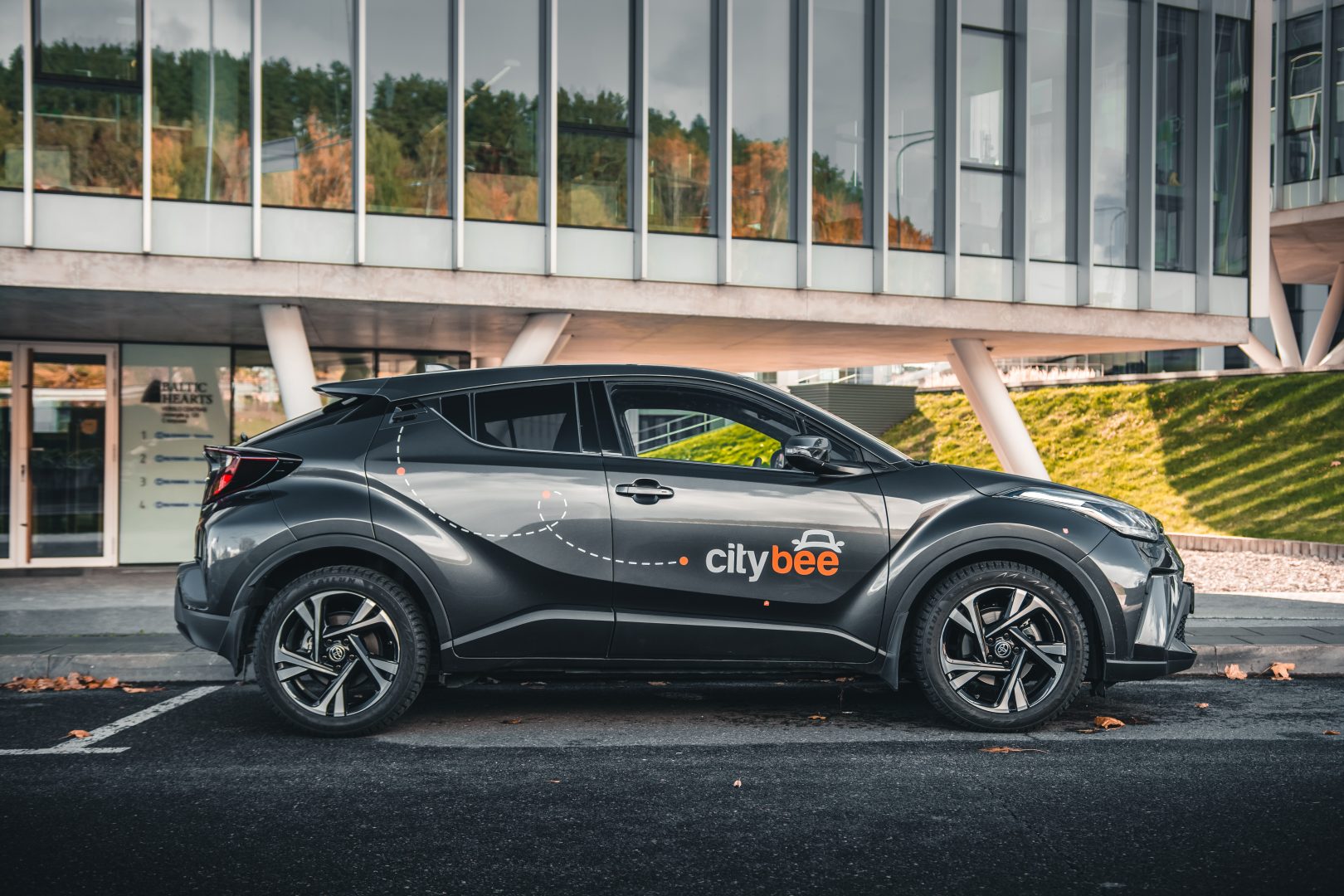
If you want to use the car for a day, a week, or longer, you can choose from our prepaid package deals.
The price of the fixed prepaid package will be charged at the beginning of the trip and the price for the extra kilometers and/or time will be charged during or at the end of the journey, depending on the length of your trip.
You can find all of the prepaid packages in the CityBee app by clicking on the chosen car reserve button.
If you happen to exceed the kilometers and /or time included in the price of the package, you will be able to continue the journey safely.
After the prepaid package ends (mileage and time included are finished), you will be paying for additional minutes and/or kilometers as specified in the chosen package deal.
You can also continue your trip by purchasing one more additional prepaid package without completing the active reservation.
If you decide to end the trip before using the time and /or kilometers indicated on the prepaid package, this balance will not be refunded.
Use is no different from a short-term CityBee rent, and all the benefits offered (insurance, fuel, washing) remain as well.
Choose the car you want from the CityBee fleet, reserve it, and start your journey.
If the barrier did not open automatically, call the number indicated on the barrier.
If you had to pay for parking yourself, keep the receipt so we can reimburse you. To request a refund, follow this process.
In the event of a traffic accident, follow the valid road traffic regulations of the country where the accident happened. If the accident is not complicated, there are no more than two cars involved and there are no casualties, a sketch of the accident is drawn and an accident statement is filled out, which You will find in the storage compartment. If parties disagree about the fault of the participants in the event, the police are called.
Each accident statement should include the causer of the accident and the victim. In the sketch, it is necessary to specify how many vehicles and which of those vehicles encountered in the accident.
ATTENTION!
When filling out the accident statement, keep in mind that both participants need to specify their contacts, each take a copy of the declaration and sign it (the victim signs only in box 15). Do not forget to fill out the circumstances field (12), it is mandatory.
An example of the filled out accident statement:
In Lithuania https://help.citybee.tech/lt/articles/5615179-kaip-pildyti-eismo-ivykio-deklaracija;
In Latvia https://help.citybee.tech/lv/articles/5615179-ka-aizpildit-saskanoto-pazinojumu;
In Estonia https://help.citybee.tech/et/articles/5615179-kuidas-taita-liiklusonnetuse-teadet.
You can also fill out the accident statement online:
In Lithuania https://draudimoivykiai.lt/;
In Latvia https://www.ltab.lv/spapp/;
In Estonia https://avarii.lkf.ee/et/.
The subscription is ideal for anyone who regularly takes shorter trips (up to 5 km and 15 minutes) in the city with CityBee. Whether it’s just a few times or several trips a month, choose a subscription plan that fits your travel needs, save money, and enjoy additional benefits. However, if you typically take longer trips, we recommend selecting from a variety of trip packages that offer more cost-effective options for longer routes.
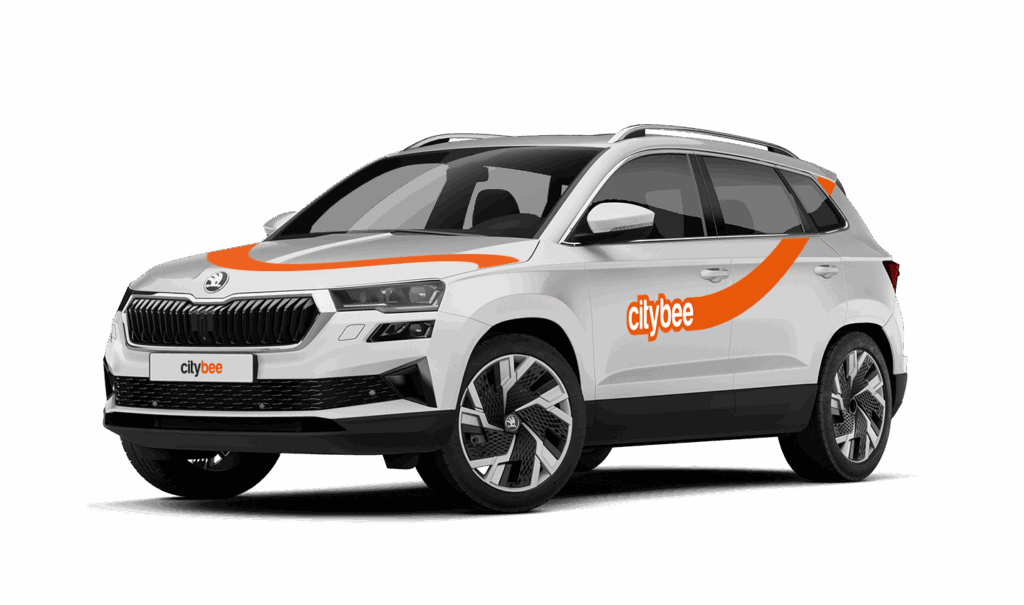
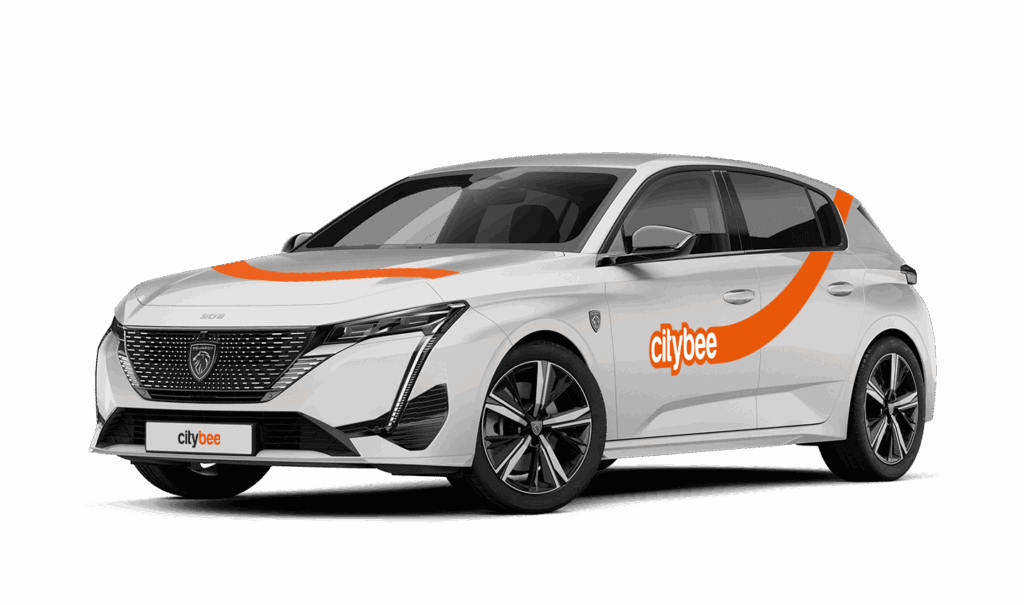
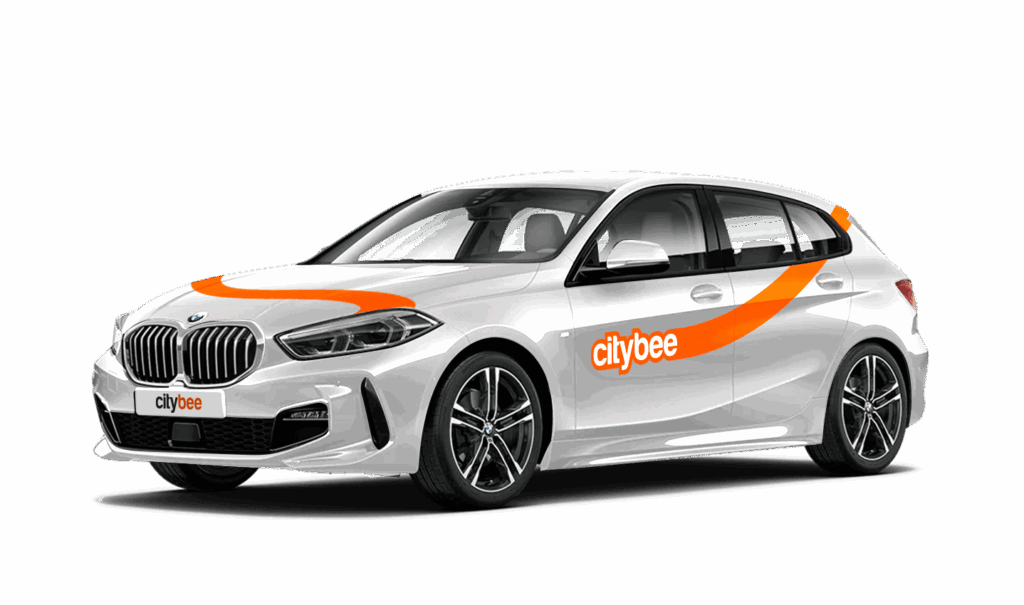
CityBee bees are new (not older than 2 years), technically sound cars. You can see the models of cars currently in CityBee Park here:
CityBee park in Lithuania https://citybee.lt/lt/transportas;
CityBee park in Latvia https://citybee.lv/en/transport/;
CityBee park in Estonia https://citybee.ee/en/transport/.
The CityBee subscription is a test service. We are constantly looking for new ways to help our customers travel more affordably and conveniently. In planning the CityBee subscription, we considered the needs of our most active customers and decided to offer plans for the most common types of city trips, allowing customers to enjoy cost-effective travel without worrying about time. We will periodically evaluate the service’s activity and improve it as needed. All customer feedback and expectations are highly appreciated. If you have any comments, please reach out to info@citybee.lt.
CityBee reserves the right to change the terms of the CityBee subscription at any time.
When you refill a bee with a fuel level less than 25% volume of the tank capacity, a 2 EUR discount will be added to your account for future trips.
ATTENTION! Discount for refueling the car is applied only when the fuel drops to 1/4 volume of the tank capacity and you need to fill a full tank. The discount is given just once during your trip.
❗The discount will be added to your account within about an hour after the refueling.
How to refuel: https://intercom.help/citybee/en/articles/4890184-do-you-need-to-pay-for-the-fuel.
A minimum fee will still be charged if the trip is less than it. Discounts will be applied after that.
Thank you for taking care of our bee!
At least one payment card must be linked to a CityBee account. You can link more than one payment card and choose from which card you will be billed for services before each trip. It is important that the card type is VISA or MasterCard and that the secure internet shopping function is activated.
How do I activate the secure internet shopping function?
1. SEB: Log in to your internet bank and look for “Accounts and Cards” -> “Card List” in the menu bar at the top. You’ll see all of your cards that can be registered with the secure internet shopping programme. Next to the desired card in the options below, click on “Online Billing” and click “Enable”.
2. Swedbank: Log in to your internet bank and look for “Cards” -> “Secure internet shopping” in the menu bar on the left. You’ll see all of your cards that can be registered with the secure internet shopping programme. Select the desired card next to the note “Online Billing” and click “Enable”.
3. Šiaulių Bankas: Log in to your Internet bank and in the menu on the left, select “Cards” -> “Secure payment” -> select the payment card for which you want to activate the secure internet shopping and click “Register” -> enter the requested data and confirm it by pressing the “Enter and Sign” button -> soon the status of the card will change to “Registered”.
4. Luminor bank: Log in to your Internet bank and in the menu, select the item “Payment cards” -> select the payment card for which you want to activate the secure internet shopping and in the opened window click “Secure shopping service settings” -> select the “Order service” button -> enter the requested data, which the bank will show you later during the purchase -> click “Order service”.
5. Citadele bank: No additional activation of the secure internet shopping is required.
The price of this journey would be
0€
Trip start fee of 0.44€ is included in the price calculation.
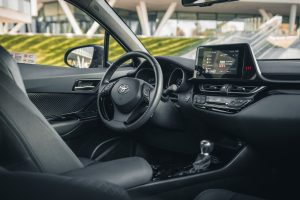
The car has an automatic gearbox, so the gears are switched by pressing the brake pedal, pressing the button on the gear switch, and putting the switch in the desired position.
P – Parking
R – Reverse gear
N- Neutral gear
D – Drive gear
B – The slow gear. This gear charges the battery for the electrical engine while driving.
The car starts by pushing the brake pedal and pressing the POWER button (the blue button on the right, behind the wheel). The key must be in the car when attempting to start it.
IMPORTANT: The car is a hybrid, so it starts EXTREMELY silently.
The car is stopped by pressing the POWER button again.
All documents can be found in the storage box.
The car has a built-in radio with a touchscreen, so everything is controlled by pushing the buttons on the screen and using additional buttons on the radio itself and the steering wheel.
The car lights are switched on by turning the blinker switch on the left.
The foglights are switched on by turning the wheel in the middle.
The High beam are switched in by pulling the blinker switch to the front.
The gas tank is opened by lifting a switch to the left of the driver’s seat, then the tank cap is screwed off.
The gas tank is on the left side. The fuel type is indicated on the sticker that is on the cover for the gas tank, the sun visor, and in the vehicle registration certificate, found in the car’s glovebox. You can fill up at any Circle K station. You will find the fuel card in the visor and the PIN code is on the card. Pay with that card and keep driving 🙂