Price Calculator
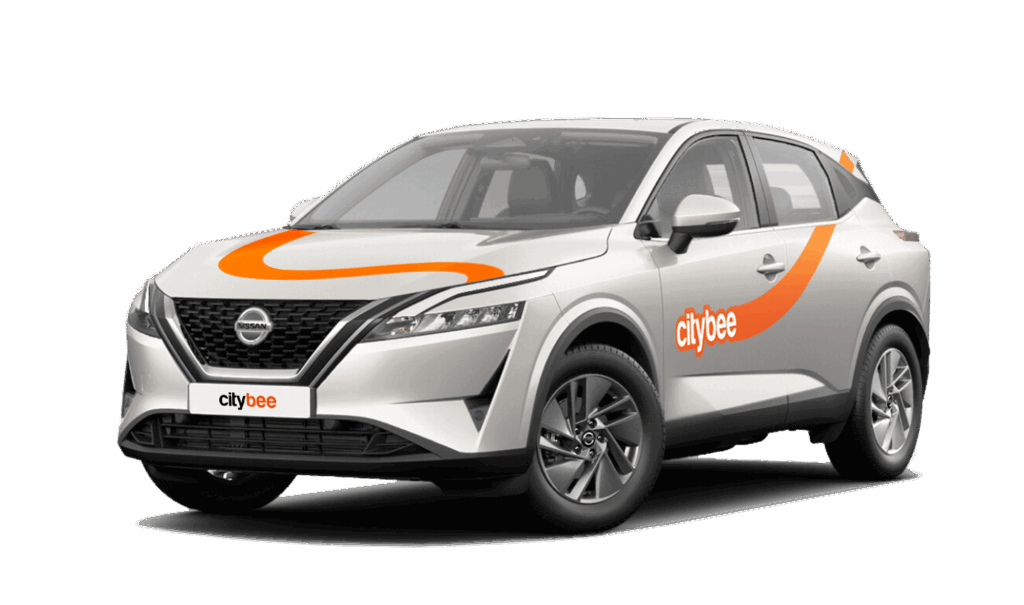
Nissan Qashqai
The price of this journey would be
0€
Trip start fee of 0.44€ is included in the price calculation.
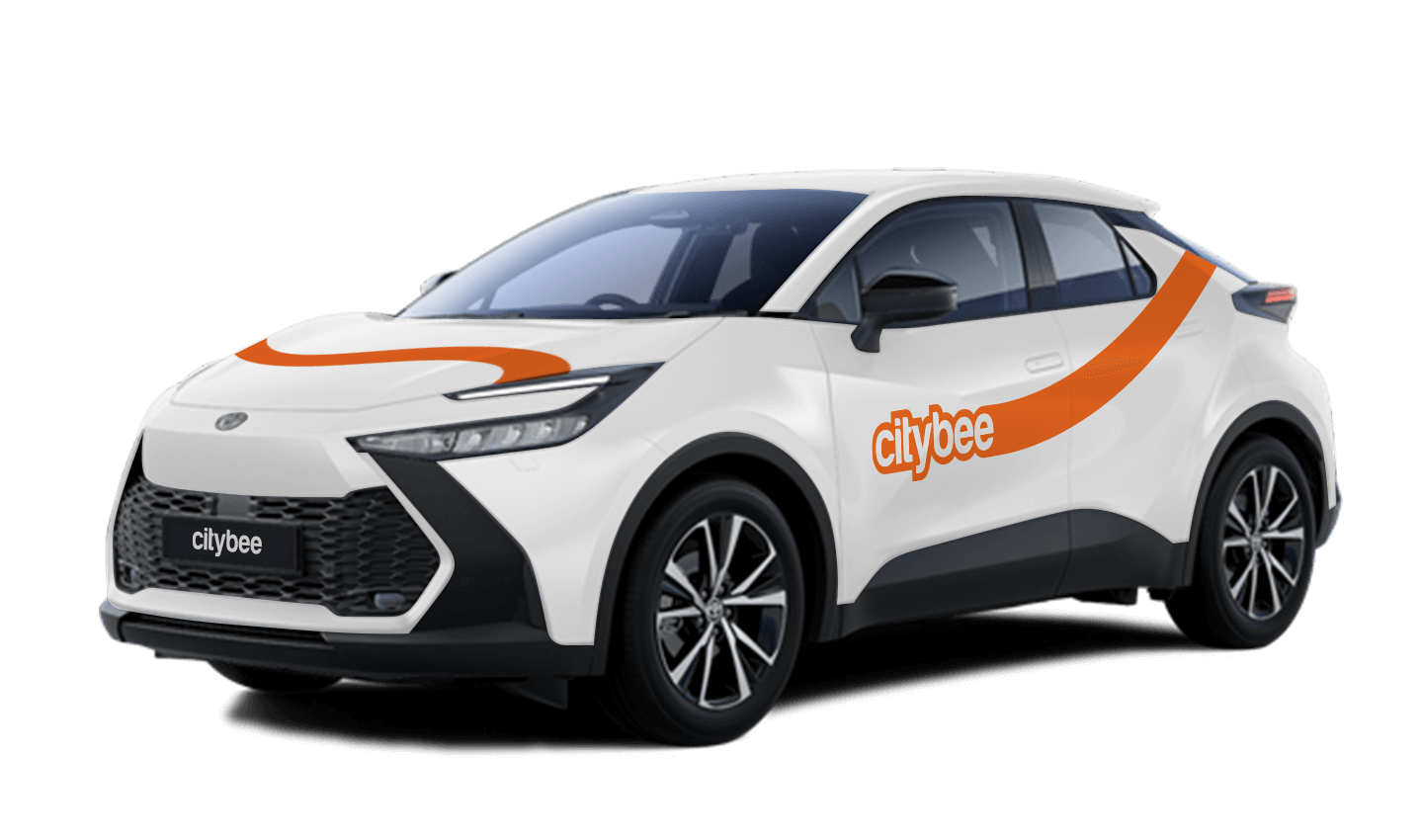
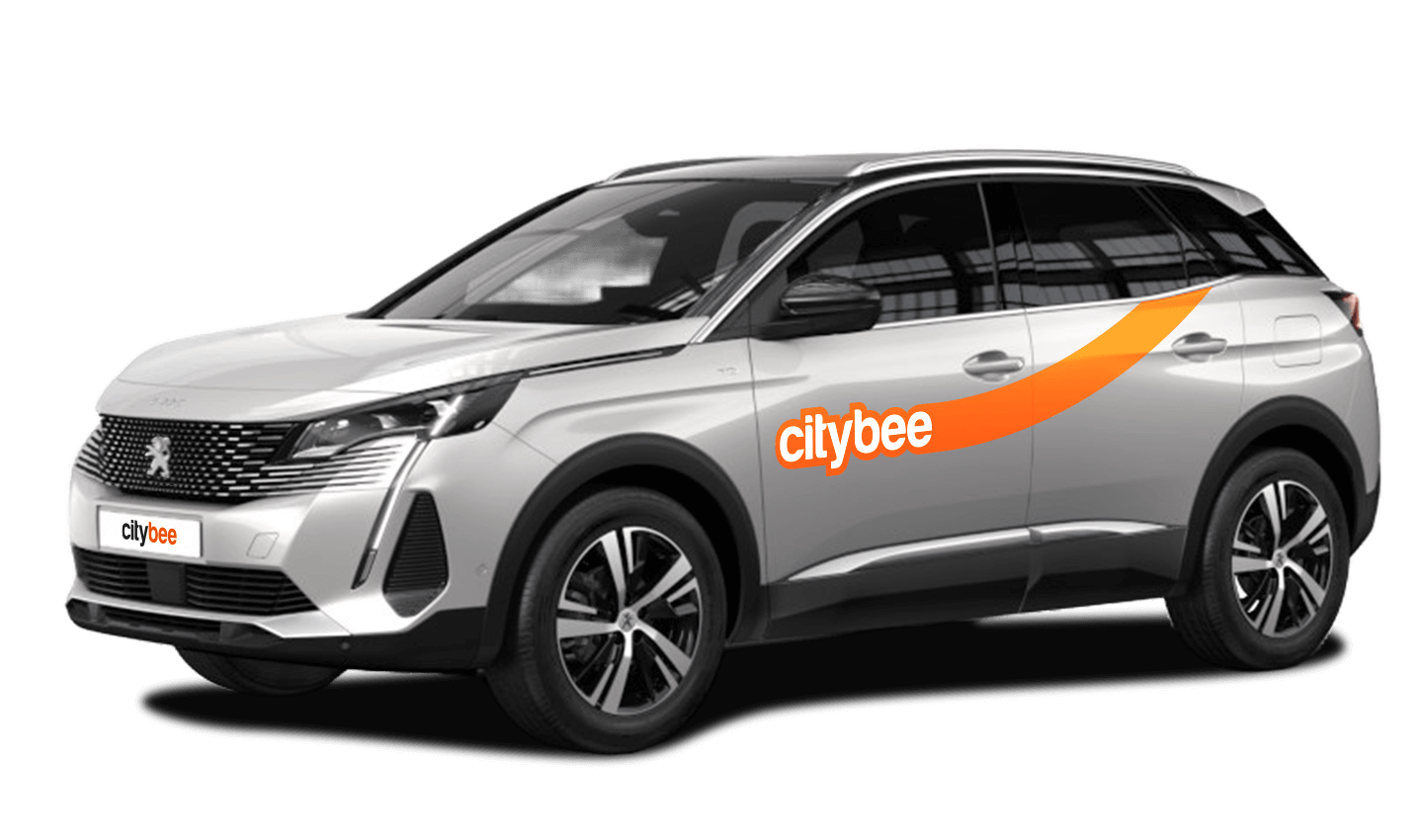
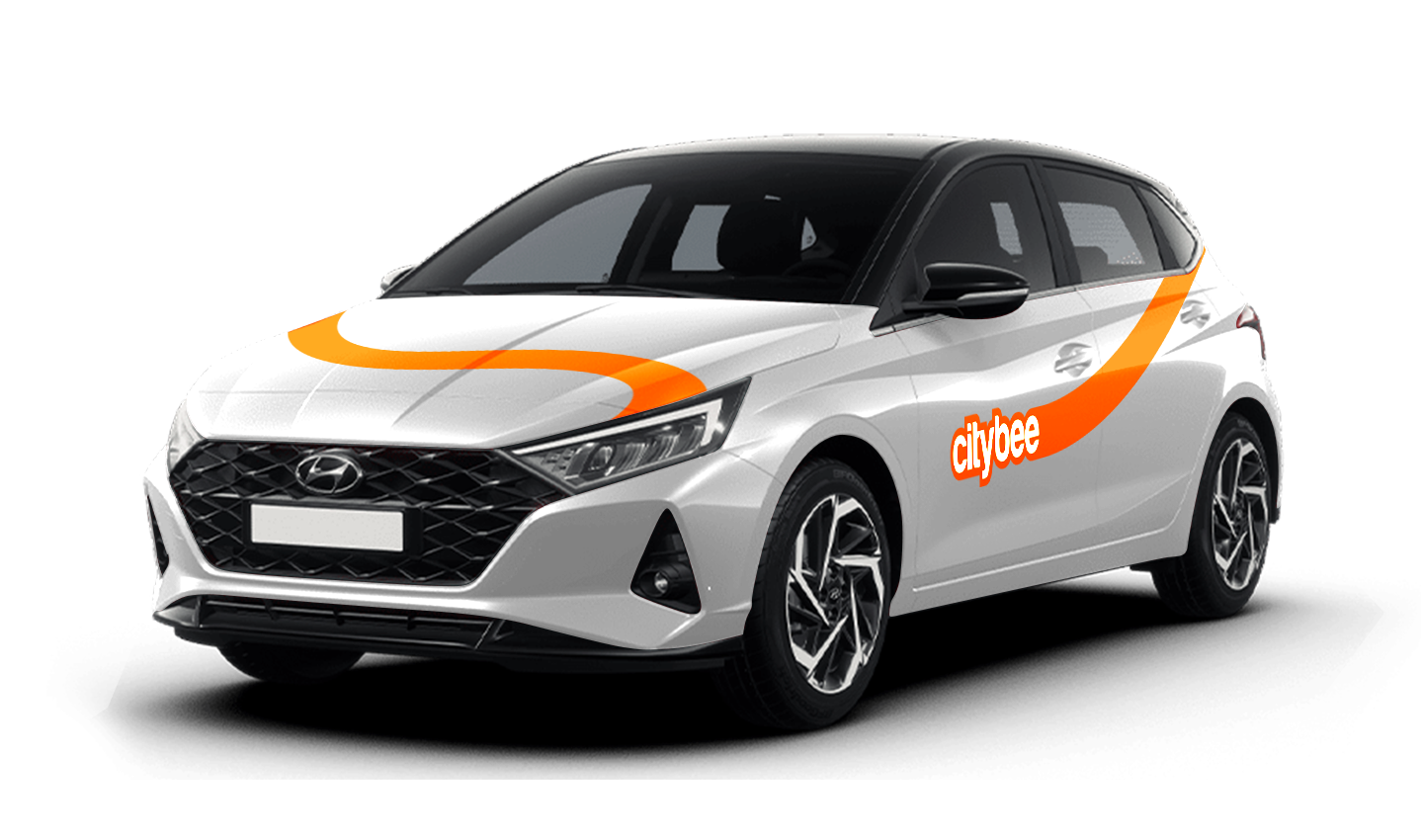
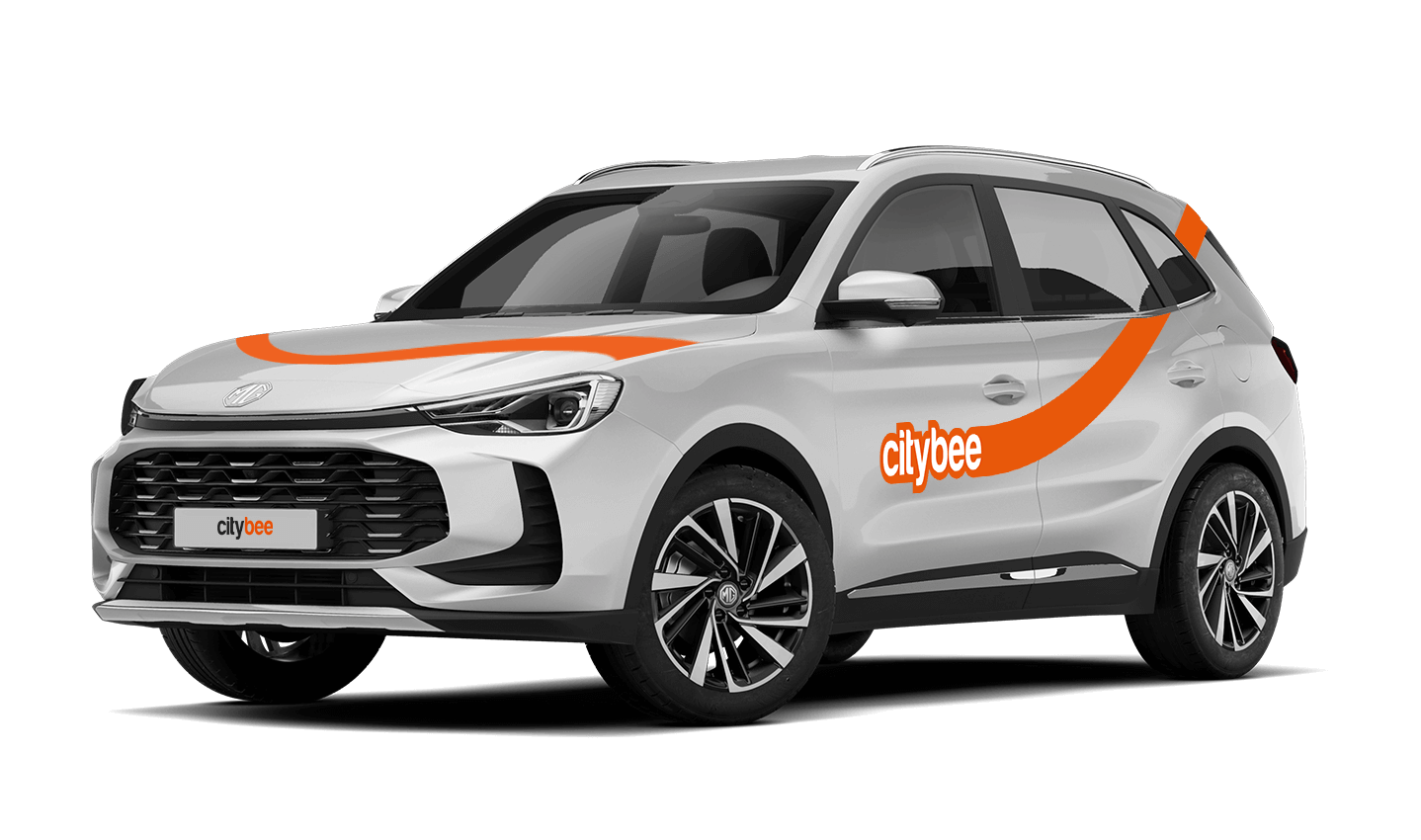
Car gallery


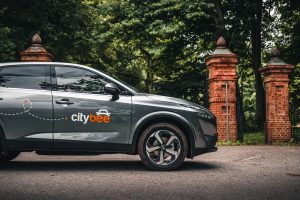
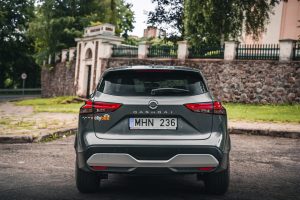
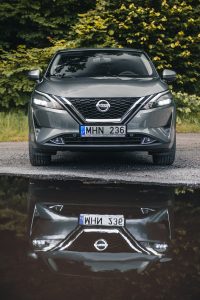
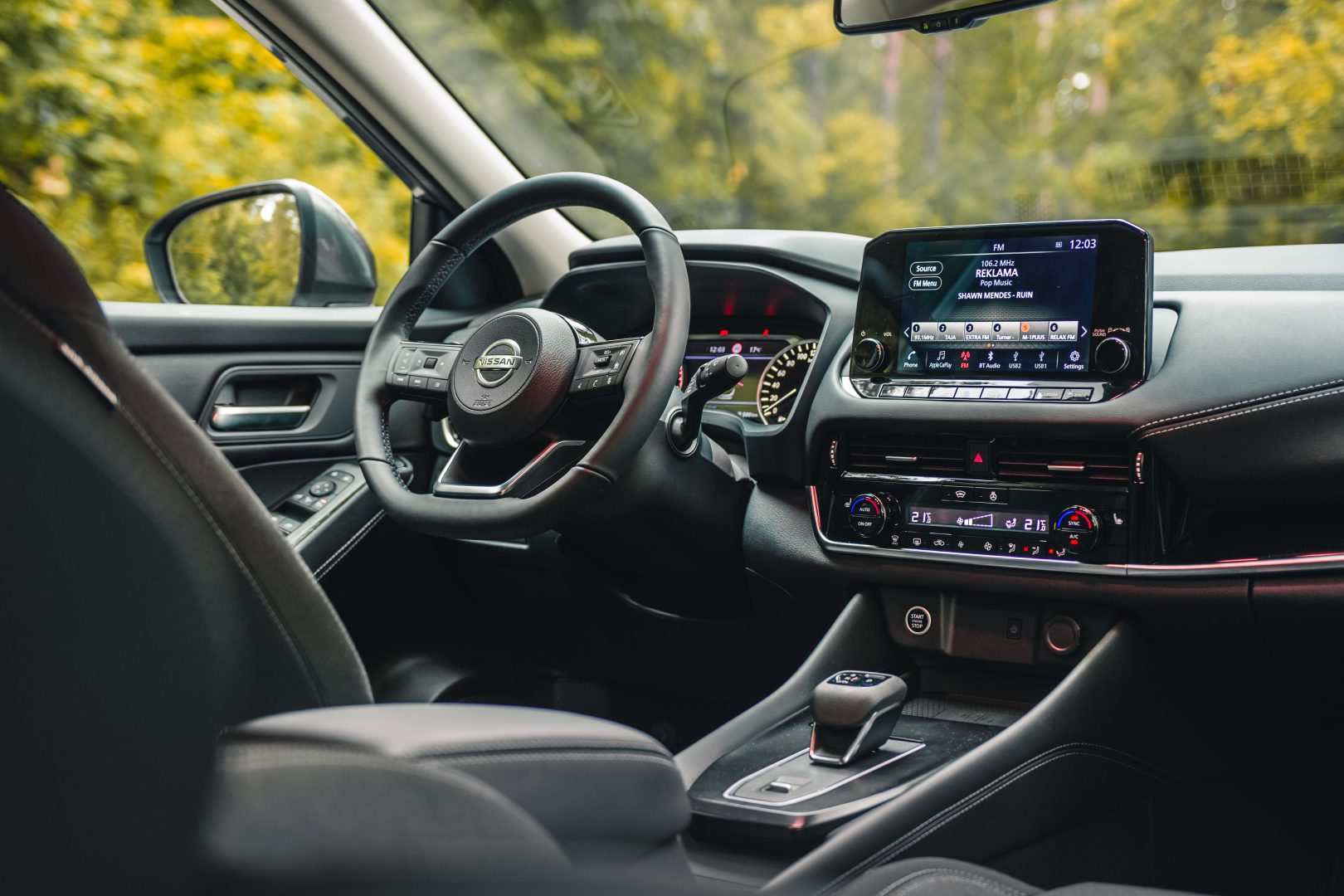

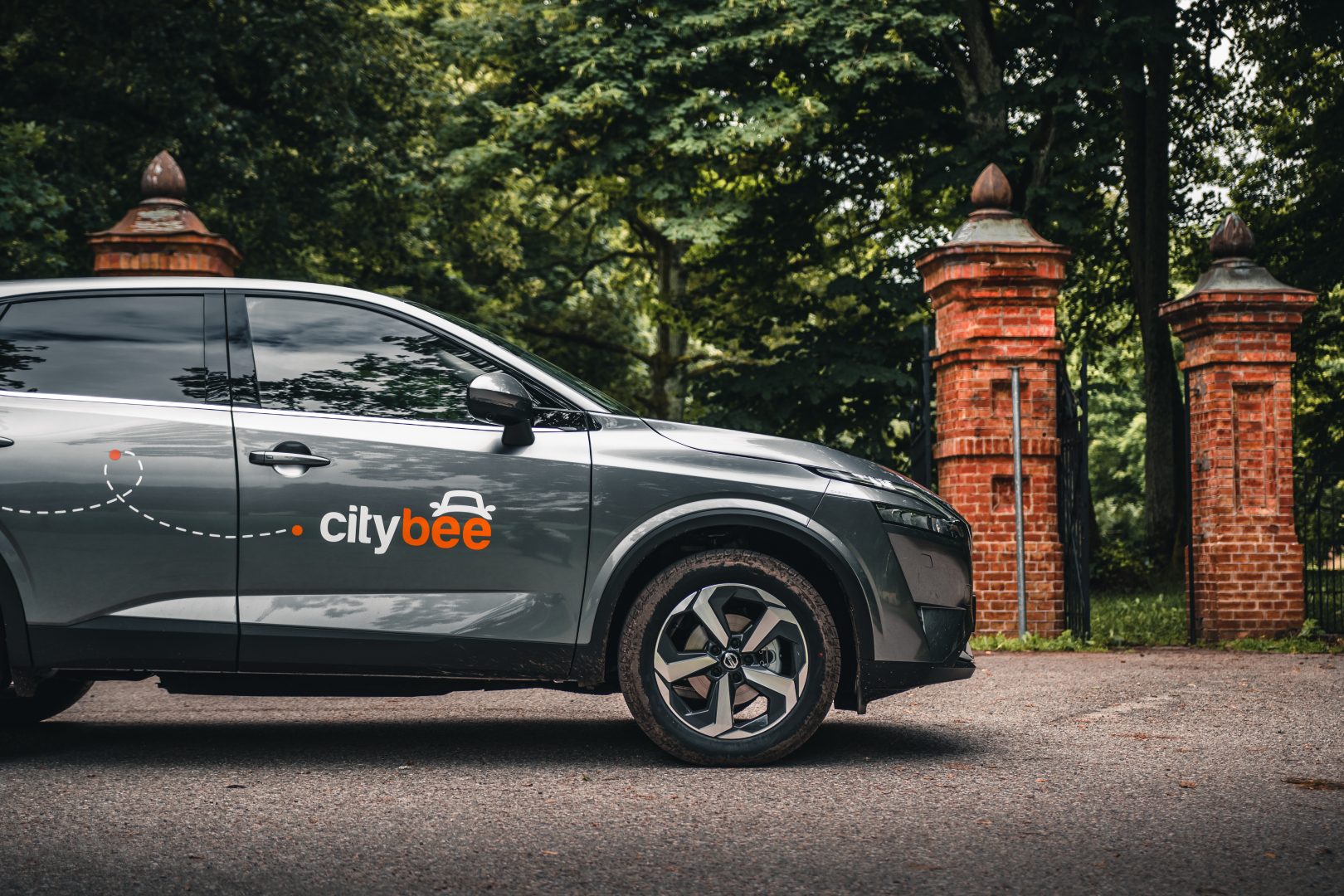

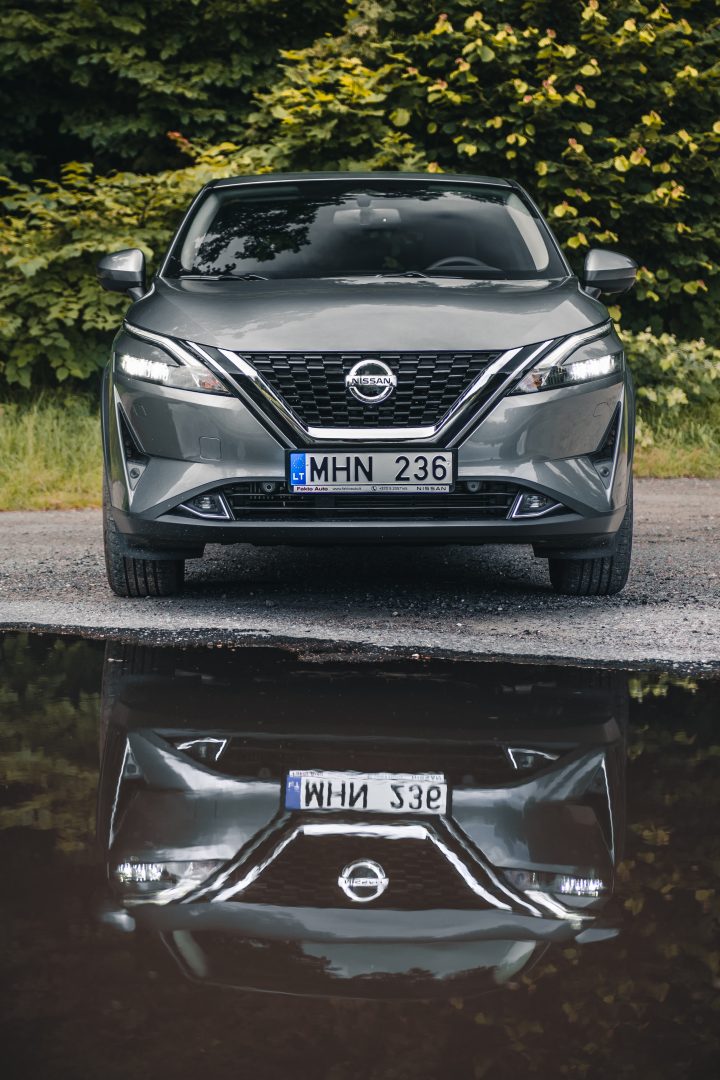
If the car gets dirty during a long-term rental in Lithuania, we offer several options:
Go to the PRO BRO tunnel car wash and wash your car for free;
Contact us by +37070044844, Facebook or via email info@citybee.lt.
If the car gets dirty during a long-term rental in Latvia, please contact us by calling +371 27265460 and we will provide you further details.
If the car gets dirty during a long-term rental in Estonia, please contact us by +372 600 0160, Facebook or via email info@citybee.ee and we will provide you further details.
Please note that this service is provided in Lithuania only.
As this vehicle is intended for city use, it is not equipped with a high-mileage battery. Therefore, if you are planning to go outside the city, a speed limited at 90 km/h ensures that the car does not use too much energy while driving. This way, You will safely reach the nearest electric charging station.
Registration at CityBee is quick and easy. You don’t need to come anywhere – register with the mobile CityBee app and start using it! Registration will take just a few minutes.
Smoking is prohibited in CityBee cars. A fine for smoking in a car is €70.
The amount of the BeeChill fee for each car is indicated in the App.
Left something behind? You’ve got 24 hours to grab it for free.
Just reserve and unlock the same car like you normally would. You’ll have 5 free minutes to collect your stuff. Important: don’t turn on the ignition unless you’re planning to drive. If you stay longer than 5 minutes, you’ll automatically start a paid reservation.
After 24 hours, you can still find the car on our live map. If you don’t see your vehicle on the map, it may be in use by another customer at the moment. You can find available vehicles here:
Lithuania: https://map.citybee.lt/#/main-map
Estonia: https://map.citybee.ee/#/main-map
Latvia: https://map.citybee.lv/#/main-map
Need a hand? Reach out at info@citybee.lt, info@citybee.lv, info@citybee.ee, or through the in-app chat.
If you paid for fuel using your own money, we’ll reimburse the cost. To request a refund, make sure to save the receipt and simply follow this process.
To sign an agreement with CityBee, fill the application form:
https://citybee.lt/lt/verslo-klientai/ (For companies operating in Lithuania);
https://citybee.lv/lv/business-clients/ (For companies operating in Latvia);
https://www.citybee.ee/ee/arikliendile (For companies operating in Estonia).
The price of this journey would be
0€
Trip start fee of 0.44€ is included in the price calculation.