Price Calculator
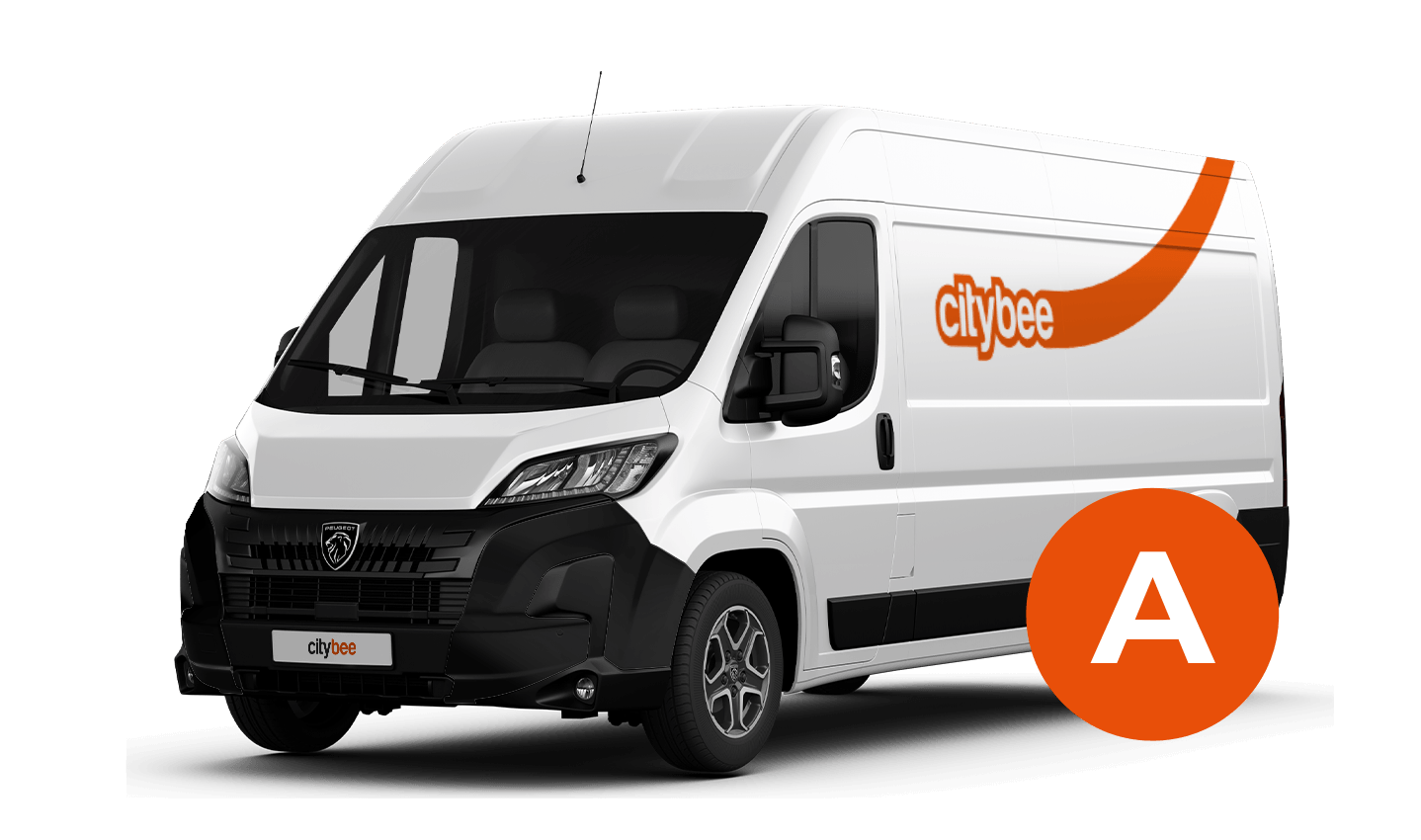
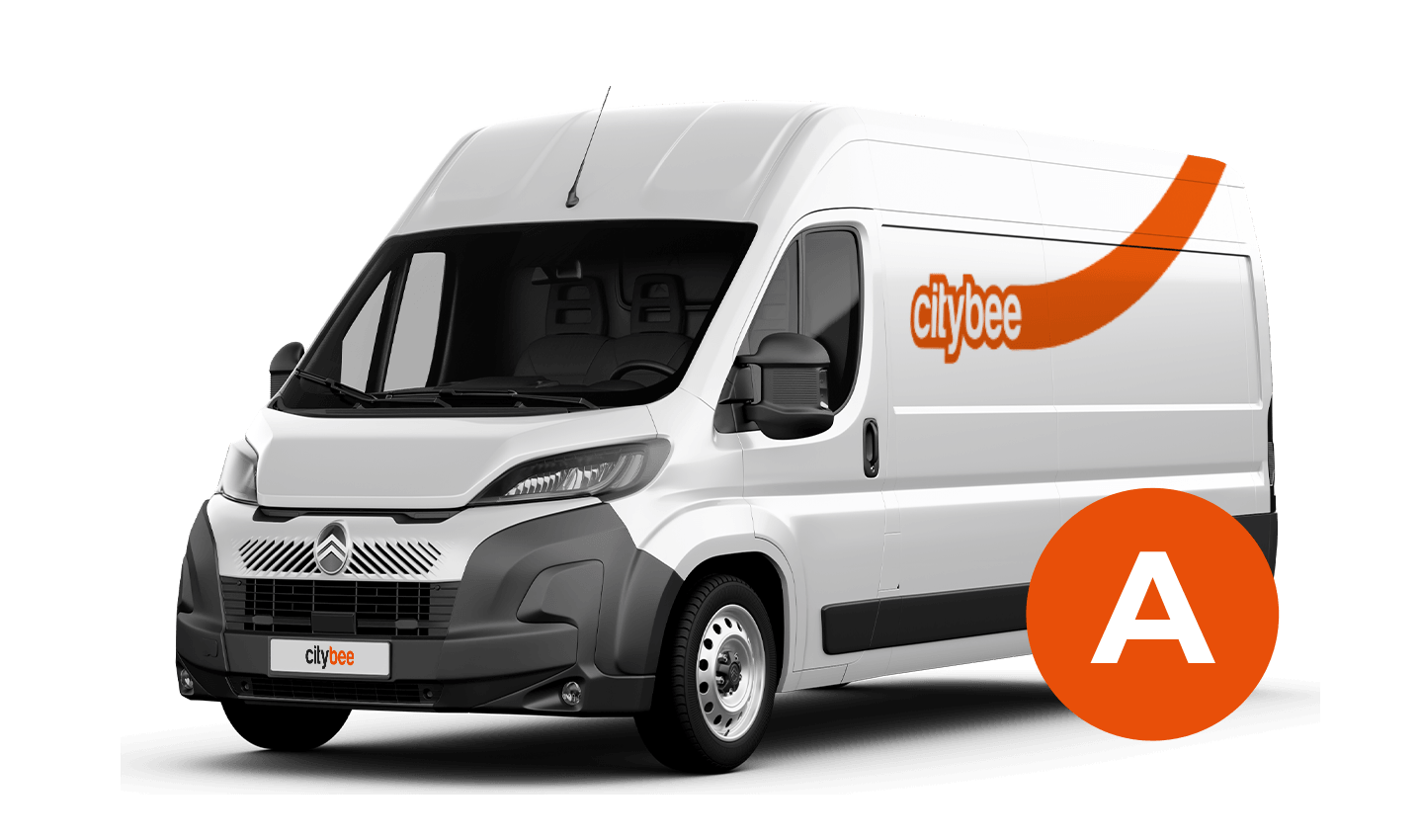
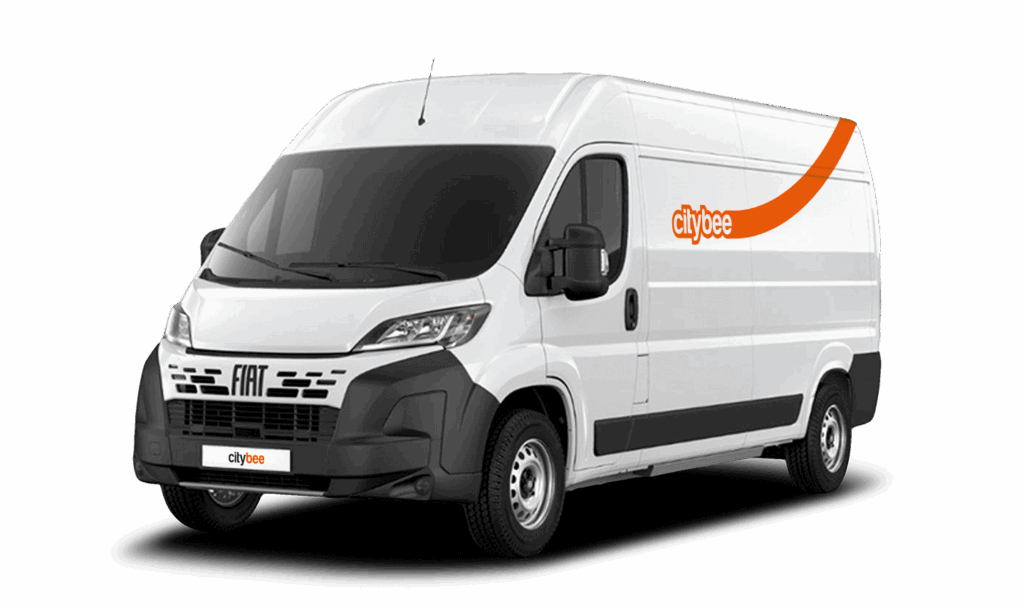
Fiat Ducato
The price of this journey would be
0€
Trip start fee of 0.49€ is included in the price calculation.
CityBee subscription plan is valid for 30 days from the date of purchase. Unused trips do not carry over to a new plan.
All CityBee cars are covered by compulsory Civil Liability Insurance, so you do not need to worry about the insurance. The car is equipped with an insurer-compliant, satellite-linked security system that will protect CityBee from possible theft.
To learn more about your financial responsibility in case of an accident, check out our article: “What is my financial liability in the event of a car accident?”
Link to the law governing the CMTPLI in Lithuania;
Link to the law governing the CMTPLI in Latvia;
Link to the law governing the CMTPLI in Estonia.
You can refuel your CityBee at any Circle K station. Just open the app, check the map for the nearest station, and tap it for directions. When you get there, open the app, hit Refuel, and follow the simple steps. Want more info? See the full guide here.
CityBee wallet is a virtual payment method which can be used to pay for CityBee services. You can find your CityBee wallet in the app by clicking Menu -> Payments.
CityBee wallet cannot be topped up, but the balance will be used automatically.
This fee applies to all Flexible pricing trips and is already included in the price of our trip packages or trips made with a subscription plan!
When reserving a car, you have two options:
· Choose a car, click on “Reserve,” and you will get a free 15-minute reservation, giving you access to the car for unlocking
· If you do not unlock the car within this 15-minute window, your reservation will automatically end unless you choose to pay for an extension.
If 15 minutes isn’t enough, you can extend your reservation for longer periods, but keep in mind:
· You can easily extend your reservation through the app after you’ve booked the car. Just click on Reservation and then select Extend.
· After the 15 minutes expire, the paid reservation time will begin. The cost per reserved minute is the same as the cost per minute when driving the car;
· You can extend the reservation for up to 24 hours;
· If you do not unlock the car by selecting “Unlock” in the app, the reservation will automatically end, and you will be charged for the time the reservation was active.
You can cancel a paid reservation at any time, and you will only be charged for the time used.
Once you’ve reached the car, click “Unlock” in the app. The car will unlock, and the keys will be inside the vehicle.
If you encounter any issues while trying to unlock the car using the app, please contact us by phone, and our 24-hour Beehive Assistance Center will be happy to help:
Contacts in Lithuania: +370 70077084;
Contacts in Latvia: +371 272 65460;
Contacts in Estonia: +372 600 0160.
You probably already have a CityBee account linked to this email but it has a different phone number. Contact us by e-mail or by phone and we will help you solve this issue.
You can contact Lithuania team via info@citybee.lt or by phone +37070077084;
You can contact Latvia team via info@citybee.lv or by phone +371 27265460;
You can contact Estonia team via info@citybee.ee or by phone +372 600 0160.
At least one payment card must be linked to a CityBee account. You can link more than one payment card and choose from which card you will be billed for services before each trip. It is important that the card type is VISA or MasterCard and that the secure internet shopping function is activated.
How do I activate the secure internet shopping function?
1. SEB: Log in to your internet bank and look for “Accounts and Cards” -> “Card List” in the menu bar at the top. You’ll see all of your cards that can be registered with the secure internet shopping programme. Next to the desired card in the options below, click on “Online Billing” and click “Enable”.
2. Swedbank: Log in to your internet bank and look for “Cards” -> “Secure internet shopping” in the menu bar on the left. You’ll see all of your cards that can be registered with the secure internet shopping programme. Select the desired card next to the note “Online Billing” and click “Enable”.
3. Šiaulių Bankas: Log in to your Internet bank and in the menu on the left, select “Cards” -> “Secure payment” -> select the payment card for which you want to activate the secure internet shopping and click “Register” -> enter the requested data and confirm it by pressing the “Enter and Sign” button -> soon the status of the card will change to “Registered”.
4. Luminor bank: Log in to your Internet bank and in the menu, select the item “Payment cards” -> select the payment card for which you want to activate the secure internet shopping and in the opened window click “Secure shopping service settings” -> select the “Order service” button -> enter the requested data, which the bank will show you later during the purchase -> click “Order service”.
5. Citadele bank: No additional activation of the secure internet shopping is required.
The price of this journey would be
0€
Trip start fee of 0.49€ is included in the price calculation.