
Price Calculator
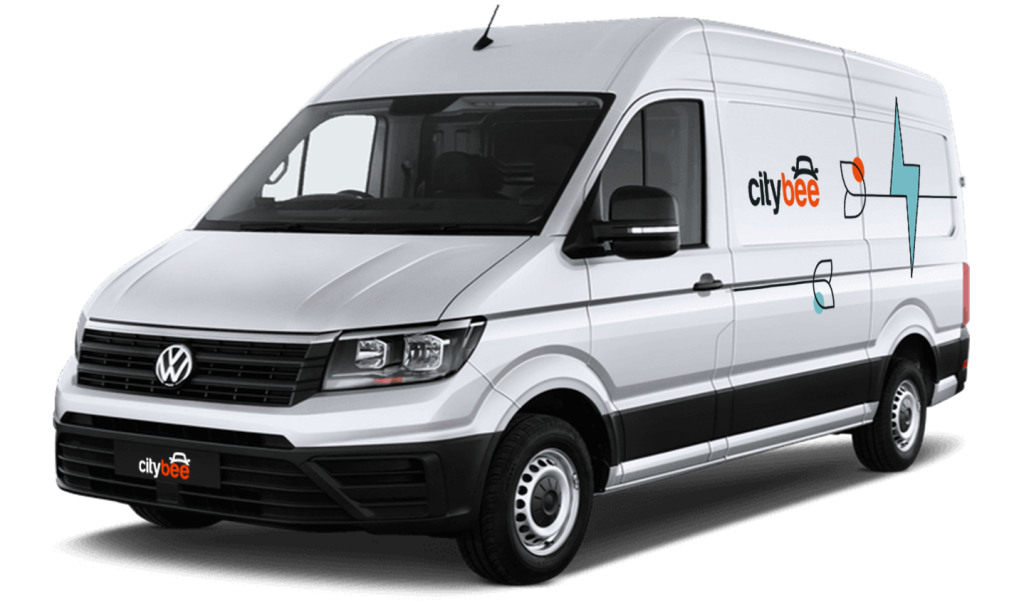
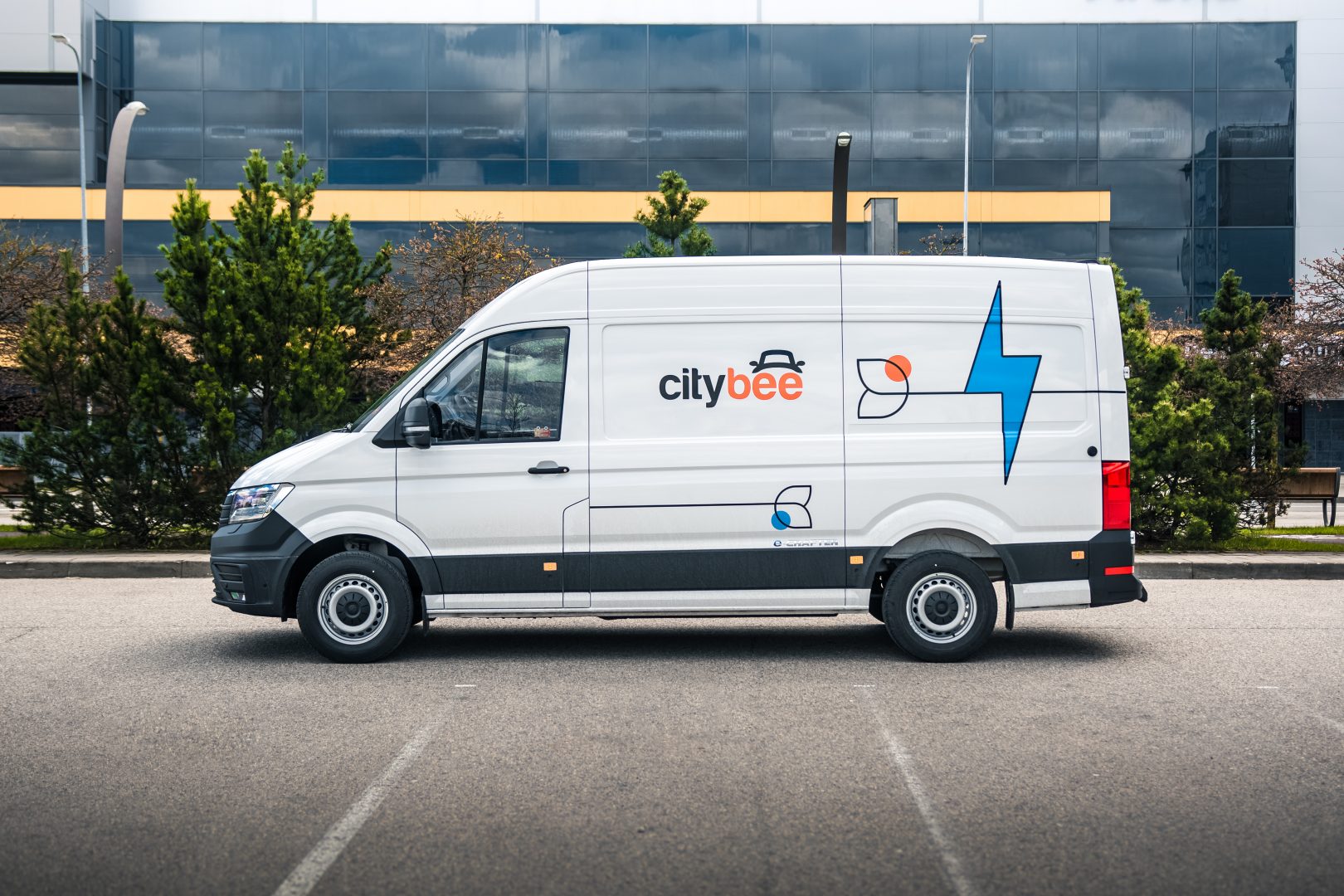
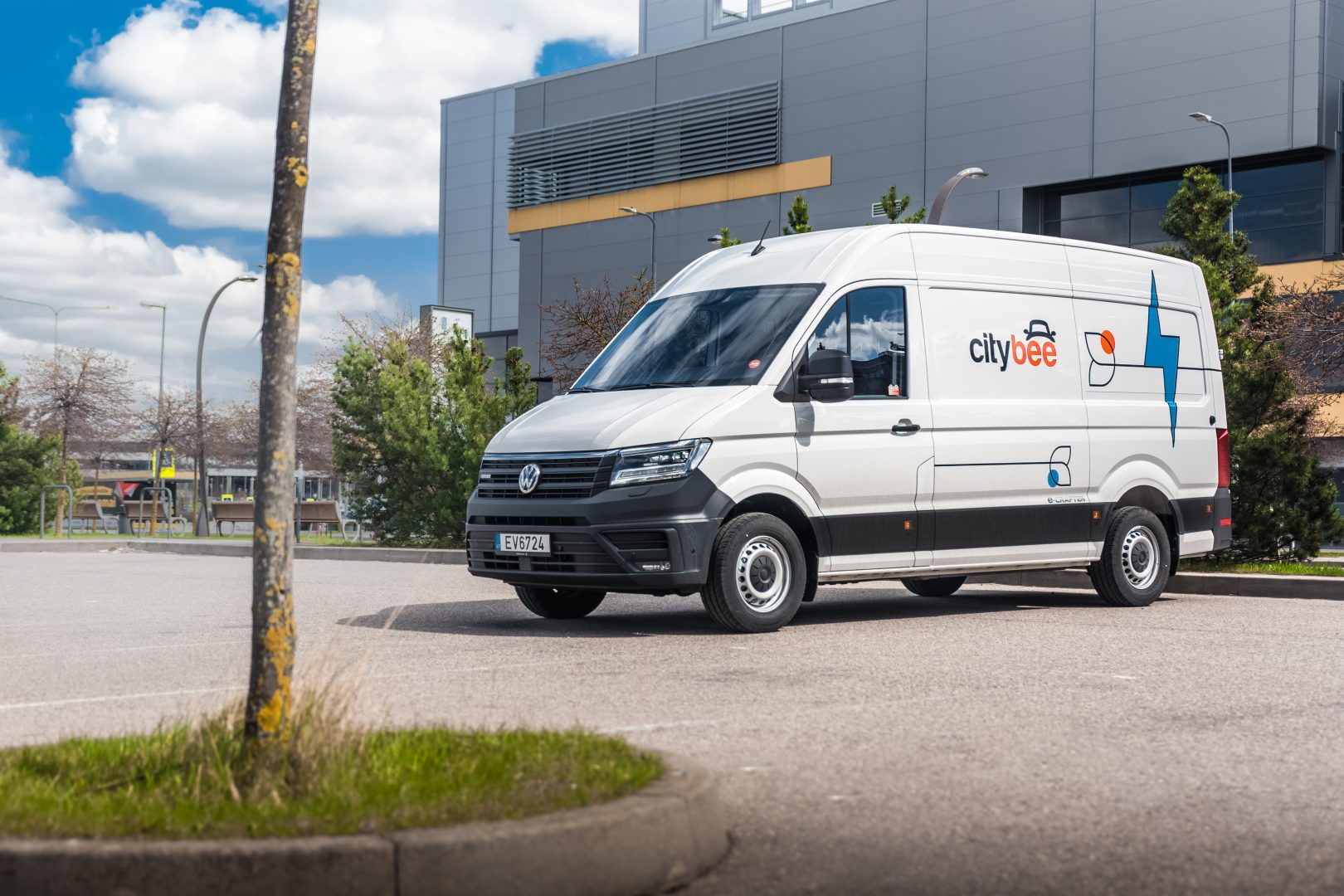
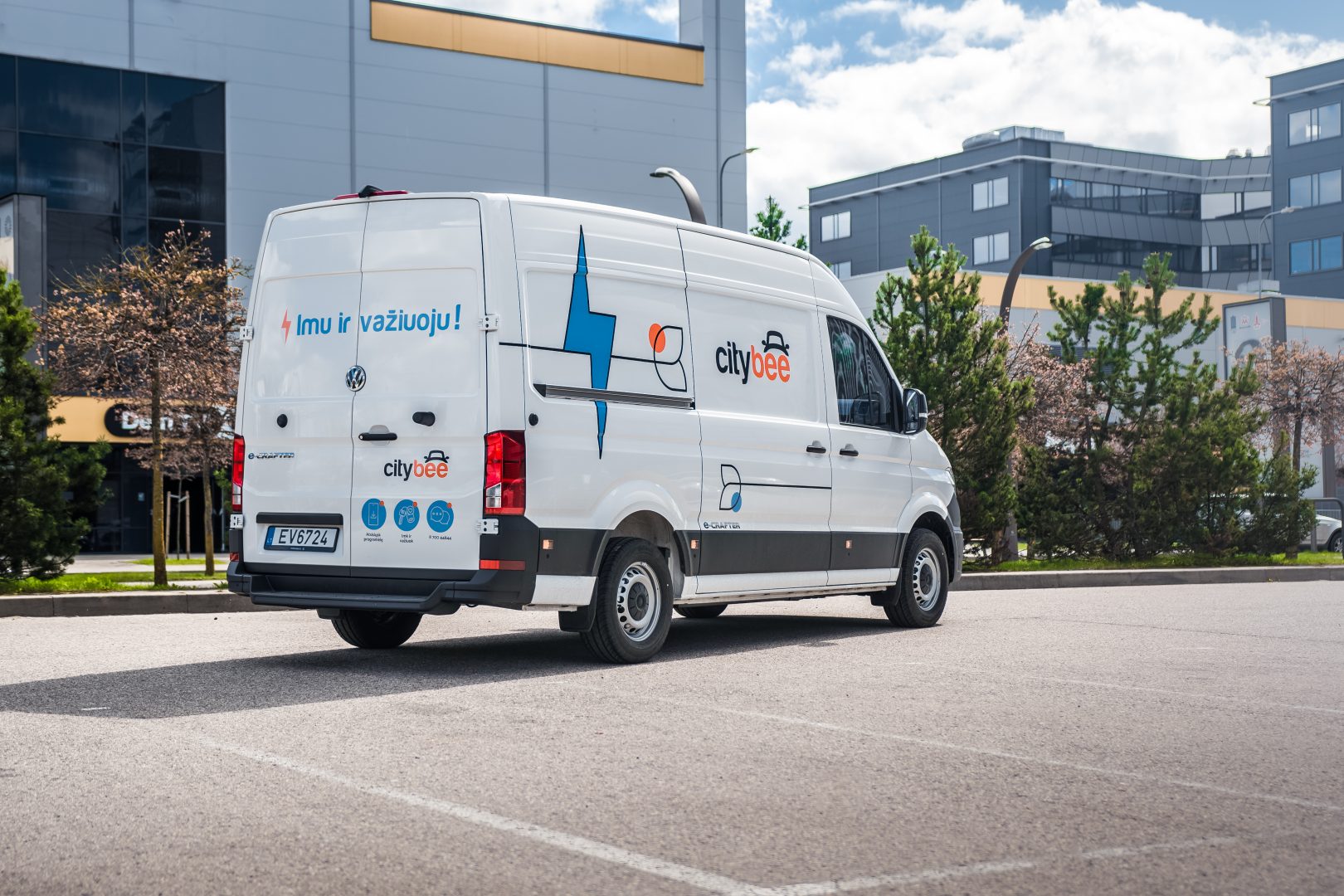
Volkswagen E-Crafter
The price of this journey would be
0€
Trip start fee of 0.44€ is included in the price calculation.
Car gallery


You can submit your request for the exercise of your rights (as far as your Account is concerned) to us in the following ways:
submitting a request at e-mail info@citybee.lt; info@citybee.lv; info@citybee.ee, from email that is registered in your CityBee account that you want to delete;
submitting a request by e-mail at info@citybee.lt; info@citybee.lv; info@citybee.ee, signed with qualified e-signature (e.g. by use of Smart-ID or M-signature);
In the CityBee app, by selecting Menu -> My profile -> Delete my account.
In the CityBee app, parking zones marked in yellow usually have a drop-off and/or pick-up fee for CityBee cars. This fee does not apply to trips made under the CityBee subscription. The drop-off fee in the yellow CityBee zone is not charged even if the trip starts under the subscription plan but ends with the pay-as-you-go pricing due to exceeding the allocated kilometers and/or minutes in the subscription plan.
When purchasing additional trips, i.e., trip packages, during the subscription period, the CityBee drop-off and/or pick-up fee waiver in the yellow zone does not apply for the package trips.
For more information on CityBee parking zones, click here.
If you paid for fuel using your own money, we’ll reimburse the cost. To request a refund, make sure to save the receipt and simply follow this process.
By registering in the CityBee application, you confirm that you have read and agree to the terms of use and privacy policy. If you had not done that, you would not be able to use CityBee services.
Bee Chill – we’ve got your back! If you happen to have an accident and accidentally damage the vehicle, don’t stress – we’ve got you covered. Just be sure to notify us right away, and we’ll take care of the rest.
The BeeChill is a financial responsibility fee is applied to all ‘Pay as You Go’ trips, and it’s already included in the price of trip packages or trips made with a subscription plan. You can see the fee in the app before you start your trip.
This fee is designed to cover any damage to the car that may occur due to an accident where you’re at fault, except for certain situations, such as failure to report the incident to us, causing the accident while under the influence of alcohol, violating traffic regulations, etc.
For more details on your liability and any exceptions, be sure to check out our Terms of Service.
Please note that we do not process refunds older than 3 months. e.g. If you have filled up at a non Circle-K petrol station, the fuel receipt cannot be older than 3 months when you apply for a refund.
If you exceed the maximum allotted time or distance during a trip, standard CityBee per-minute and per-kilometer rates will apply according to the pay-as-you-go pricing for the selected car model. Immediately after your trip, you will receive an invoice via email detailing the additional charges for extra kilometers and/or minutes. This amount will be charged to the payment card linked to your CityBee account.
If, for any reason, the additional charges cannot be deducted from your payment card and a debt is incurred, you will not be able to start a new trip until the outstanding balance is settled.
We offer prepaid trip packages that include fixed time with fixed kilometers.
By choosing prepaid packages, you will pay less than the usual fare with the same distance and time in the “pay as you go” option.
If you happen to exceed the kilometers and /or time included in the price of the package, you will be able to continue the journey safely.
After the prepaid package ends (mileage and time included are finished), you will be paying for additional minutes and/or kilometers as specified in the chosen package deal.
You can also continue your trip by purchasing one more additional prepaid package without completing the active reservation.
If you decide to end the trip before using the time and /or kilometers indicated on the prepaid package, this balance will not be refunded.
The price of the fixed prepaid package will be charged at the beginning of the trip and the price for the extra kilometers and/or time will be charged during or at the end of the journey, depending on the length of your trip.
A day mentioned in the trip packages is 24 hours.
You can find the packages and prices in the CityBee app, also, the prices of prepaid packages can be viewed here: https://citybee.lv/en/packages/.
Now you are able to customize the pre-paid packages yourself by selecting time and kilometers in the app. Choose the preferred duration of the package, then, select the number of kilometers you anticipate driving during that time. This way, you can tailor the pre-paid package to fit your specific needs and budget. Enjoy the flexibility and convenience of customizing your own package!


The price of this journey would be
0€
Trip start fee of 0.44€ is included in the price calculation.
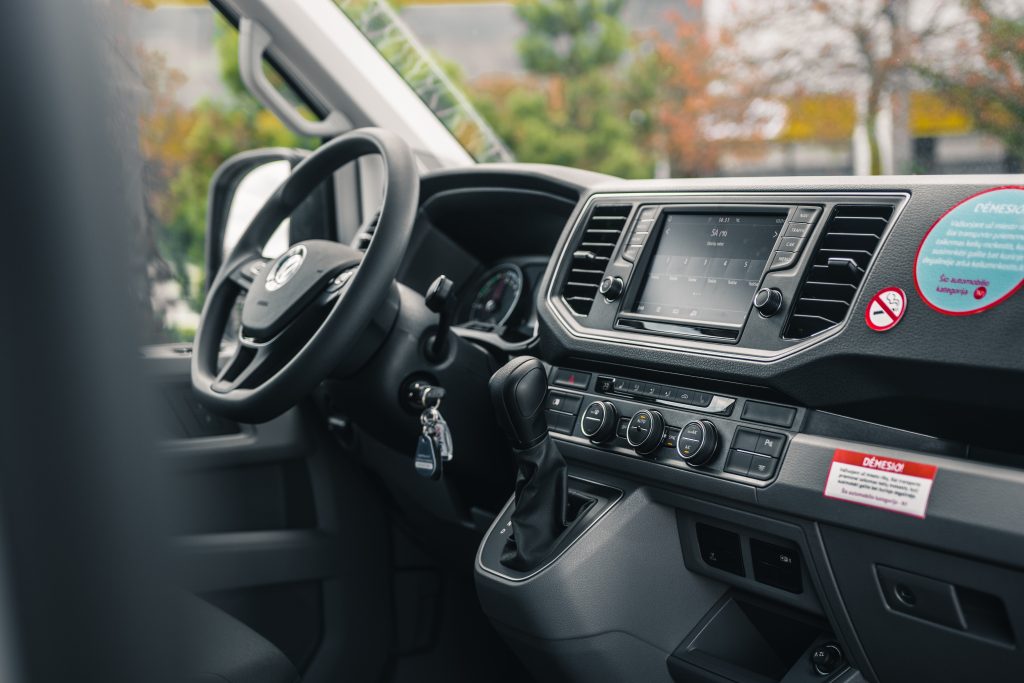
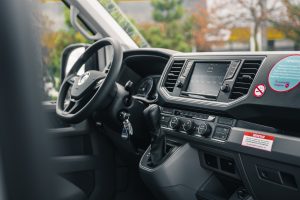
The car has an automatic gearbox, so the gears are switched by pressing the brake pedal, pressing the button on the gear switch, and putting the switch in the desired position.
P – Parking
R – Reverse gear
N- Neutral gear
D – Drive gear
B – The slow gear. This gear charges the battery for the electrical engine while driving.
The electric car starts exactly the same as a standard car with an internal combustion engine – by turning the key in the ignition switch or pressing the “Start engine” button.
Important: The engine won’t start until you fasten your seat belt.
the electric car’s engine like every hybrid car runs very quietly, so you won’t hear it start.
The cargo area can be opened by pressing the button on the driver’s door or the button on the car’s key.
All documents can be found in the storage box.
The car lights are turned on by turning the switch under the steering wheel on the left side.
Turns and high beam are connected by a lever on the left side behind the steering wheel.
Make sure the car is unlocked.
Open the cover of the car’s charging socket, which is located next to the driver’s door. If the cover does not open, one more time click “Unlock” button on the car key.
If you charge the car at an IgnitisON or ElintaCharge quick charge station, use the cable located on the right side of the station (“Type 2”) which is connected to the station:
1. Take the car key with the attached charging token (RFID key; you will find two different tokens next to each key: one for IgnitisON and the other for ElintaCharge charging stations).
2. Firstly, choose the charging token from the respective supplier at the charging station.
3. Select the charging connector by clicking the button next to “Select connector”.
If you charge the car at the 2-port Elinta Charge charging station:
1. Take the charging cable that is located under the front center seat of your CityBee car.
2. One side of the charging cable connect to the charging socket of the car and the other to the socket of the charging station.
3. Scan the ElintaCharge token at the specified location on the charging station.
4. The word “Charging” should light up at the charging station to indicate that the car is being charged.
5. Check the car’s charging socket: the green light should be on while the car is charging. If the light is off or orange, the car is not charging. Also check the vehicle information display (in the information panel behind the steering wheel): the time remaining until the vehicle is fully charged should be displayed.
